TFXplorer |
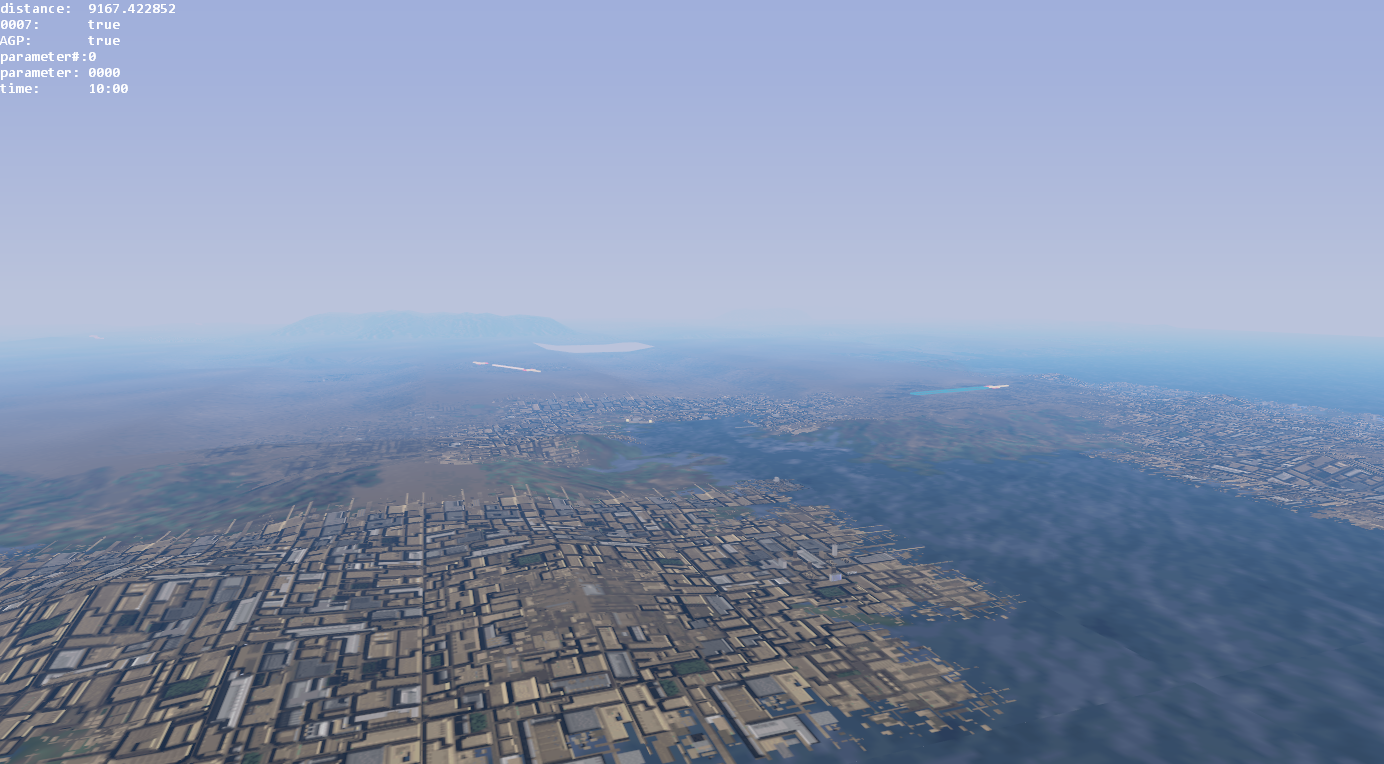
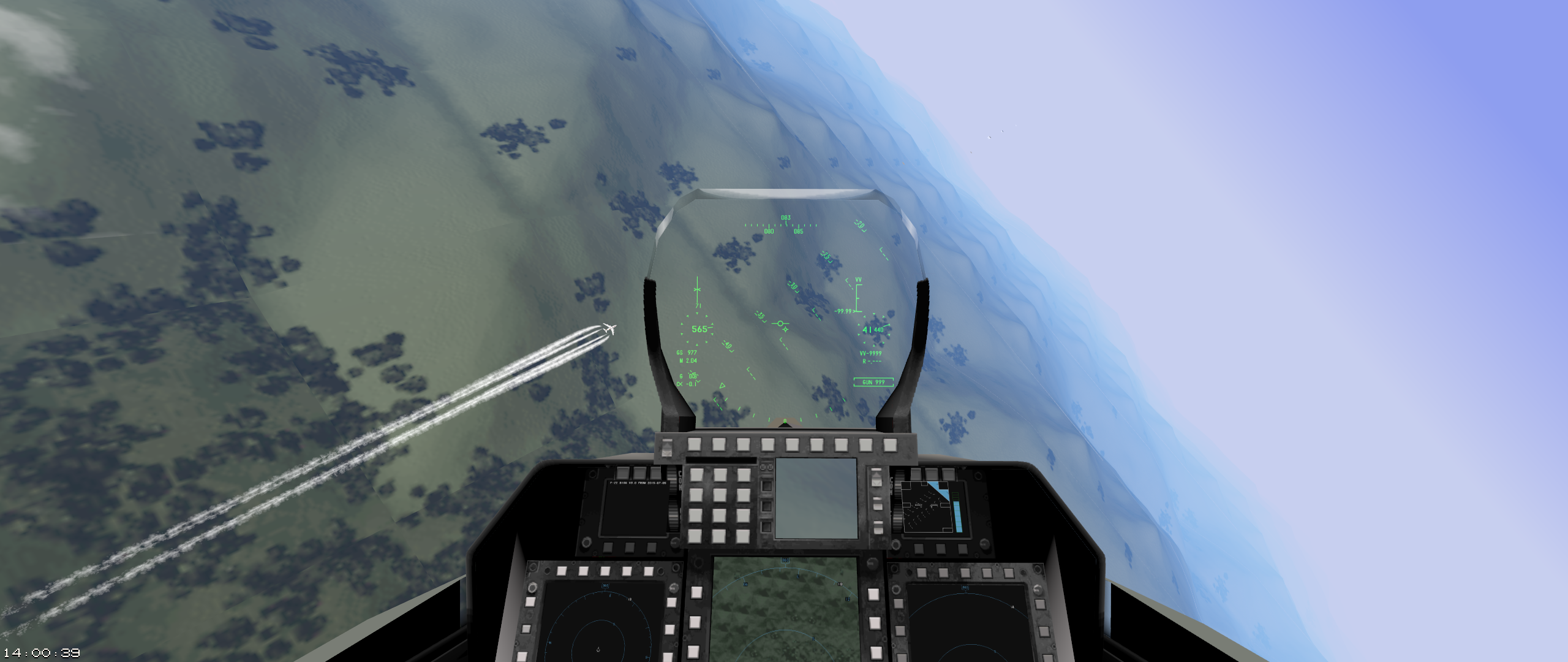
A flight simulator that I’m developing with bored from the Air Dominance Discord.
It aims to be a clone of F‑22 Total Air War (), but it is also compatible with its predecessors F‑22: Air Dominance Fighter (), EF2000 (), and TFX ().
Downloads
- TFXplorer (updated )
- Support forum
Installation
- System requirements:
- 64-Bit Windows 7 or later
- One of the following games on your hard drive:
- Total Air War 2
- F22 Total Air War
- F22 Air Dominance Fighter
- EF2000 V2
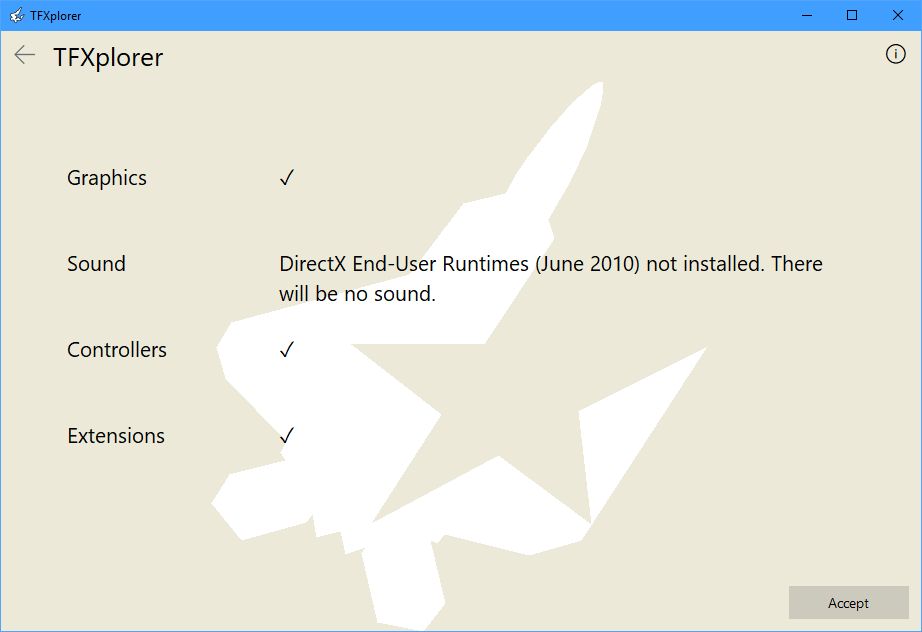
- DirectX End-User Runtimes (June 2010) for sound
- D3D9-compatible graphics card (from or later)
- Extract the archive to an arbitrary directory.
- Run install.cmd to add your installed DID games to TFXplorer.
- If the above fails to find a game, run the corresponding install <game>.cmd and manually enter/paste the installation path.
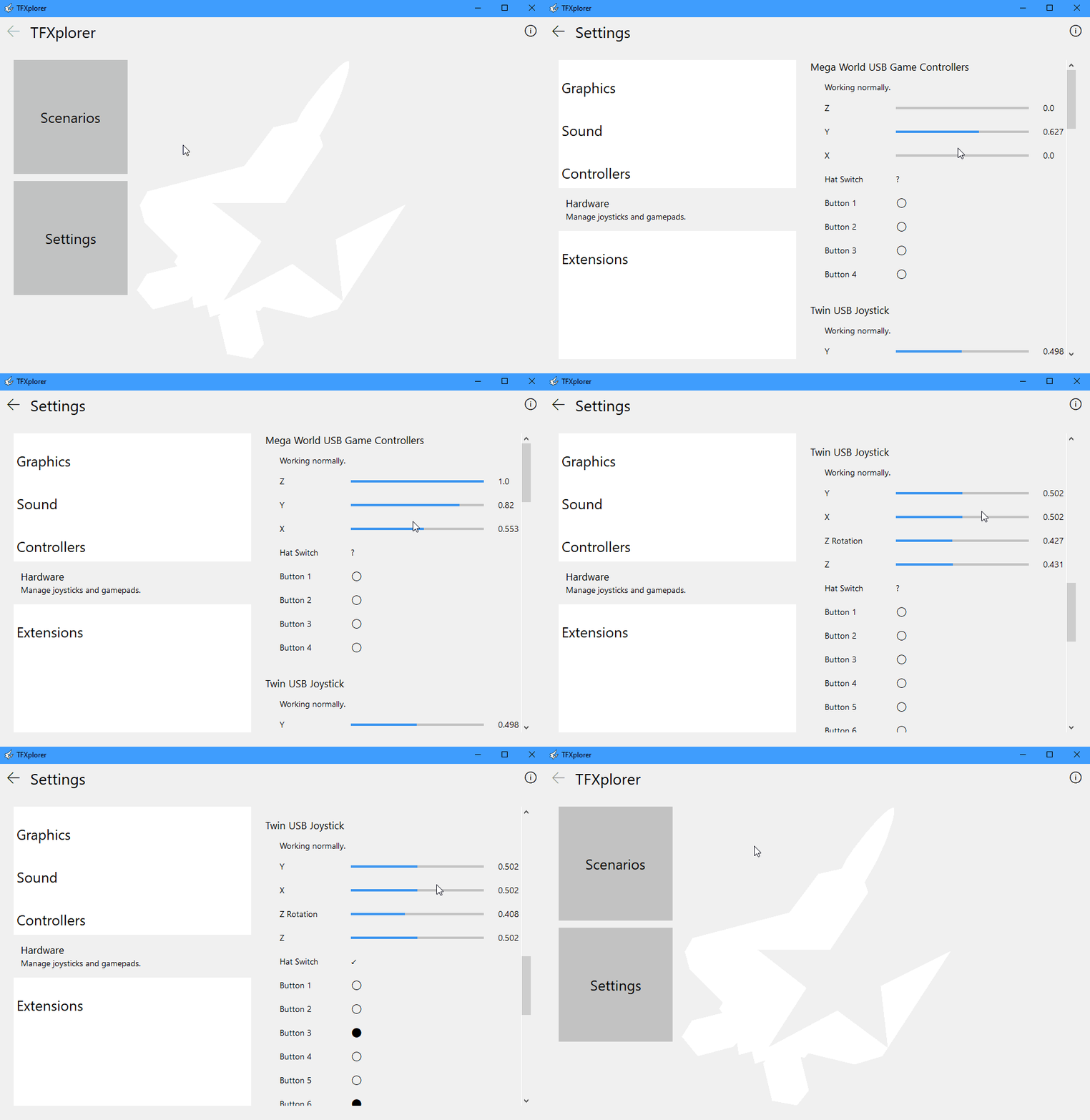
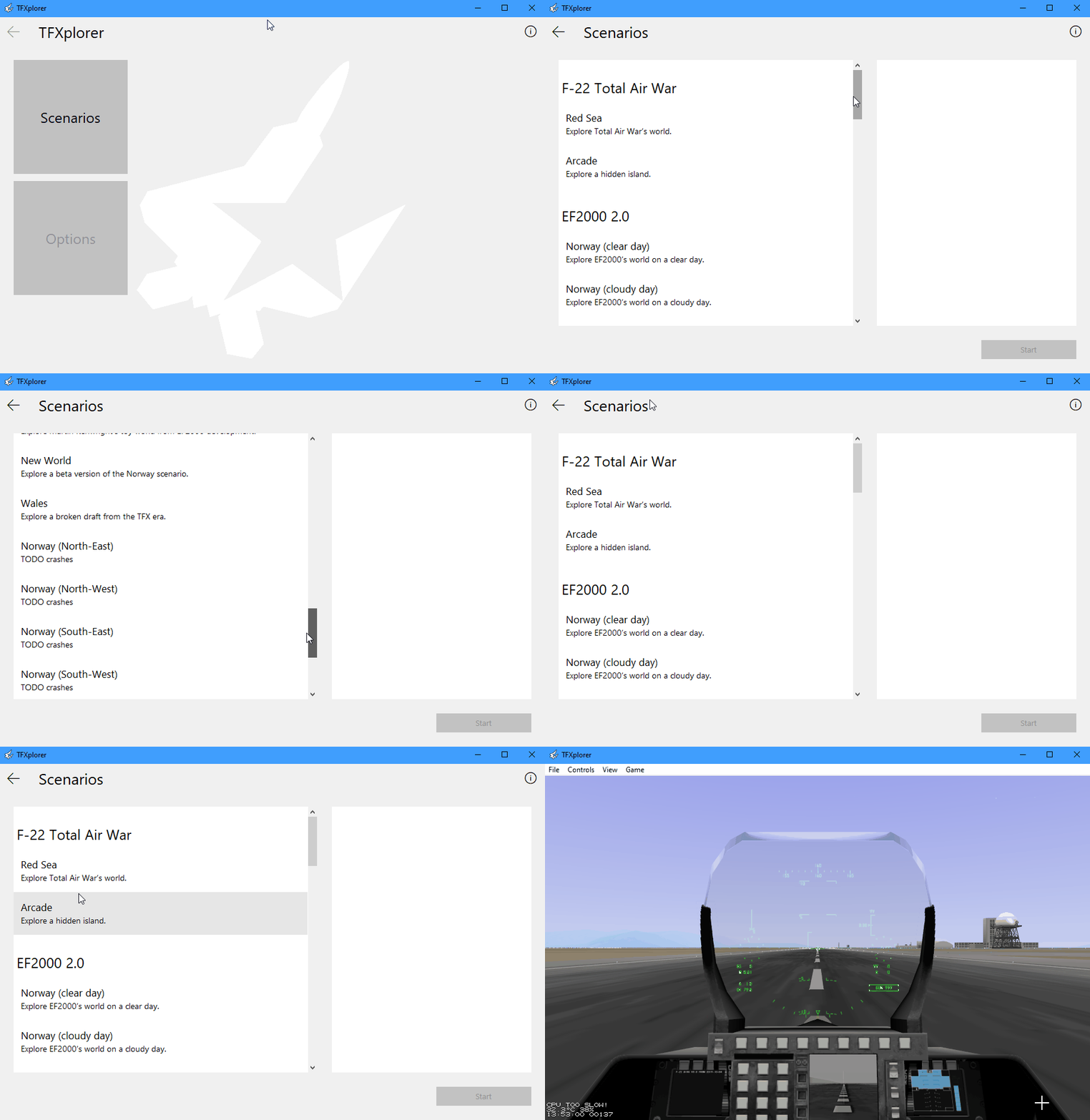
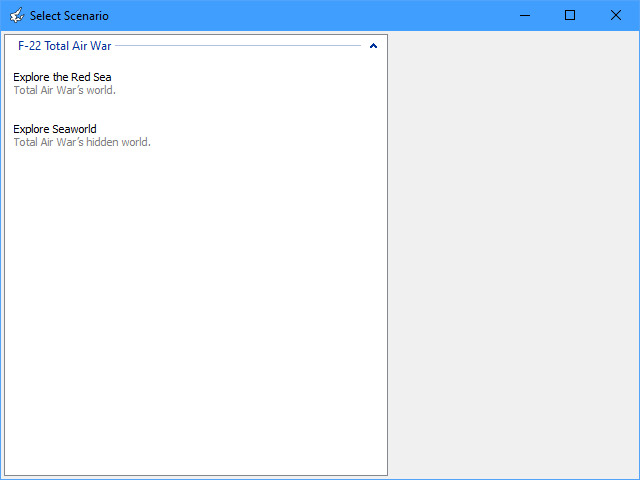
- Start TFXplorer.exe. The splash screen should appear.
Total Air War’s Gameplay
We ported TAW’s aerodynamics & flight controls to TFXplorer and improved them:
- enabled wind (currently restricted to constant 7 kt from South)
- thrust was too low in TAW
- mileage per gal was too high in TAW
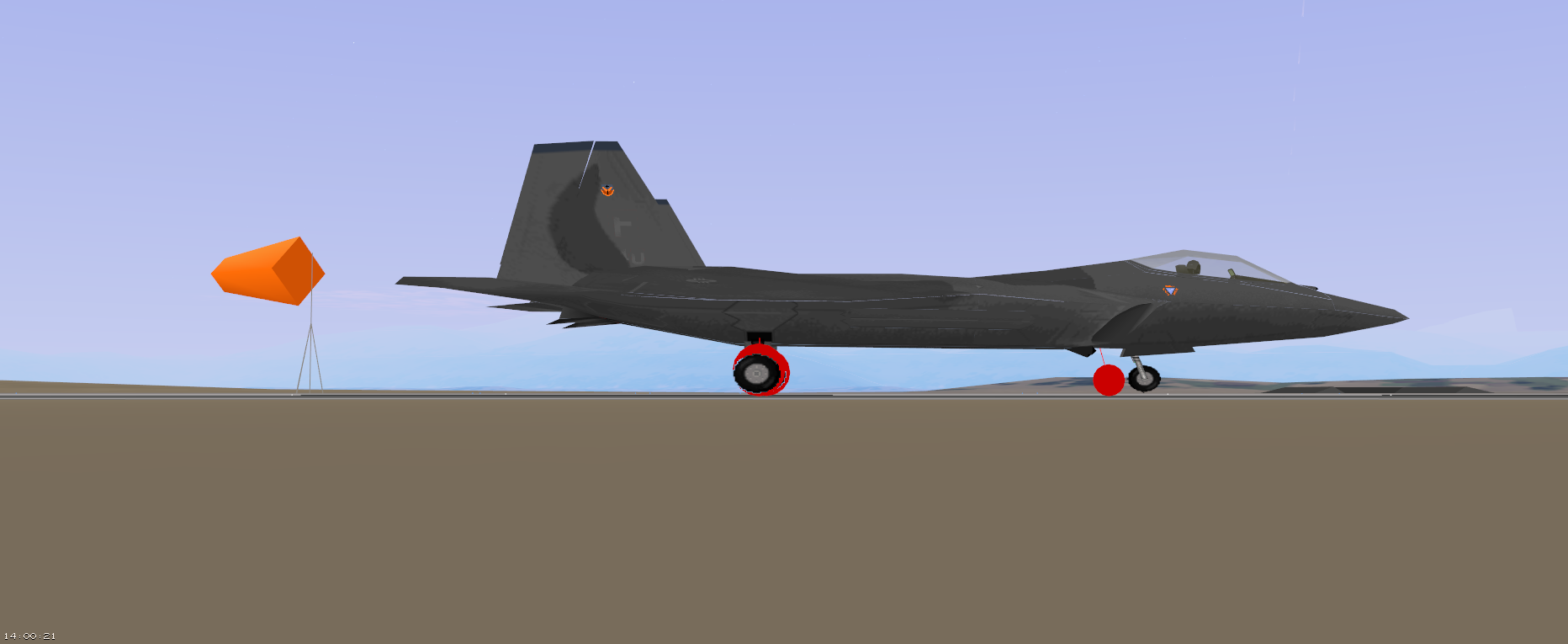
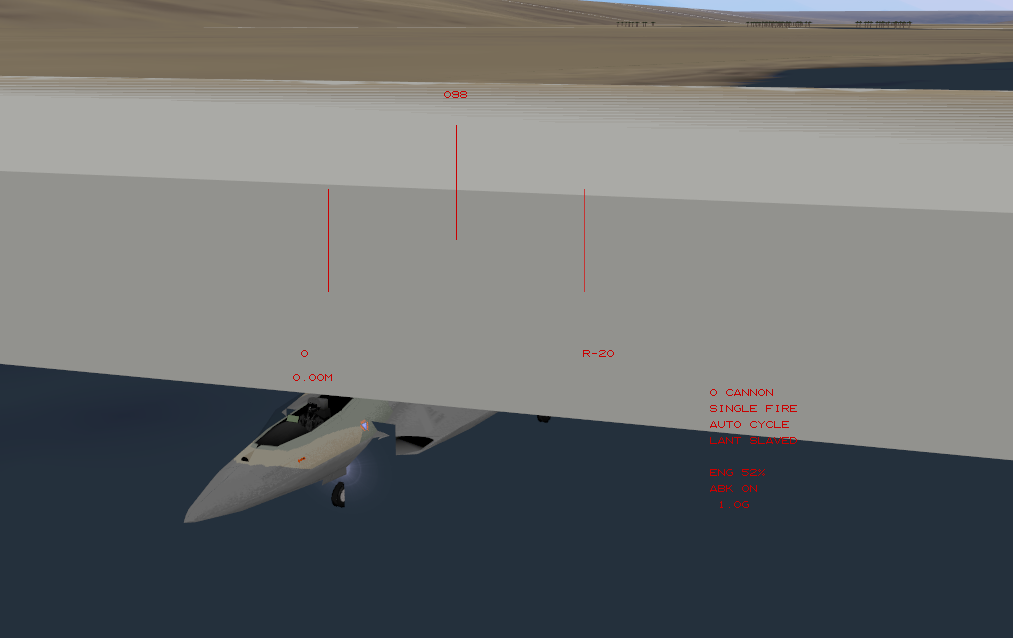
- control surfaces & thrust vectoring can now be tested before takeoff
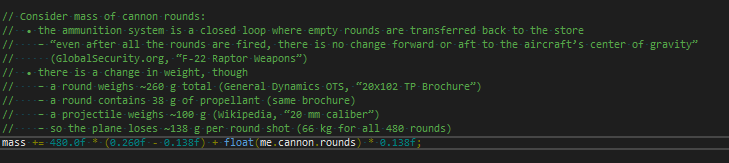
- center of mass & moment of inertia are now affected by weapon load (TAW considers fuel only) (weapon load is currently fixed)
- minor bug fixes
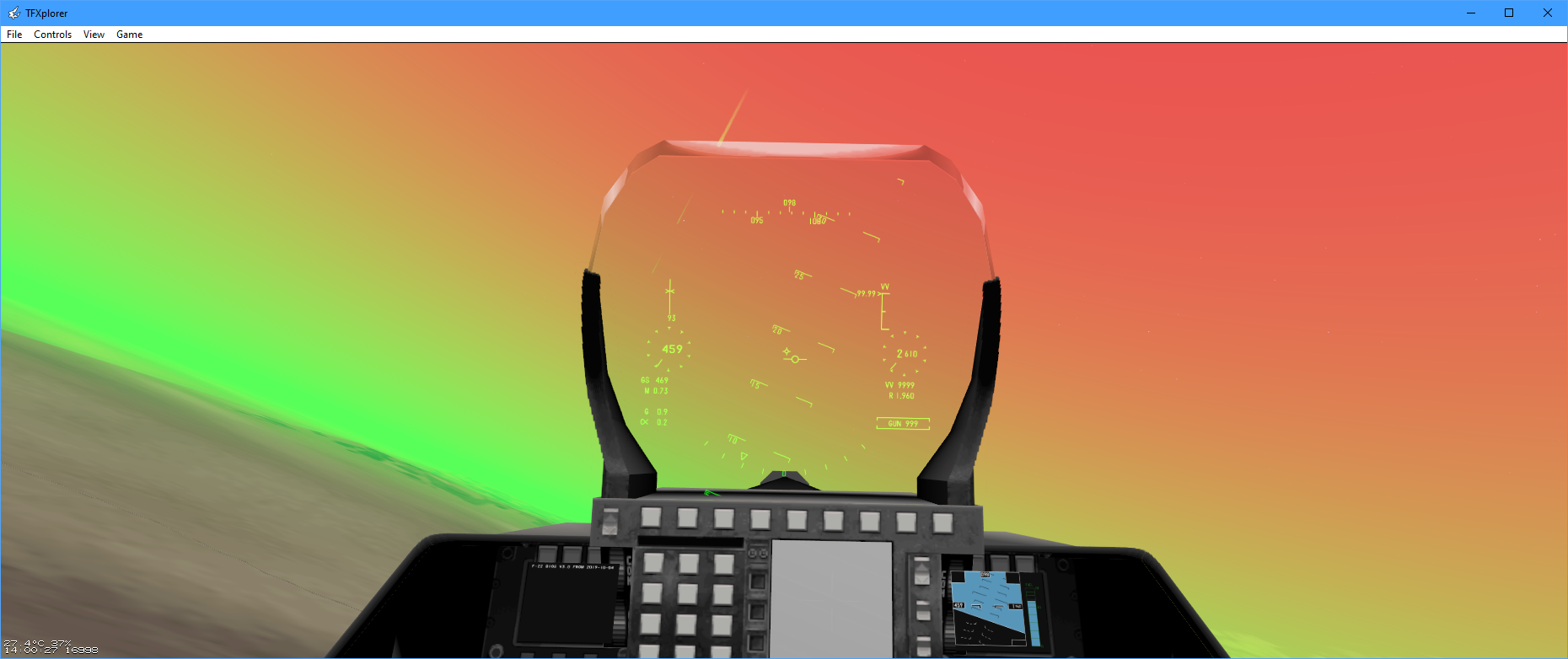
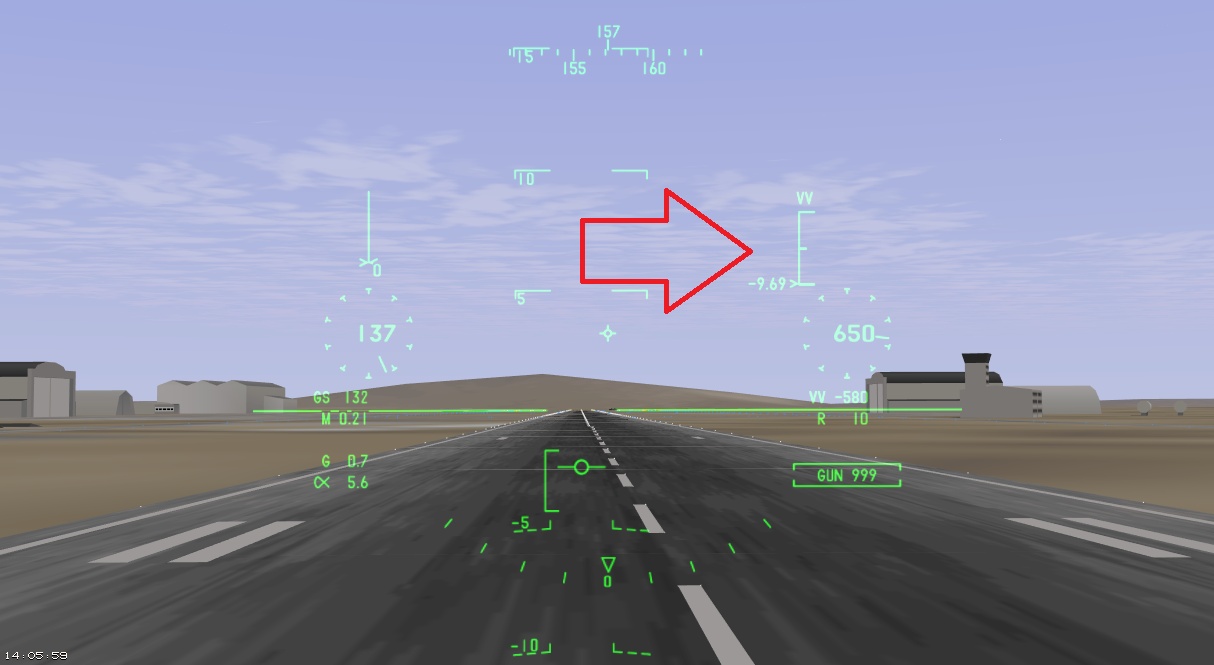
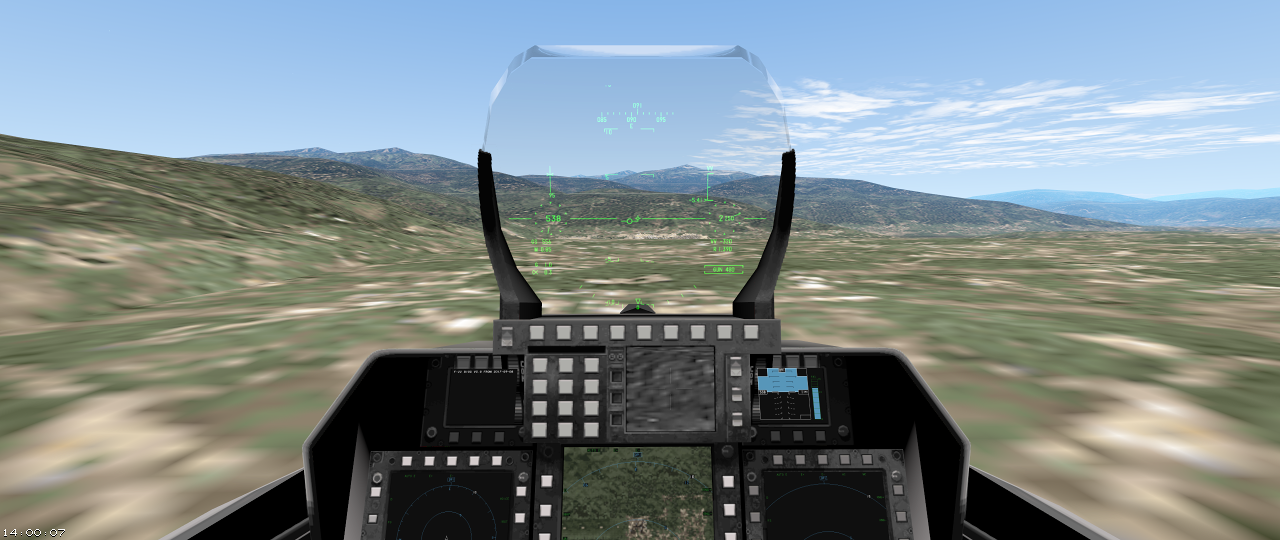
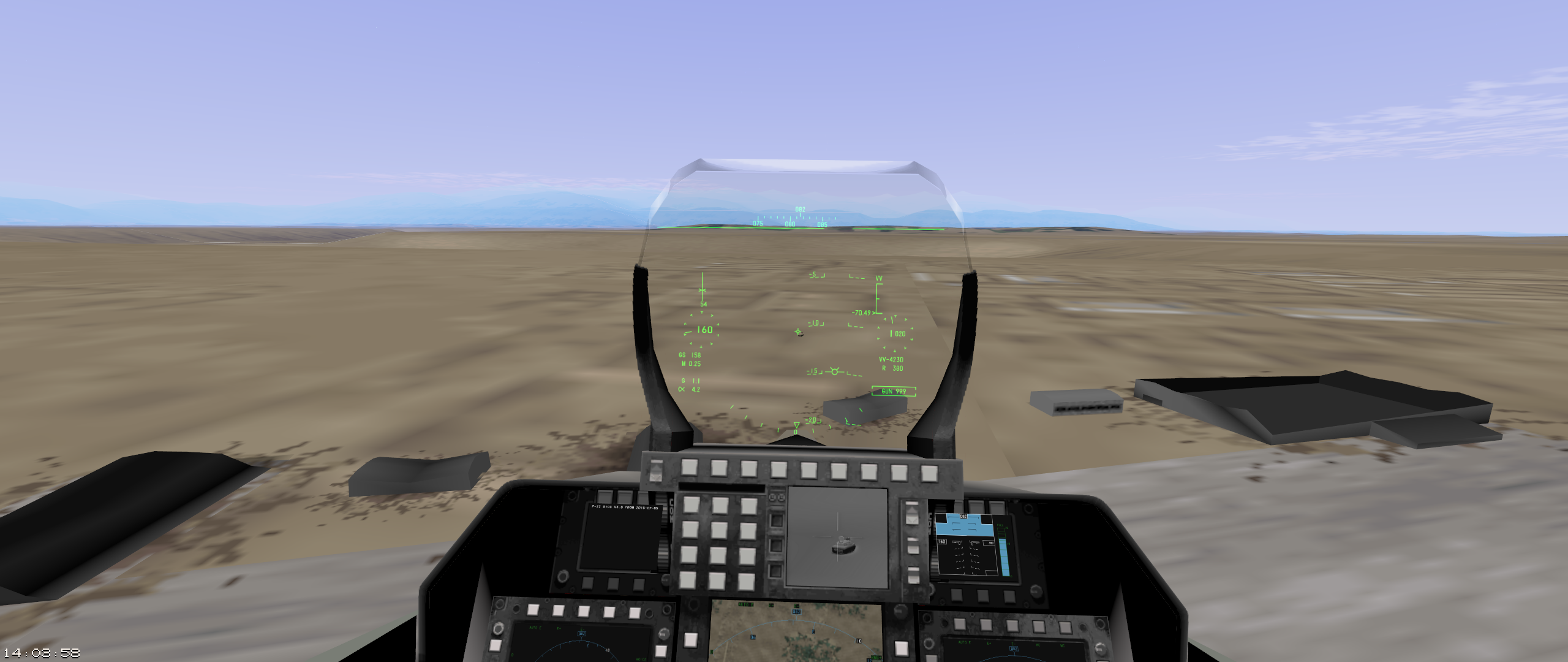
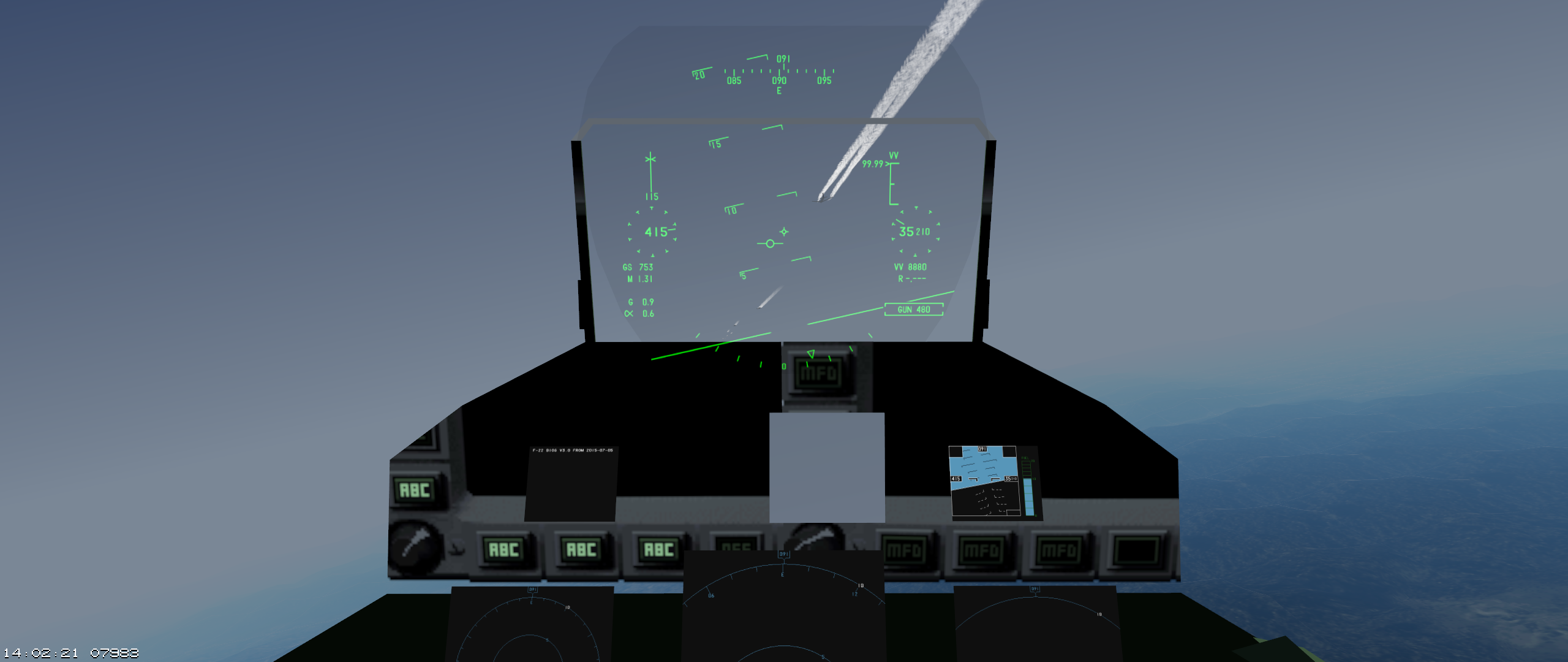
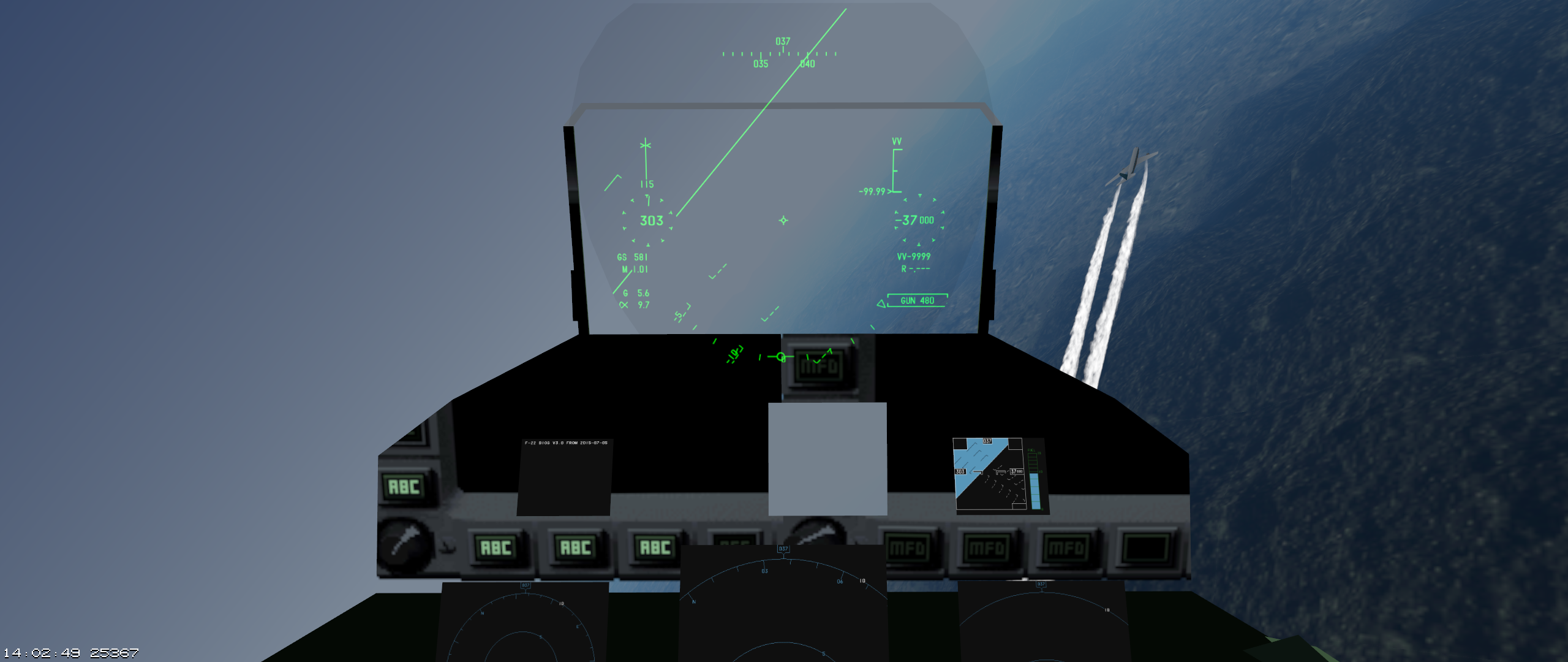
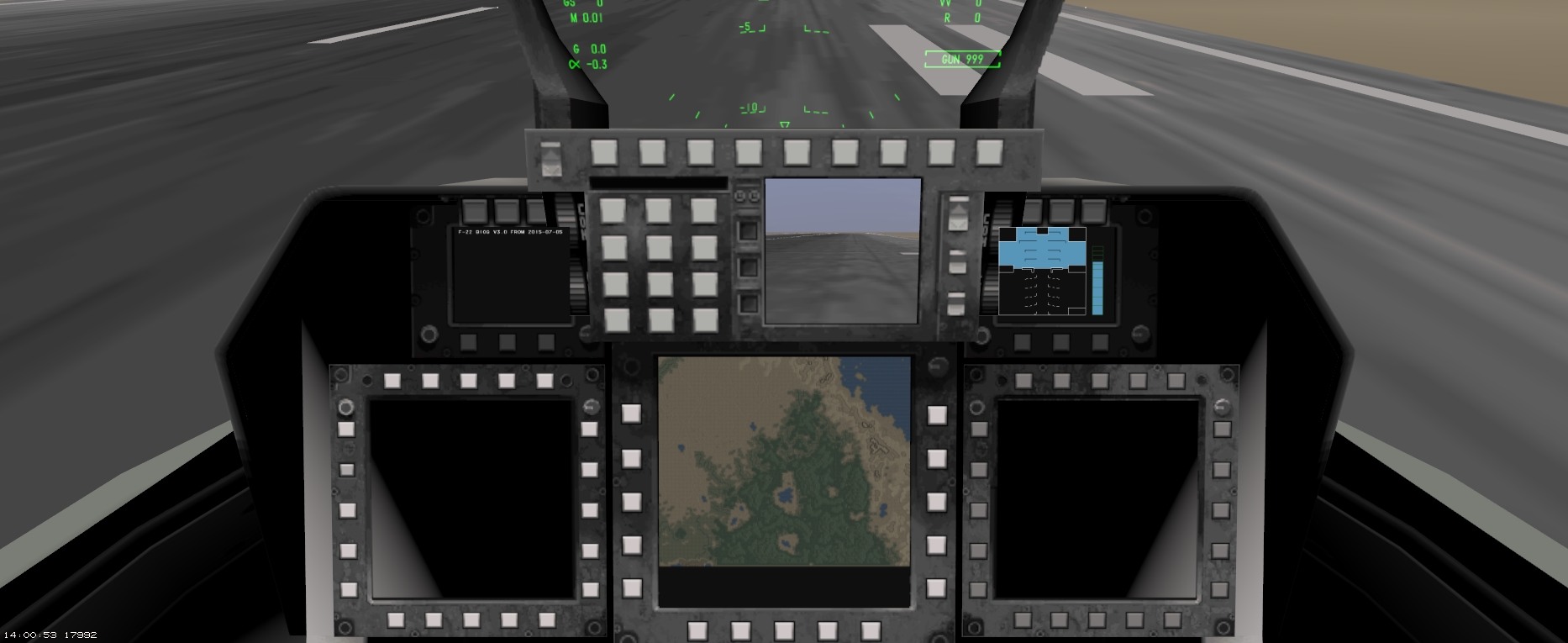
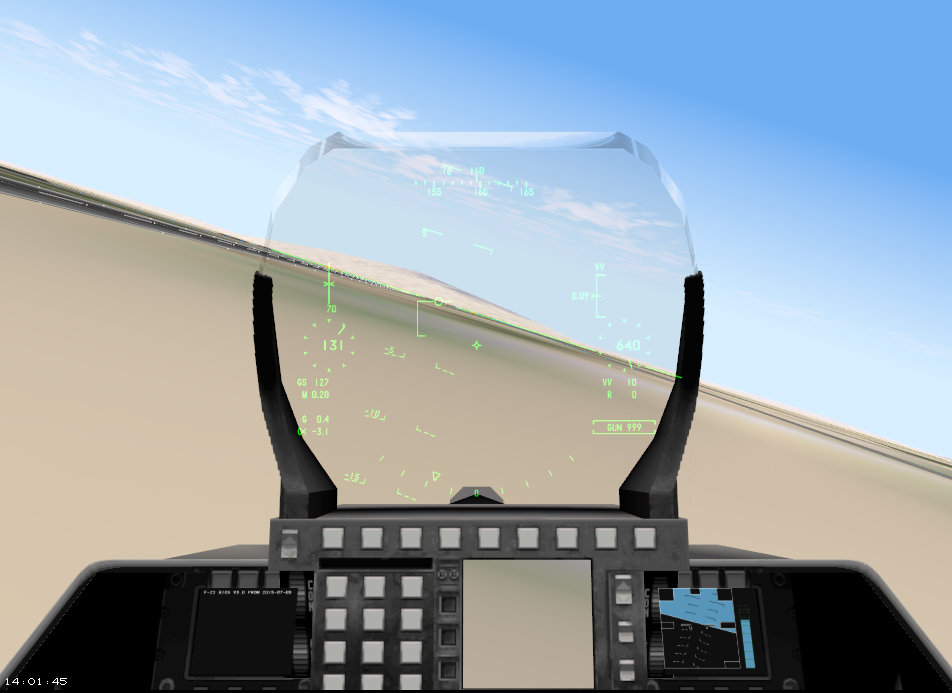
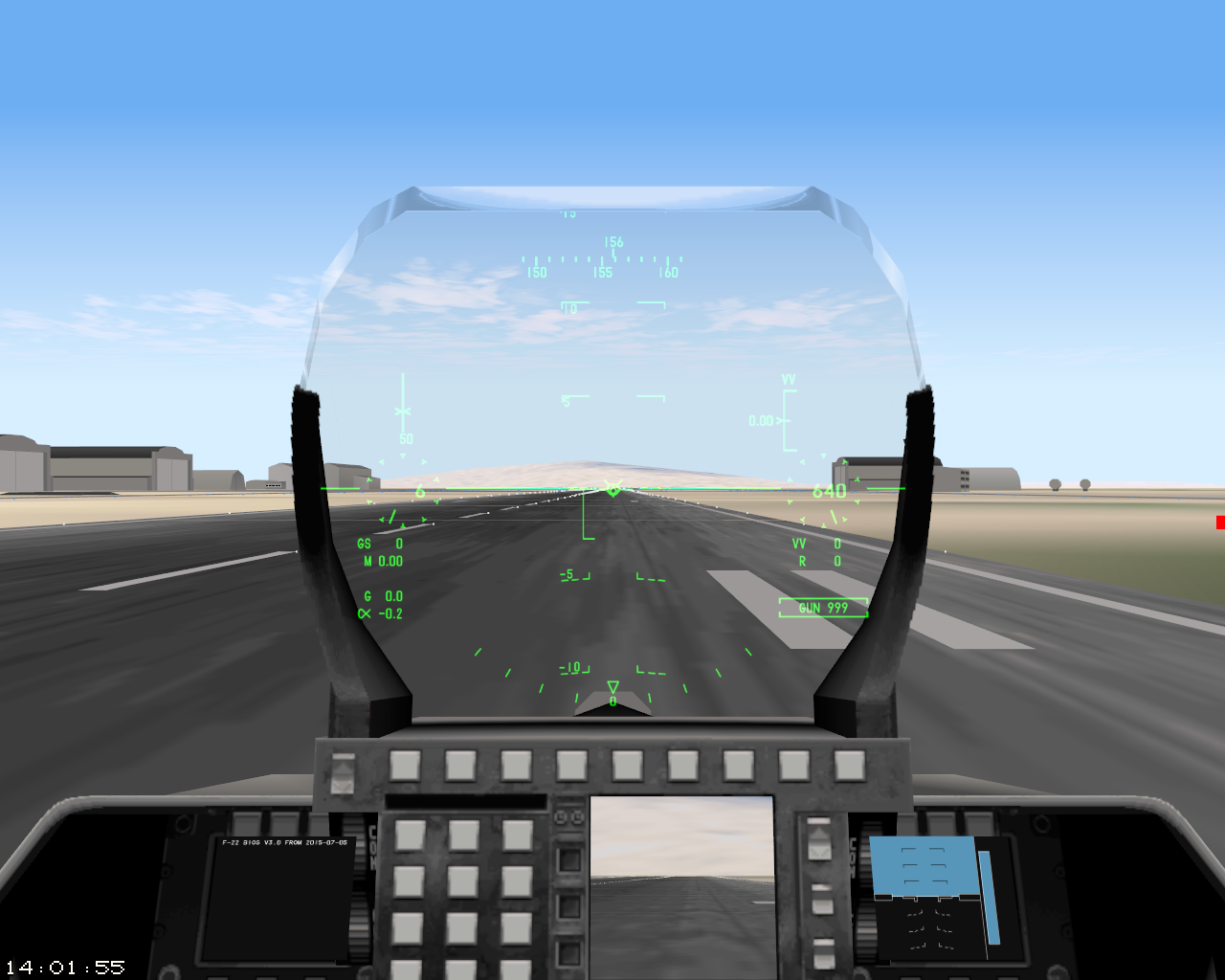
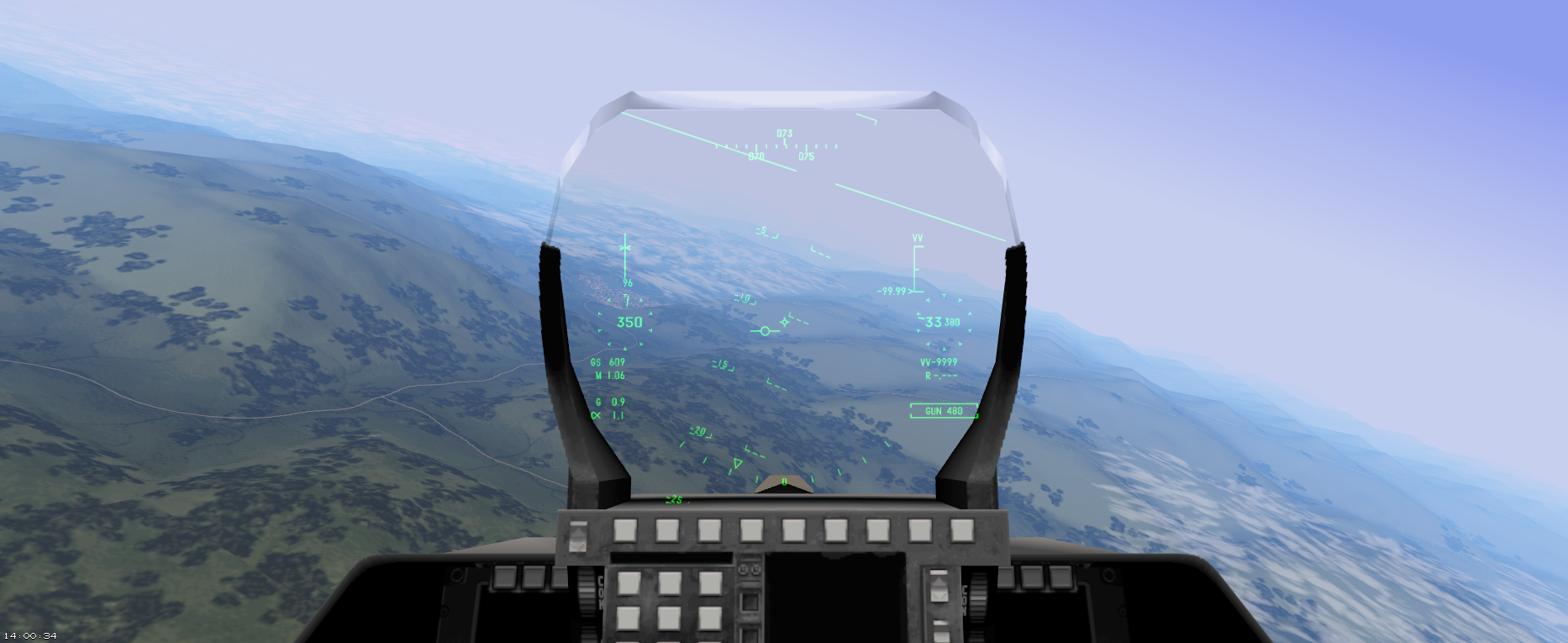
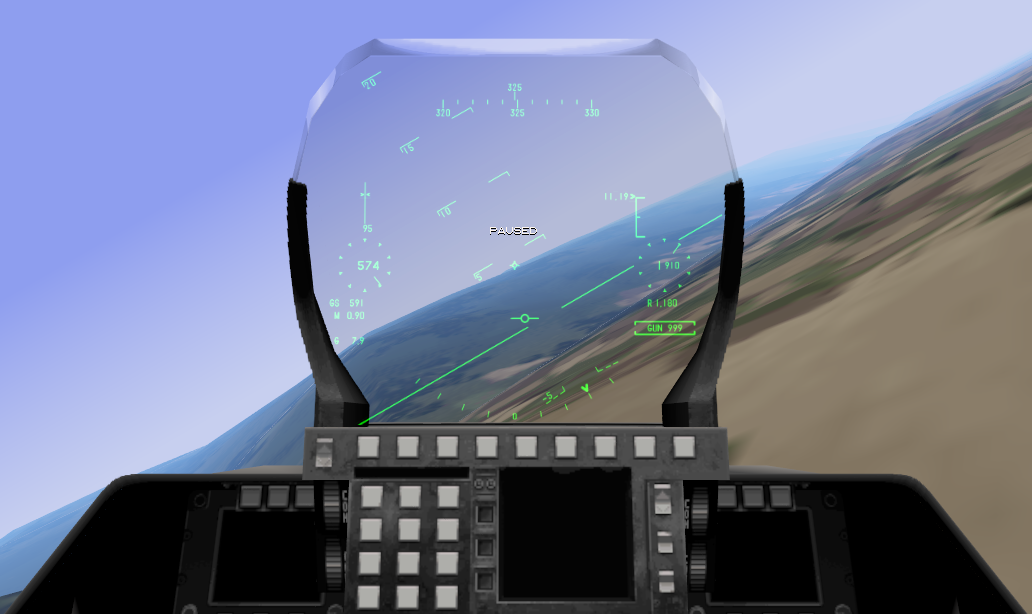
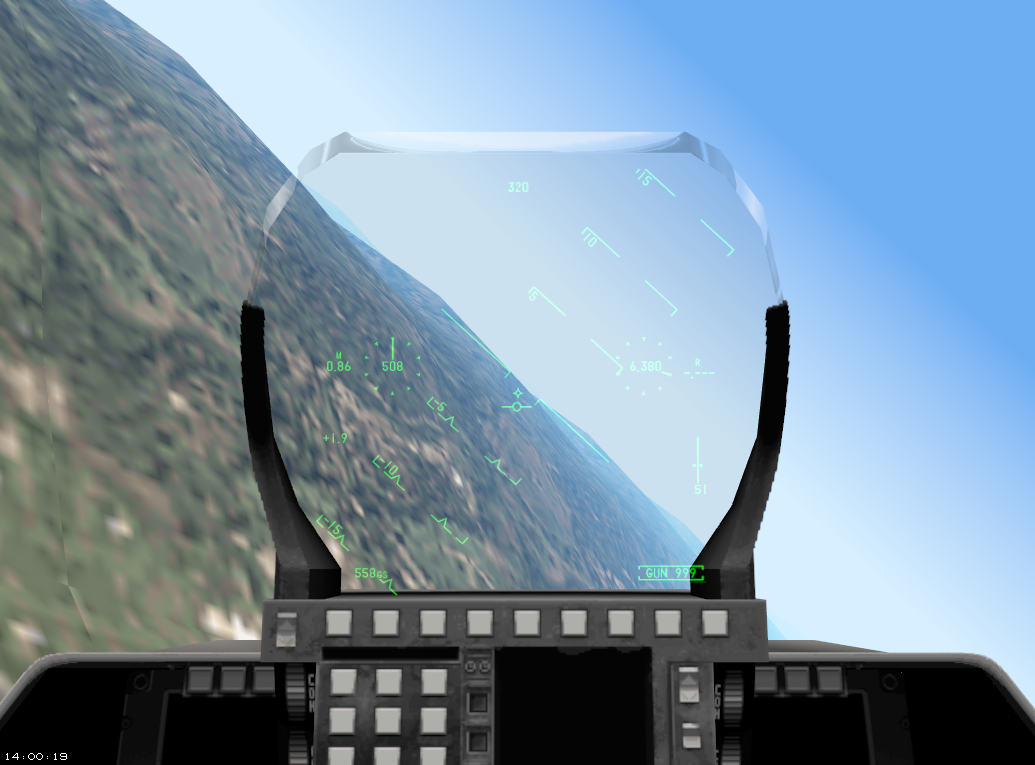
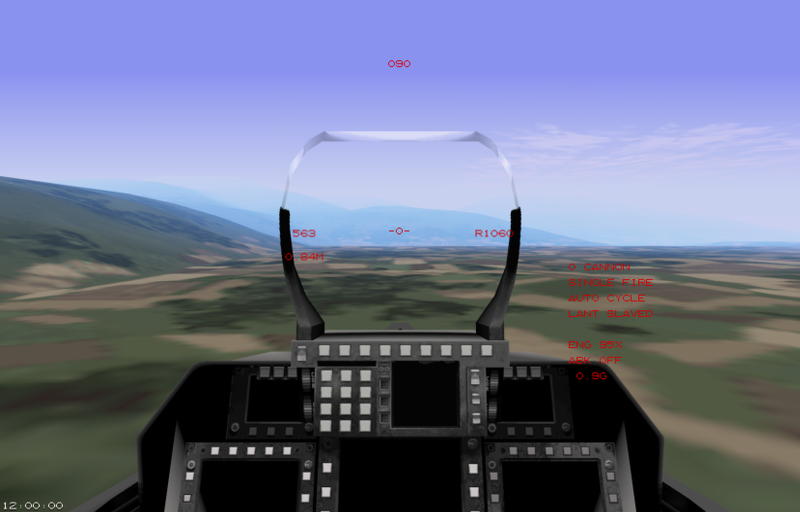
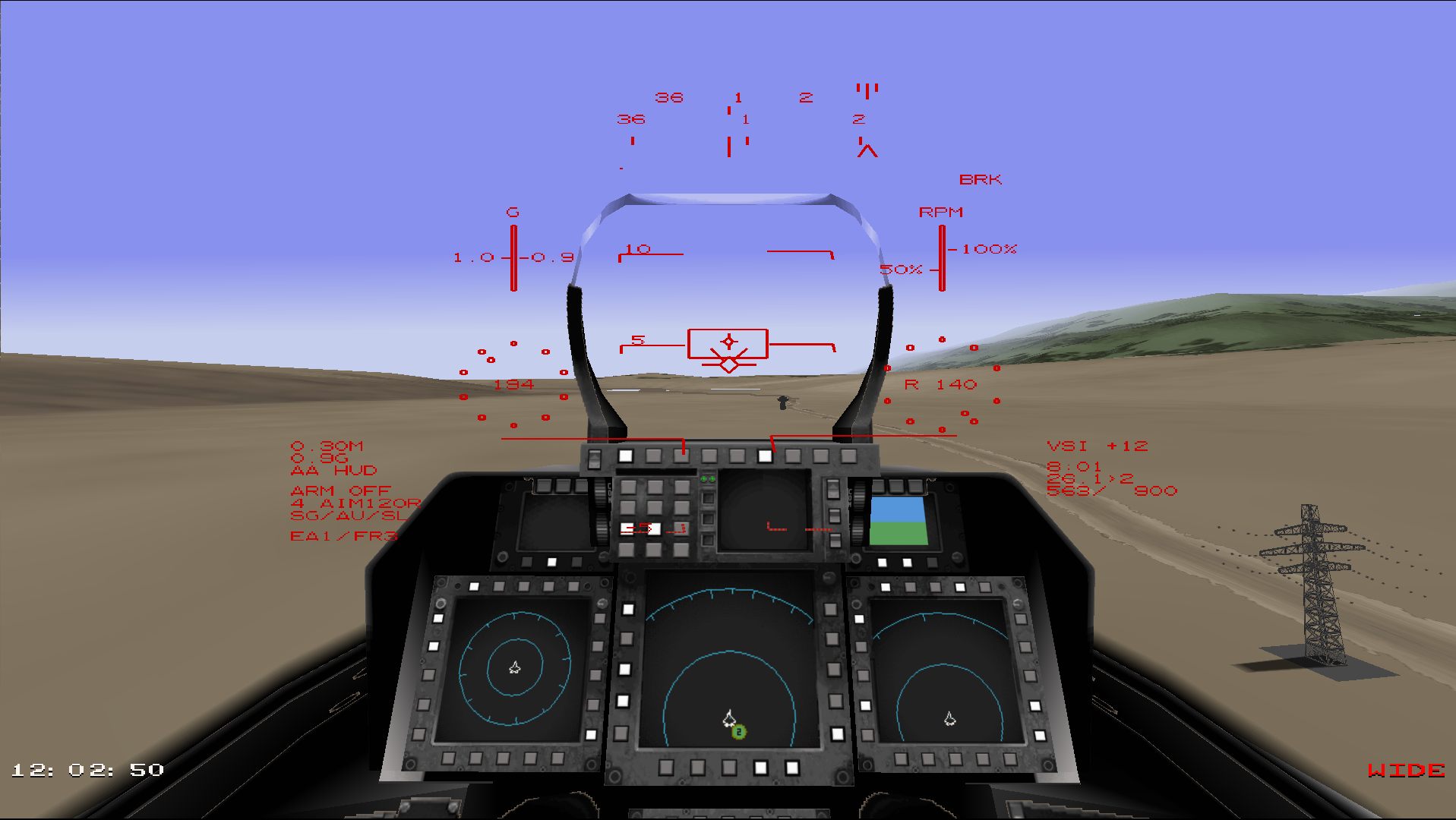
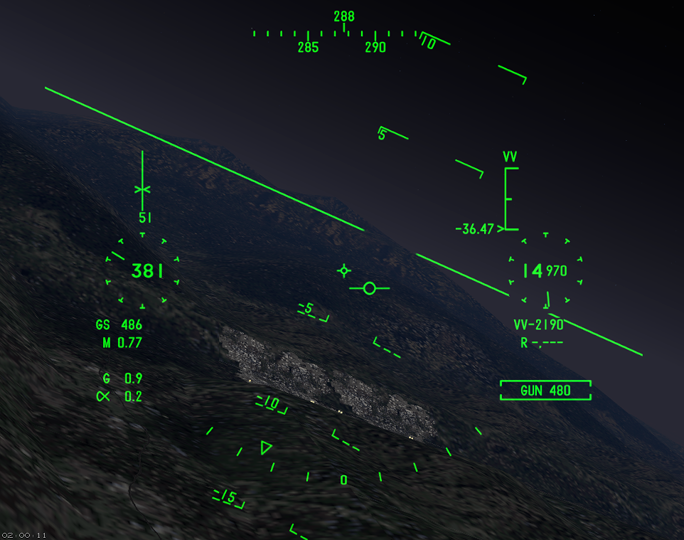
HUD overhaul:
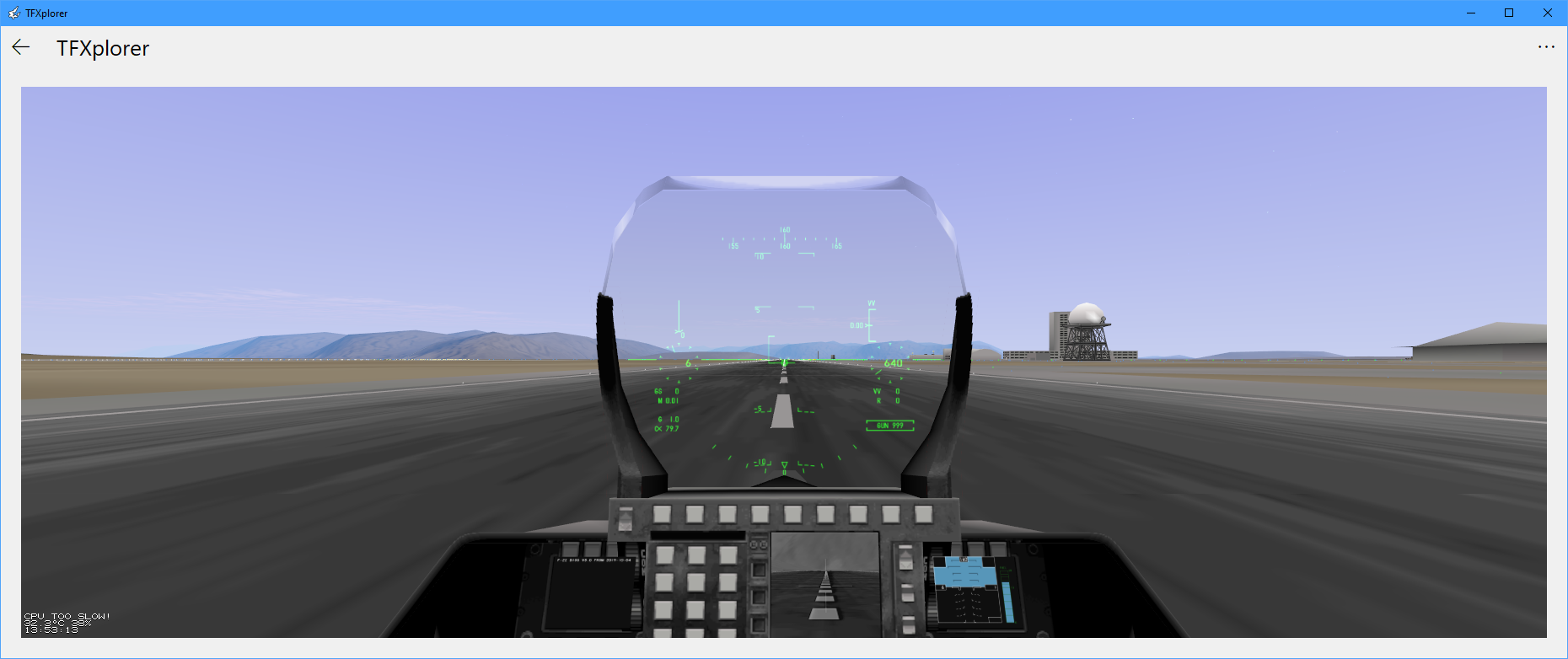
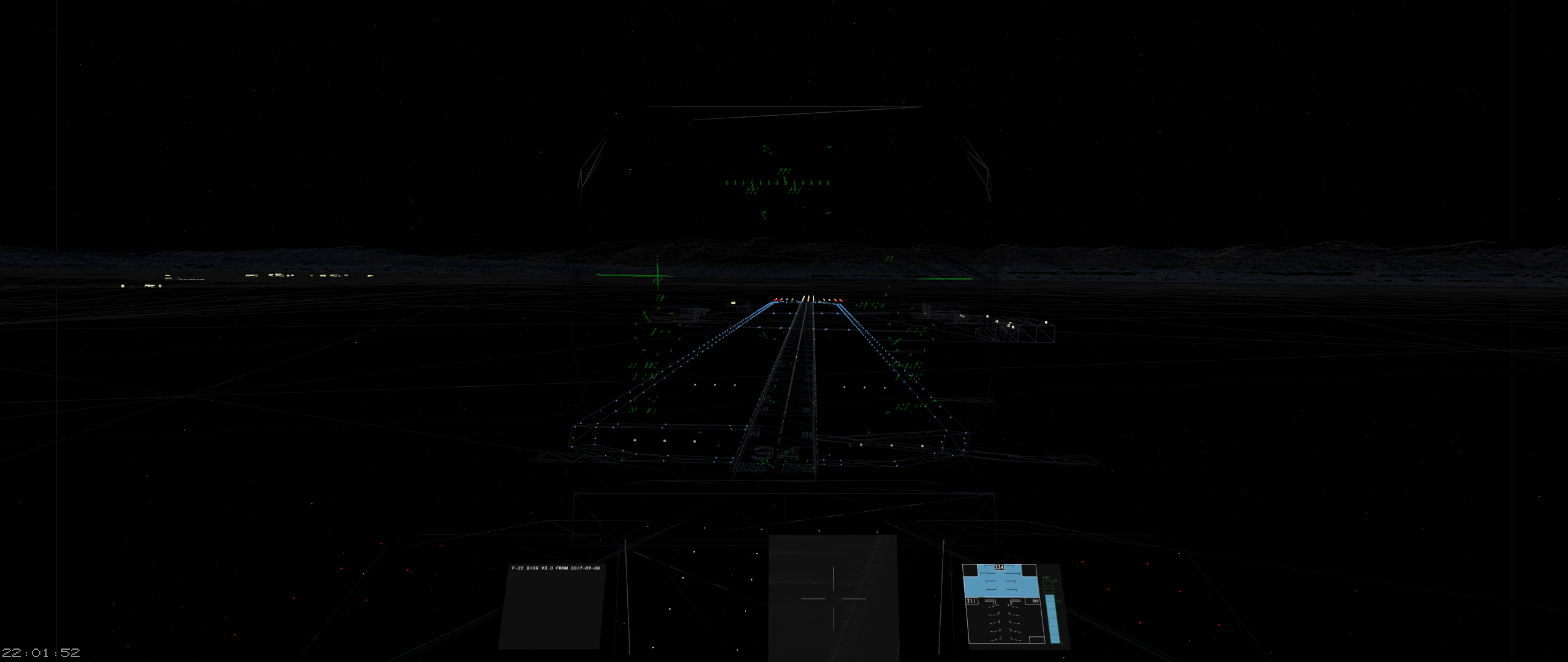
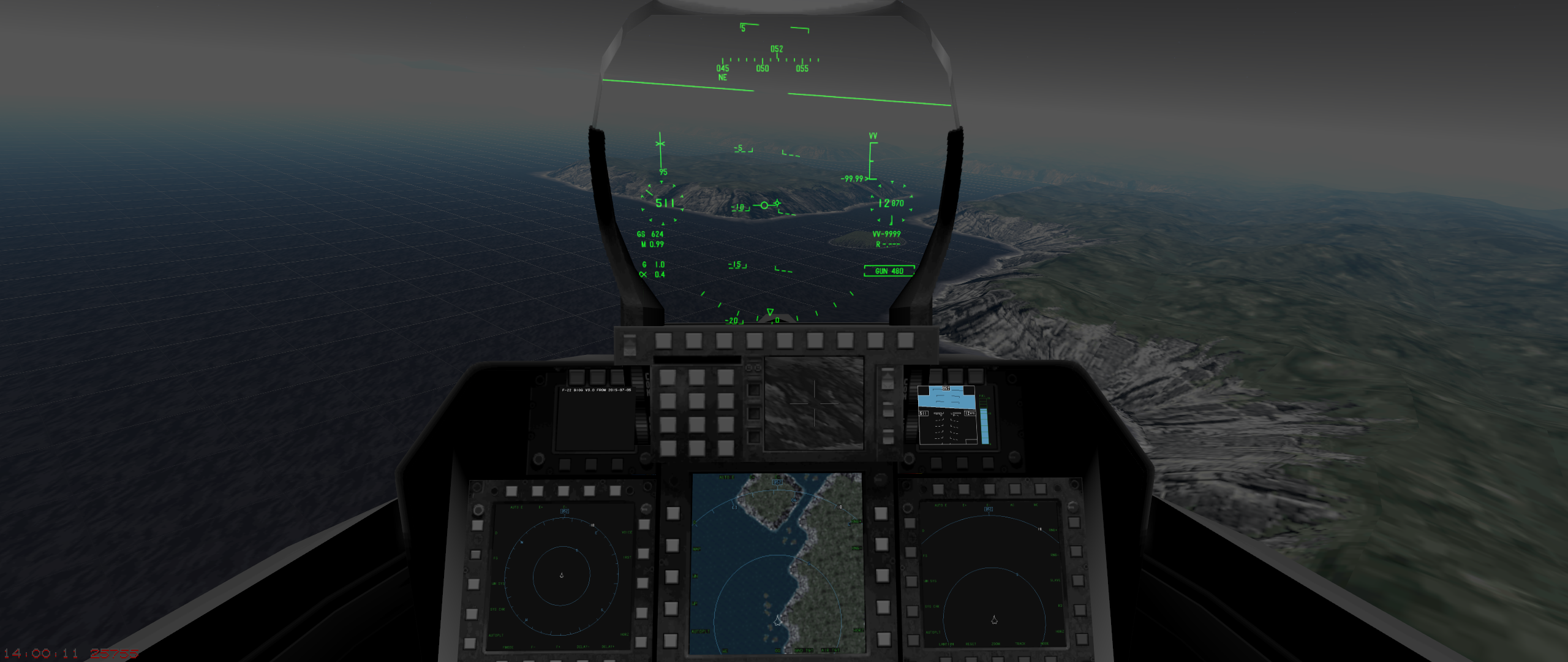
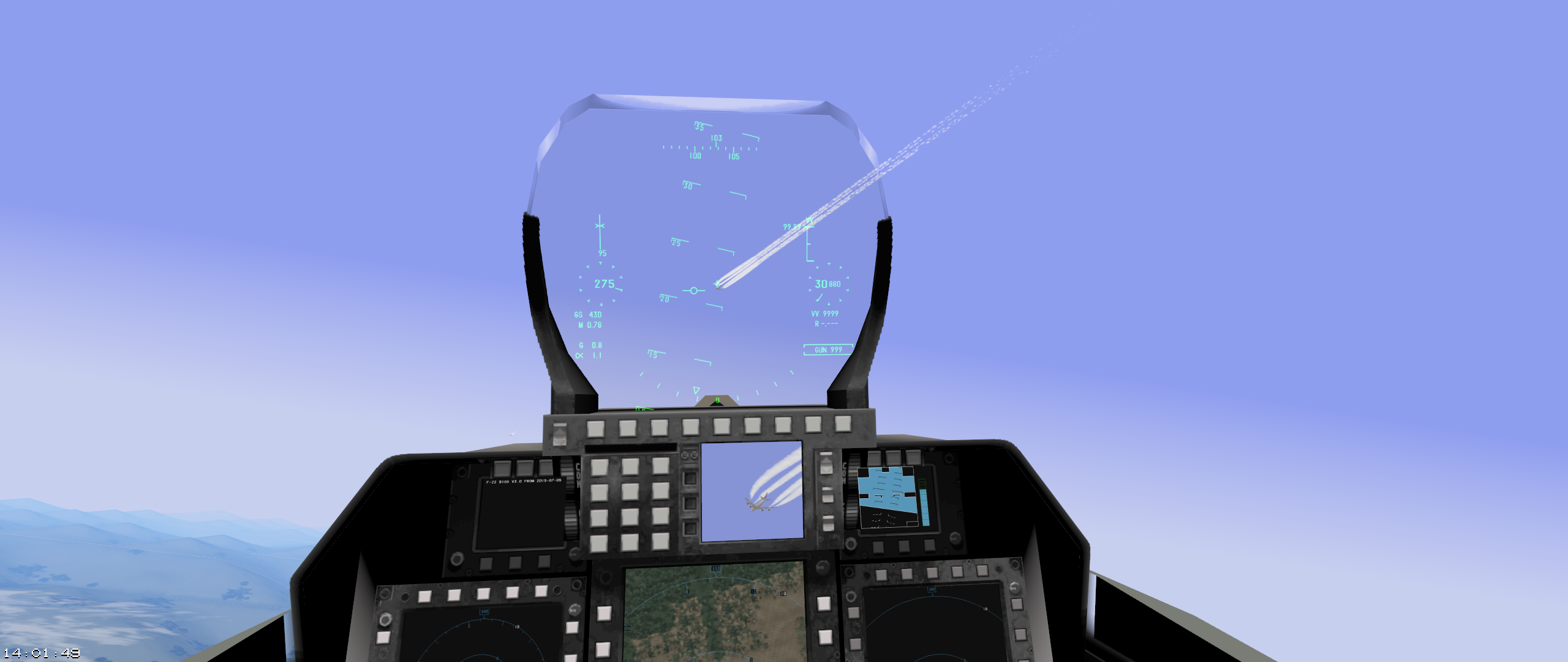
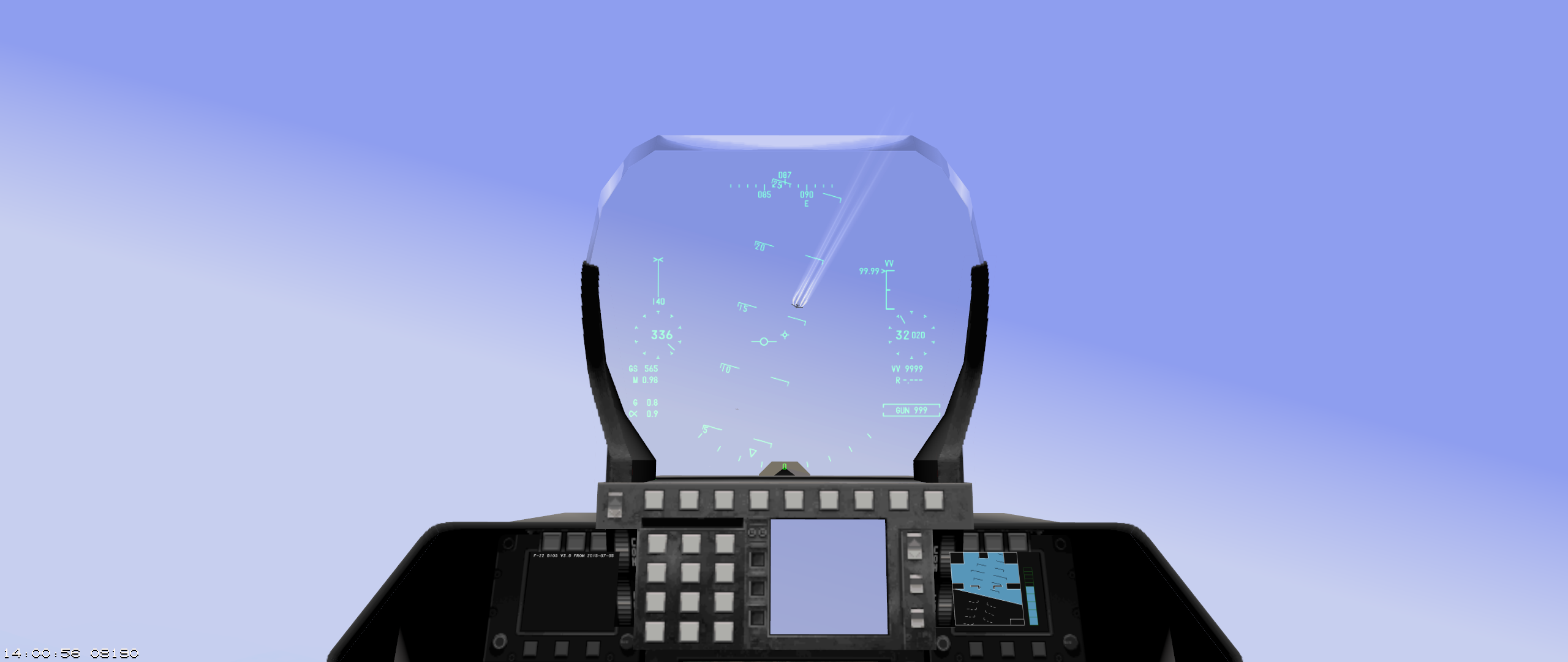
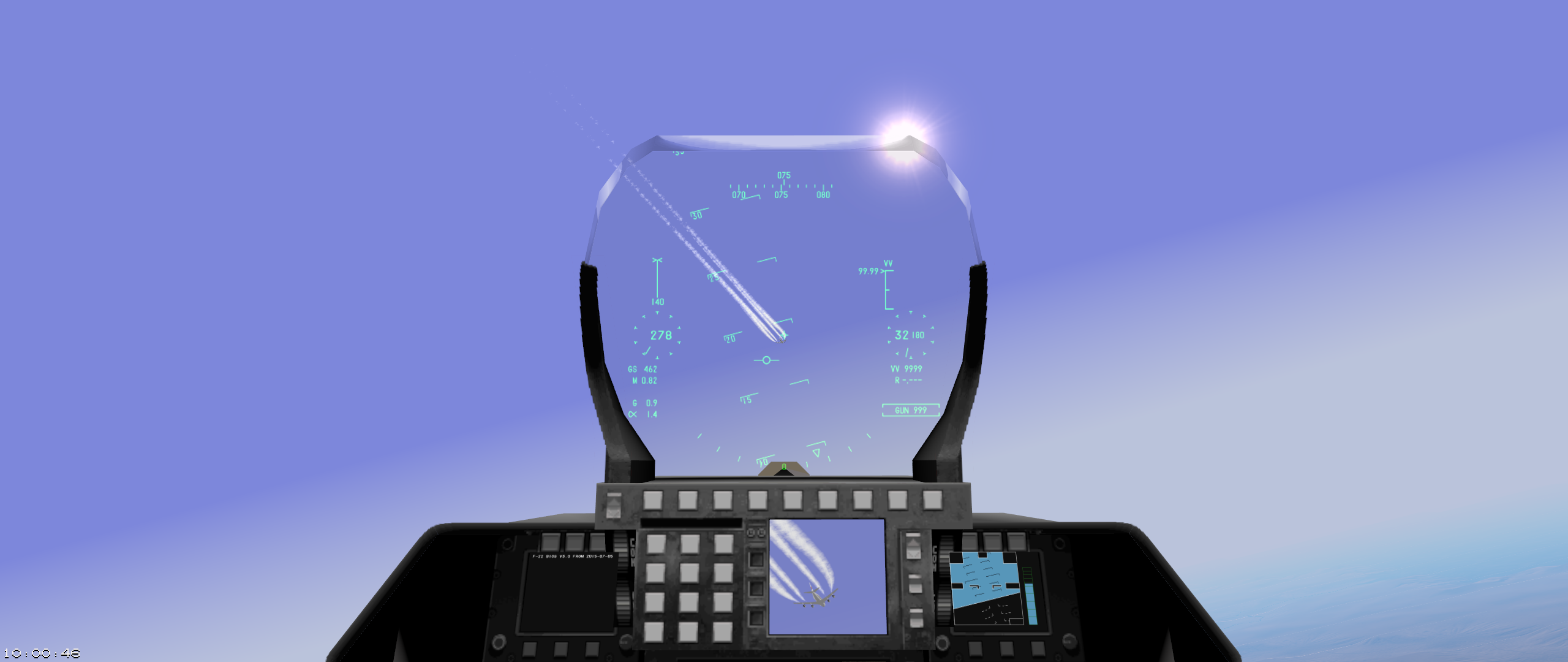
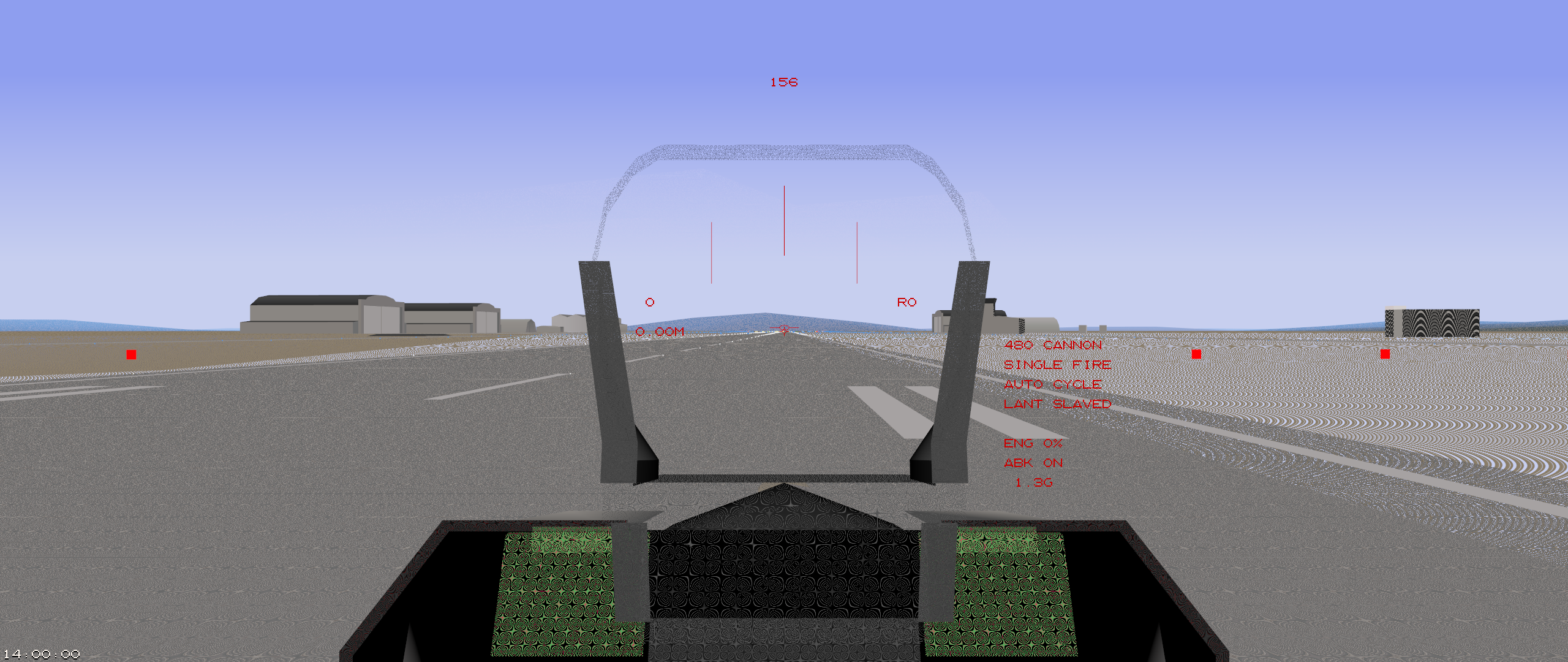
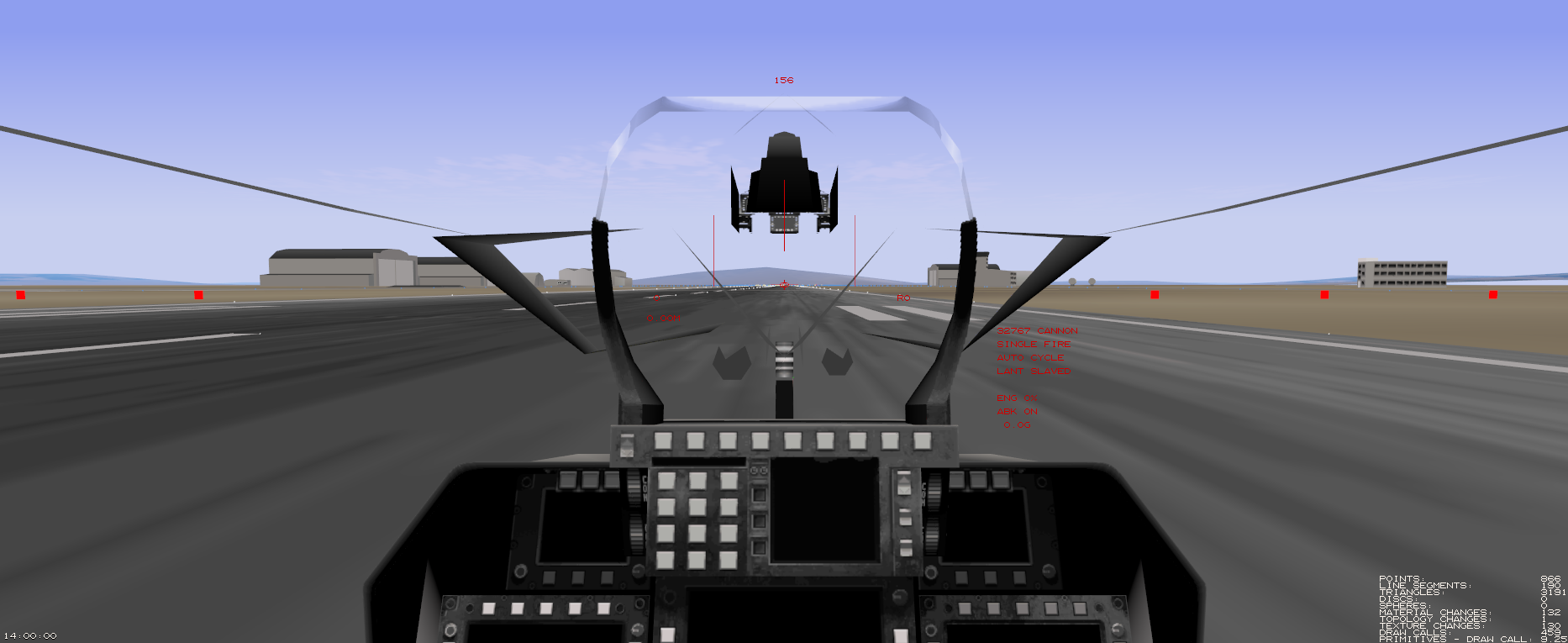
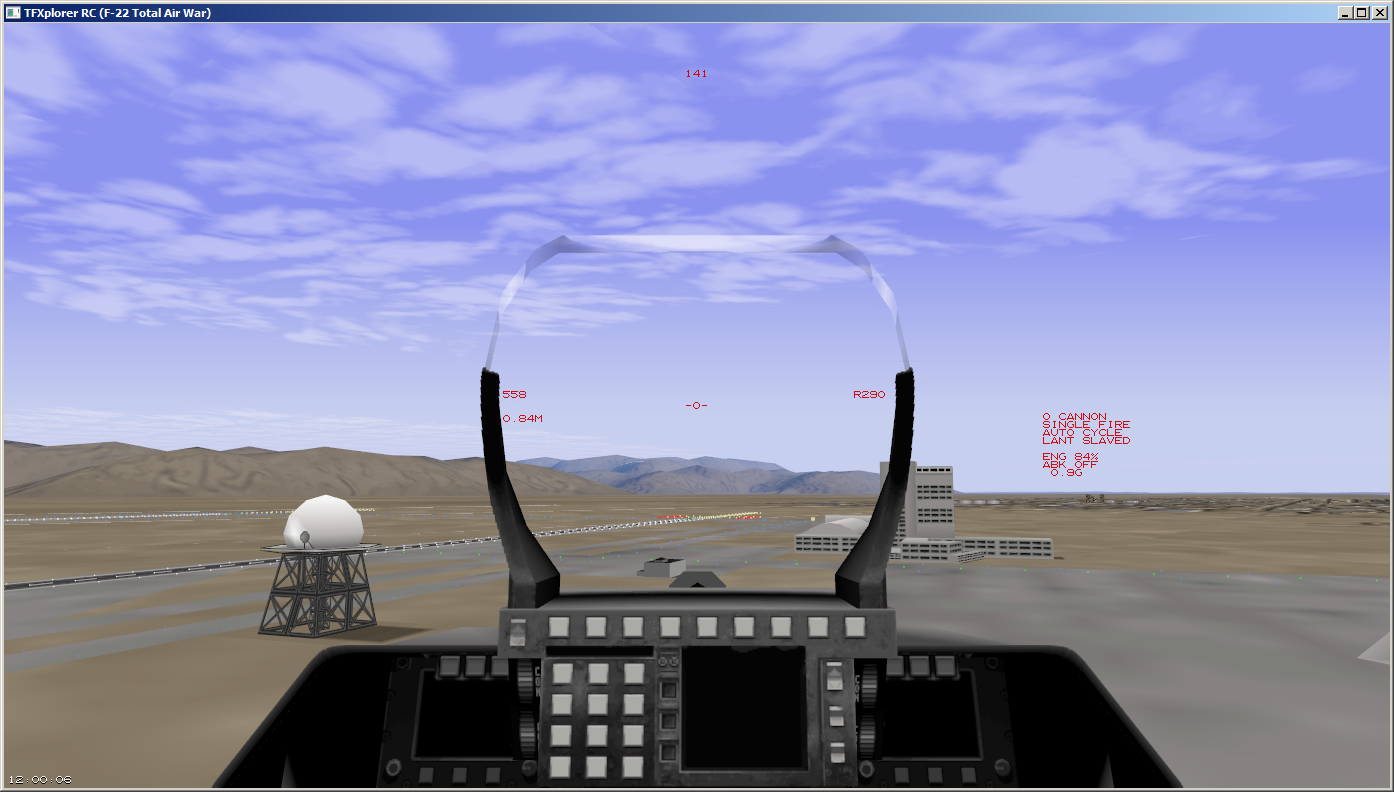
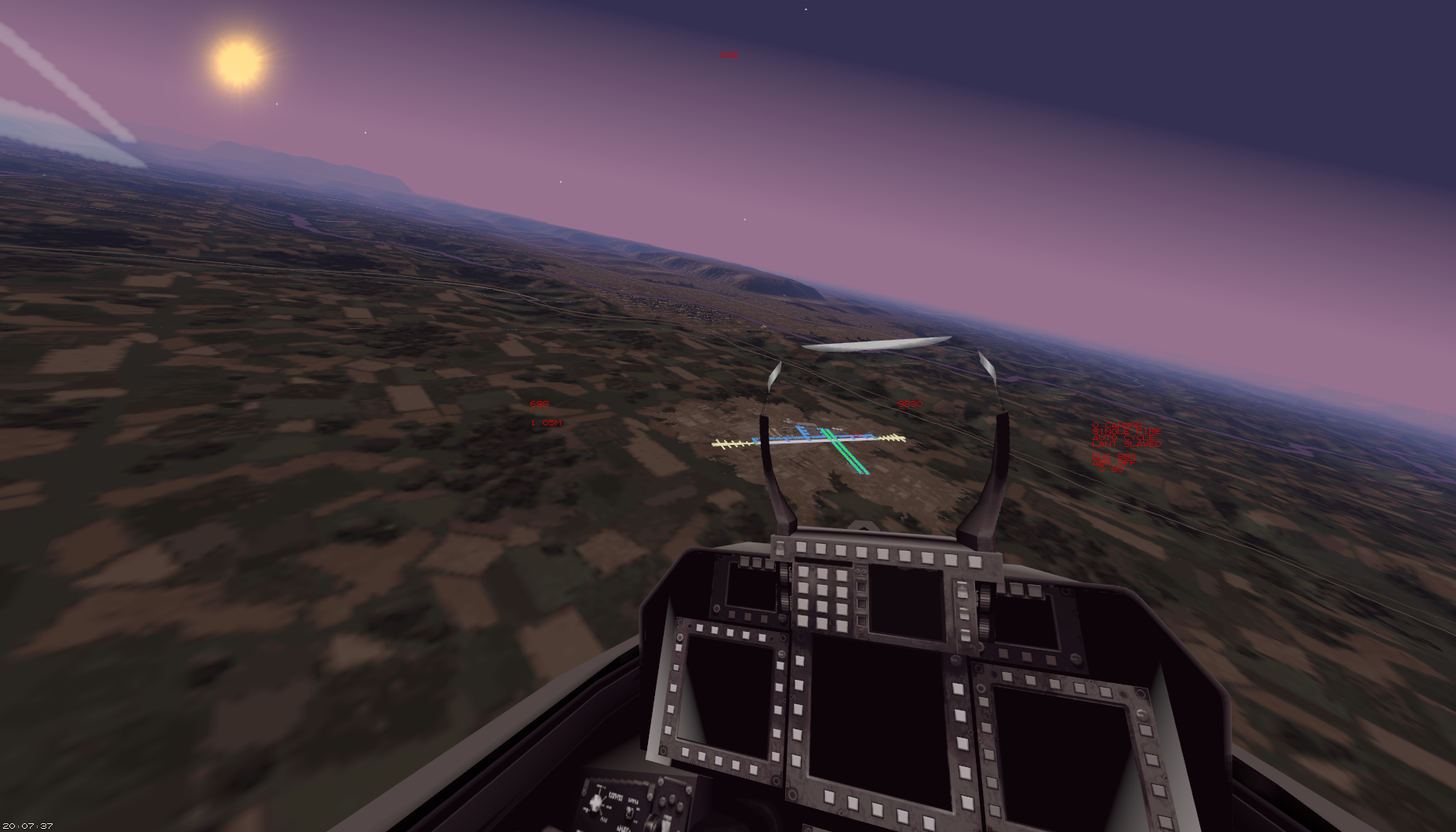
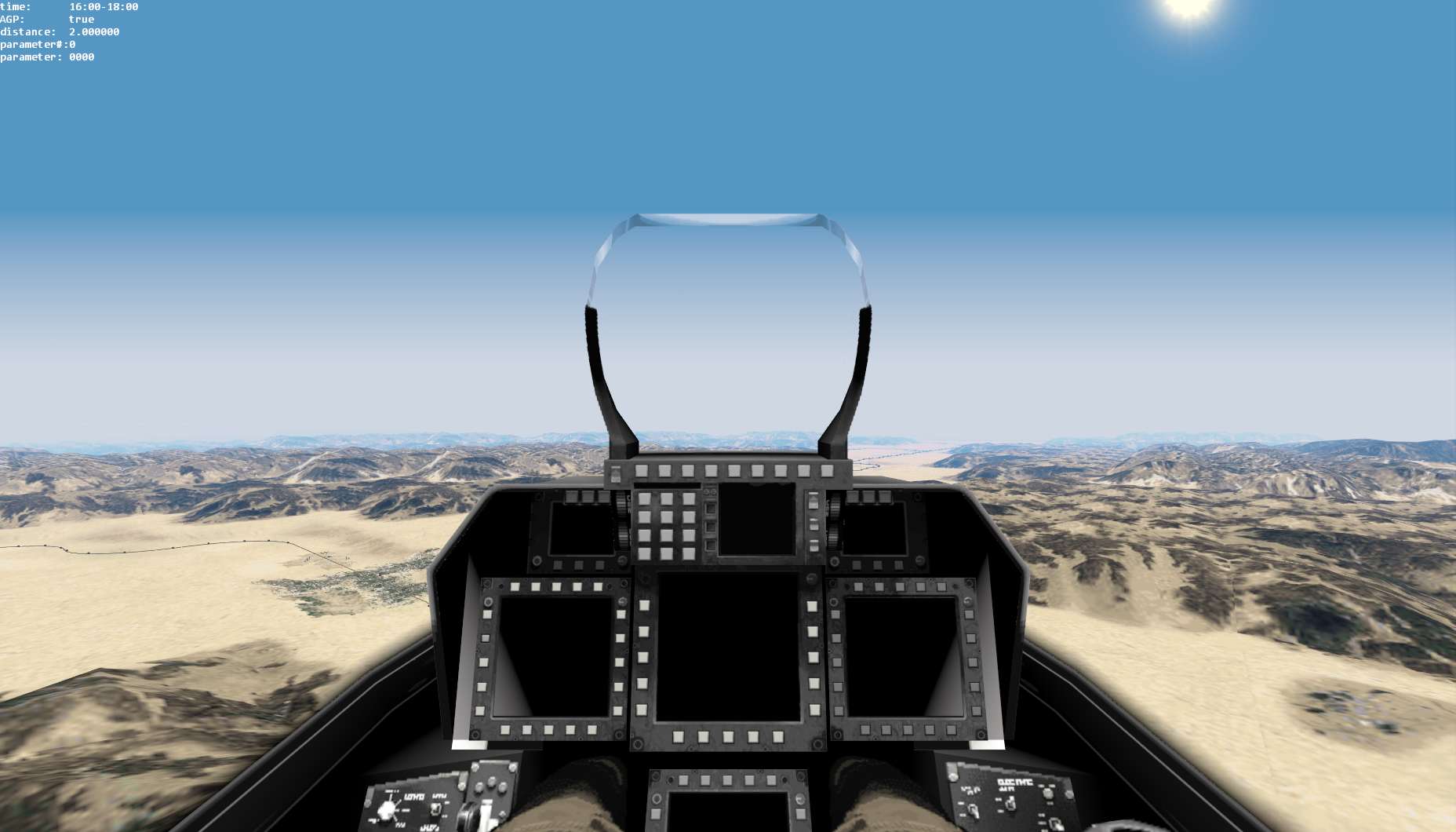
- realistic graphics
- restricted to NAV HUD in this release
Sound effects & Bitchin’ Betty:
- enabled some hidden SFX from ADF/TAW
- engine startup sound
- speed brake warning
- landing gear damage
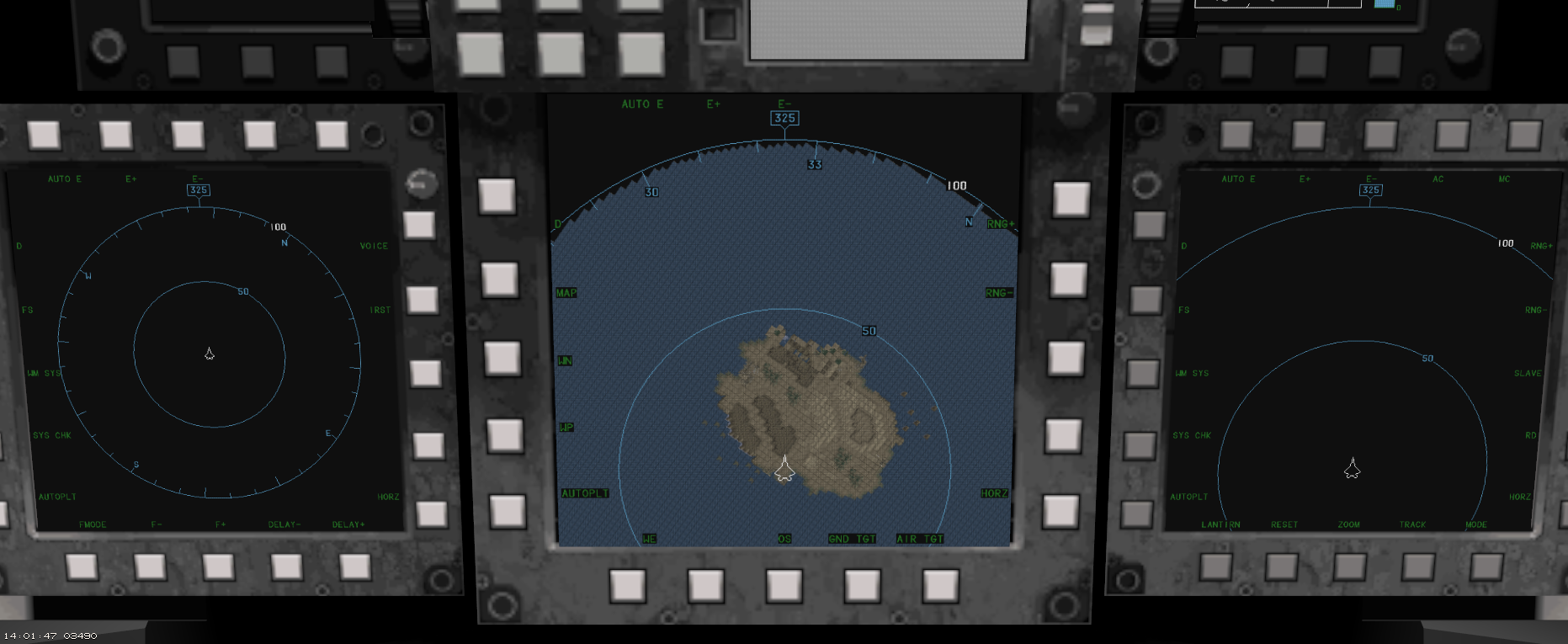
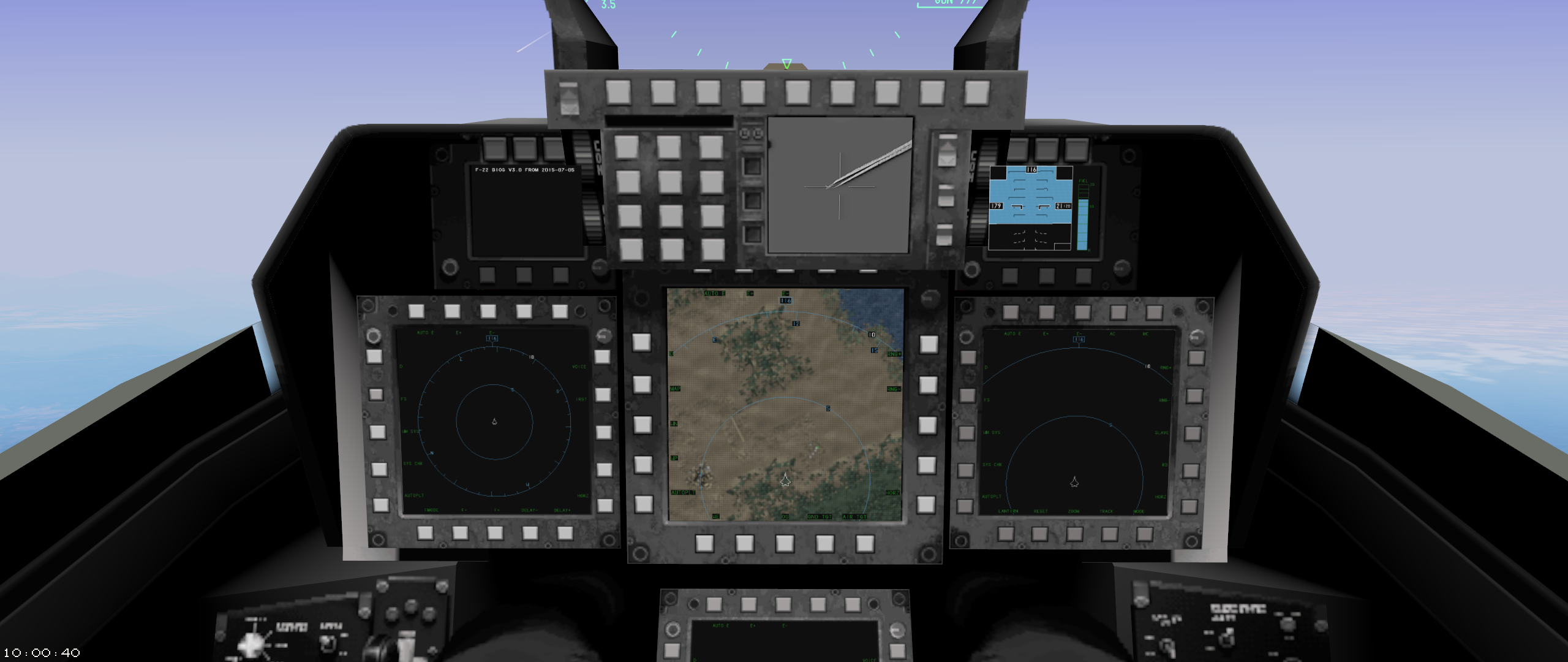
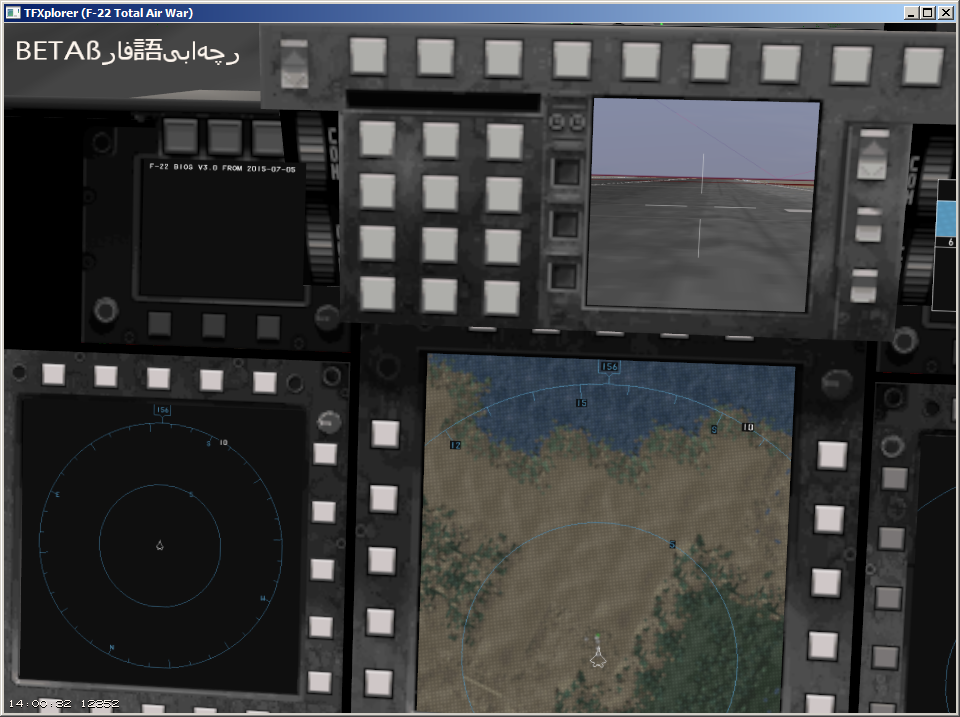
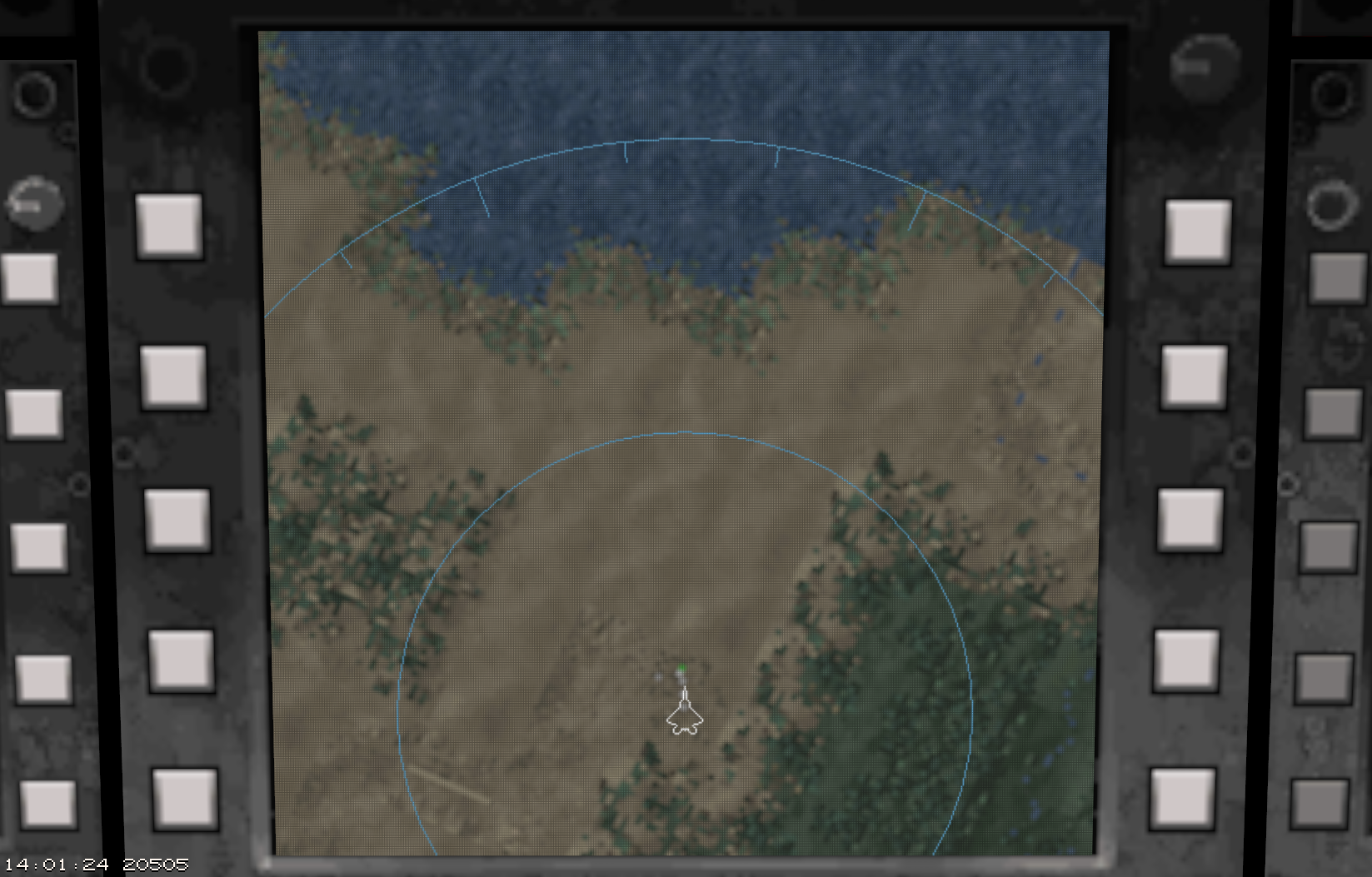
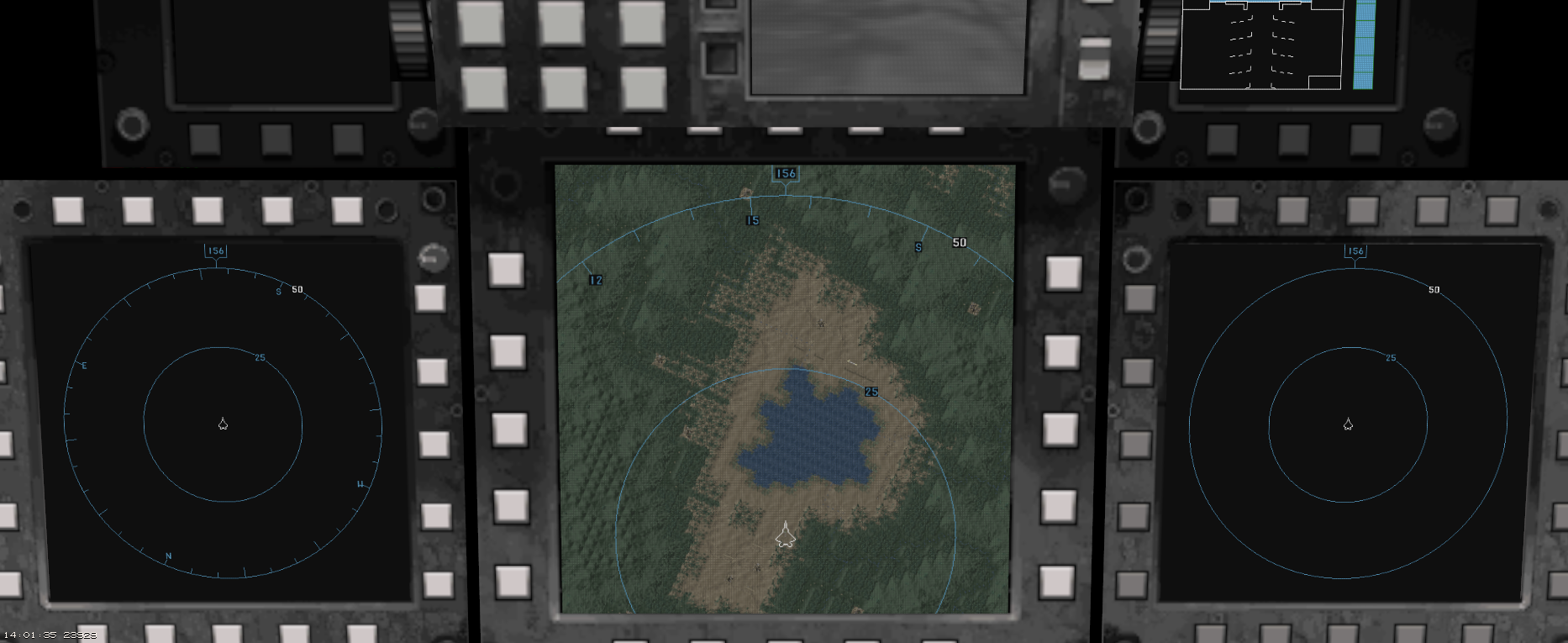
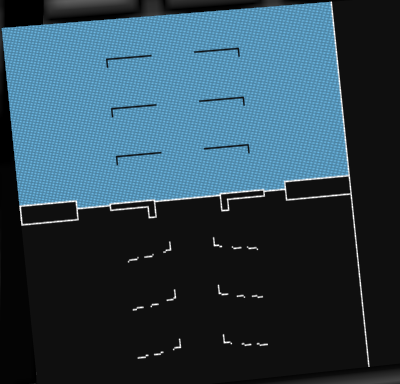
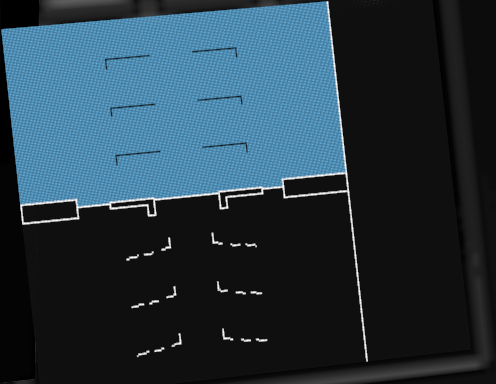
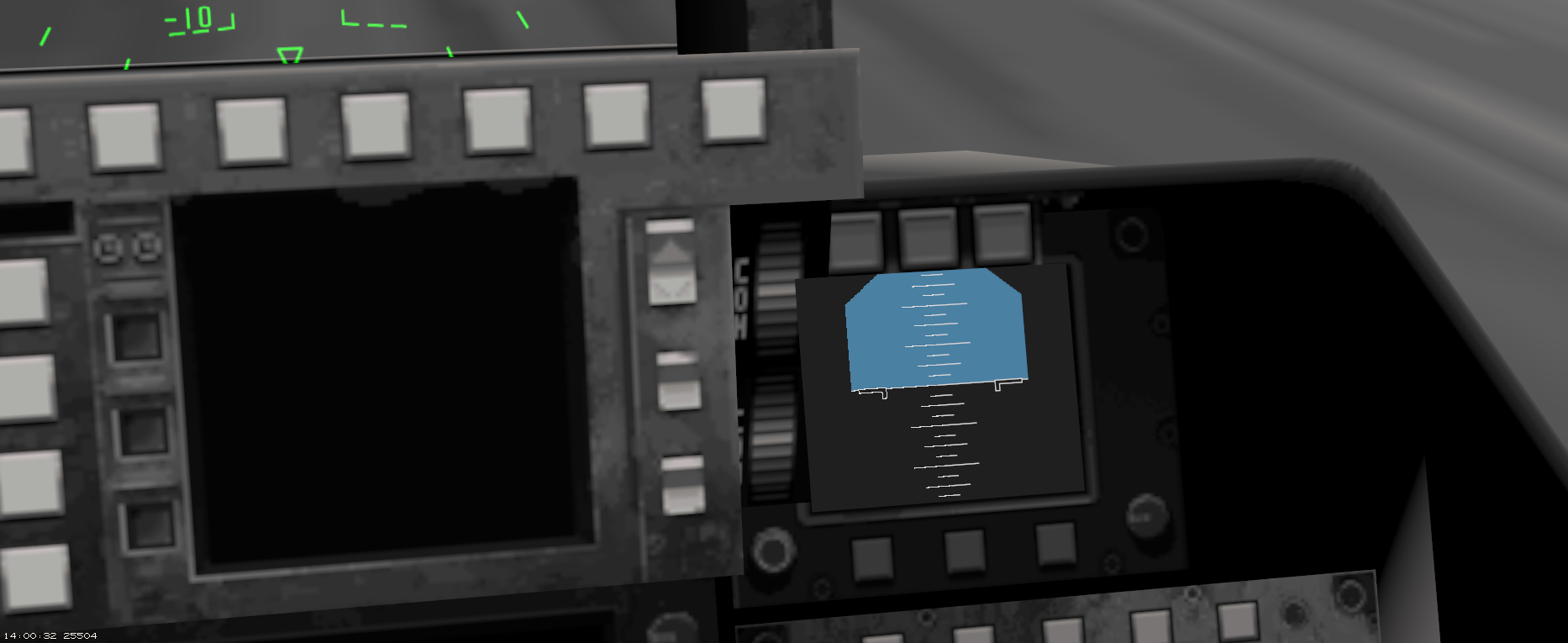
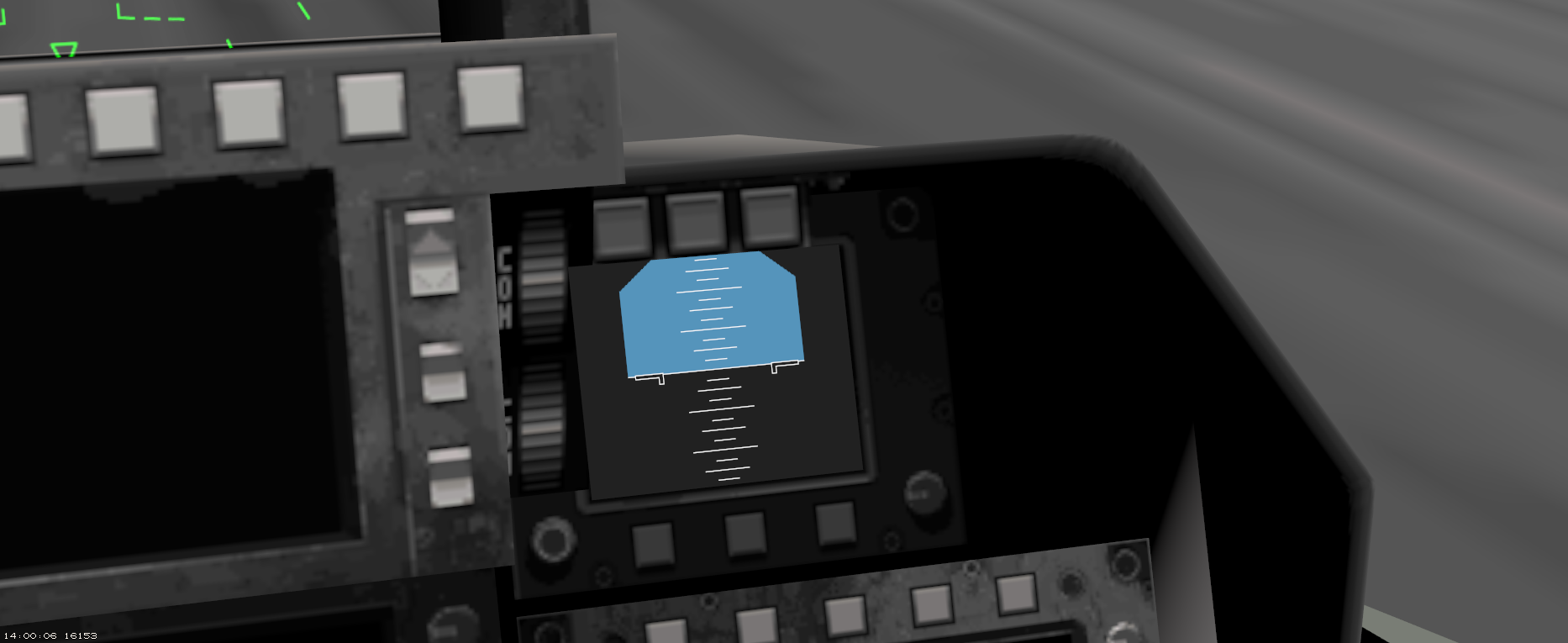
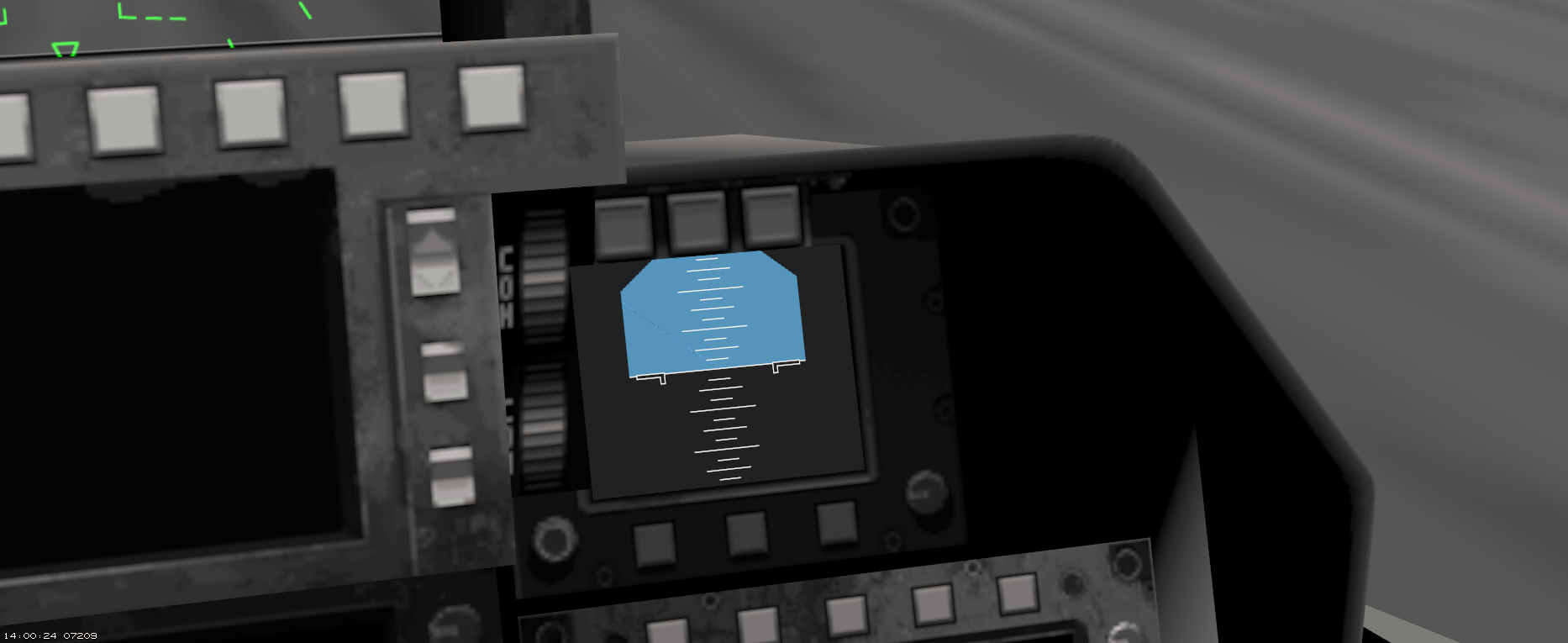
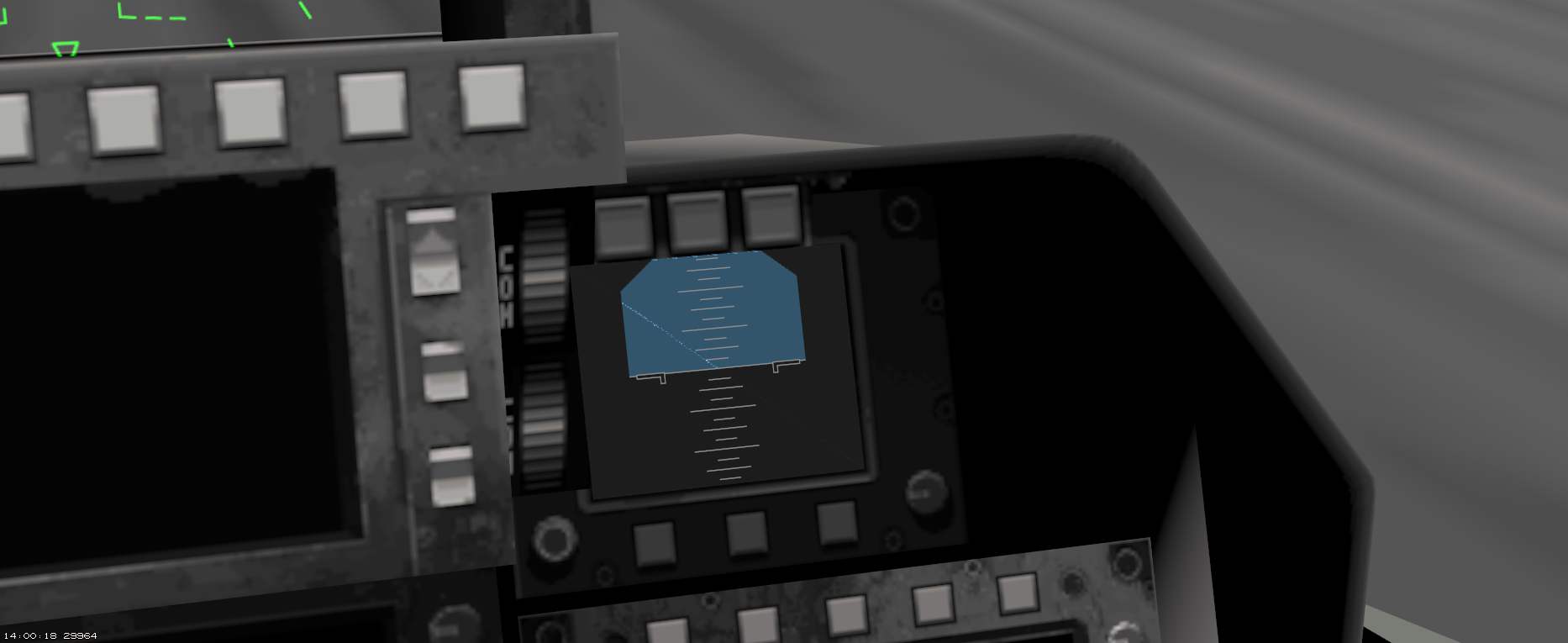
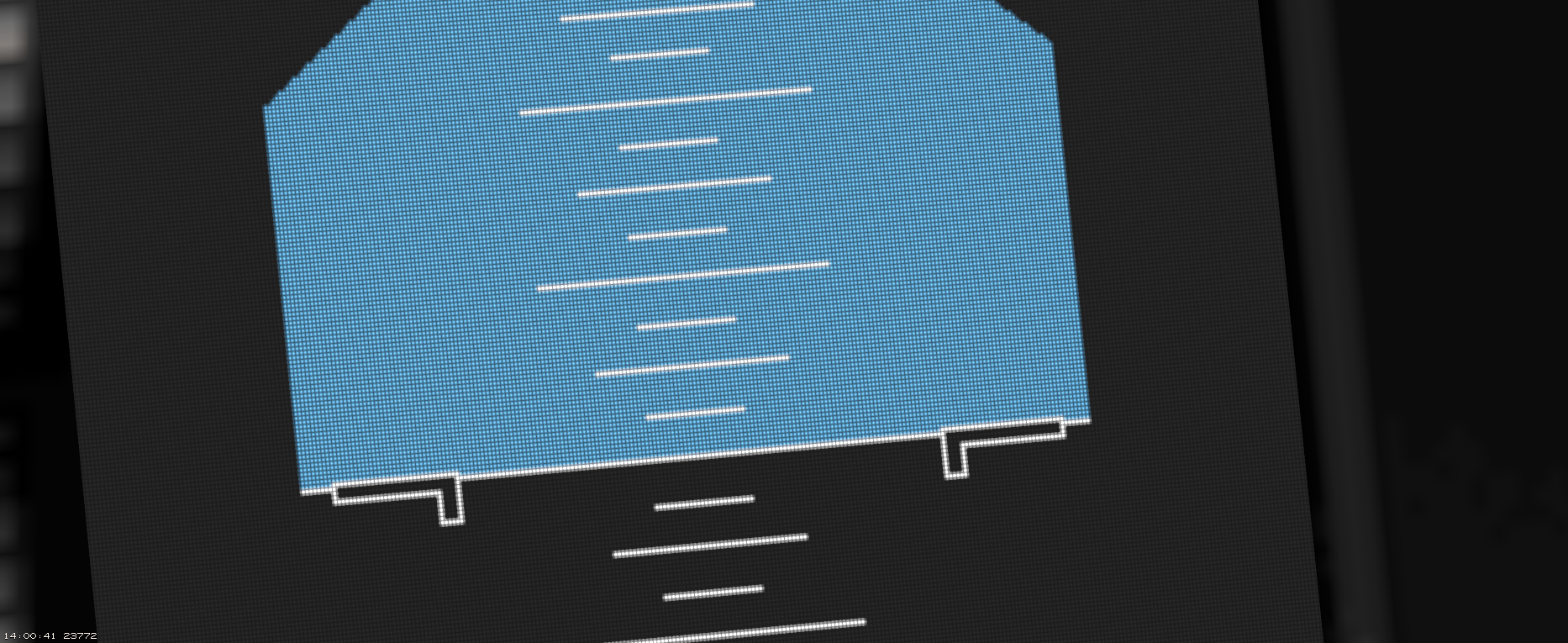
Animated MFDs:
- high definition
- moving map without glitches
- no clickable buttons yet in this release
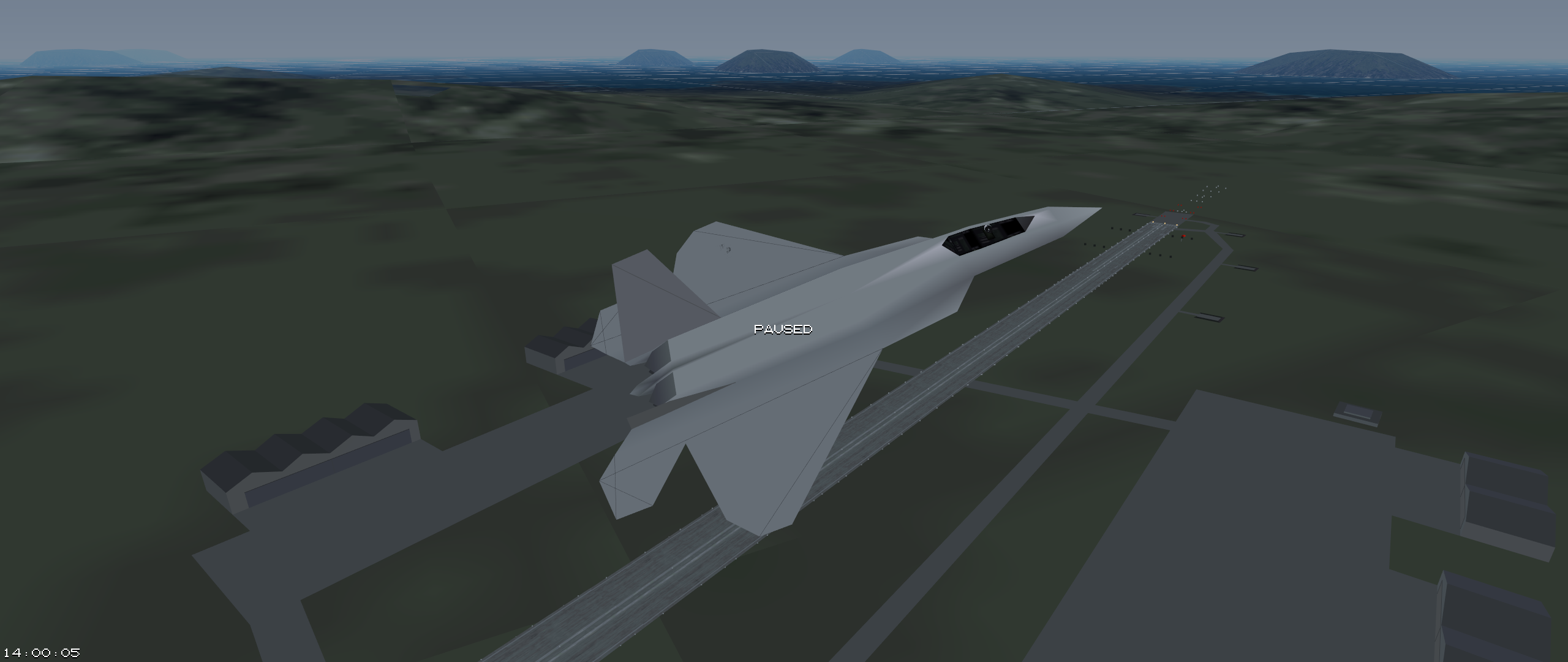
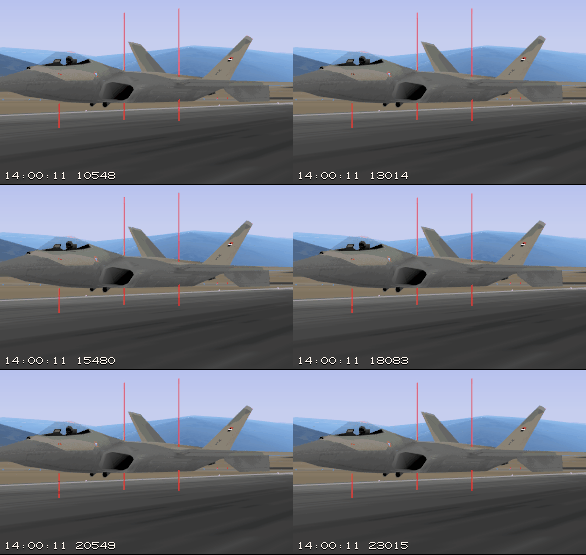
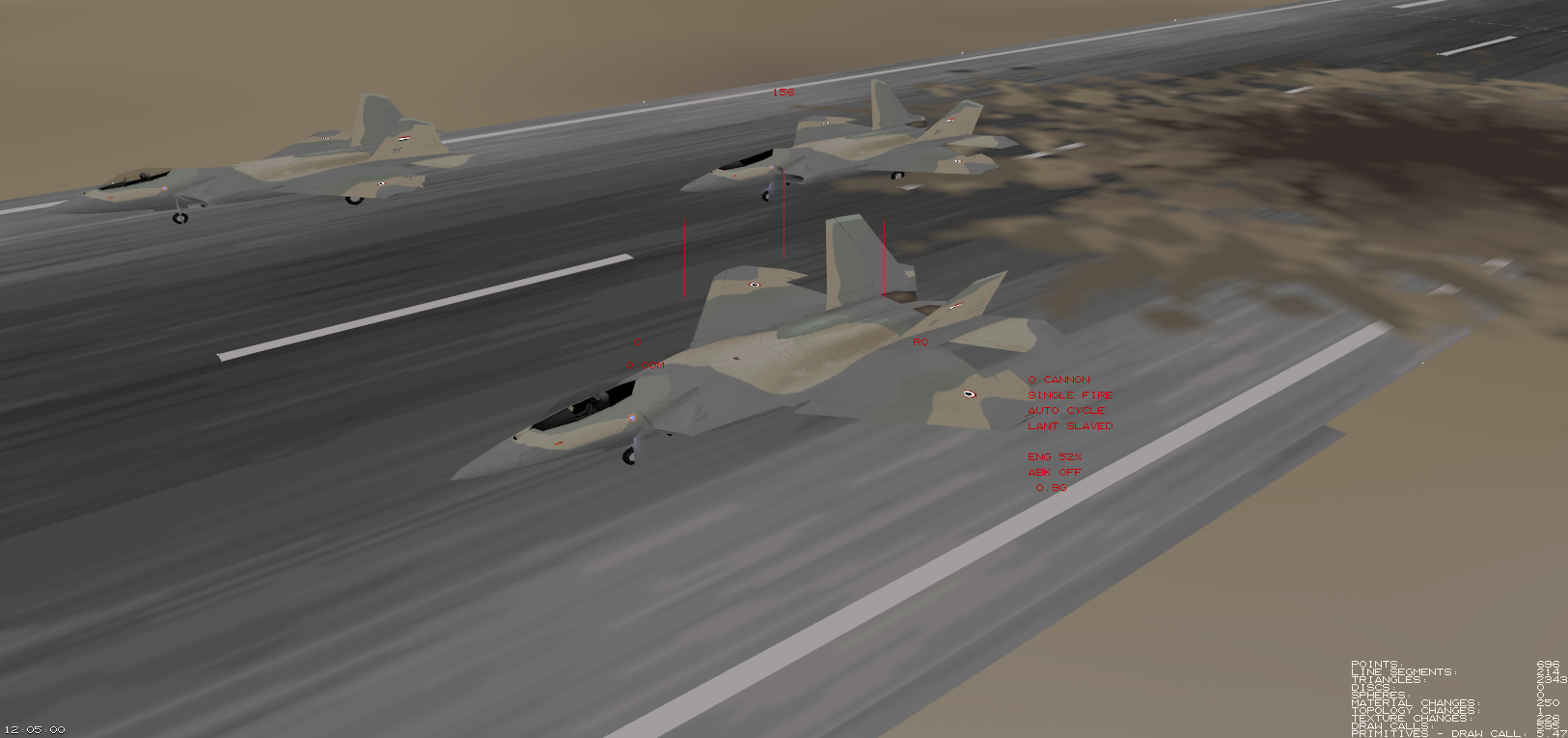
Realistic landing gear:
- state of the art physics
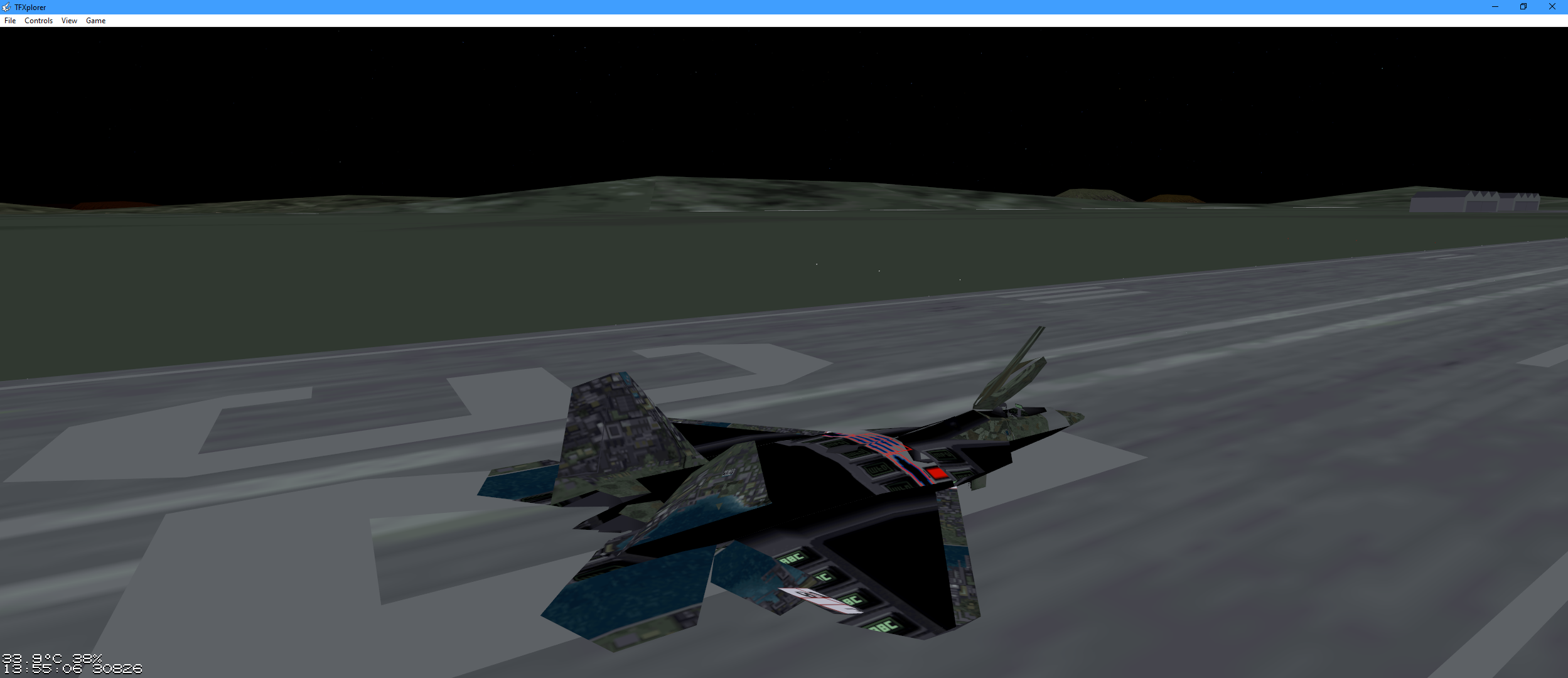
- many improvements over TAW’s taxiing
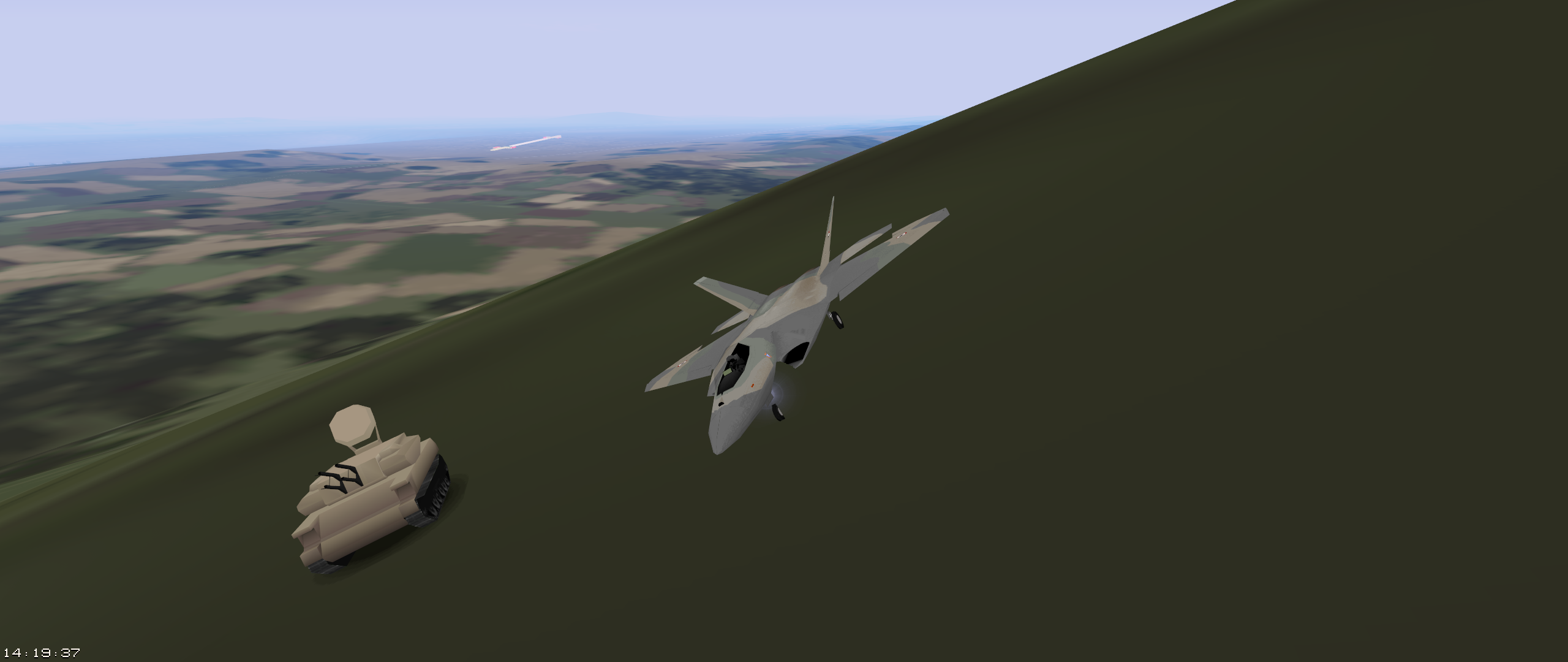
- you can start, land, and taxi on slopes
Improved Graphics
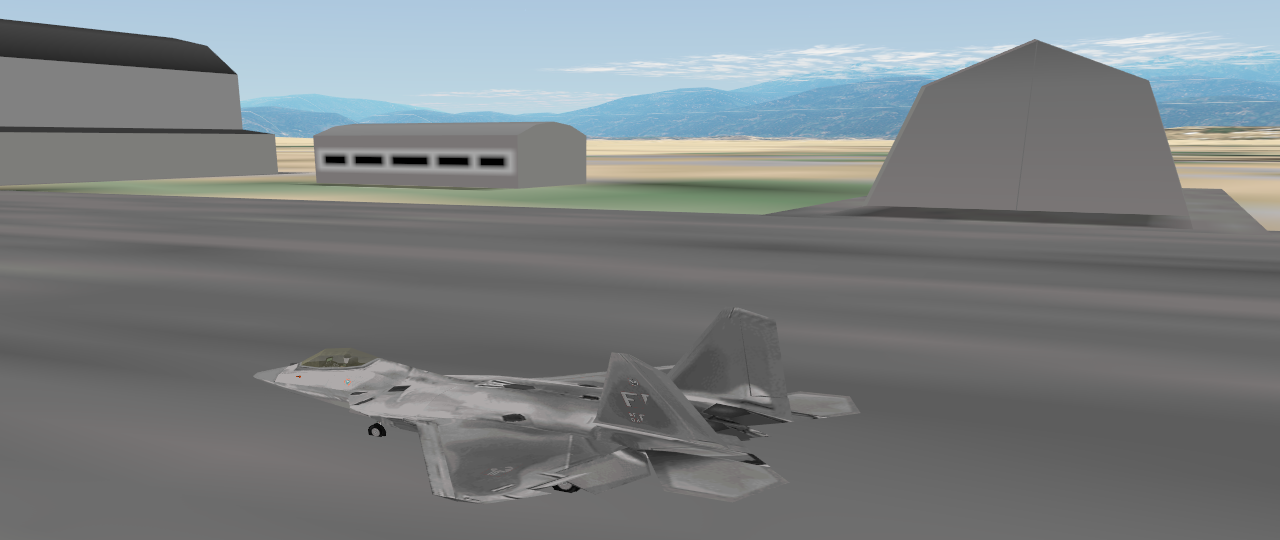
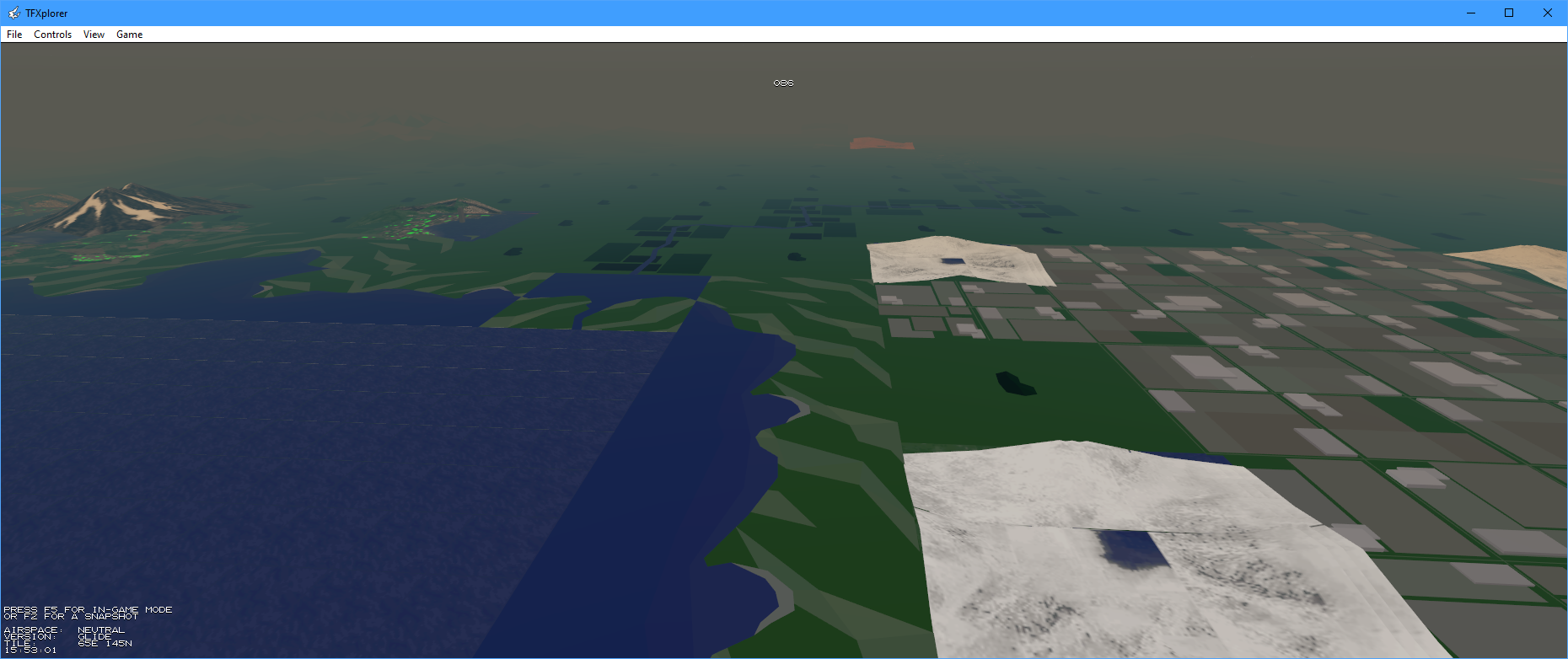
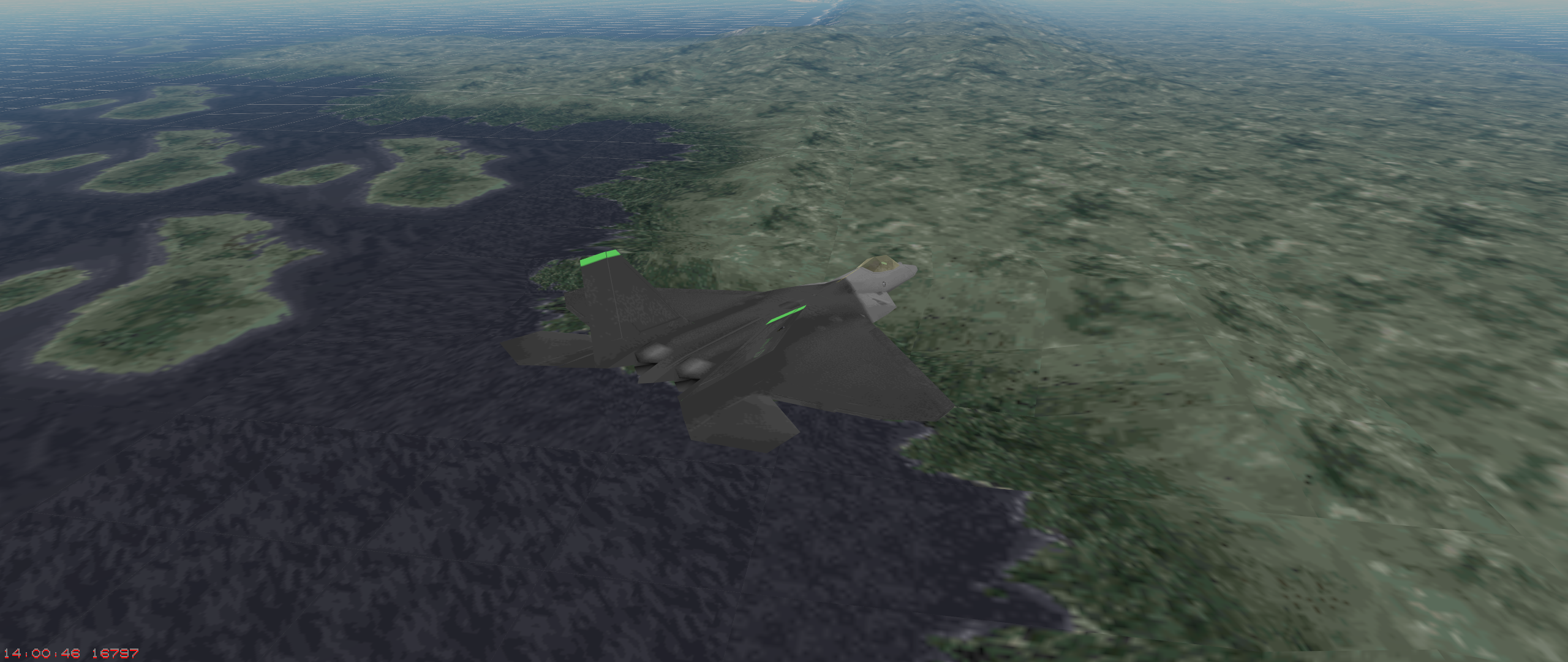
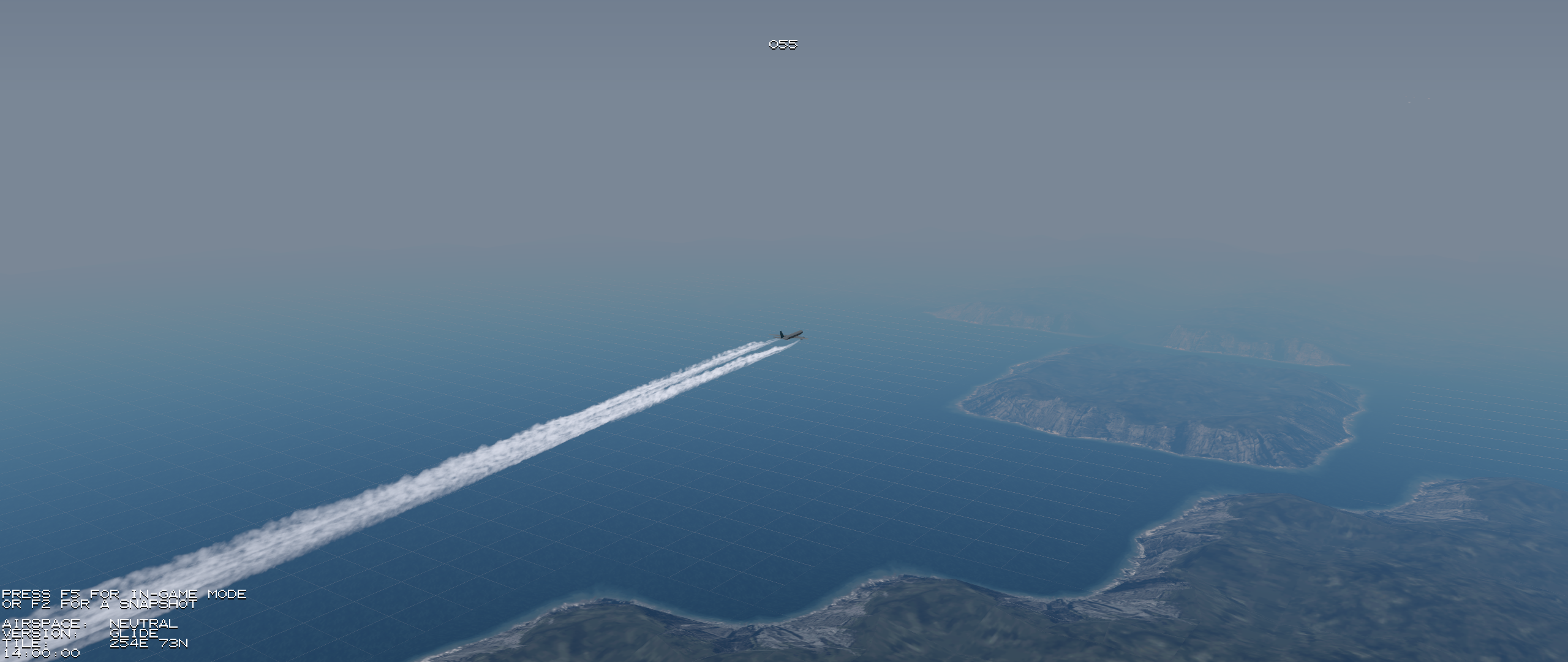
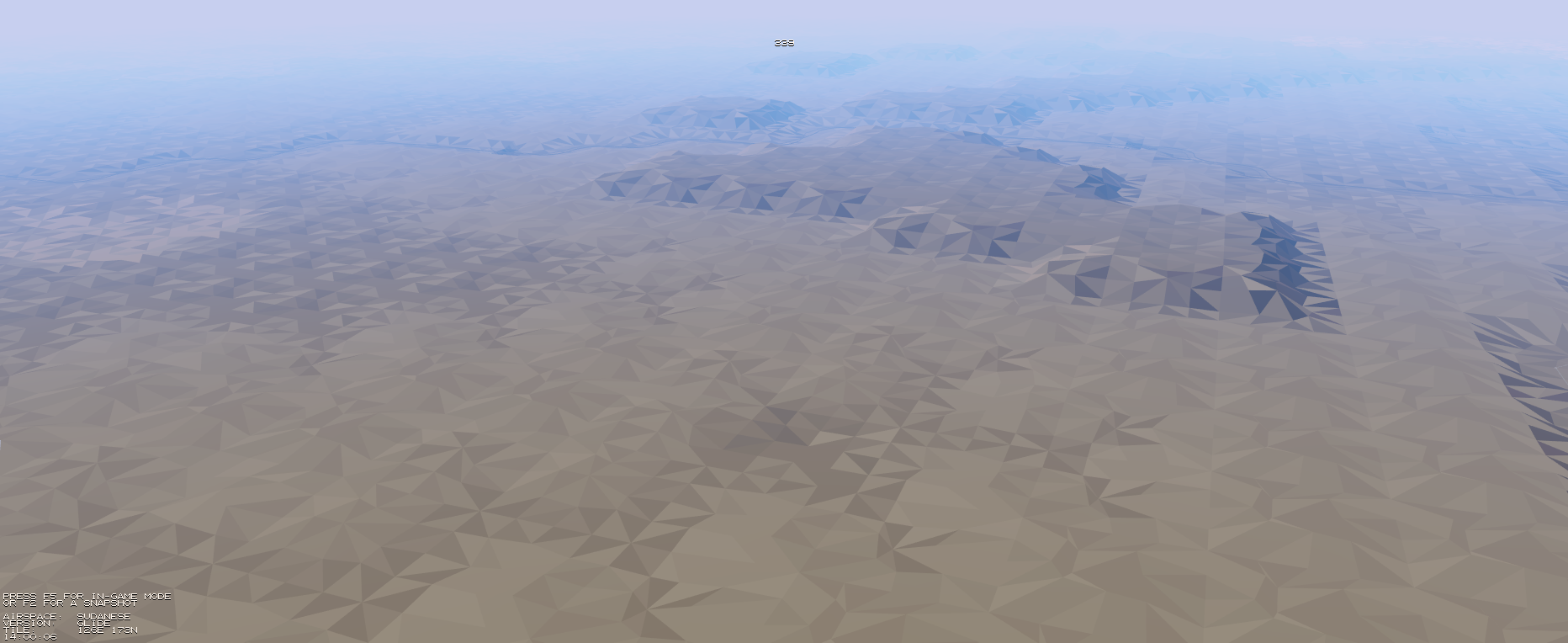
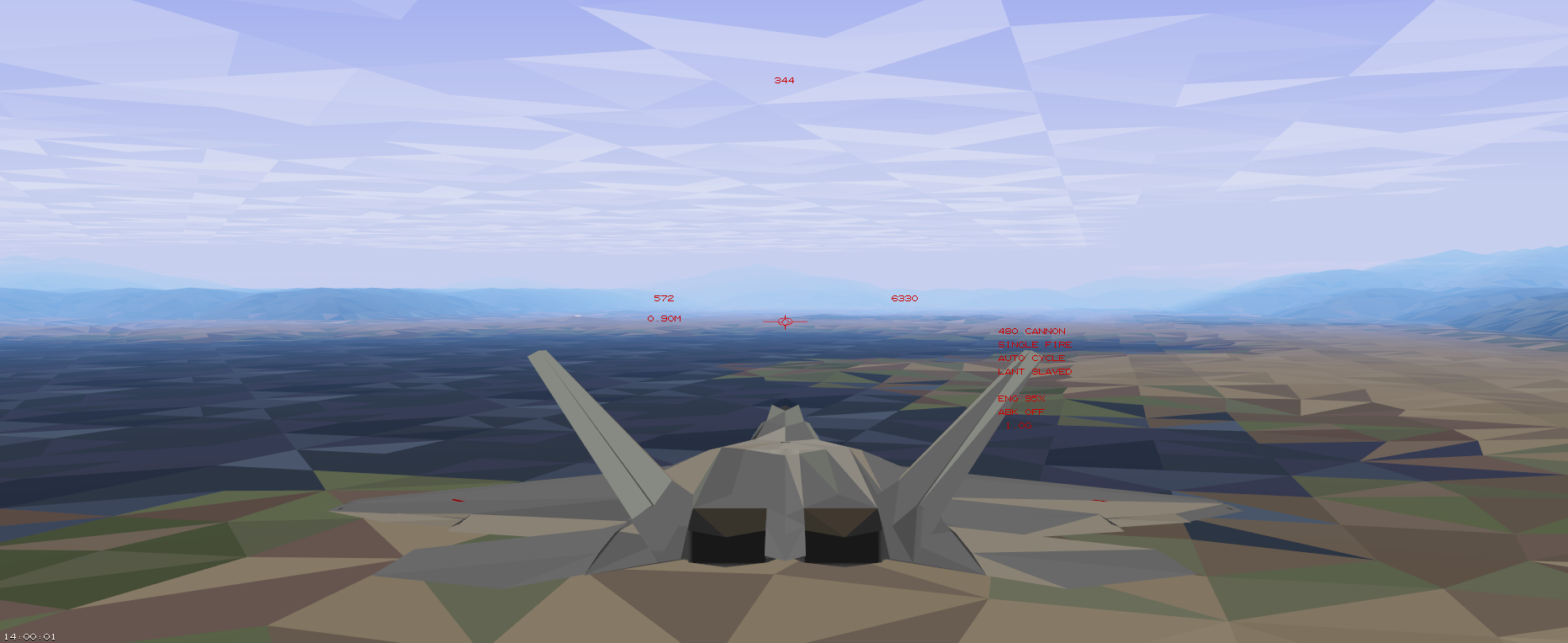
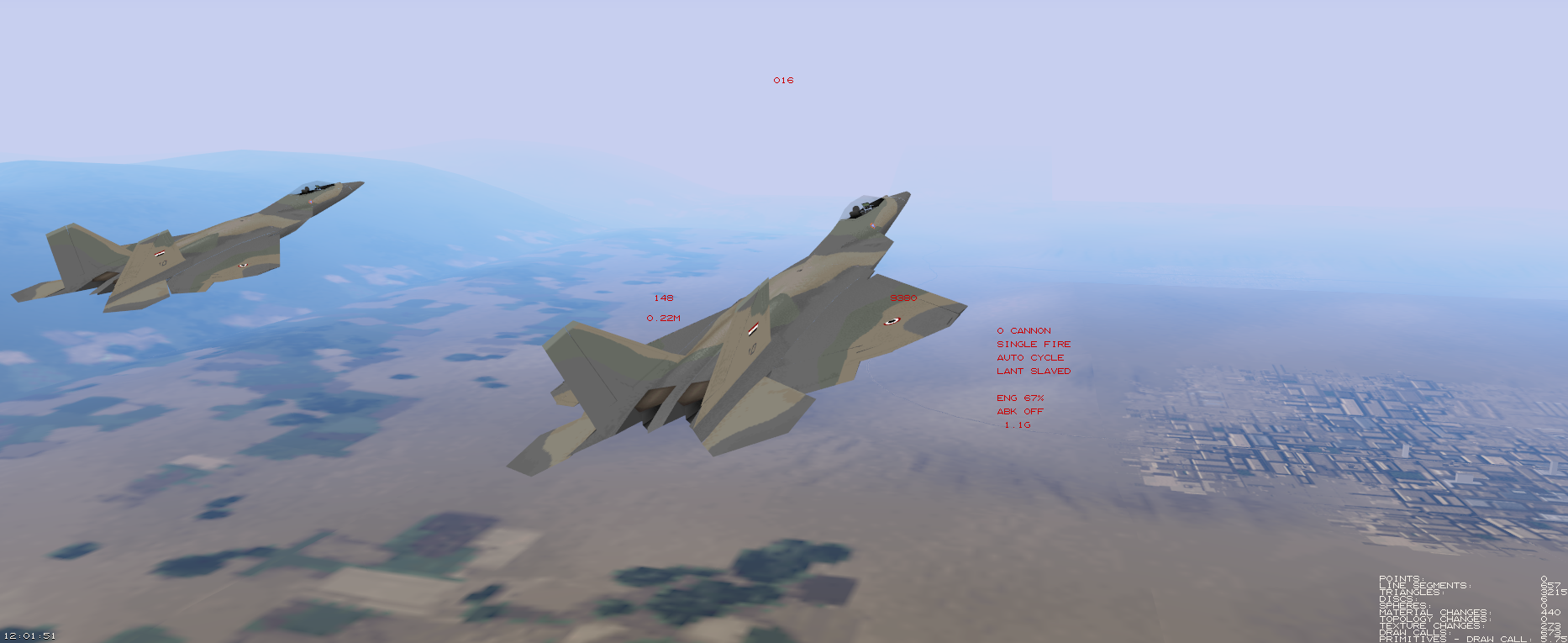
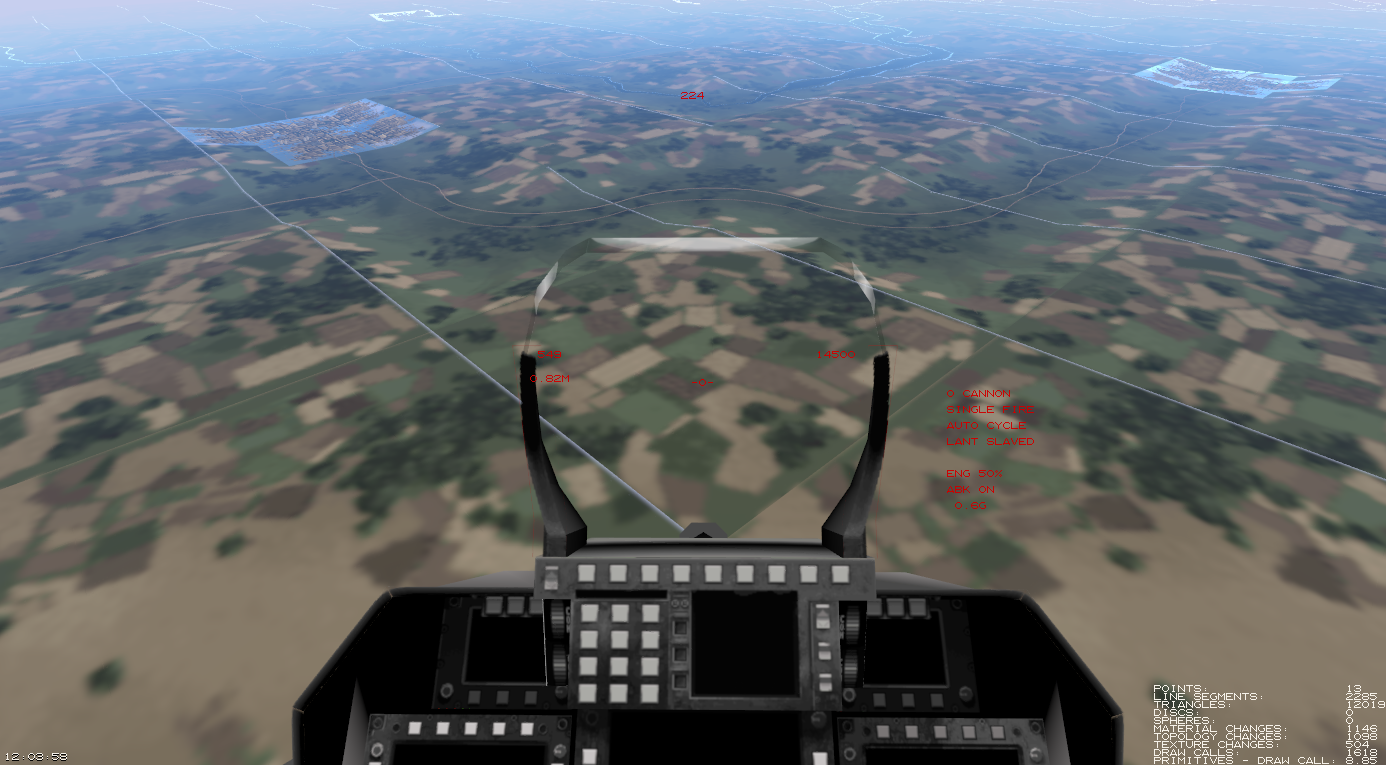
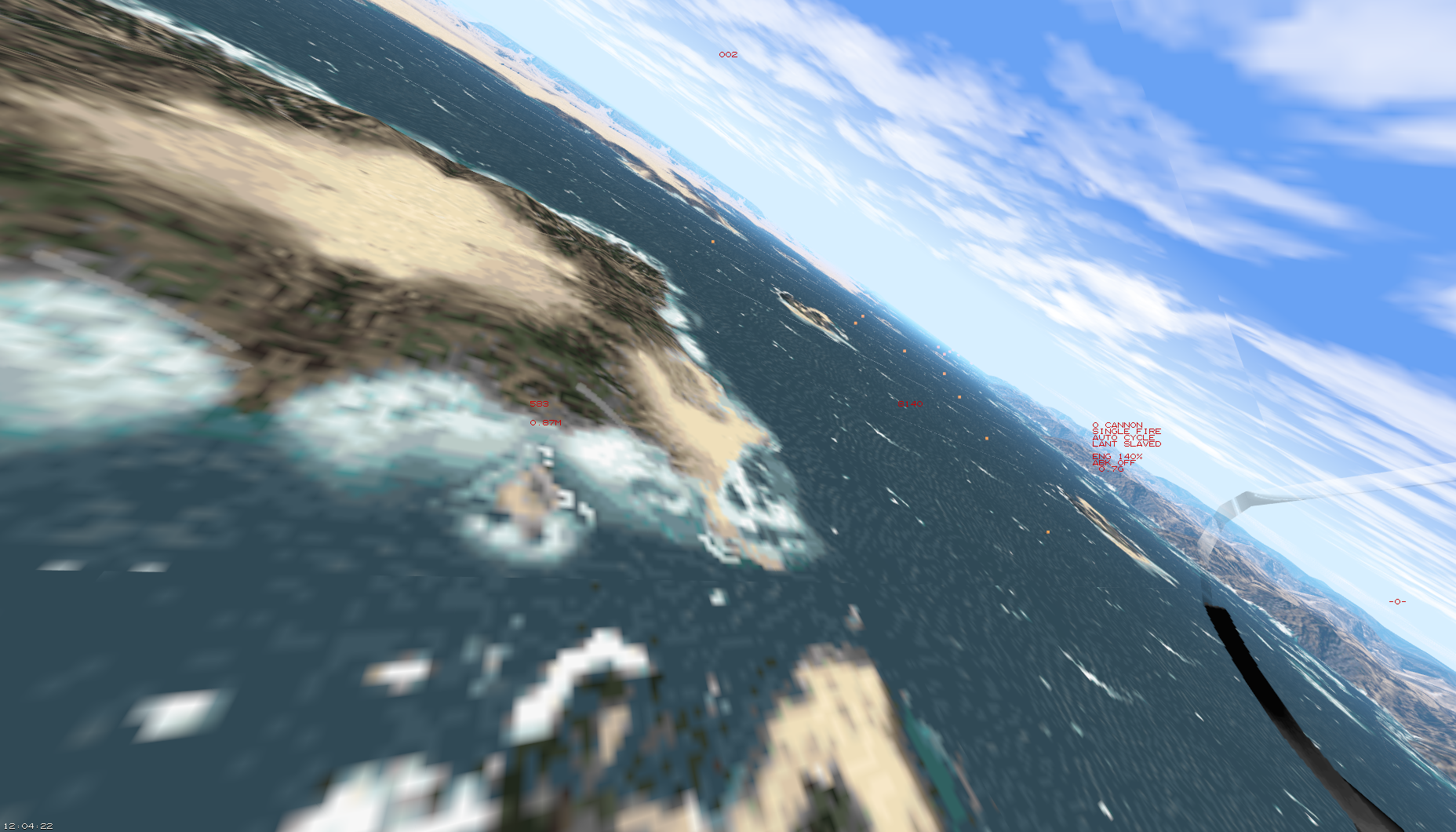
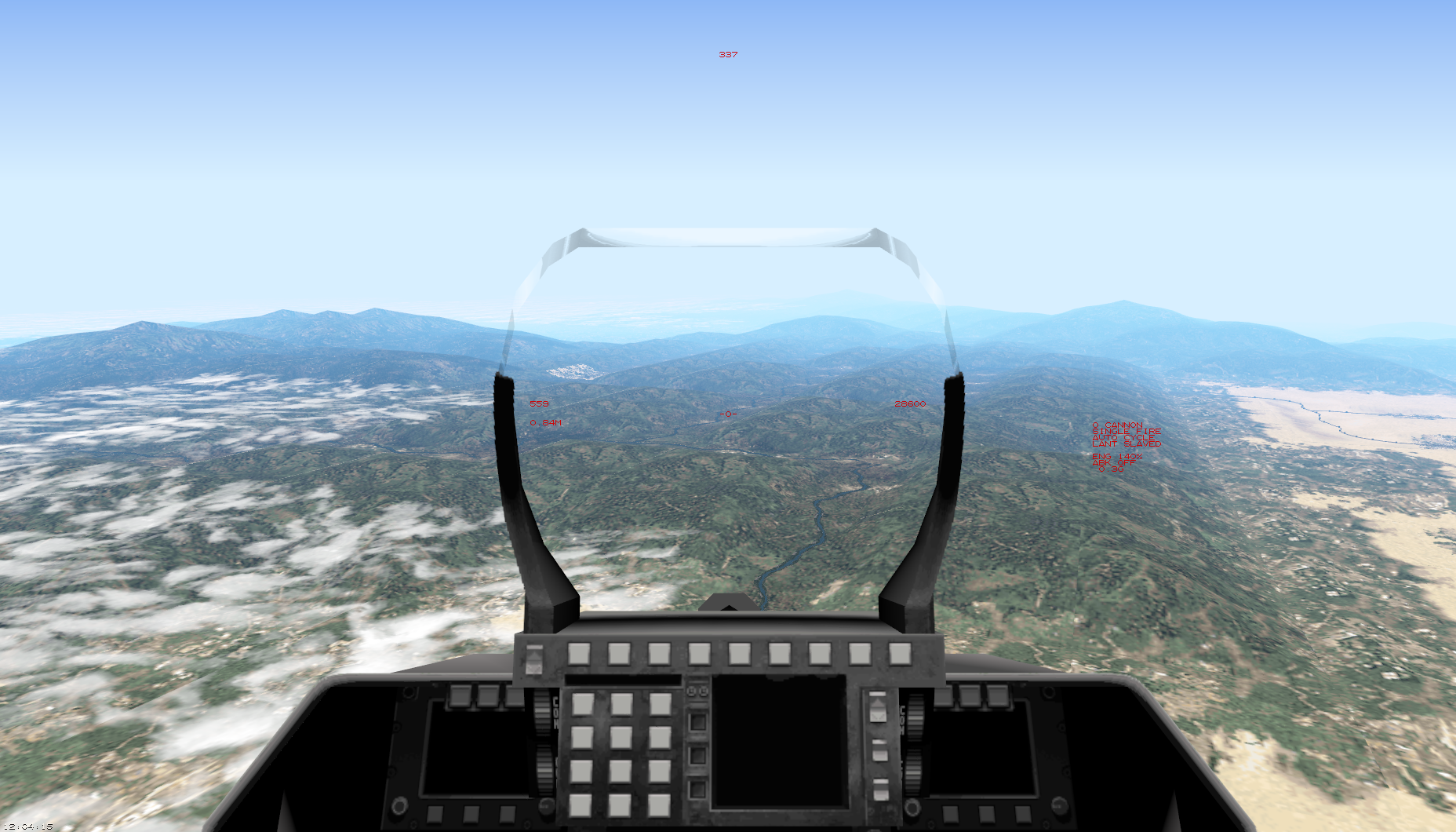
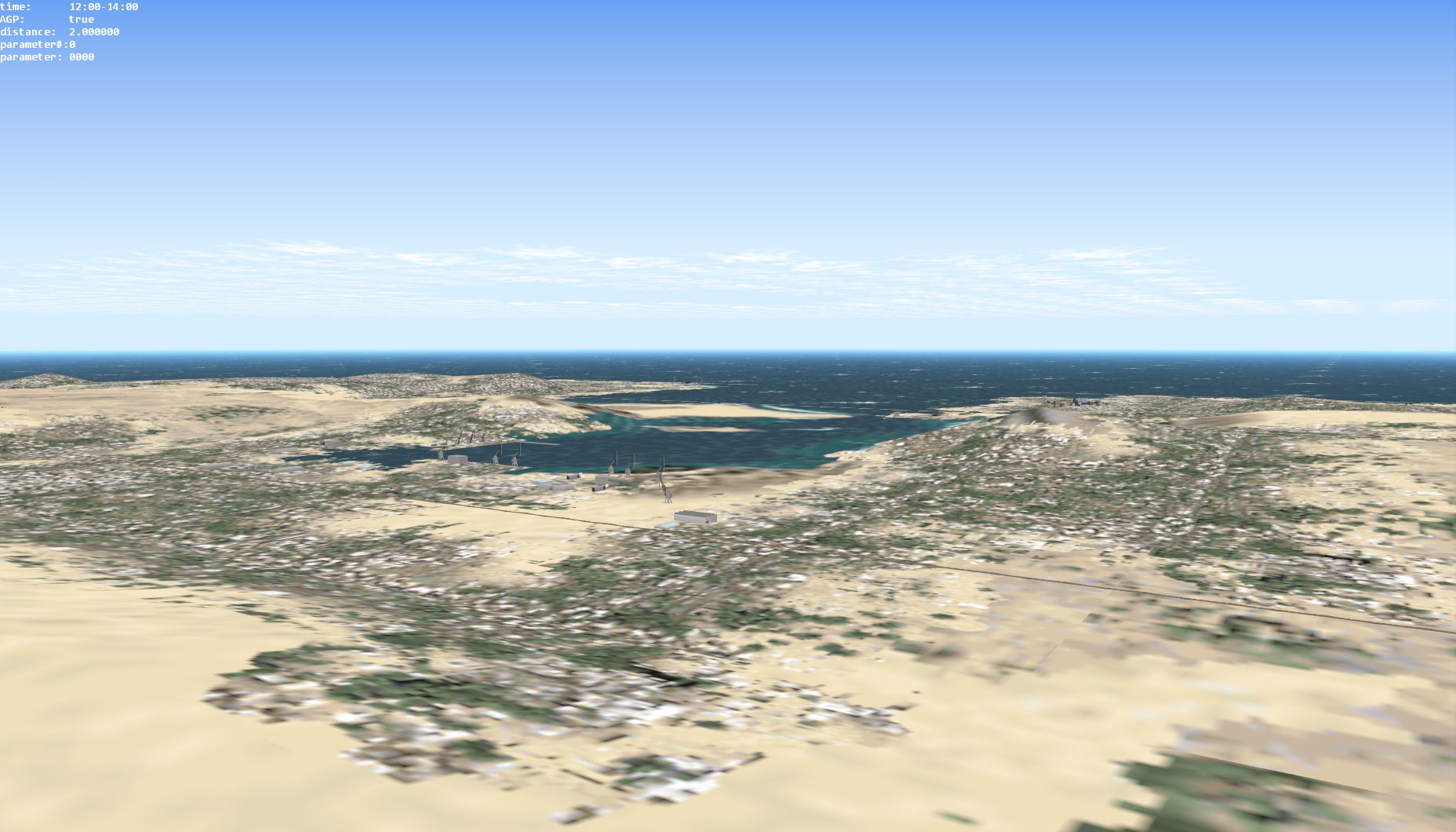
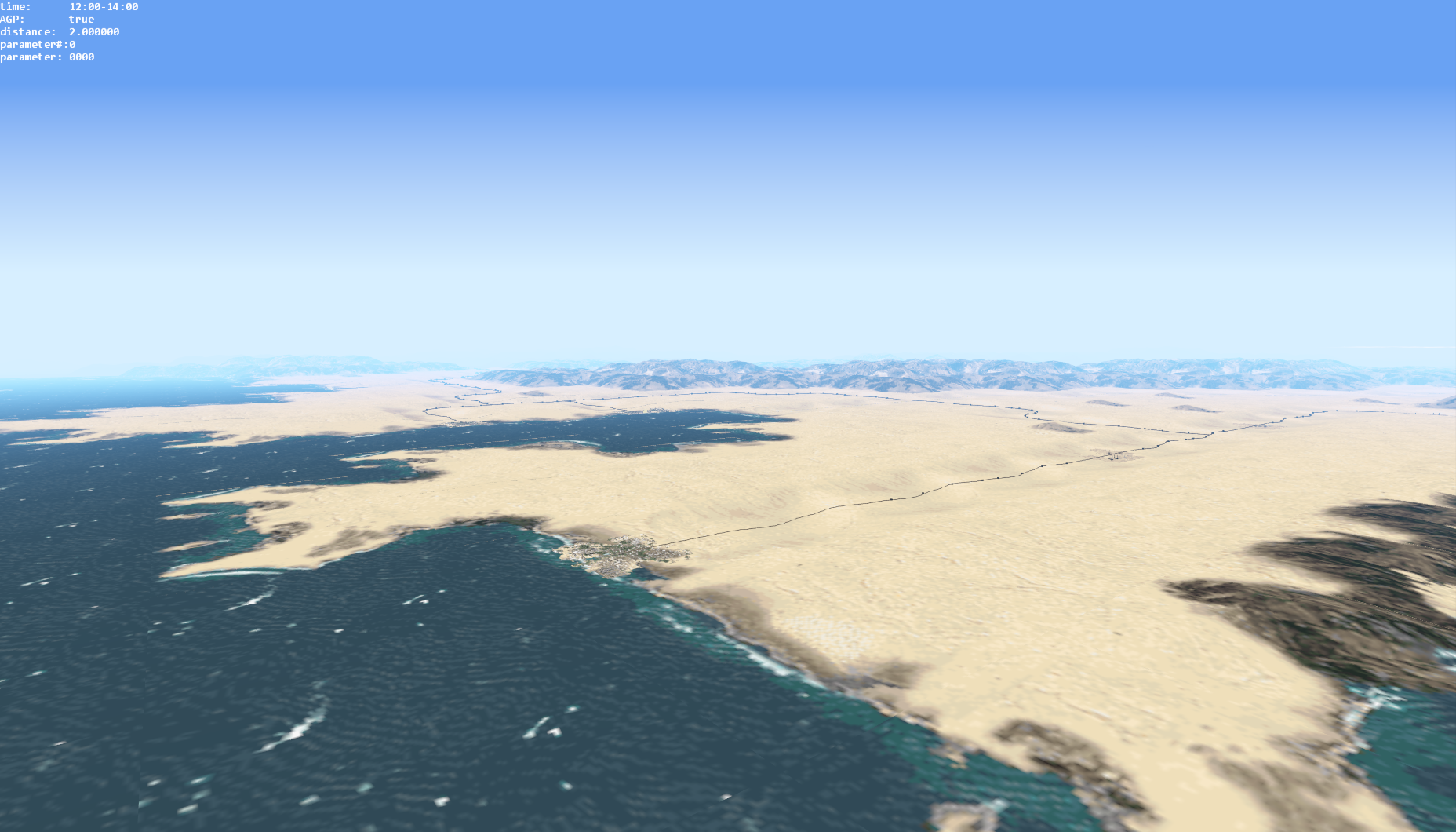
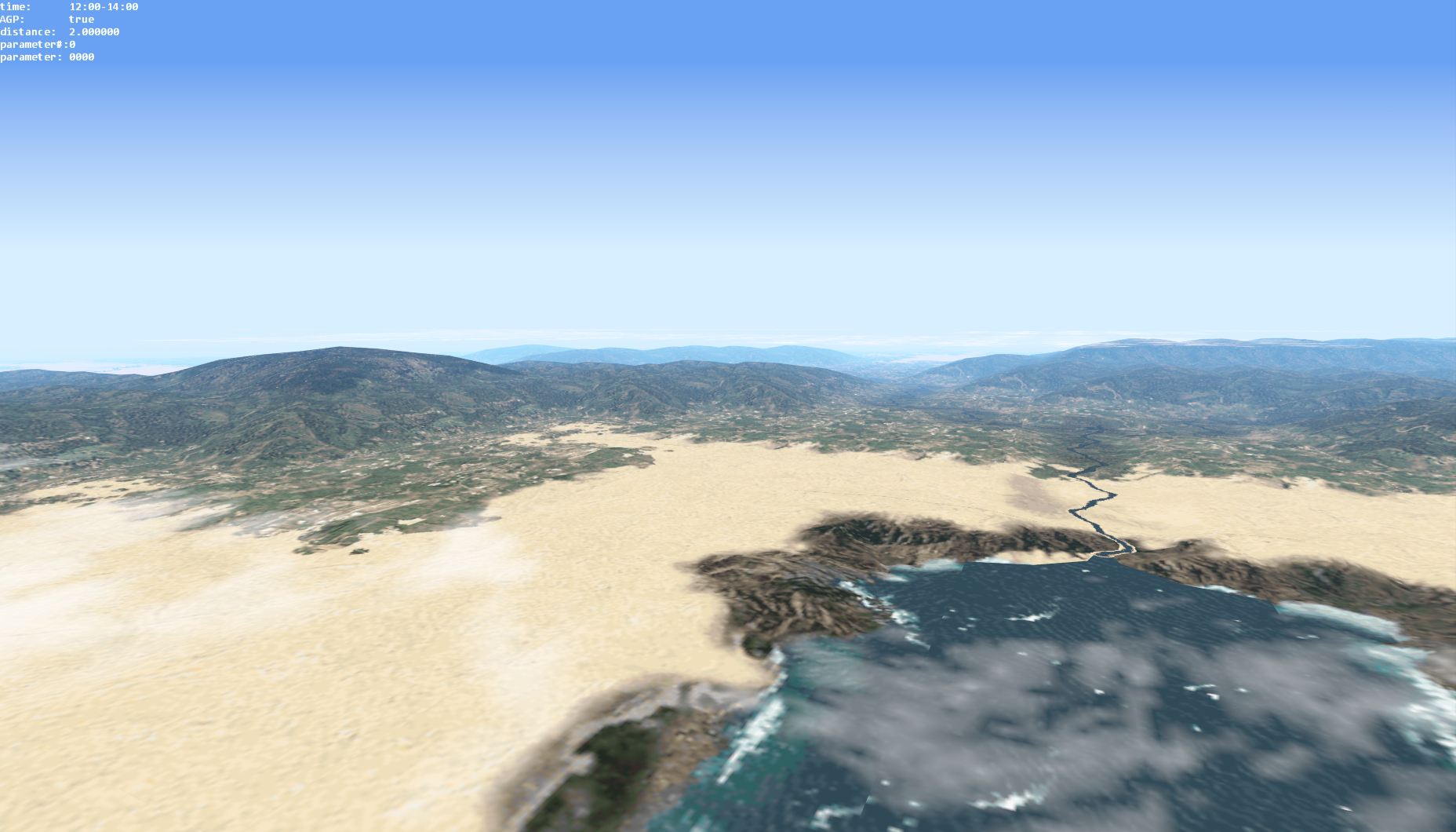
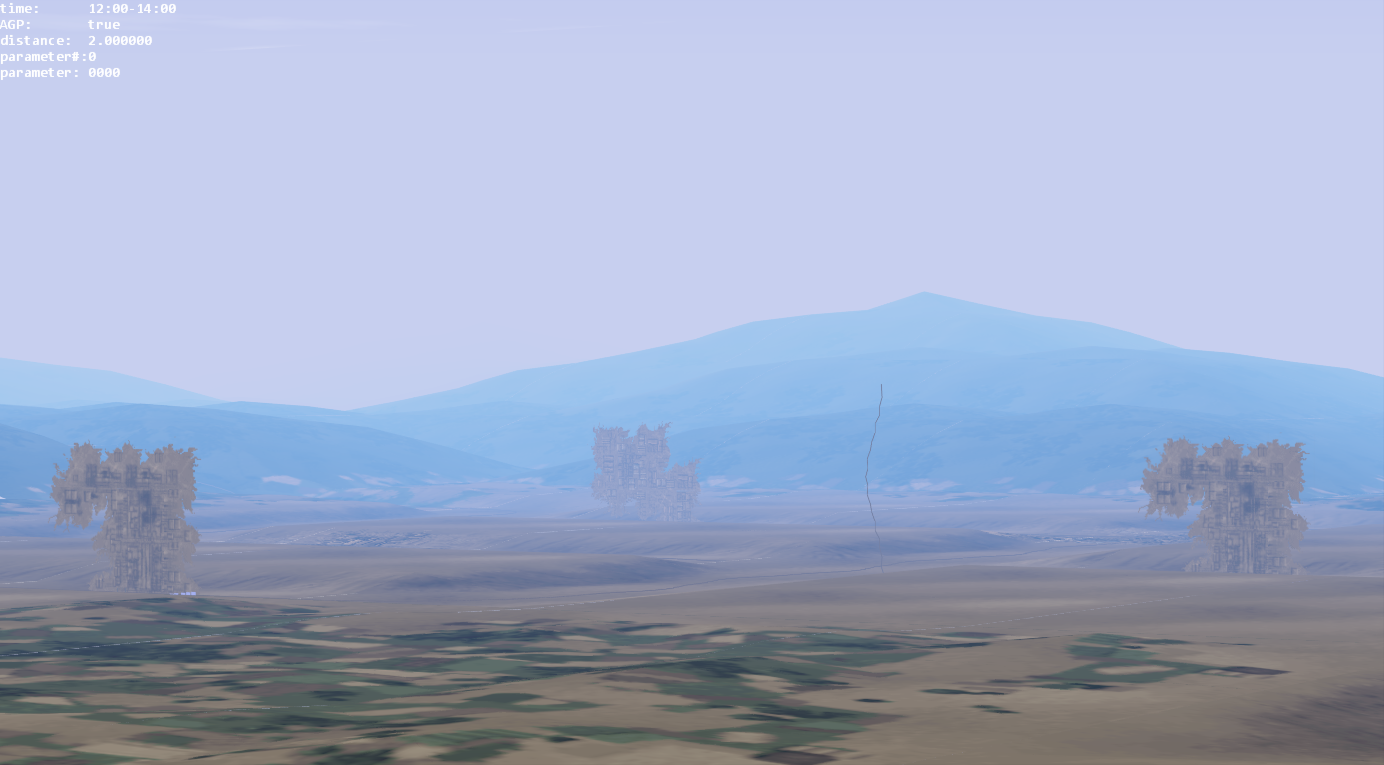
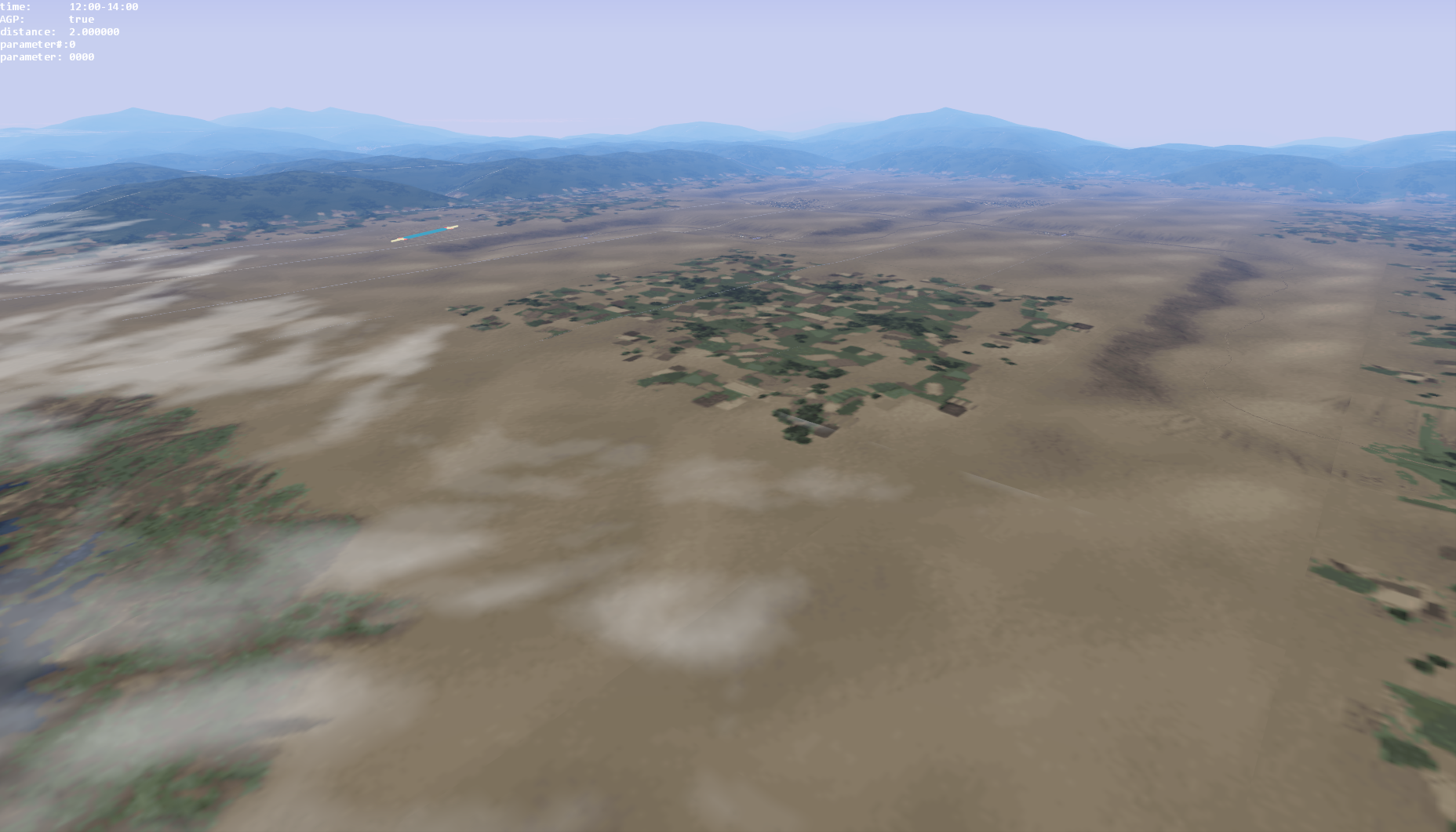
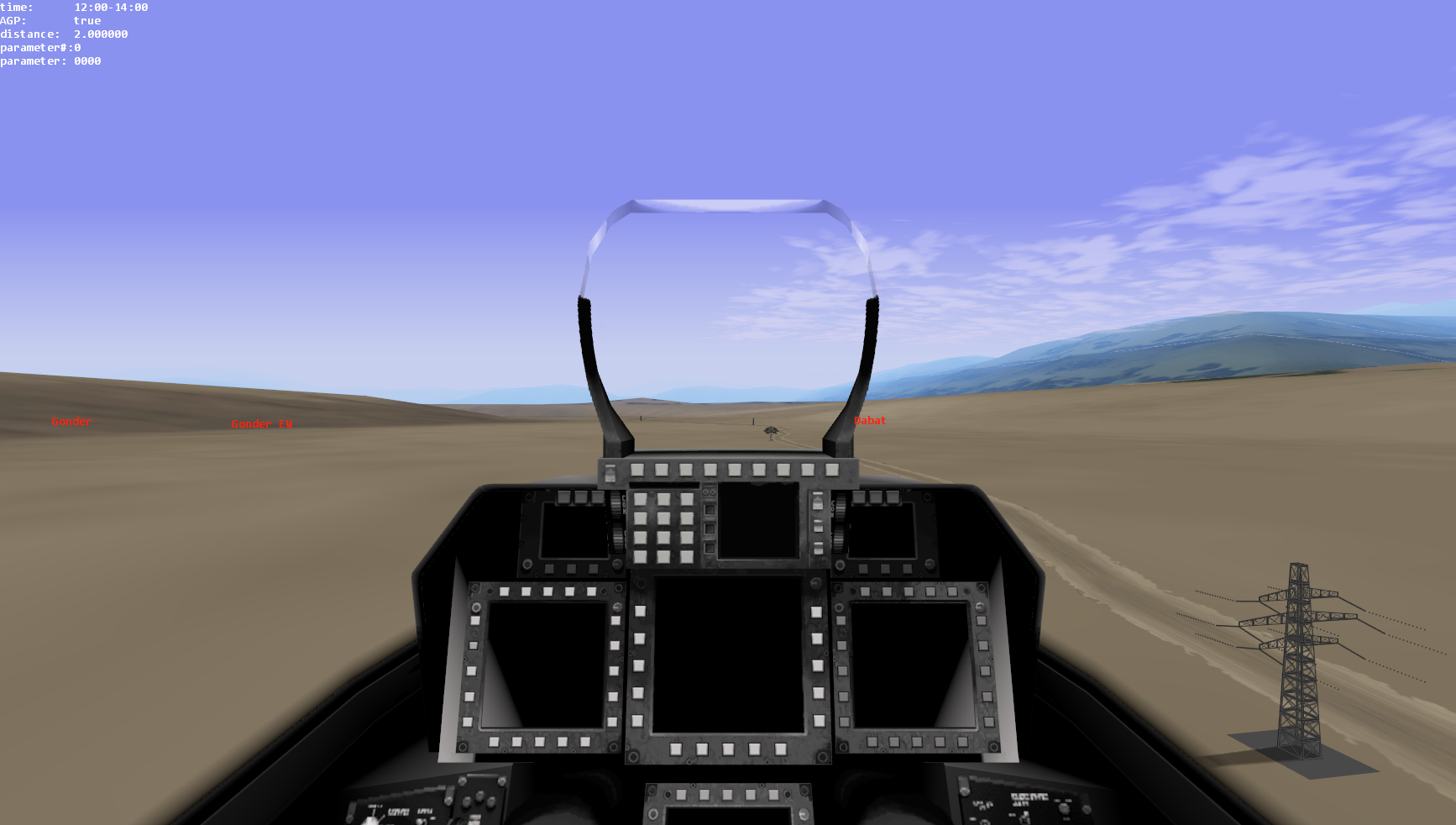
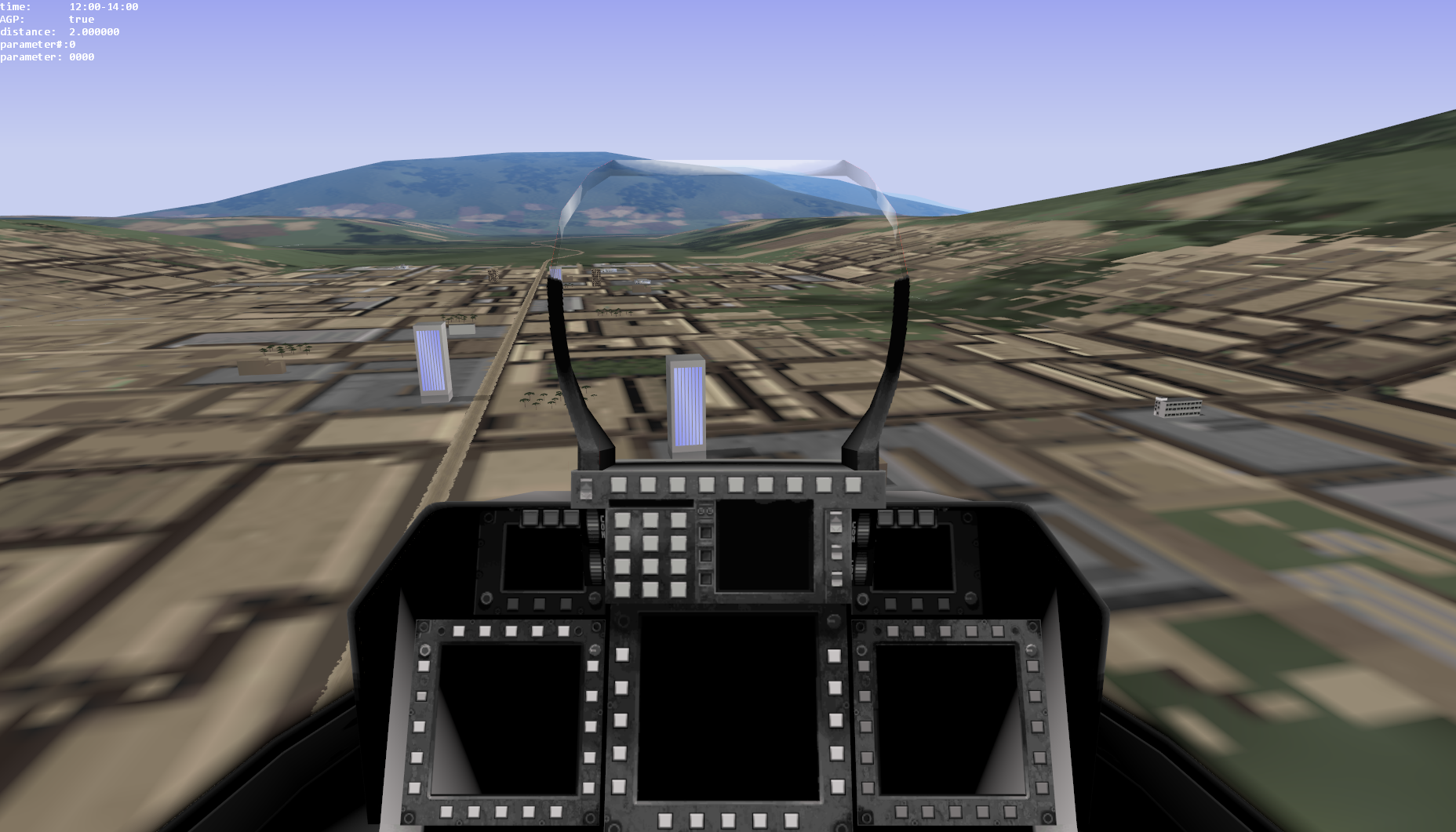
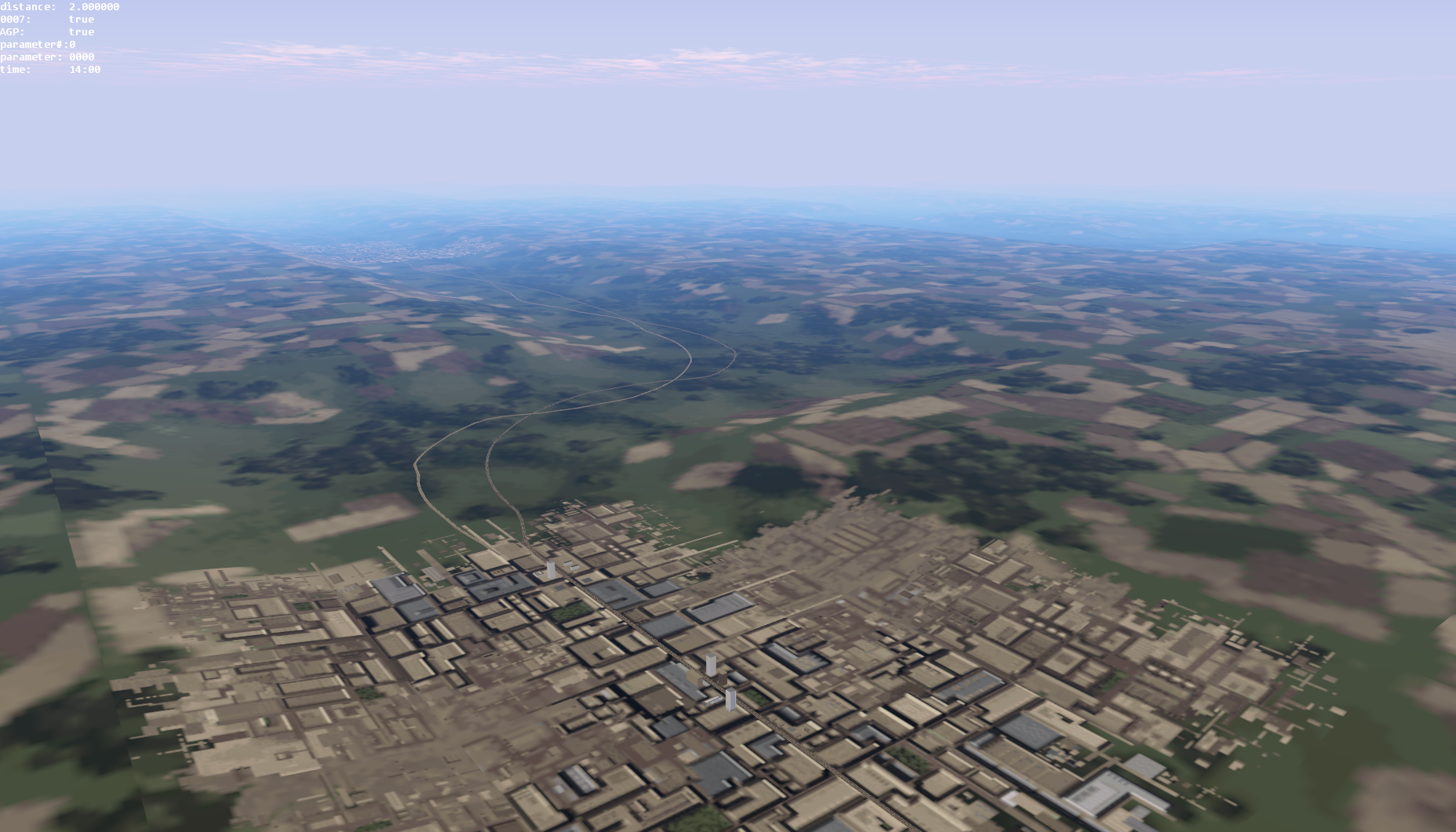
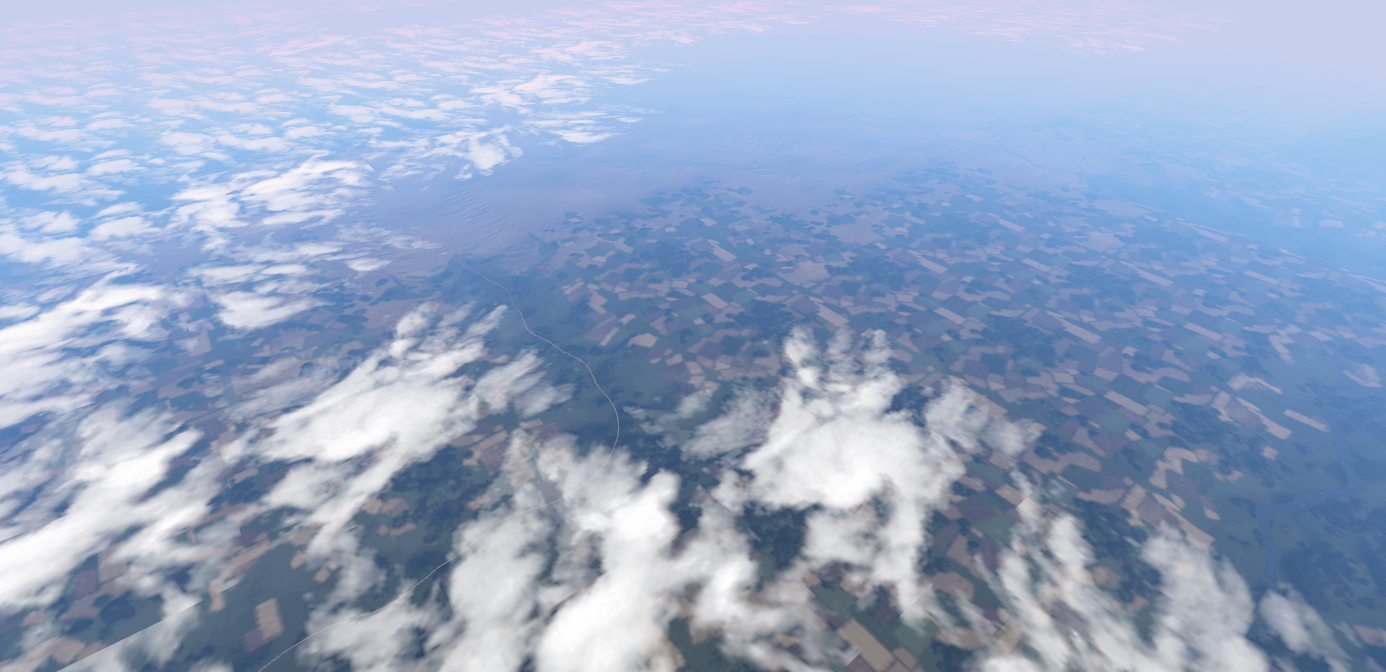
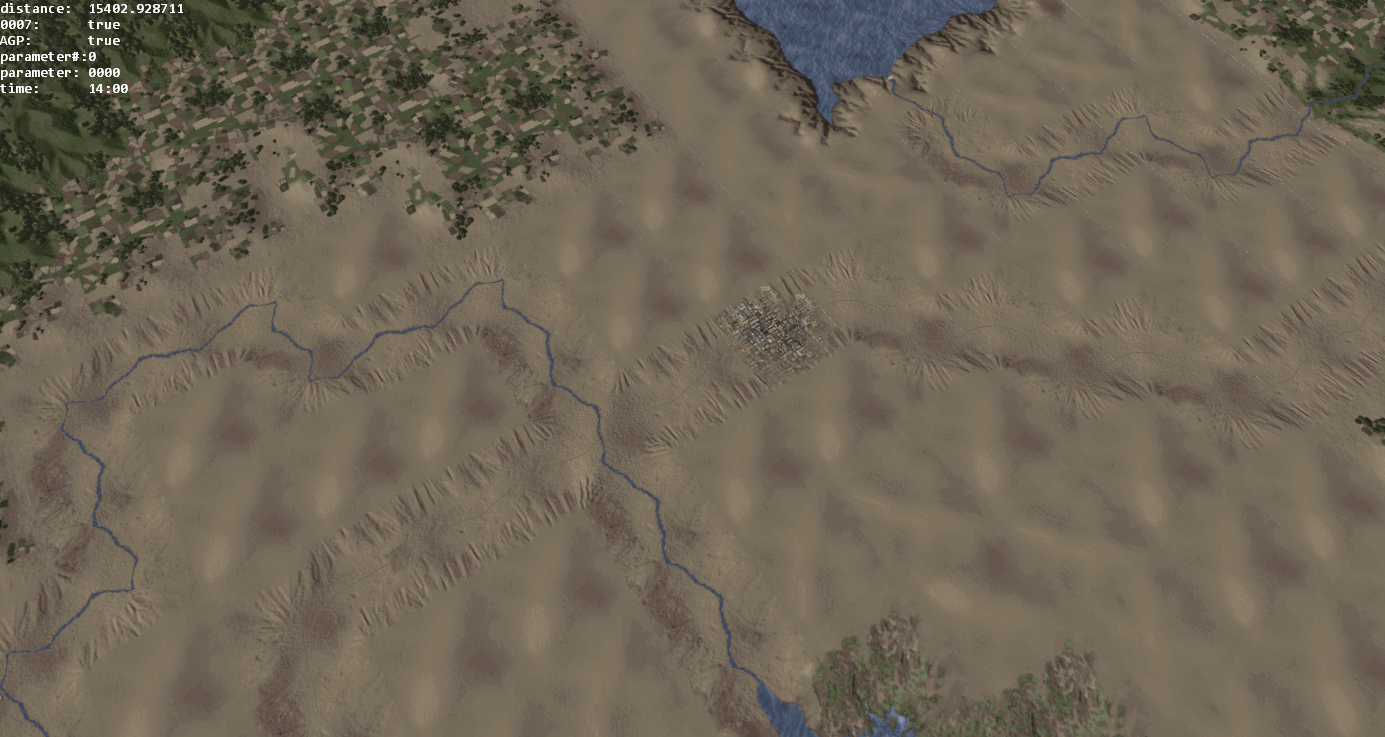
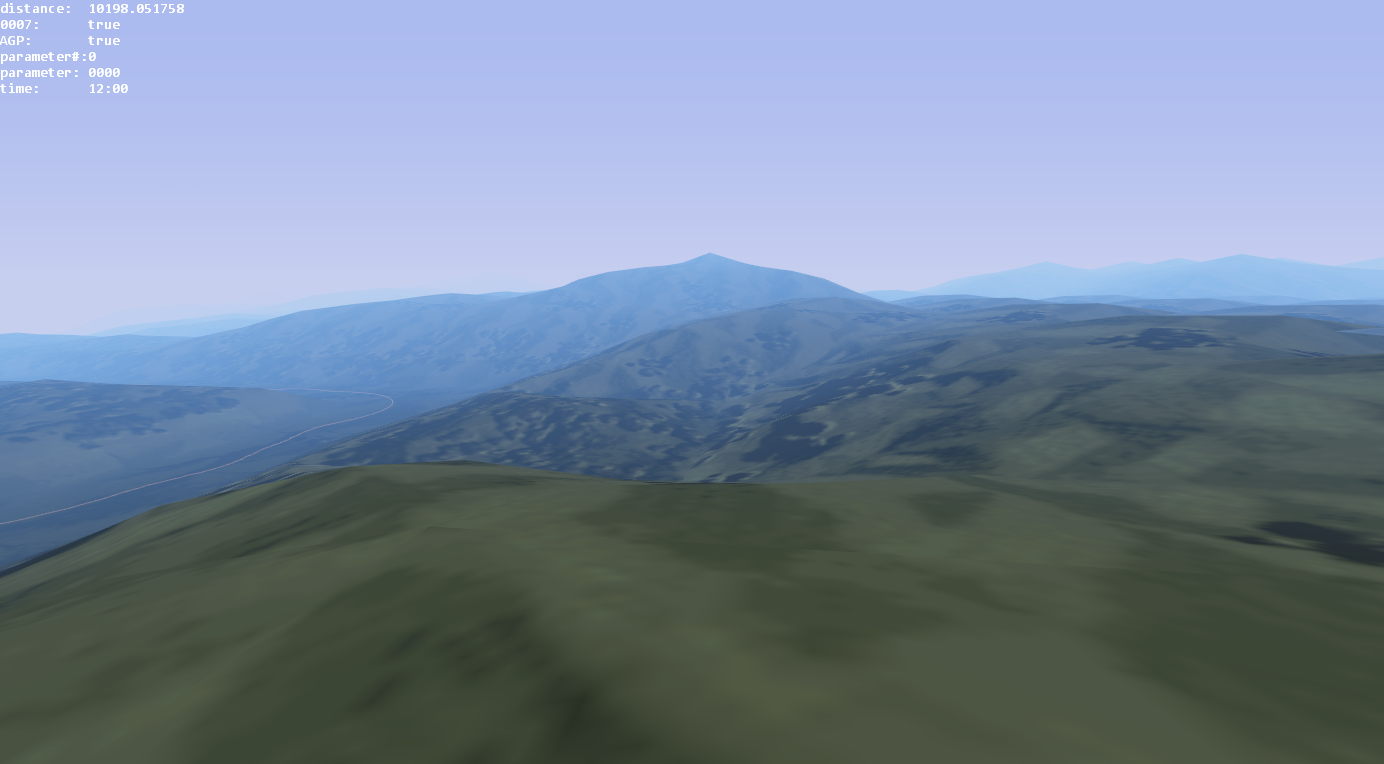
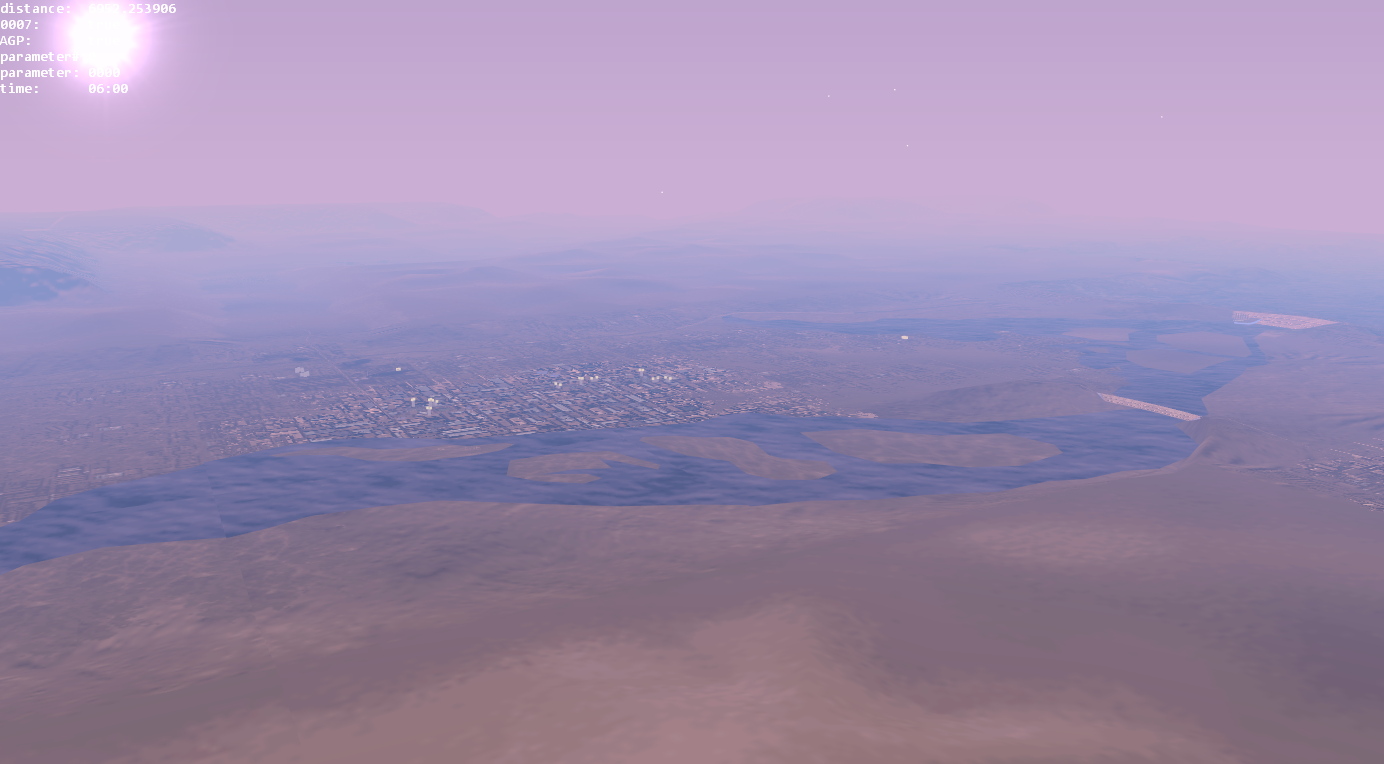
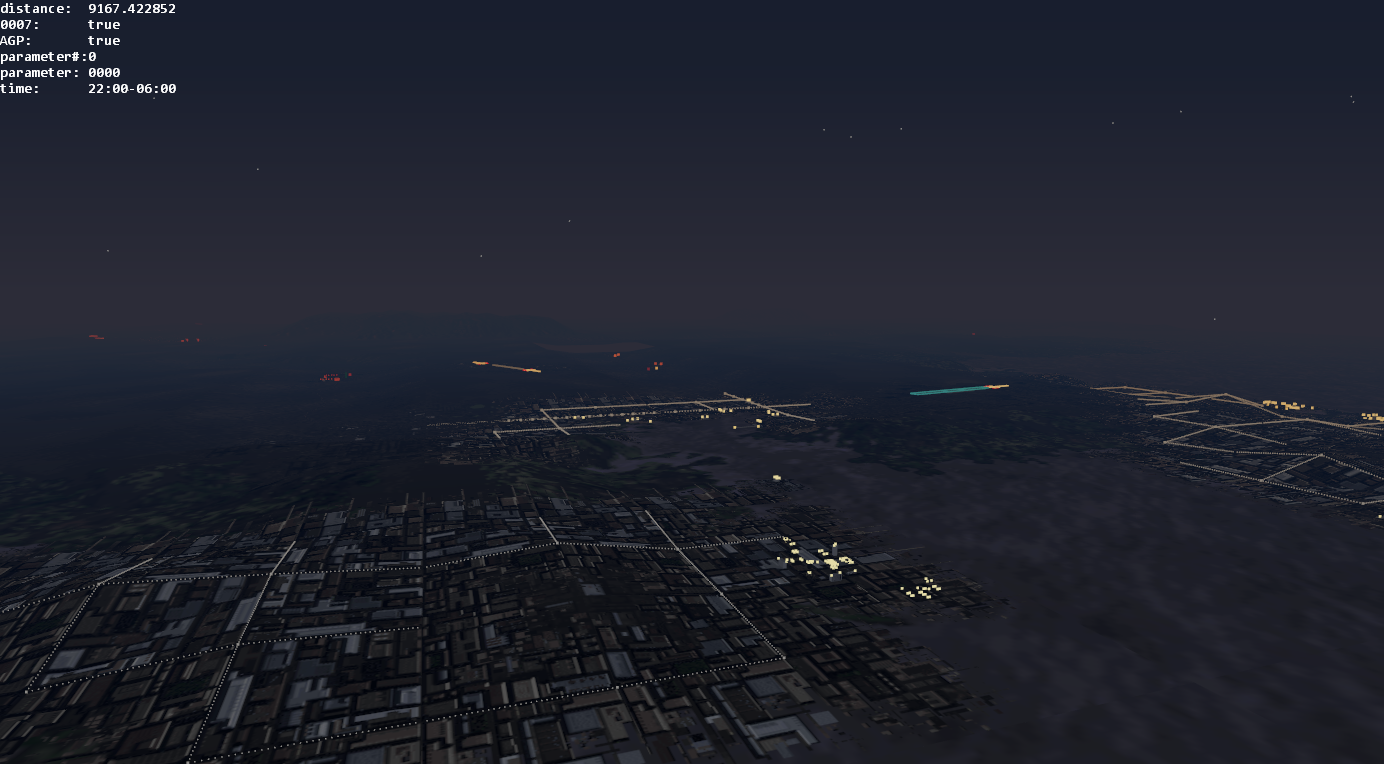
Graphics is built natively on Direct3D 9 and features a vastly improved experience over the original games.
- increased range of sight
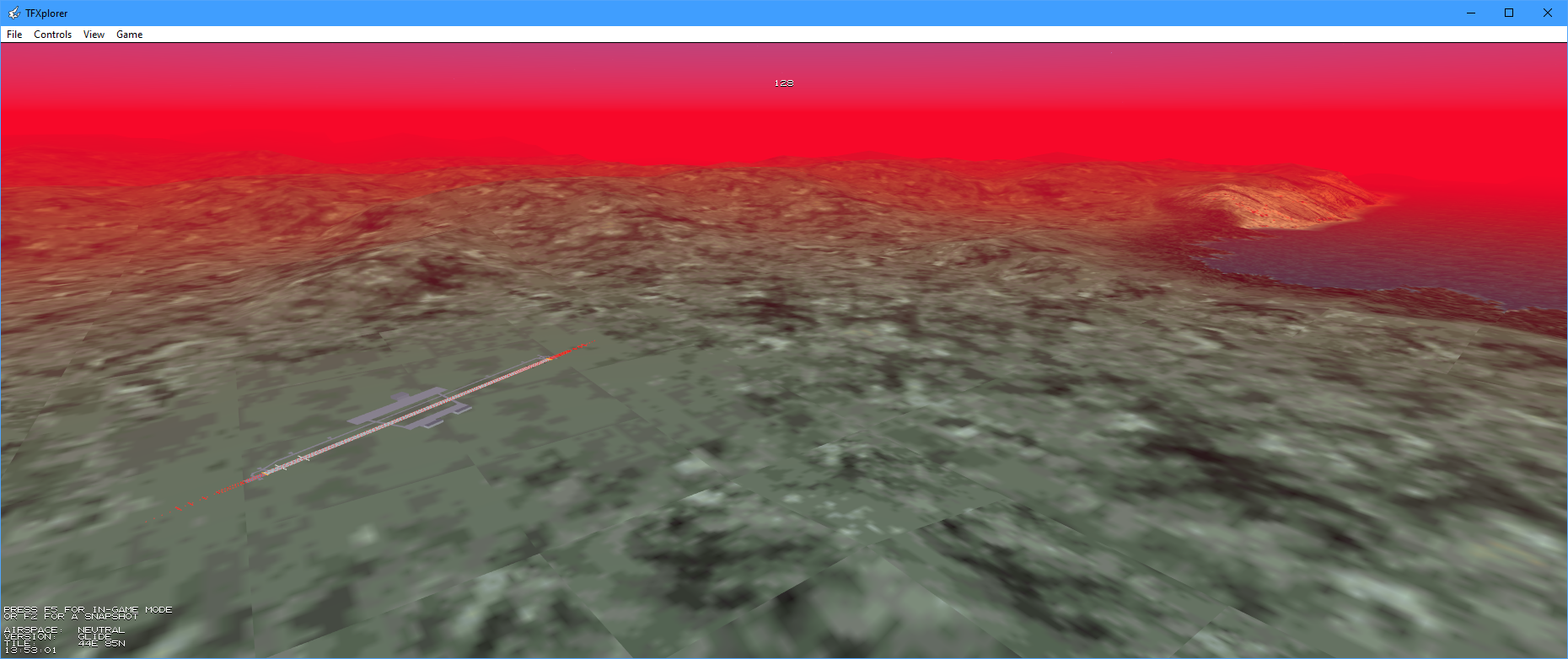
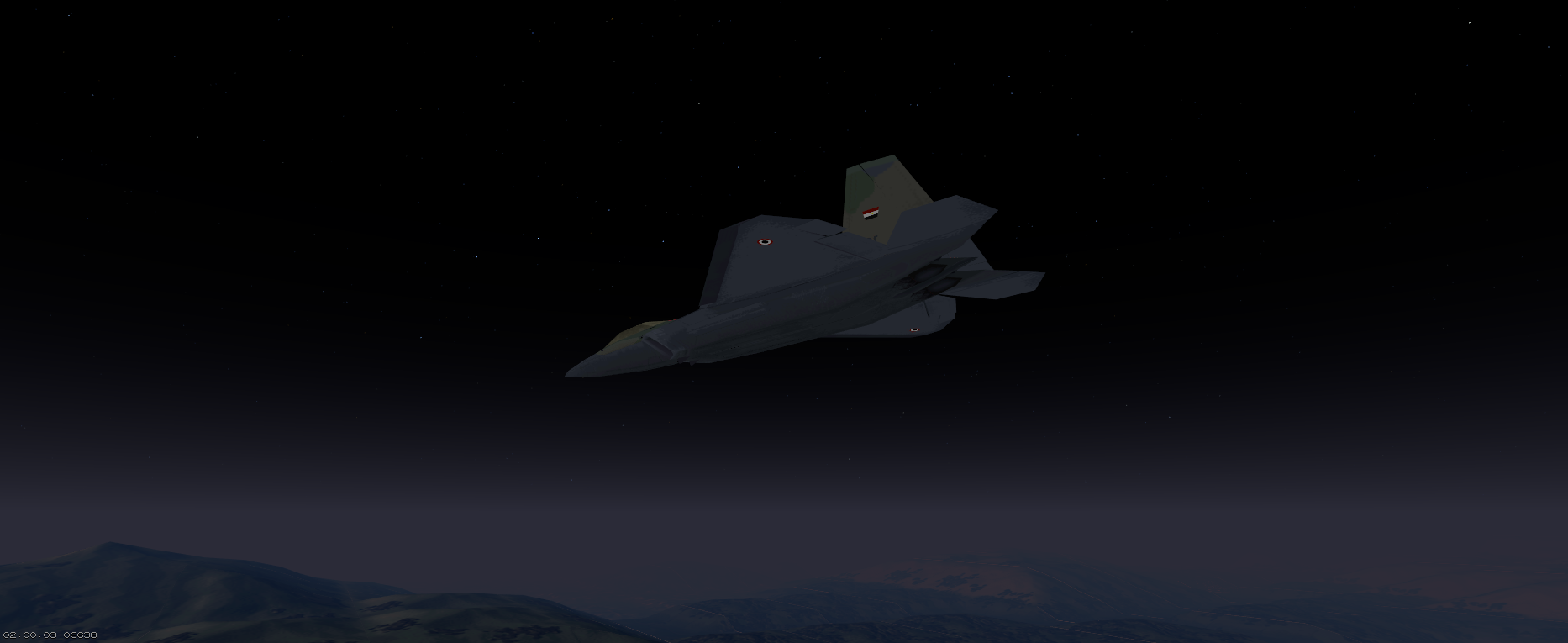
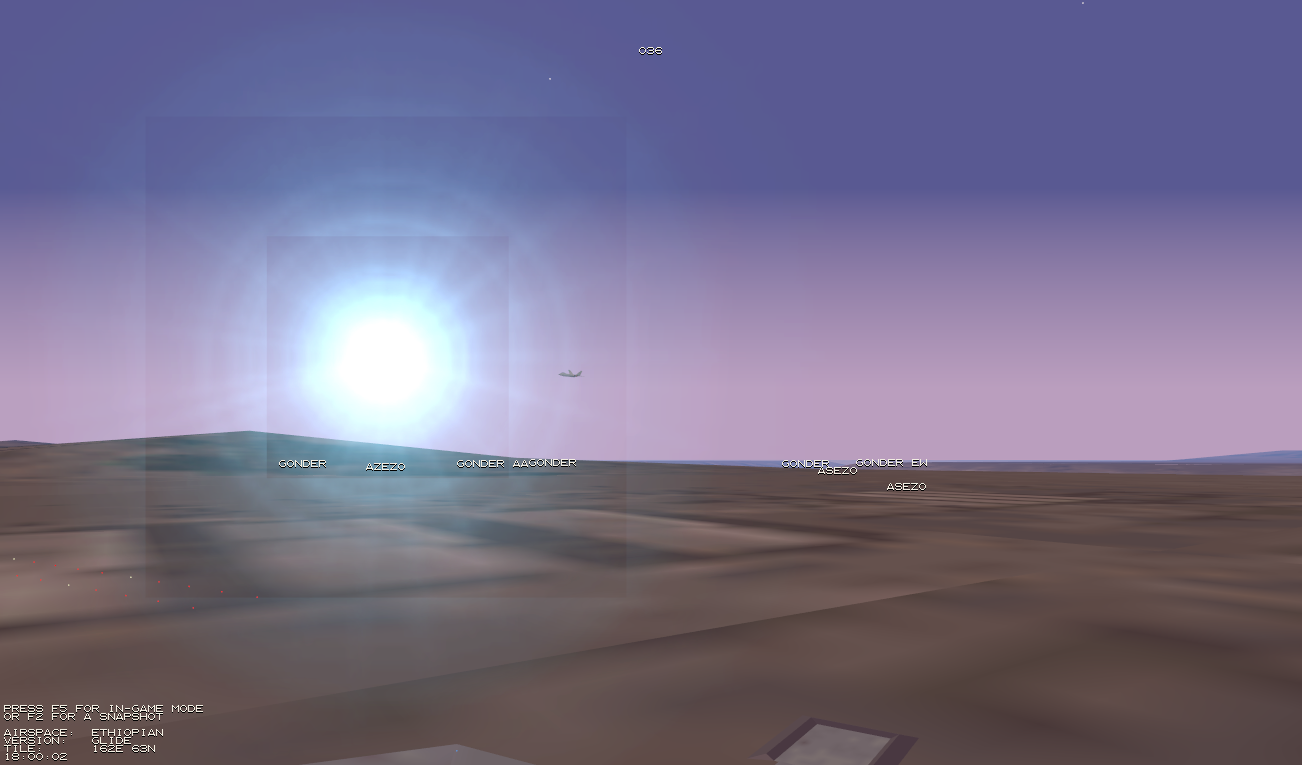
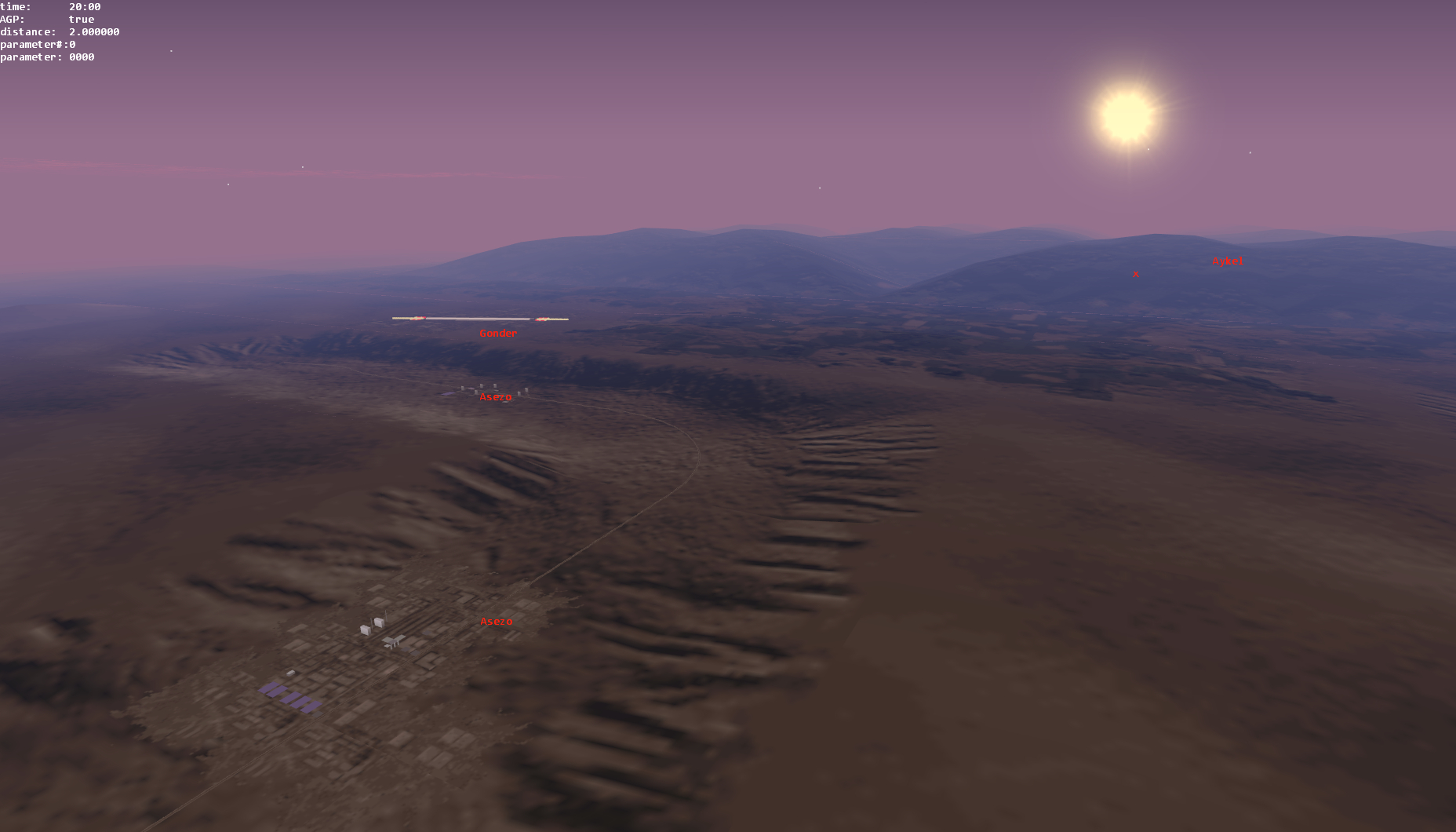
- simulation of atmospheric scattering
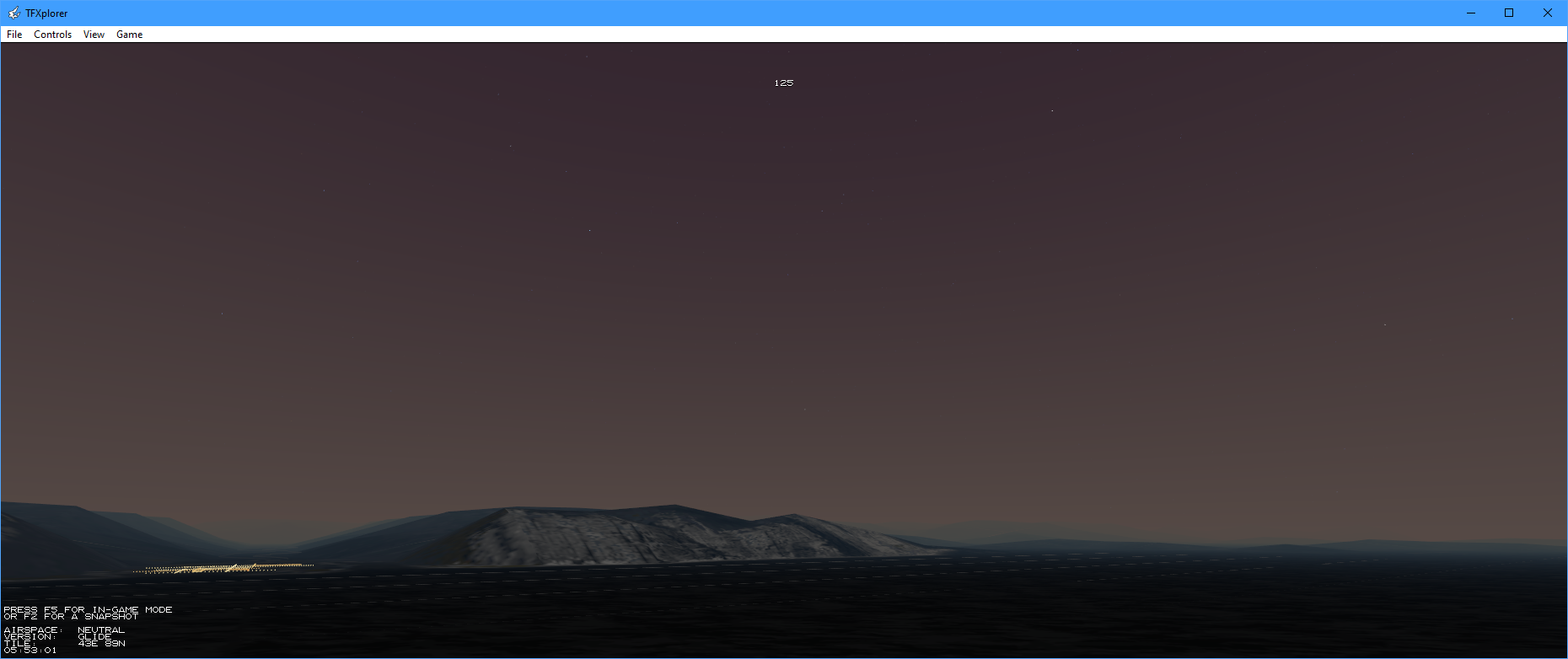
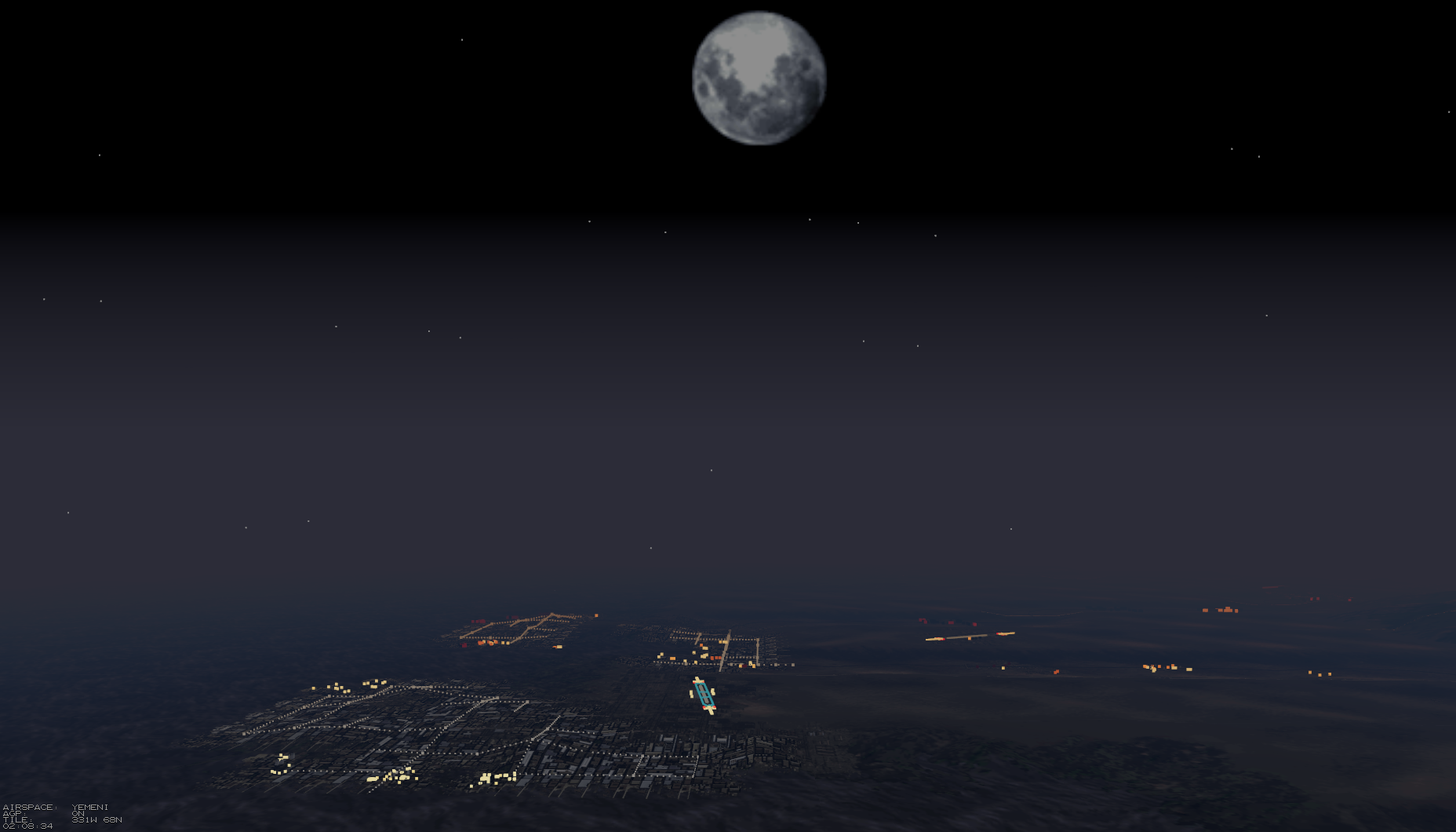
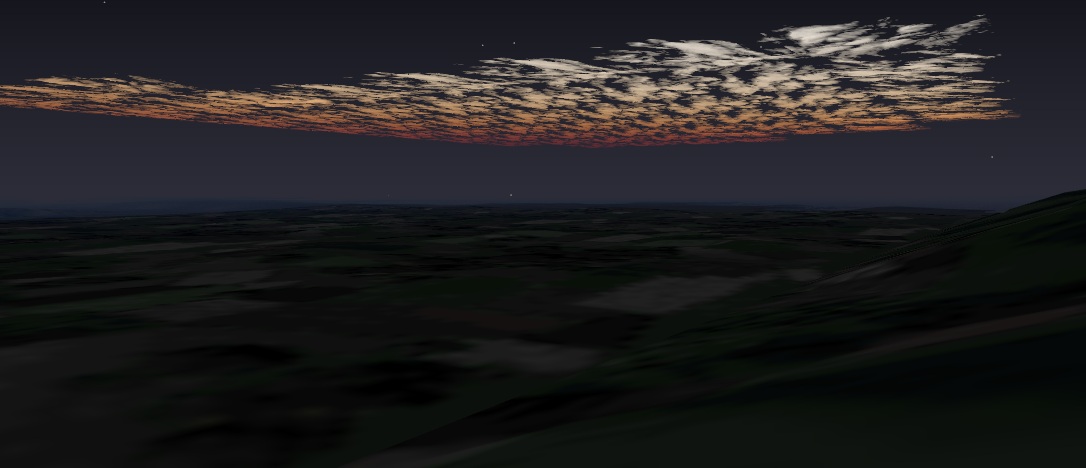
- added new sky with realistic stars
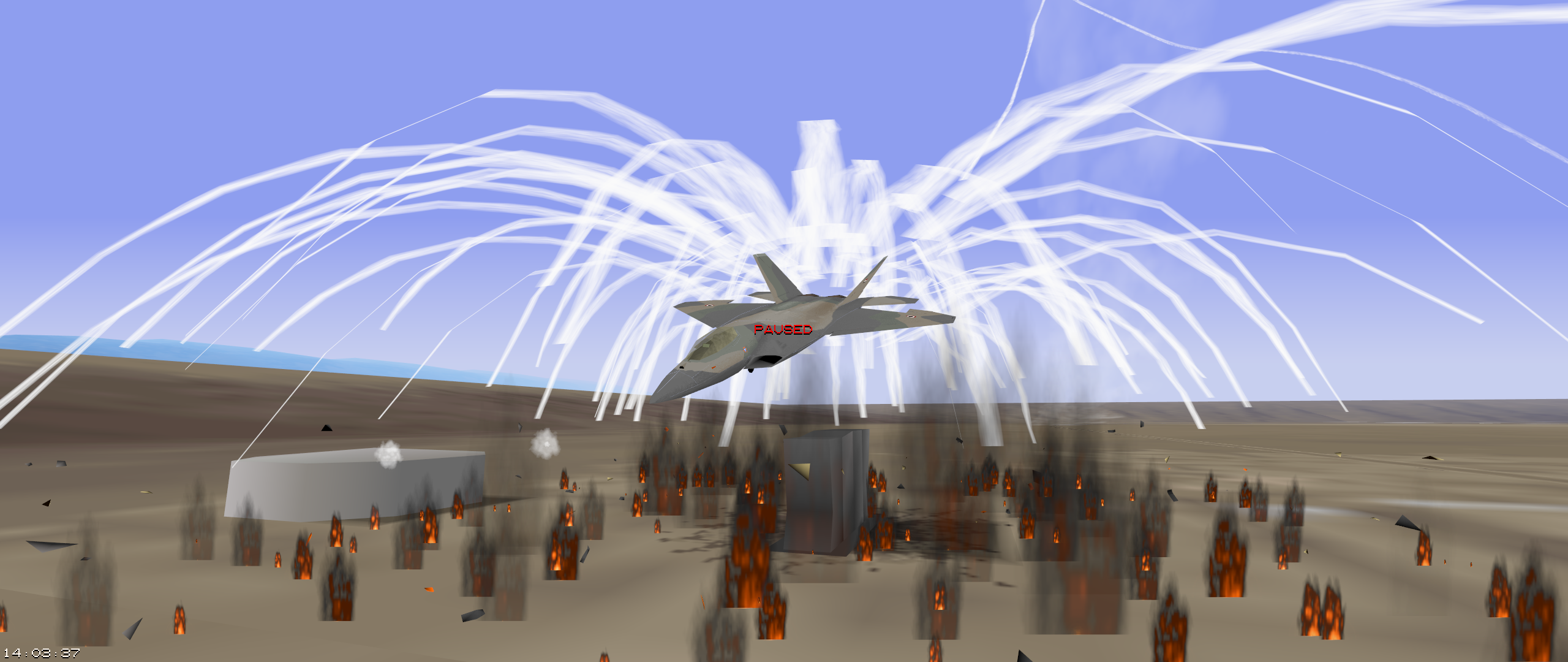
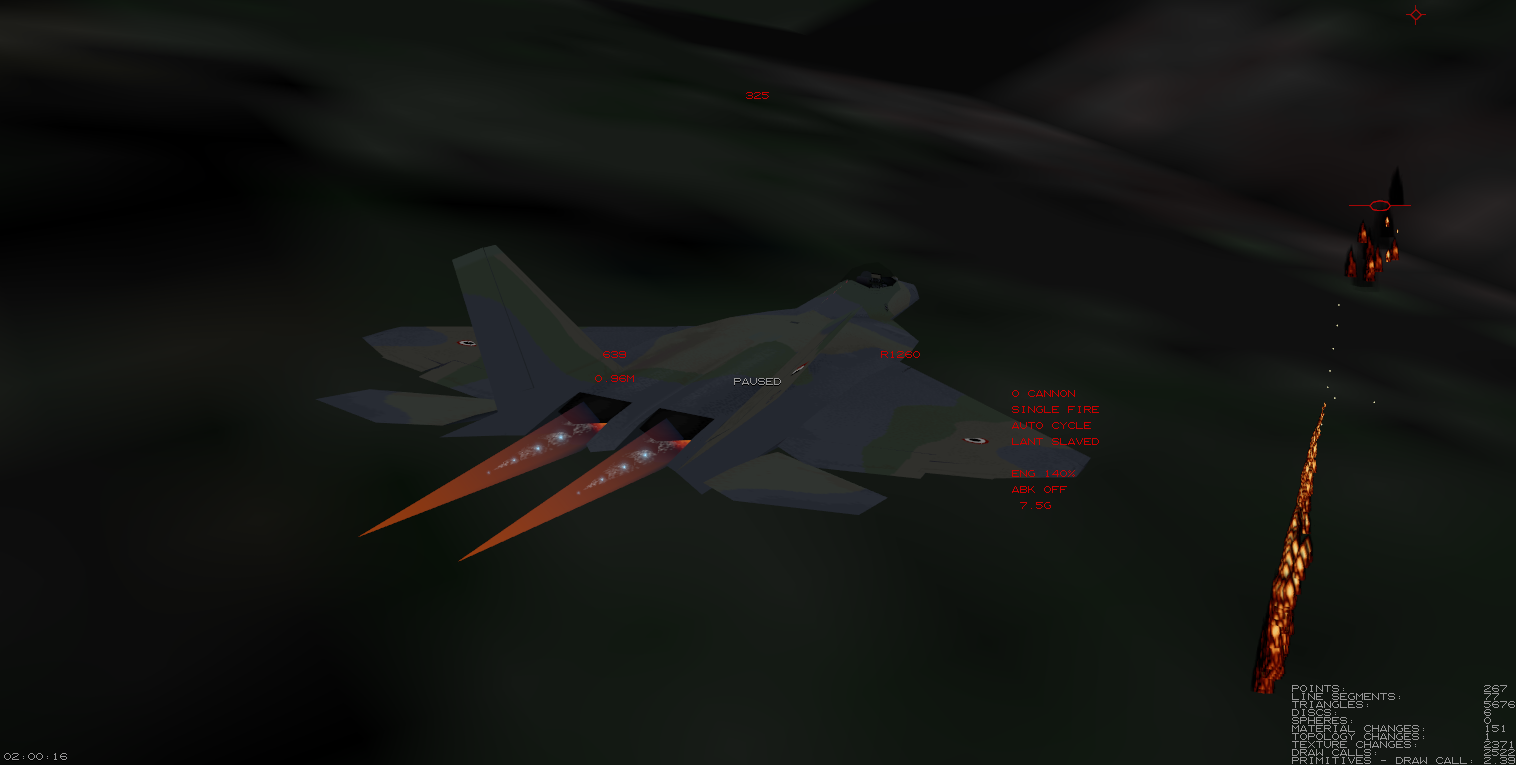
- improved afterburner looks
The simulation can be run either in full-screen or in windowed mode.
| Alt + ⏎ | toggle full-screen/windowed mode |
EF2000 compatibility
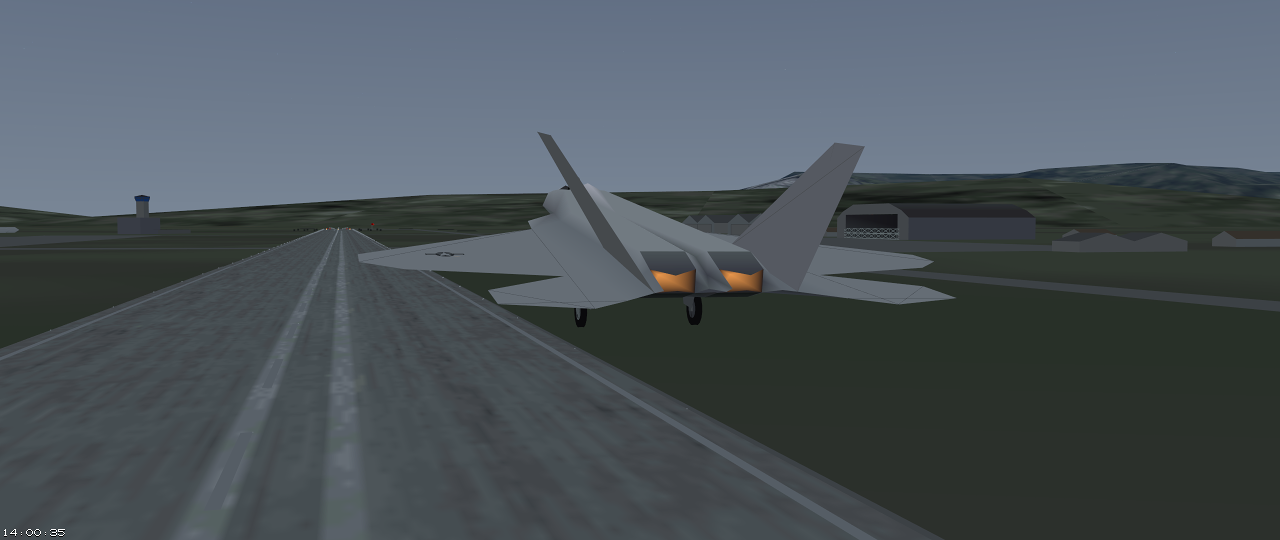
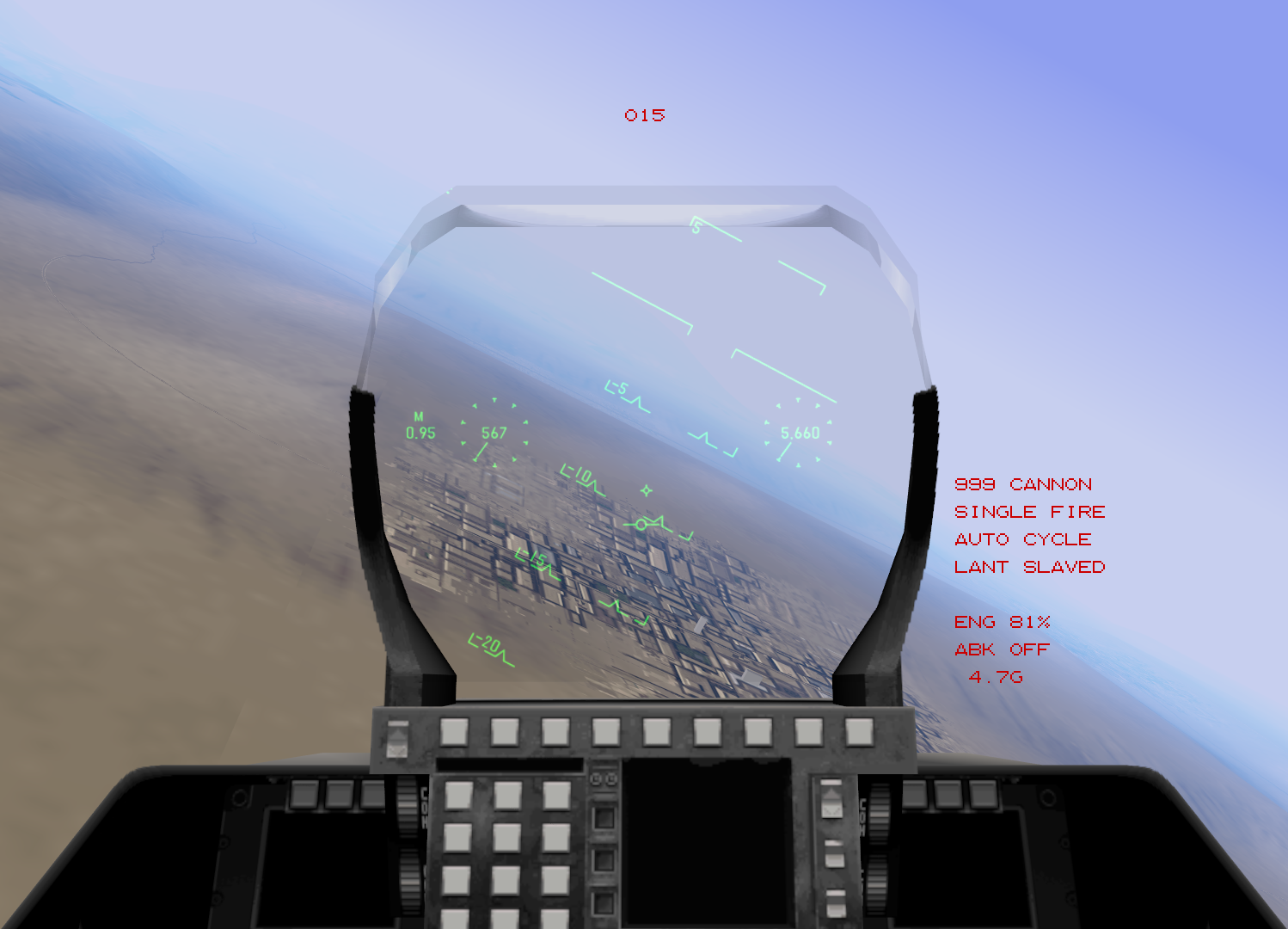
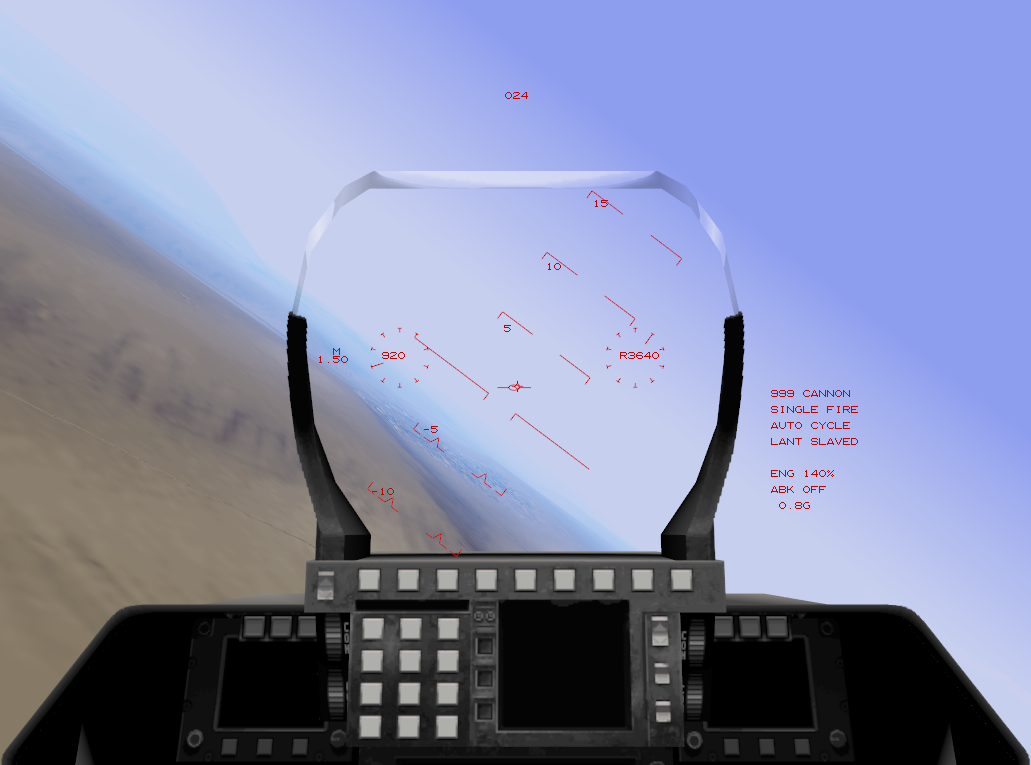
All TAW gameplay features are also available in EF2000 mode, just with EF2000’s graphics.
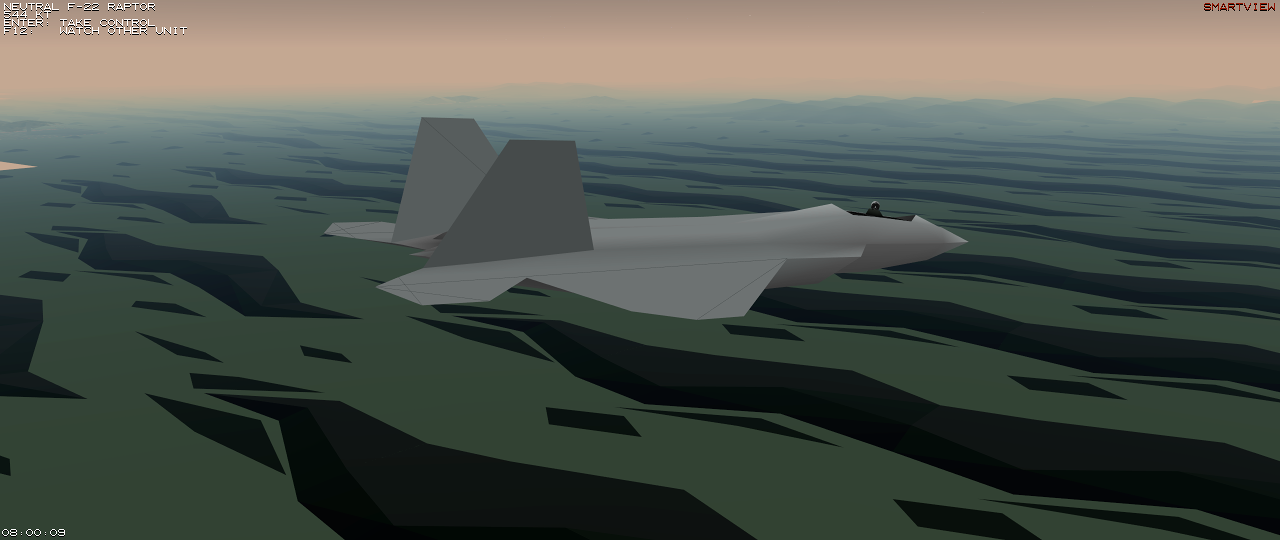
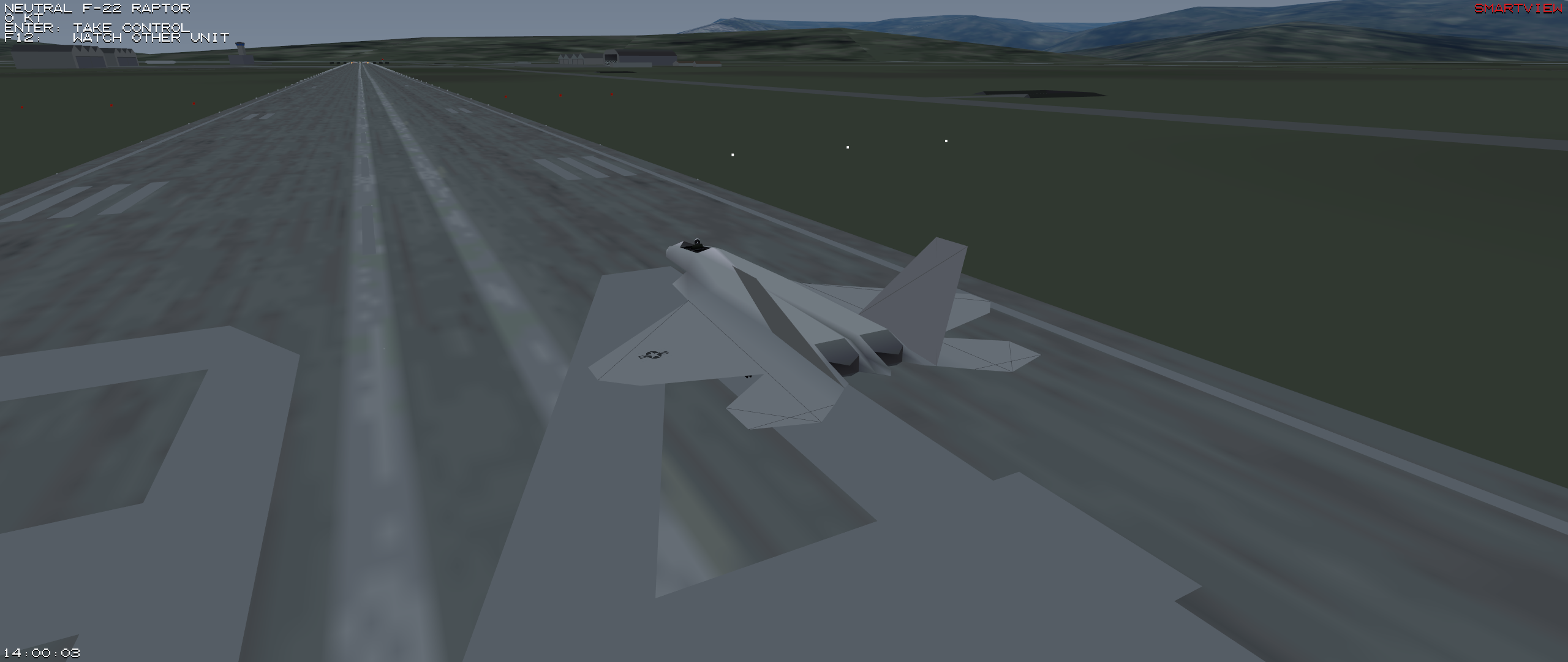
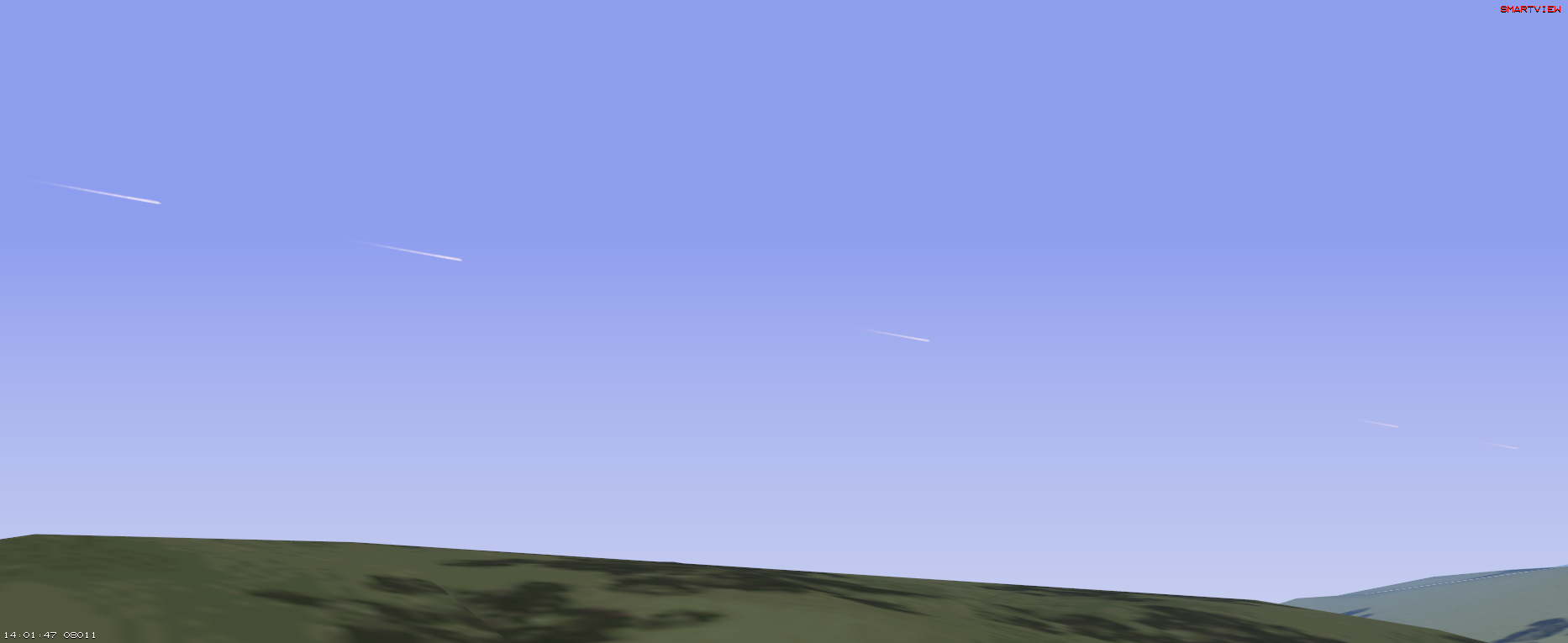
SmartView
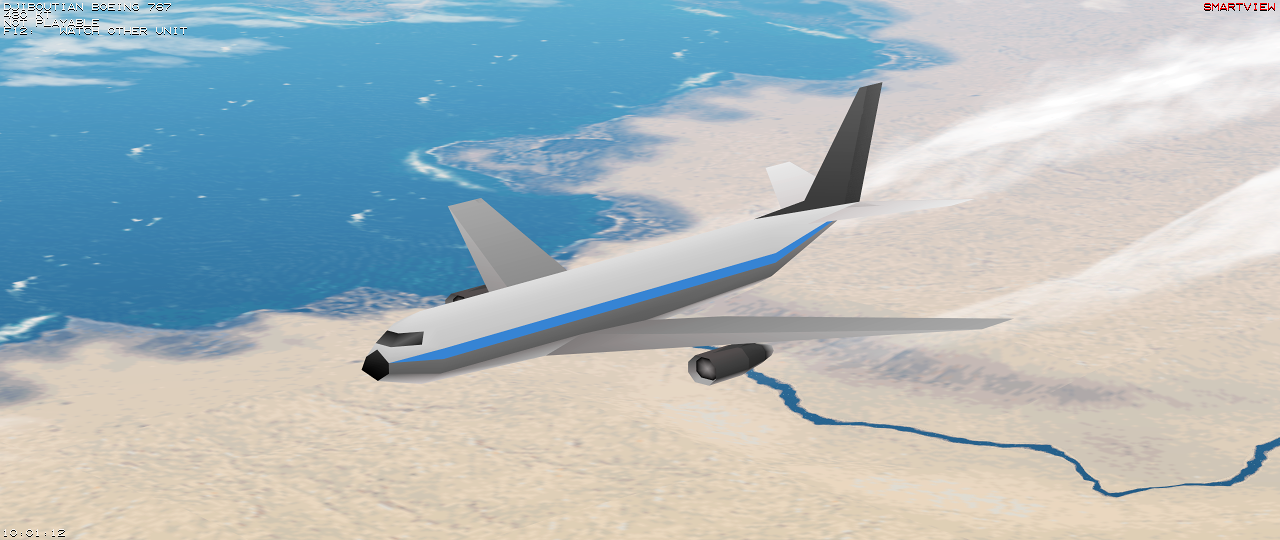
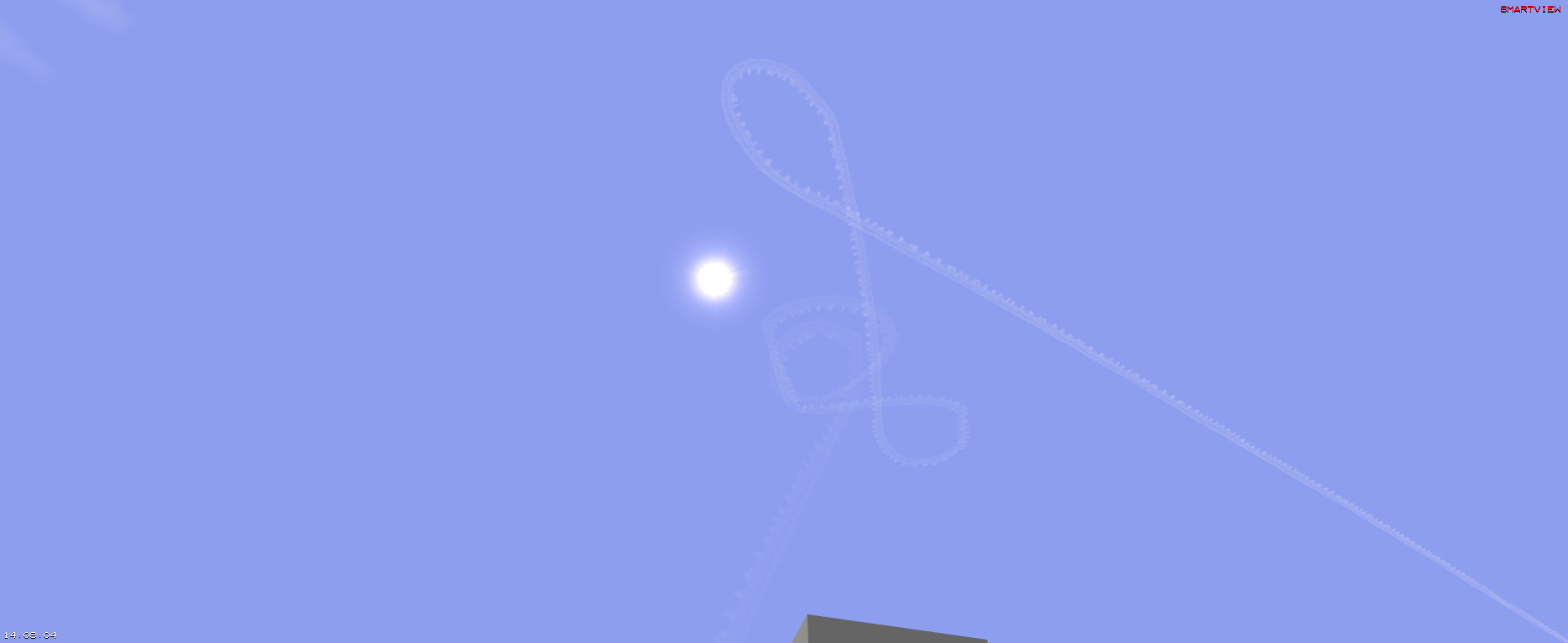
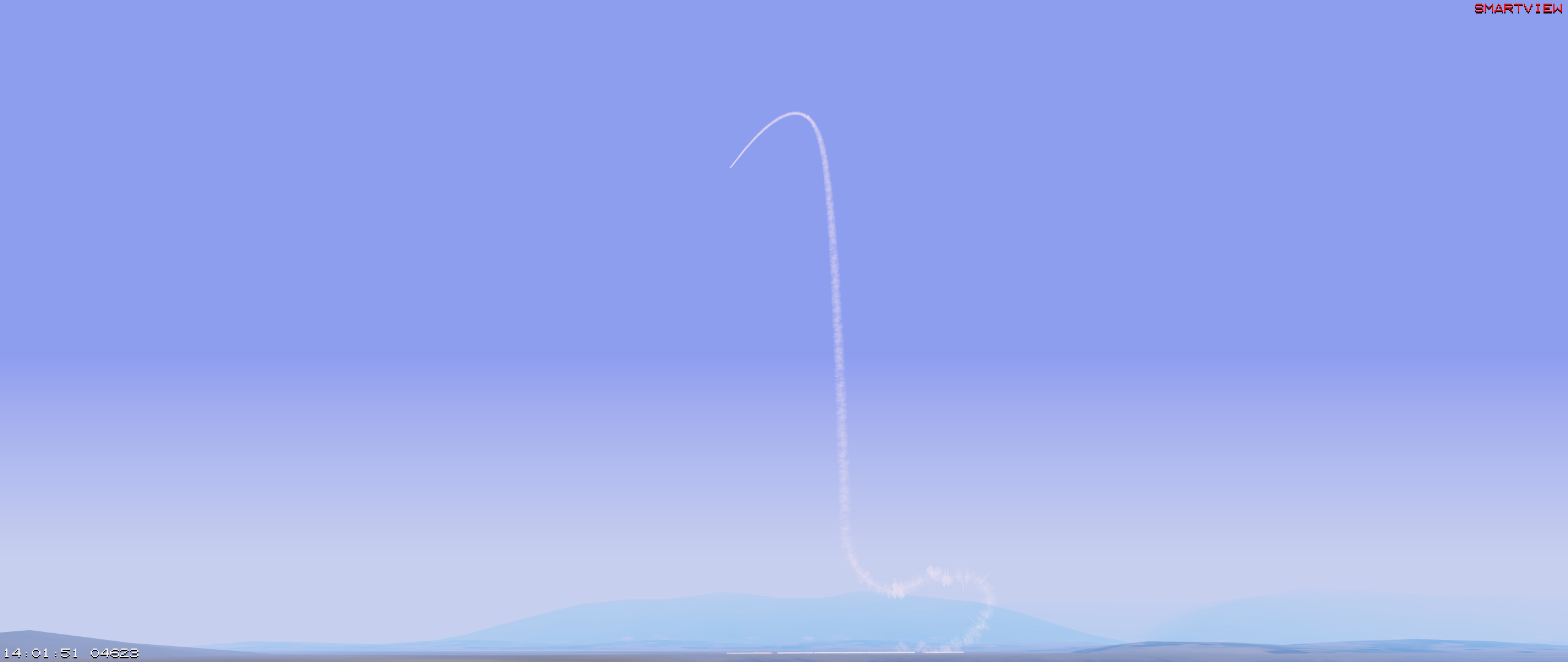
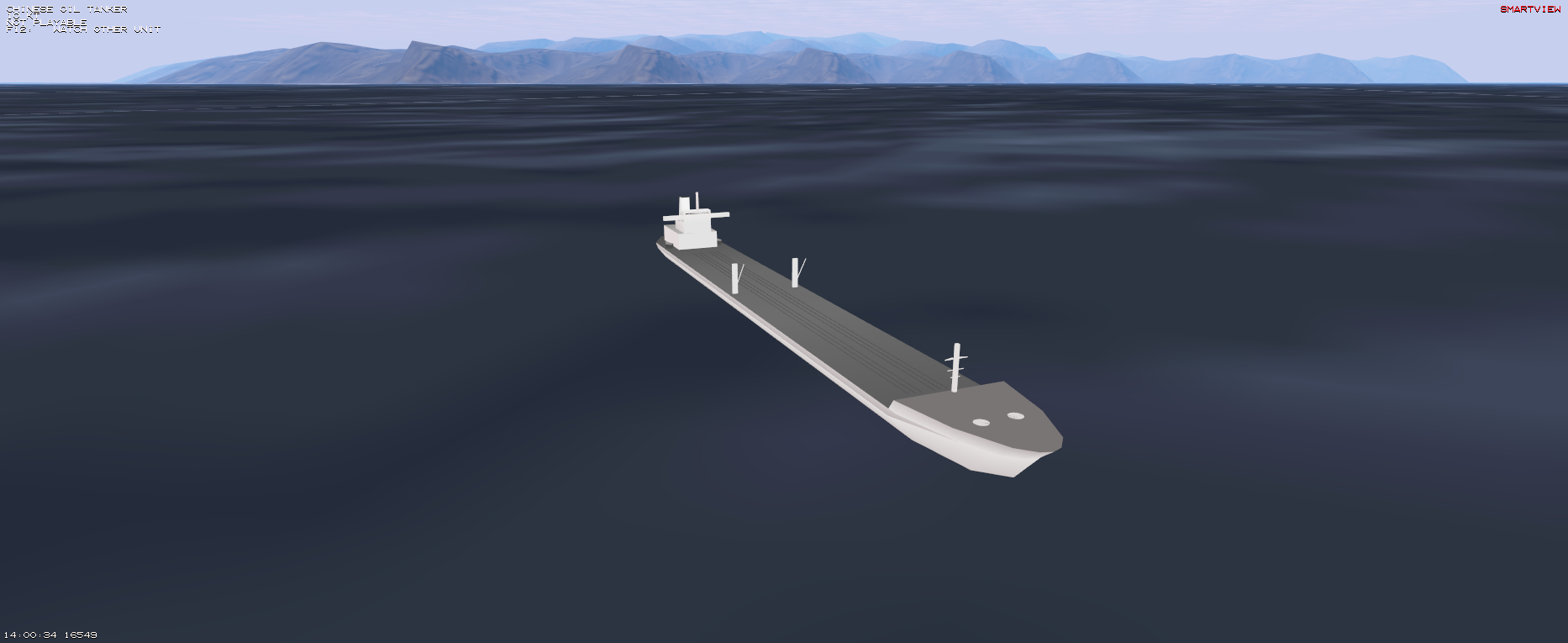
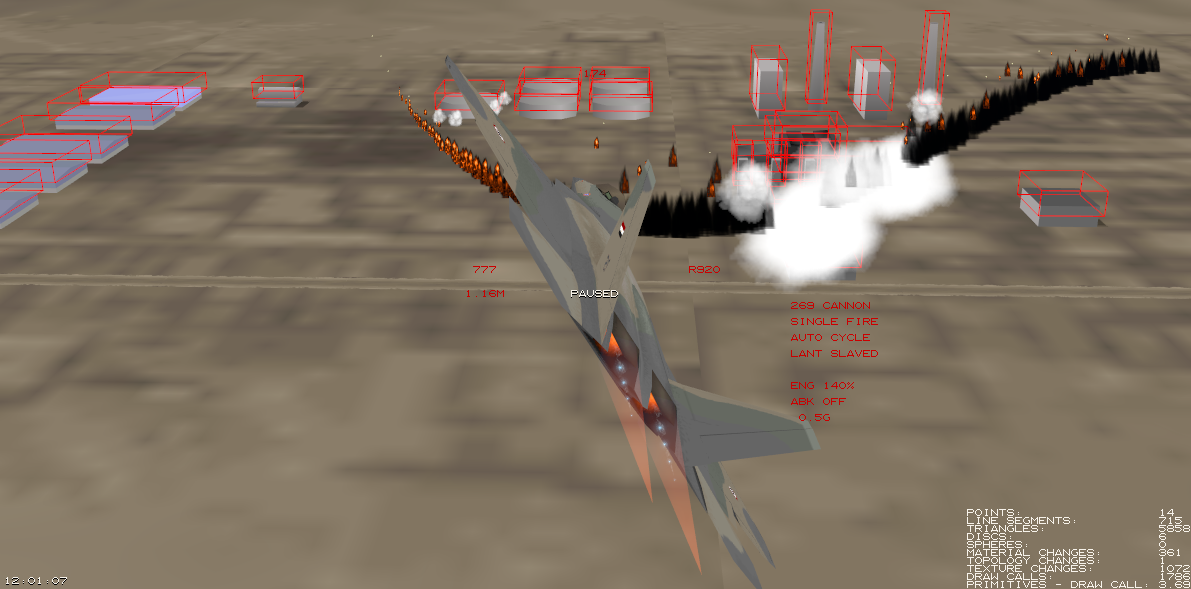
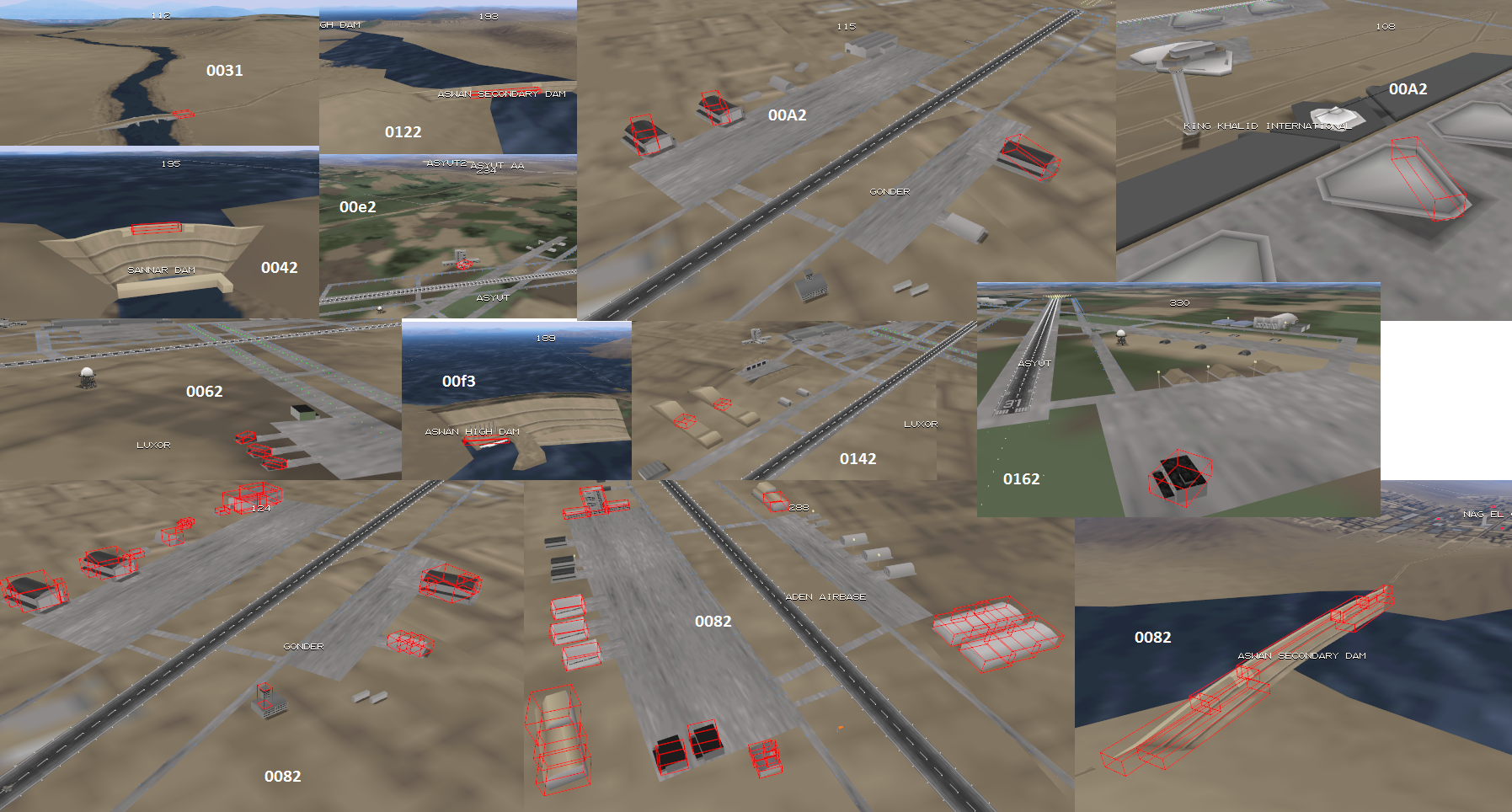
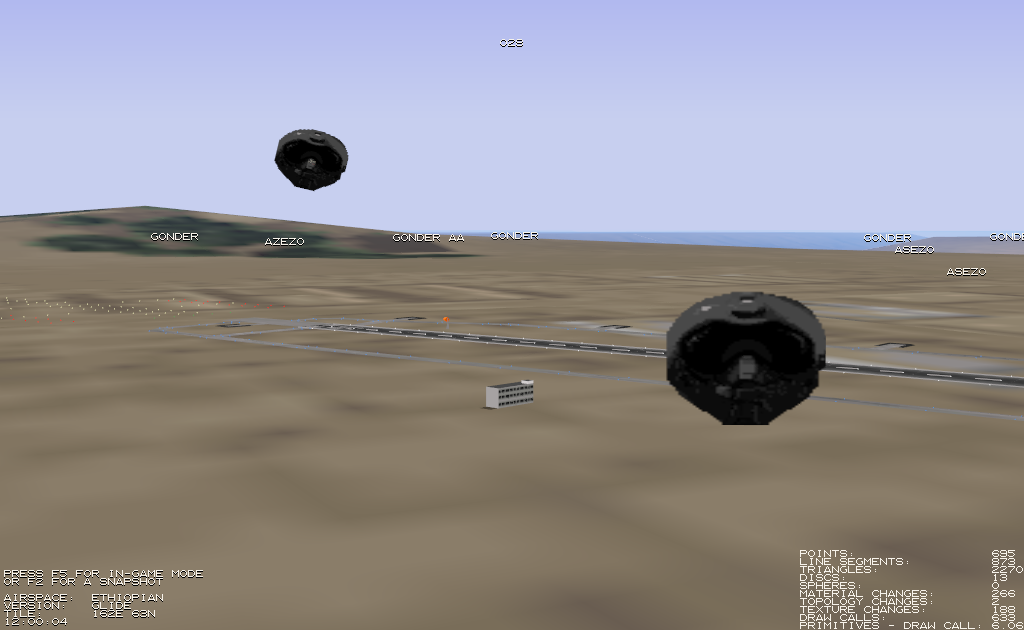
Enable SmartView via F12. It allows to inspect every unit in the current level.
| F12 | switch to next unit |
| ⏎ (only if playable) | take control |
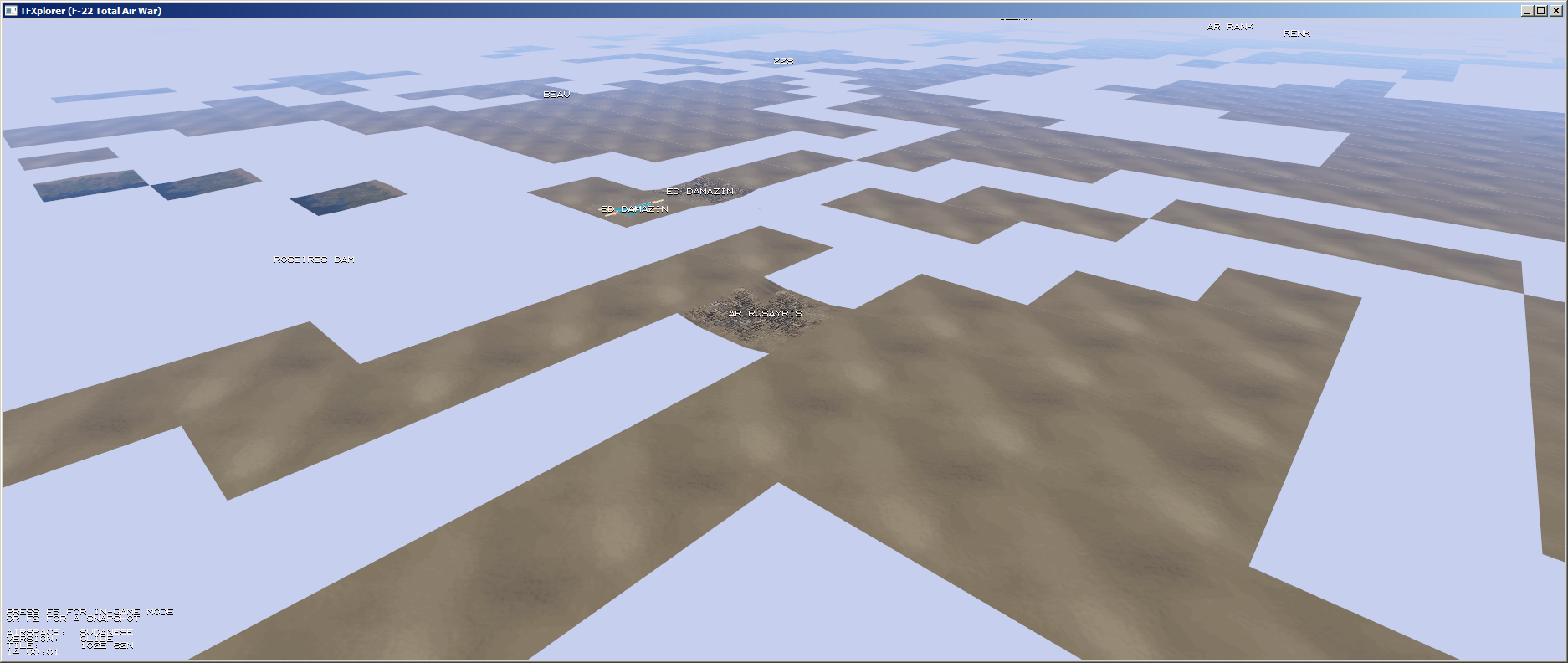
Explorer Mode
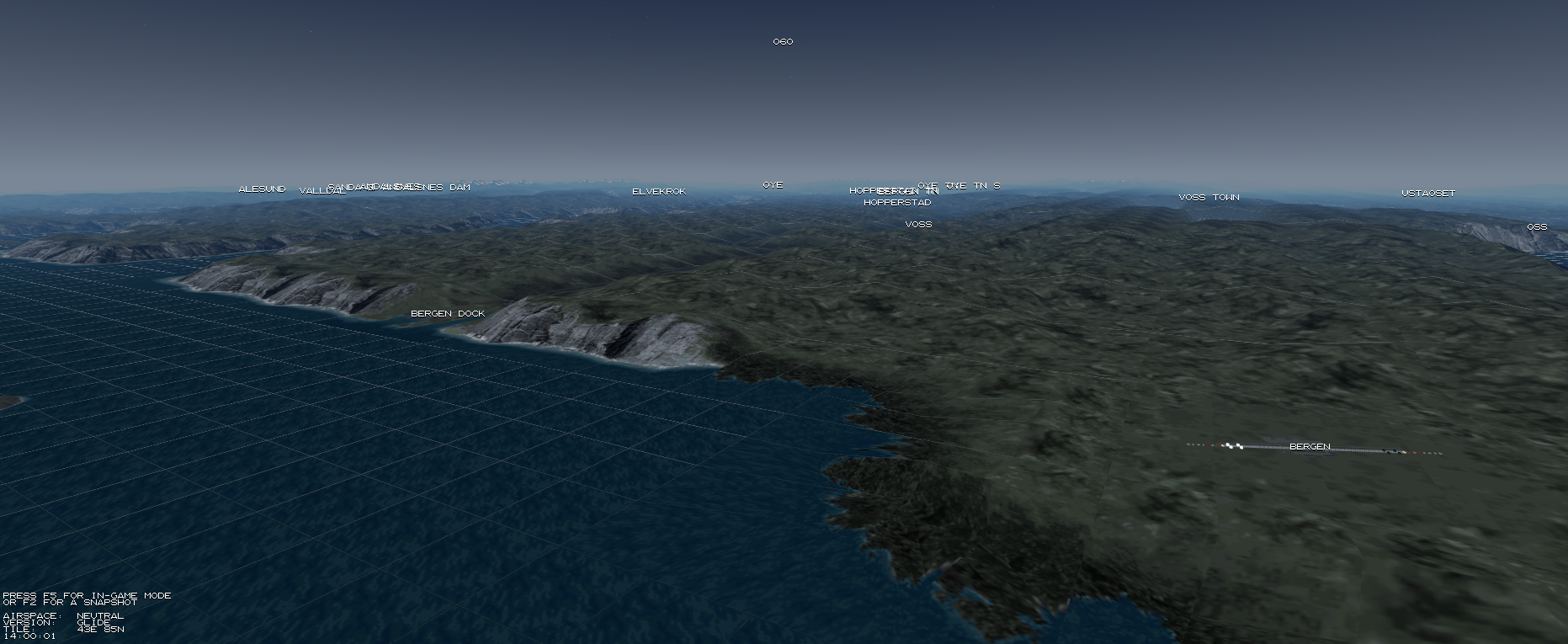
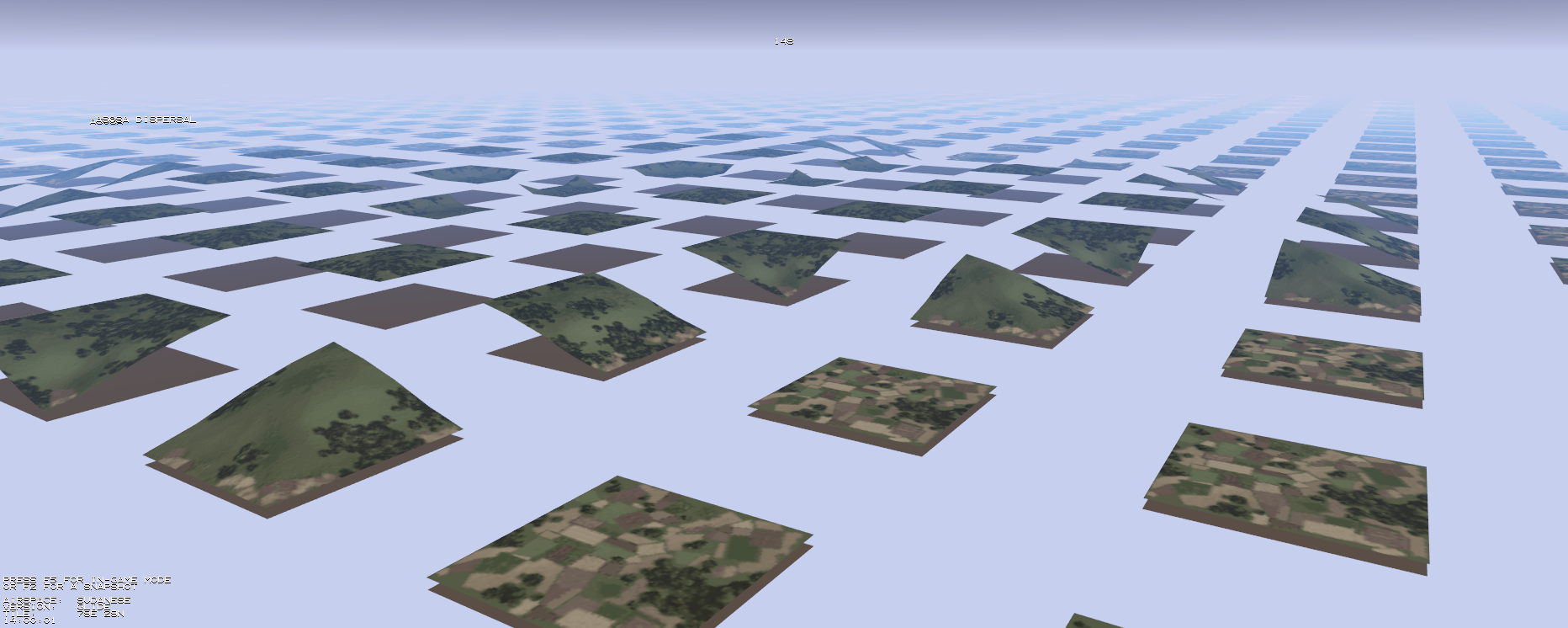
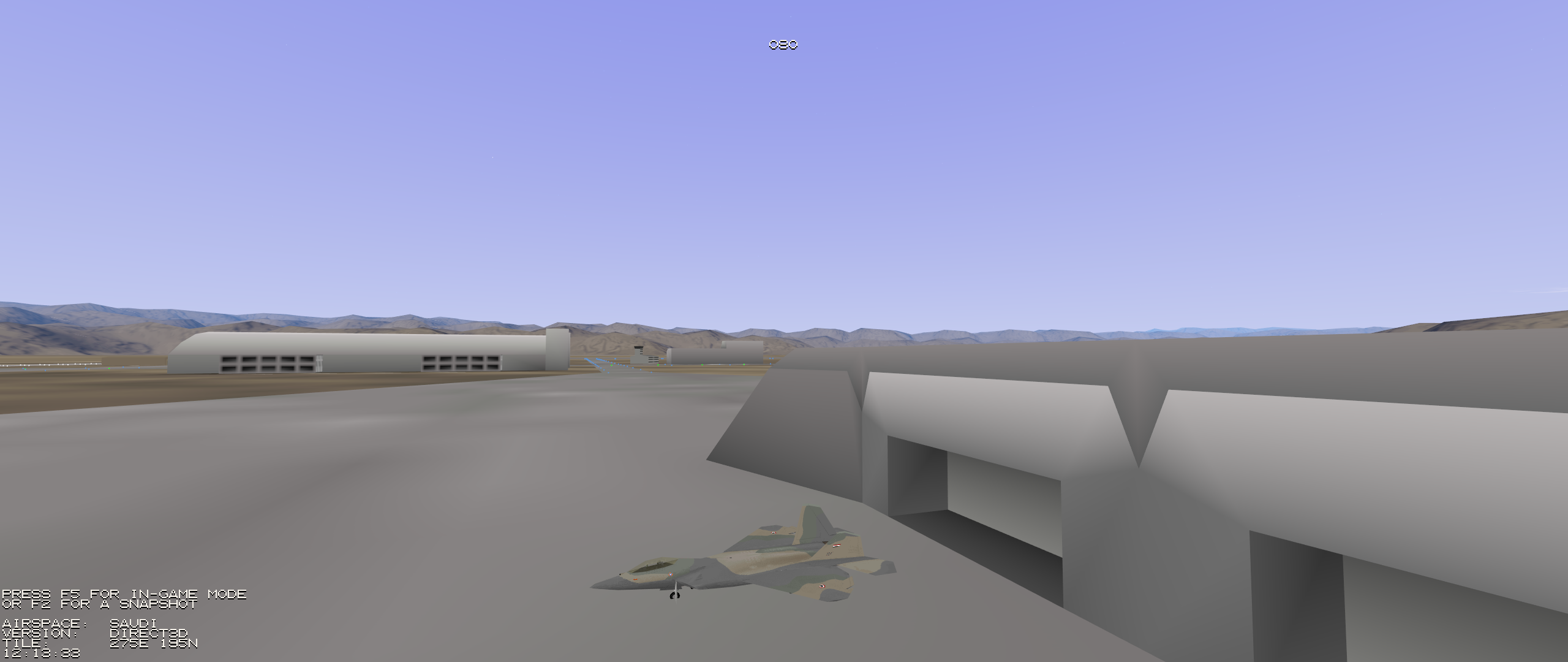
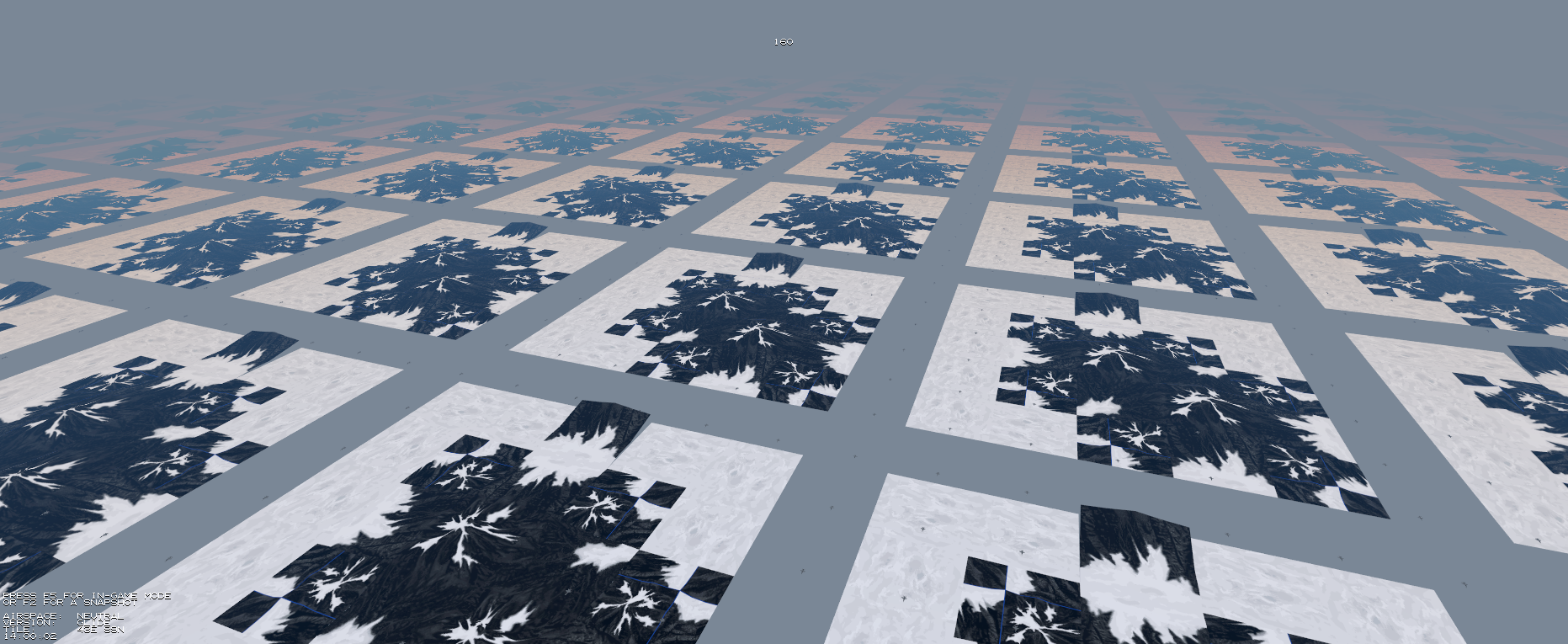
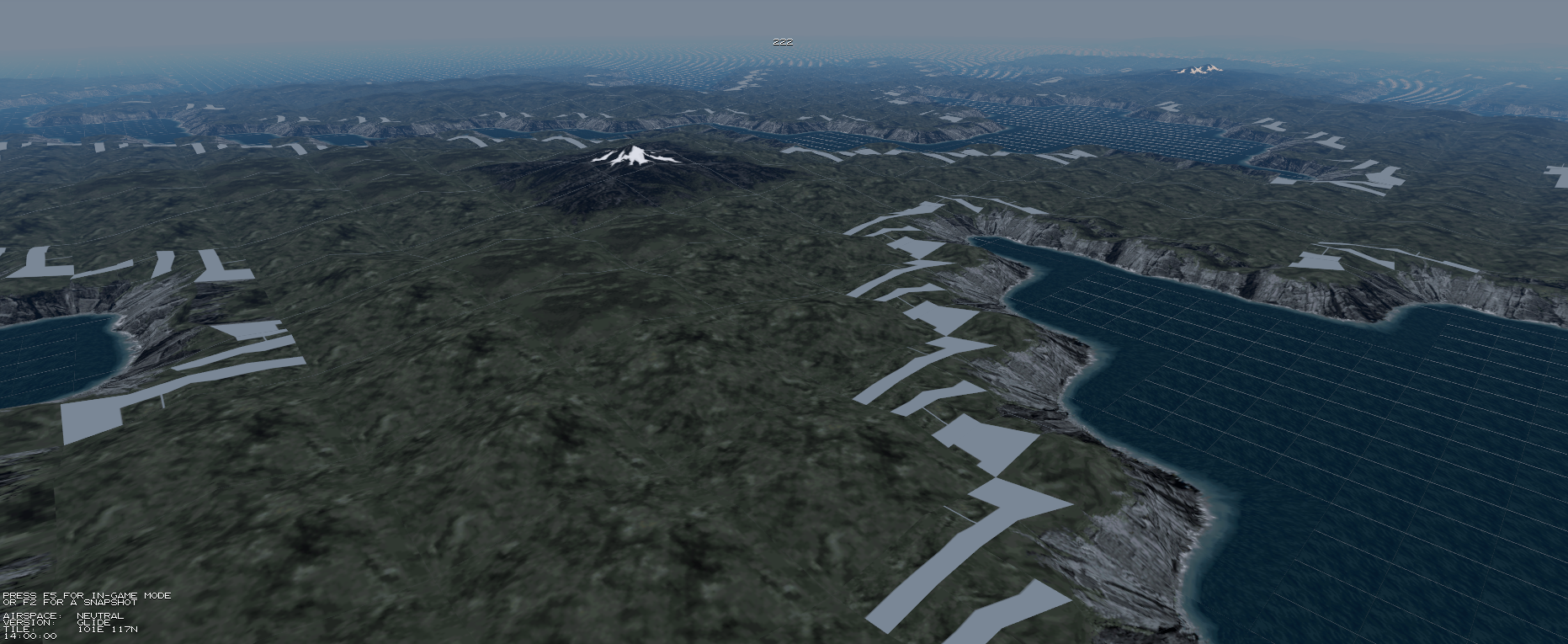
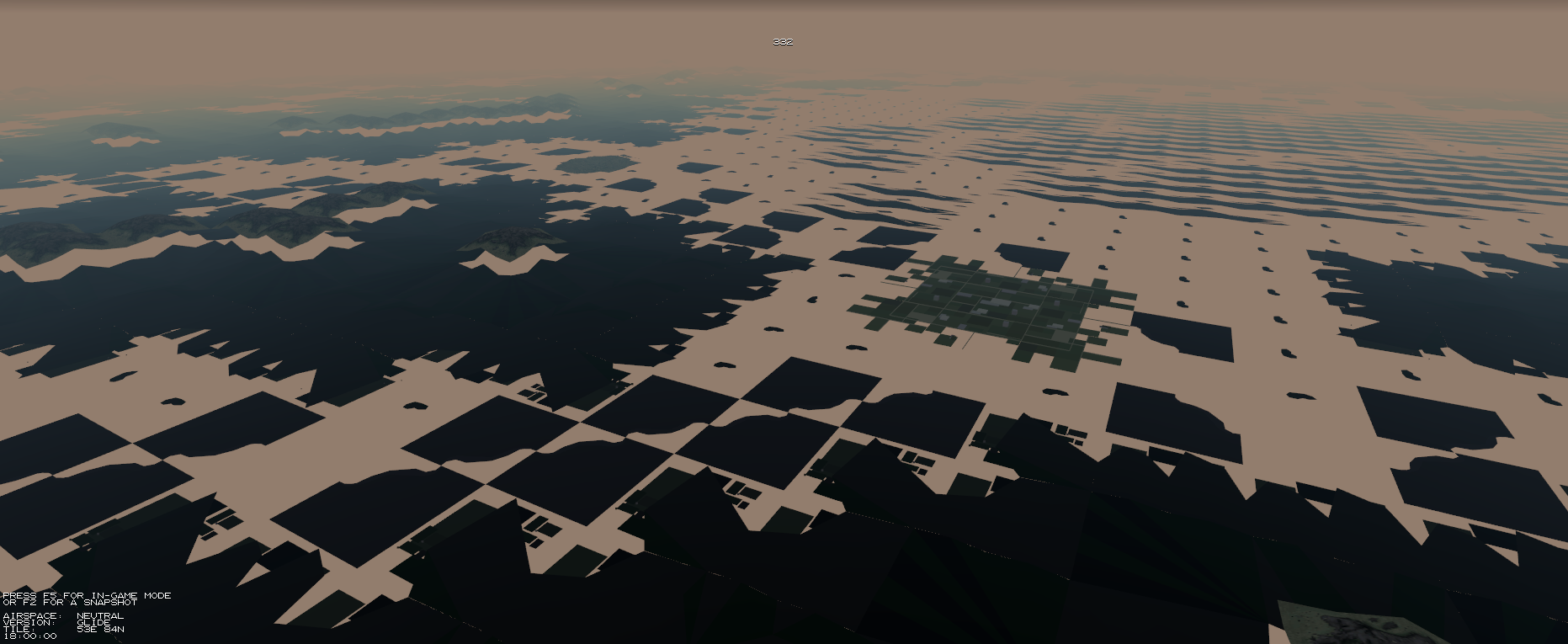
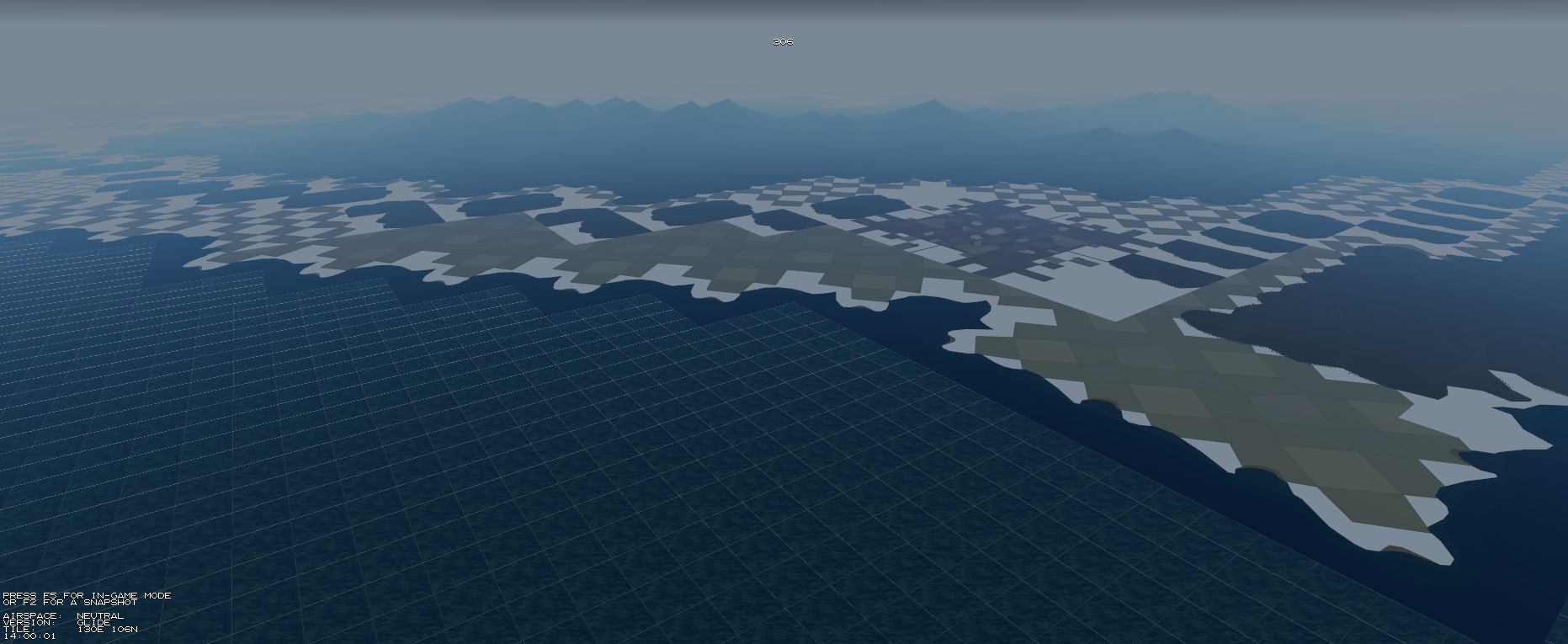
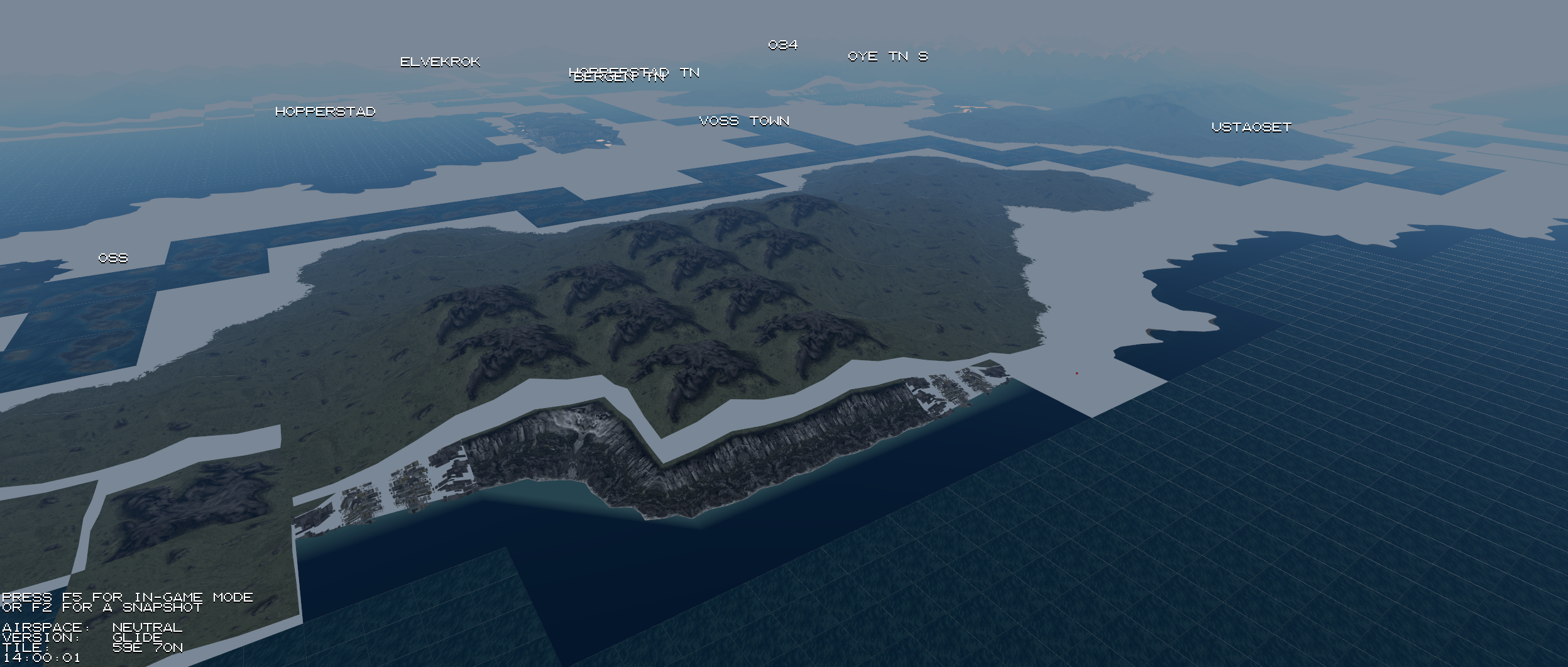
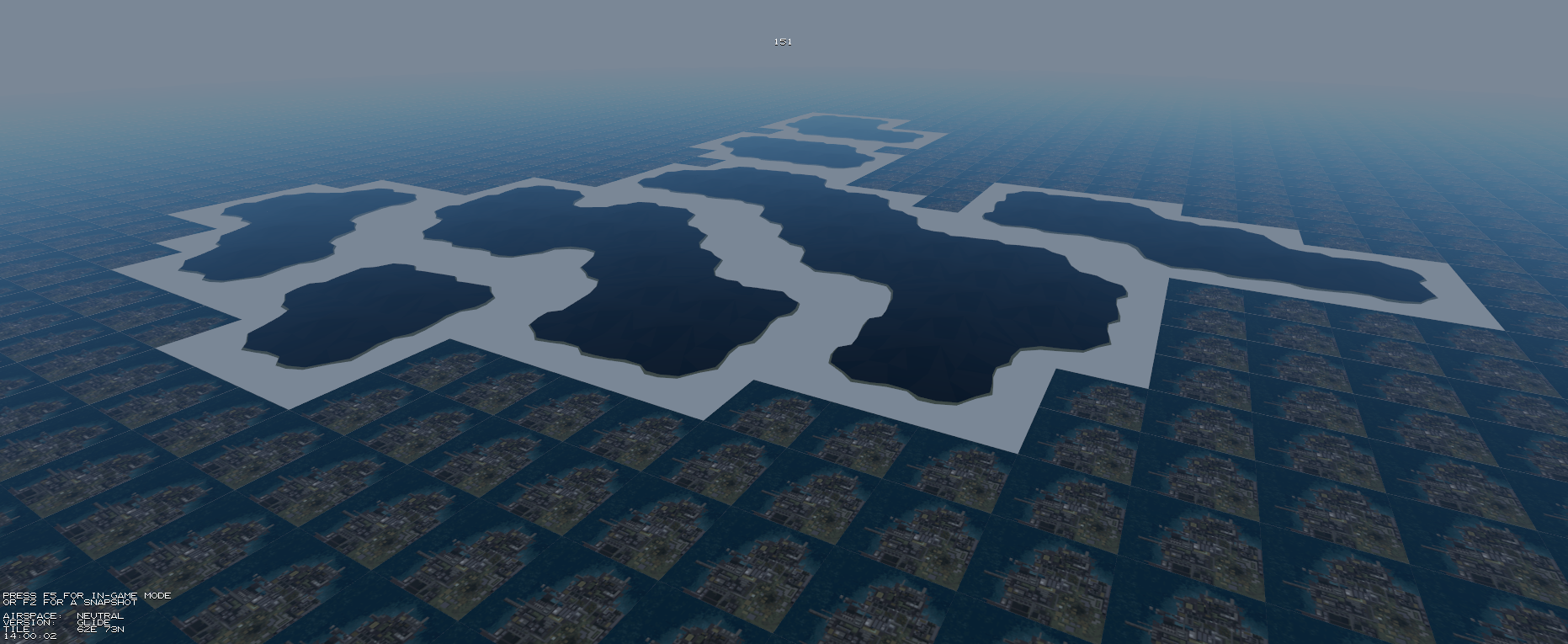
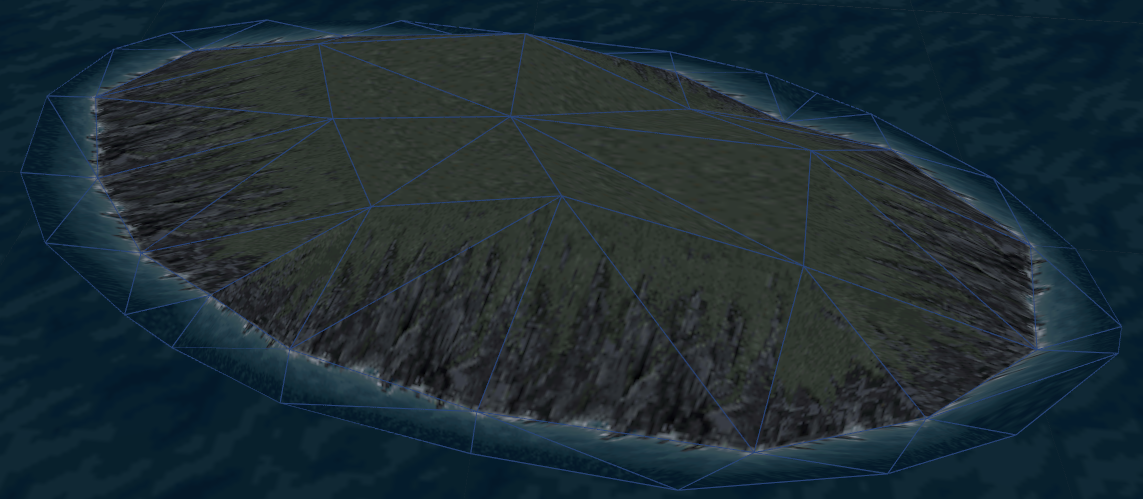
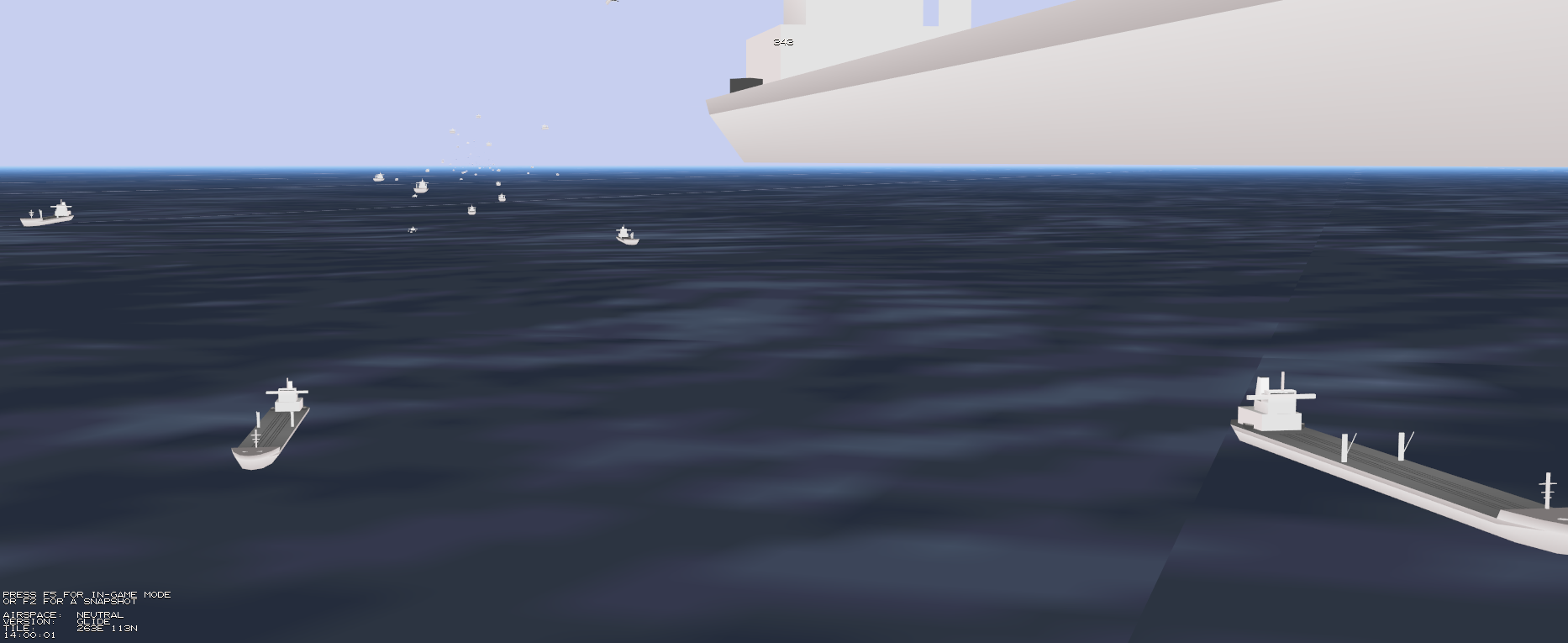
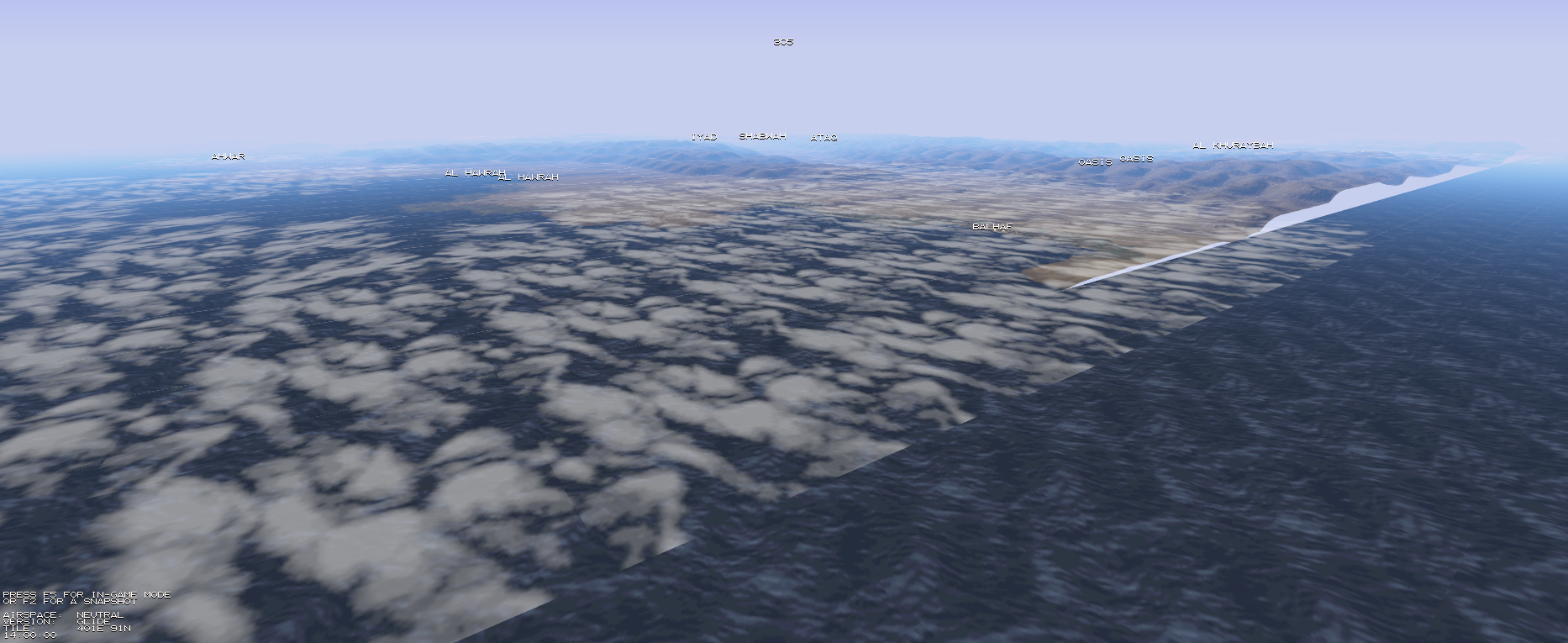
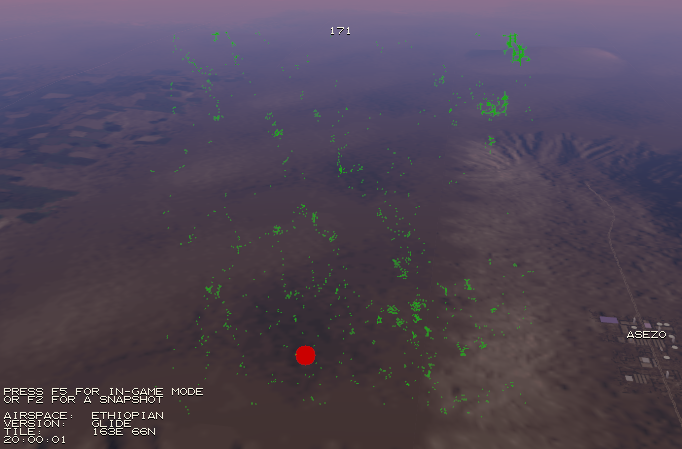
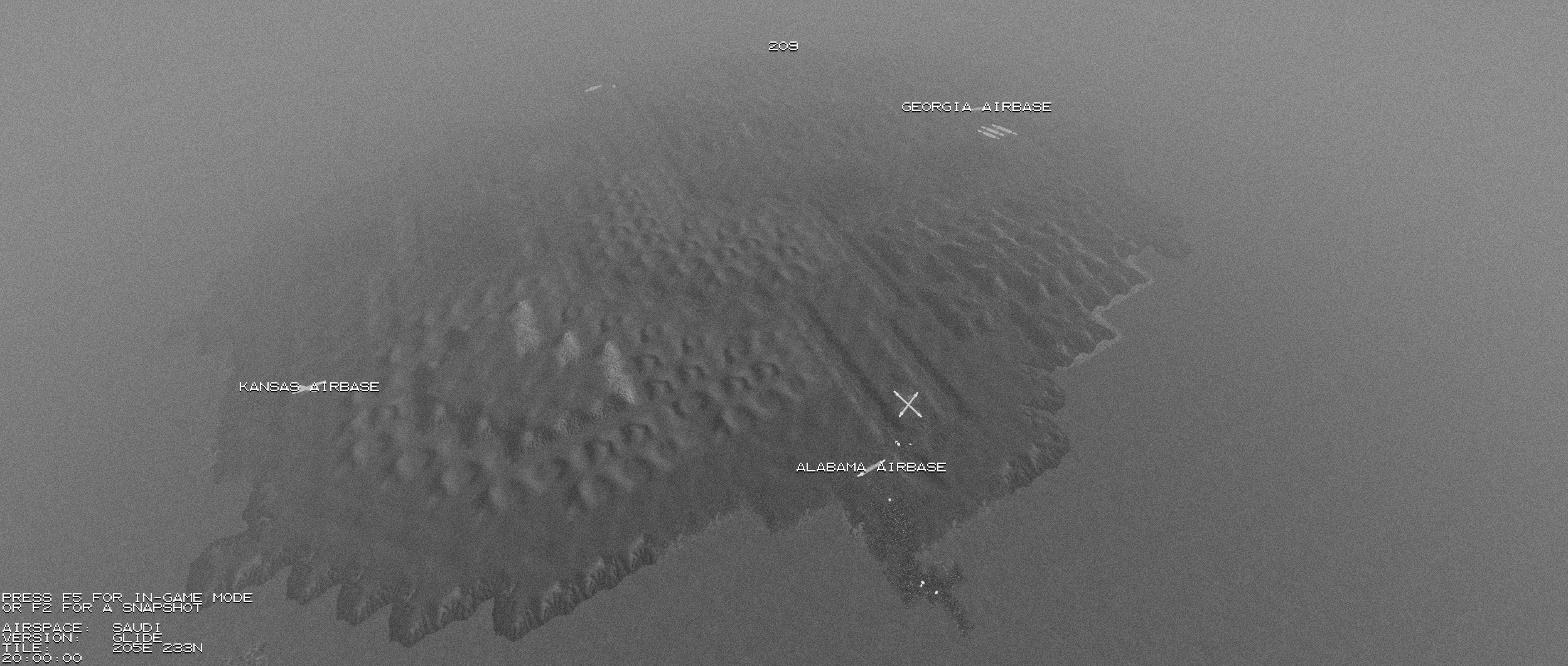
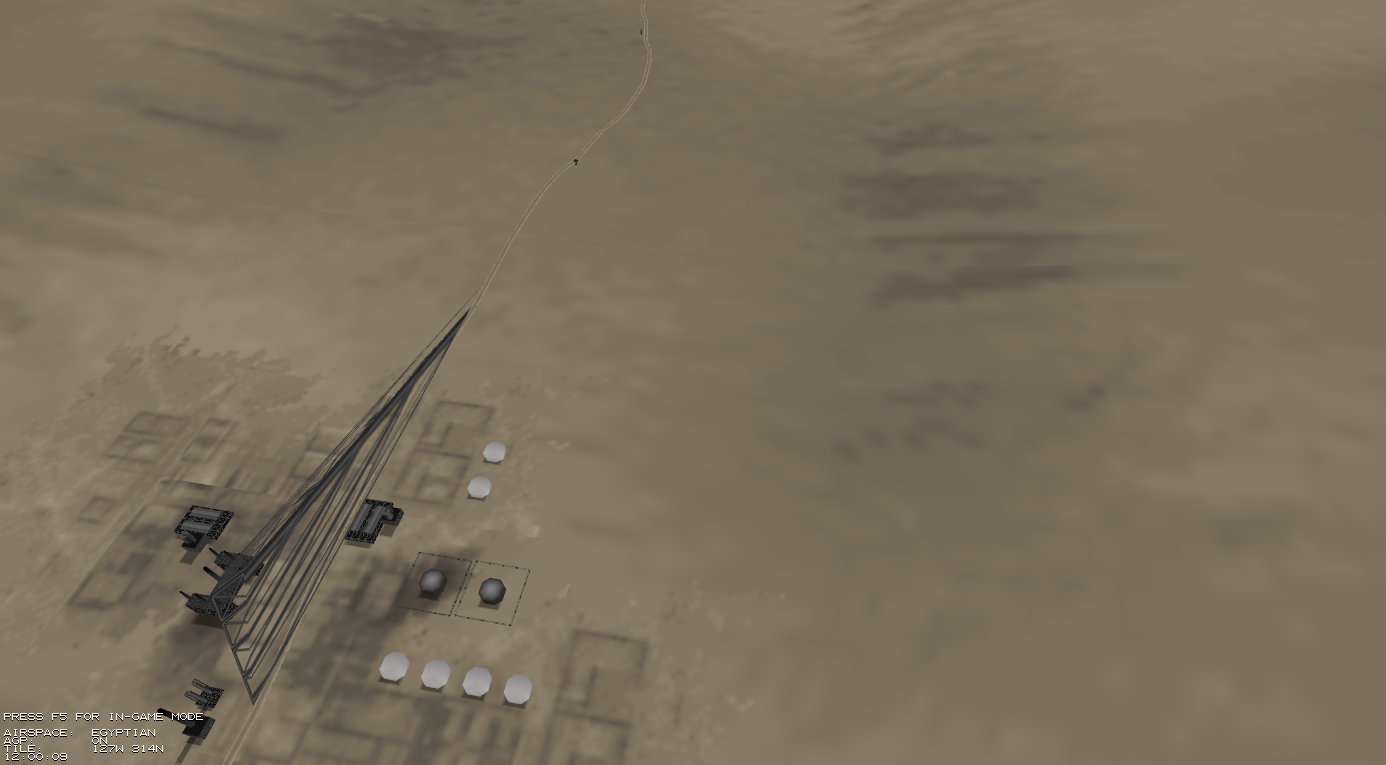
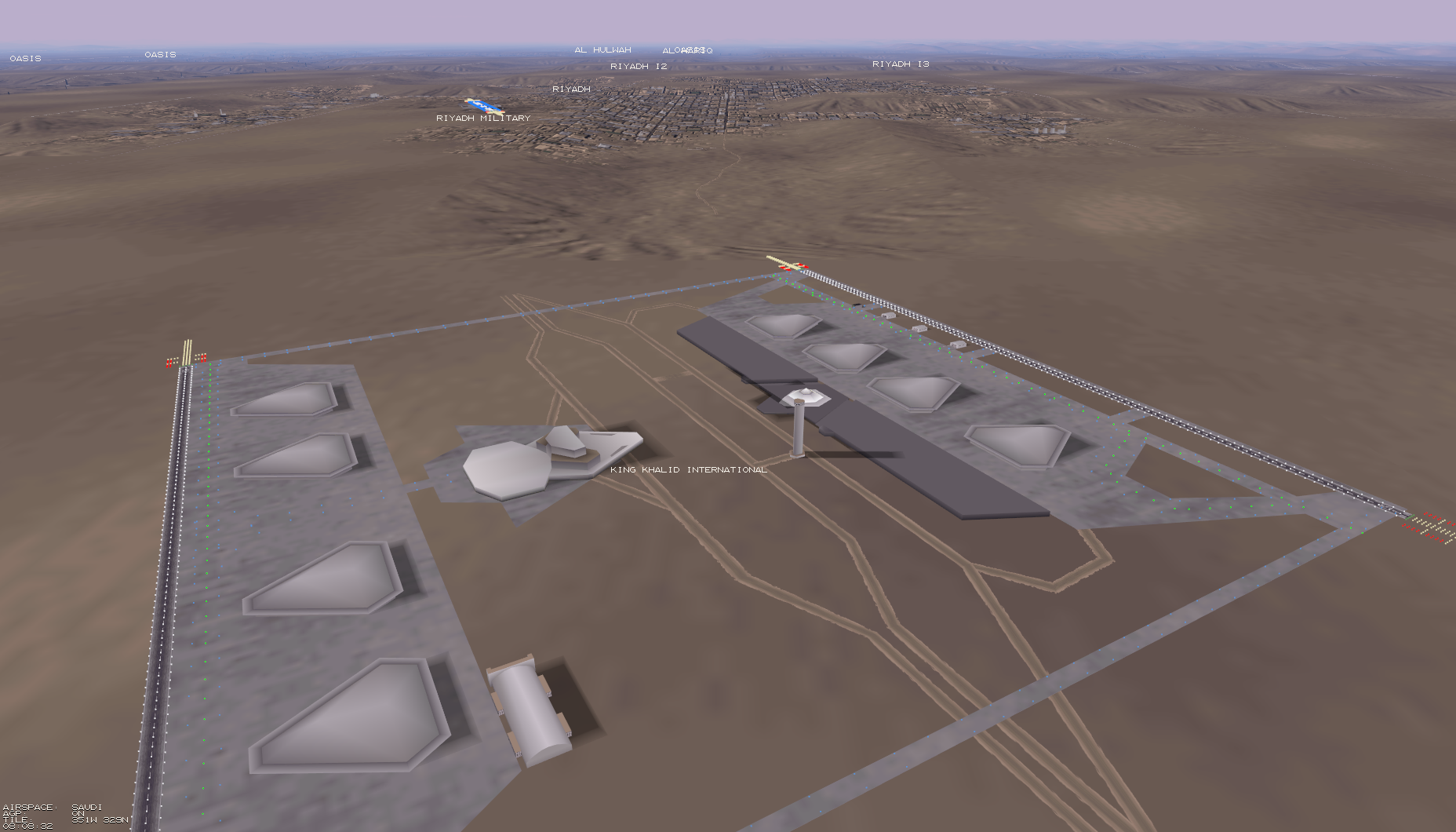
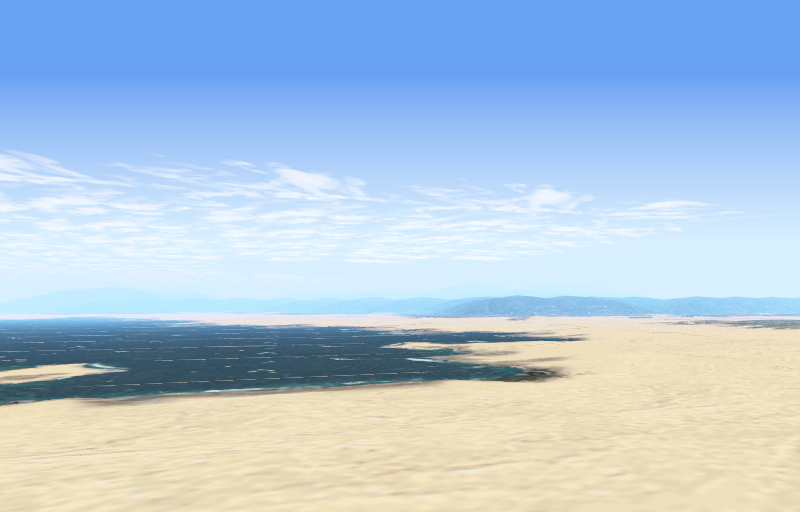
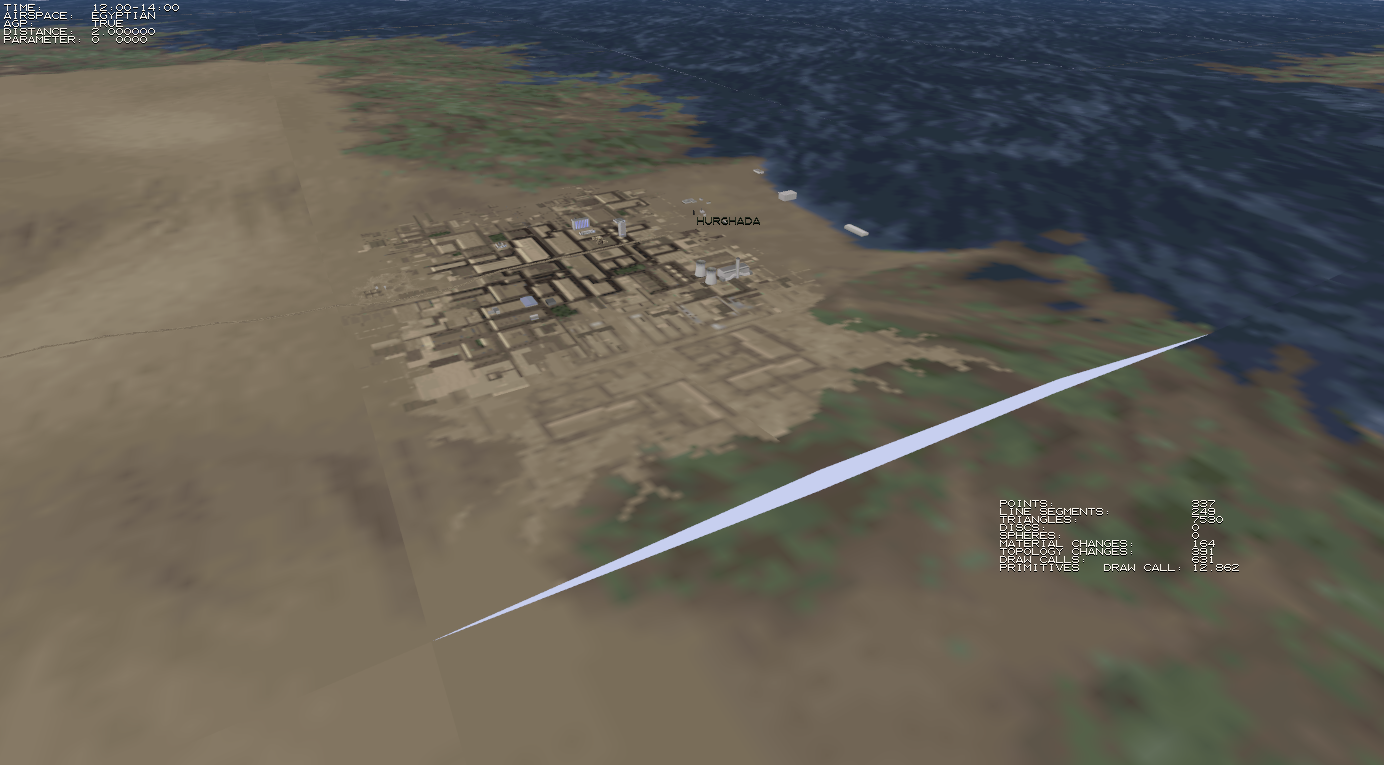
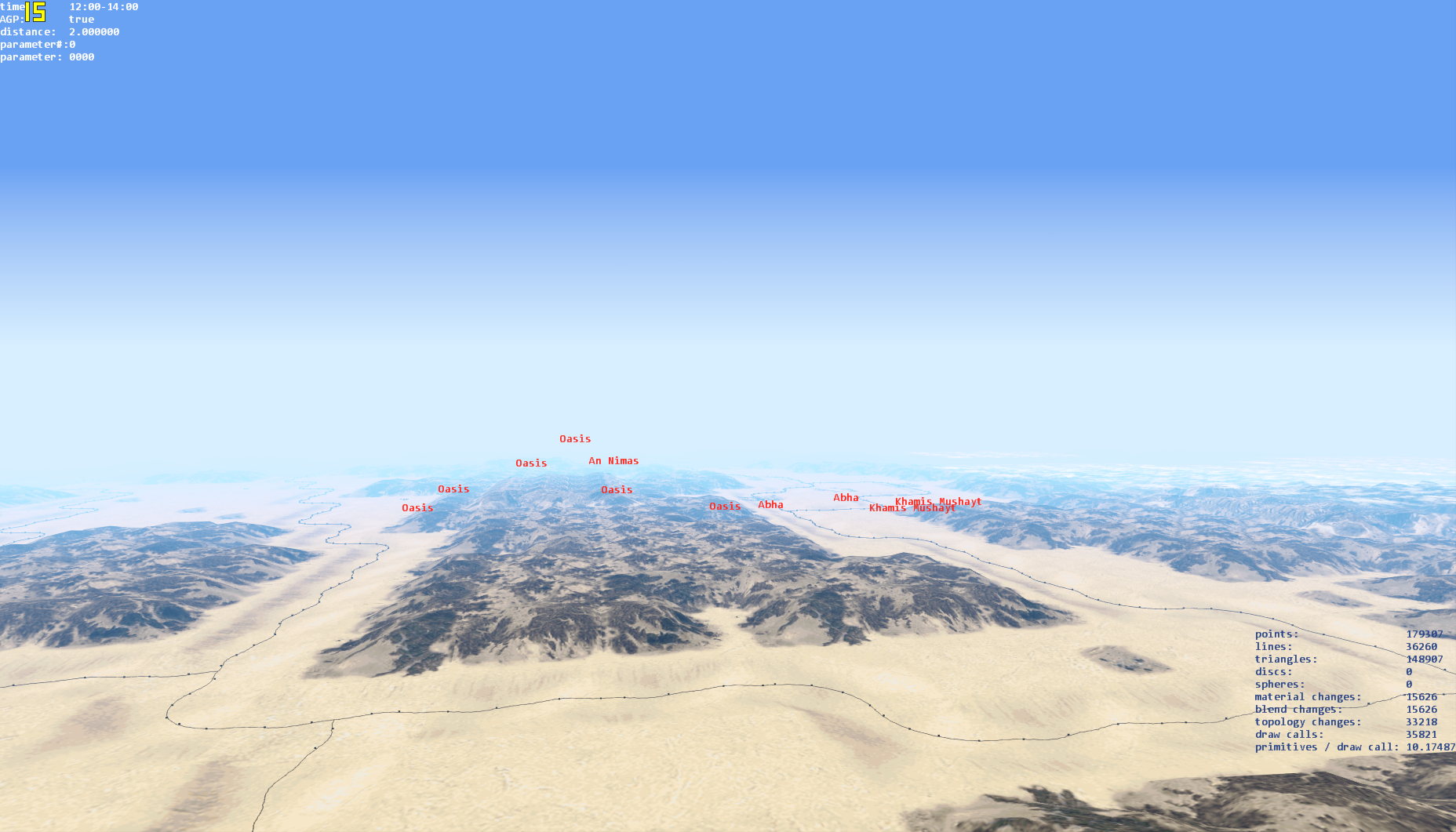
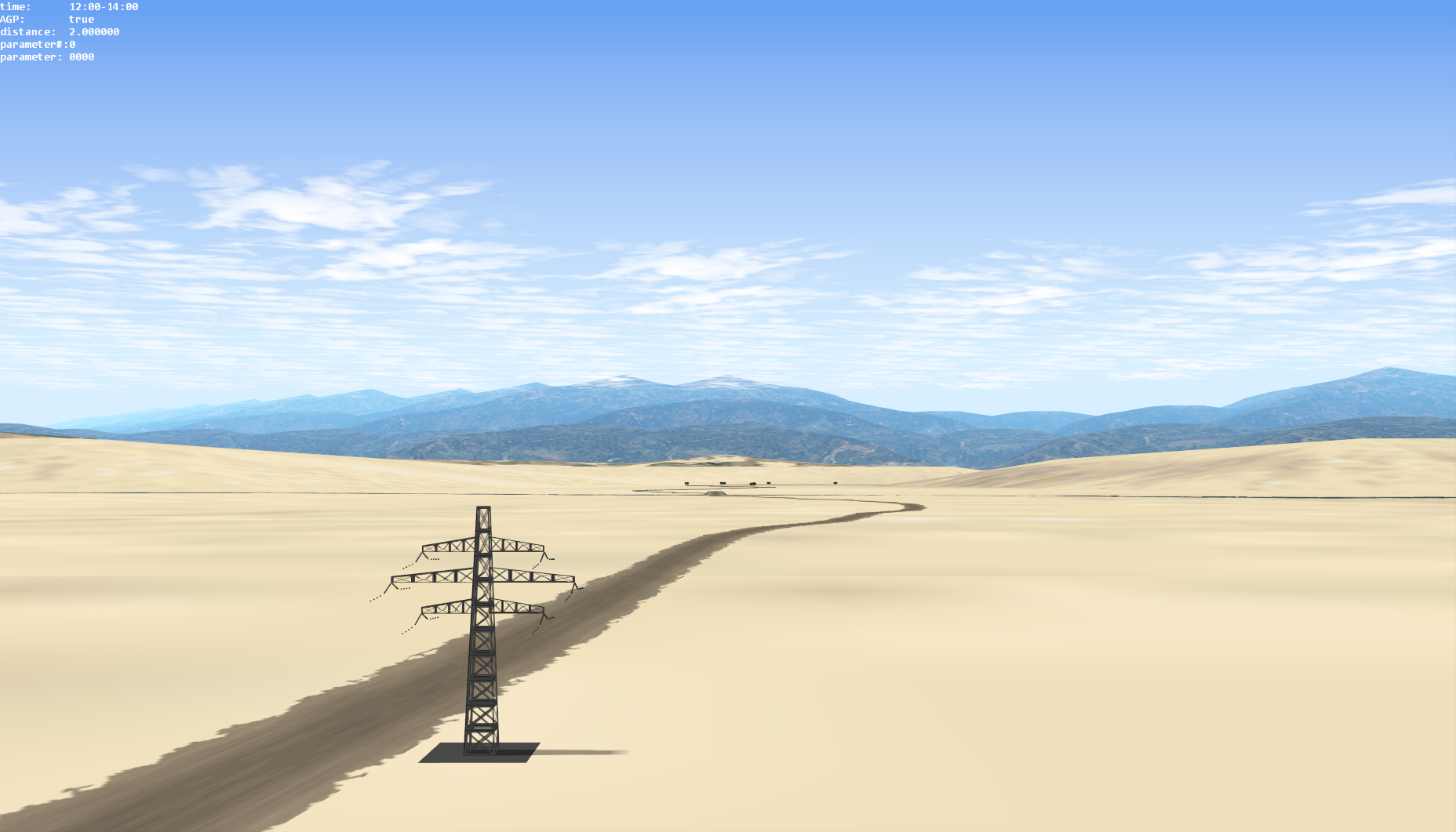
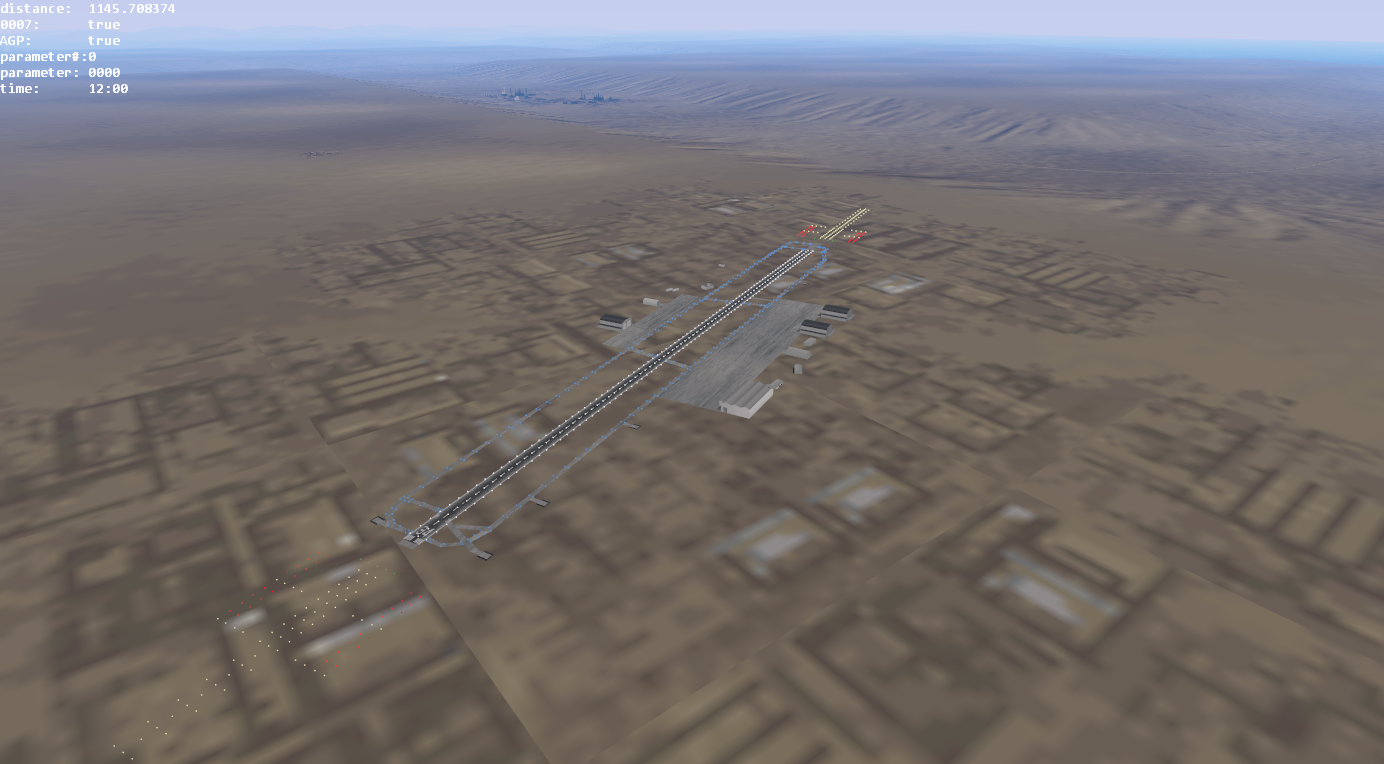
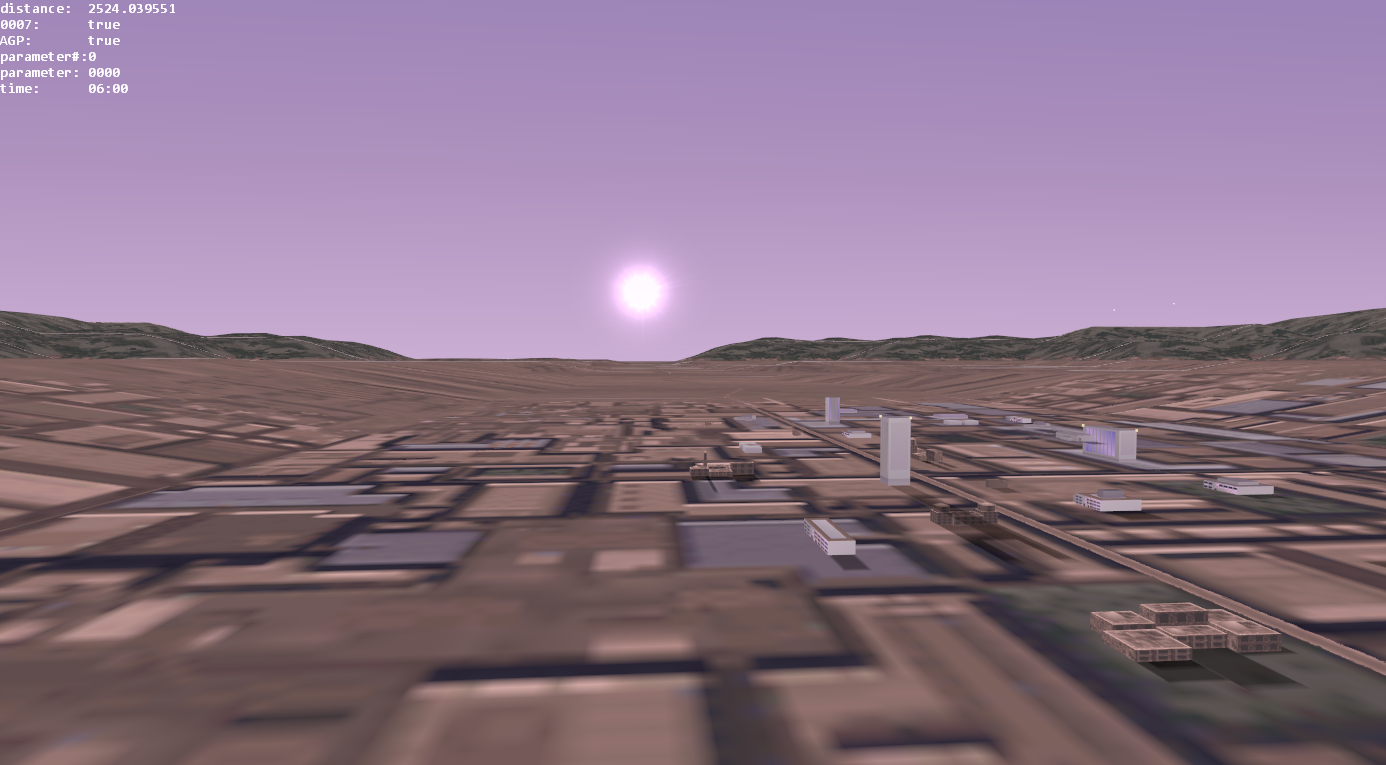
In explorer mode, you can inspect the terrain freely without gameplay or physics restrictions. It is accessed via Shift + Q; X.
| left mouse button | move forward |
| Shift + S | cycle the time of day |
| N | toggle night vision (only at night) |
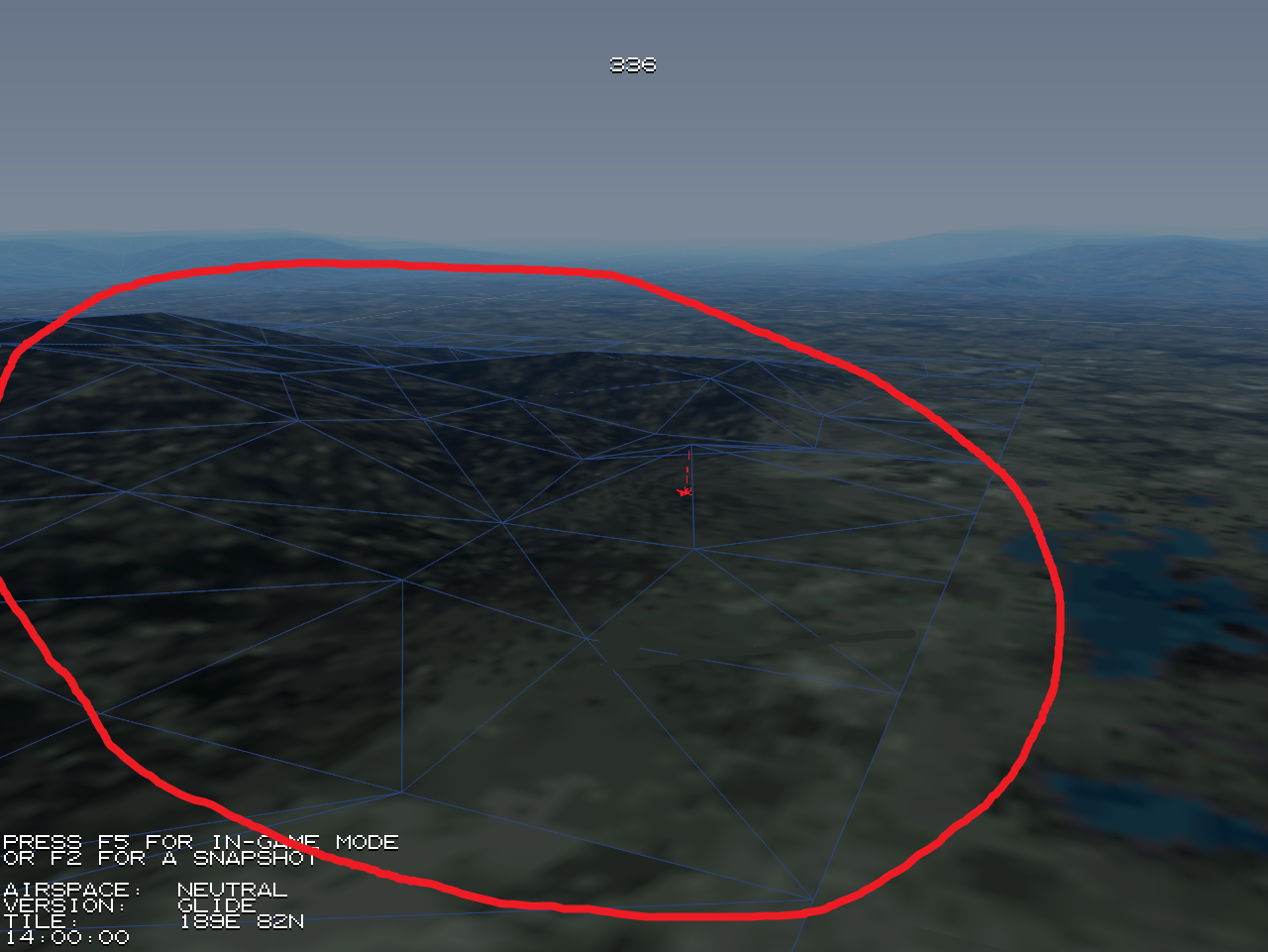
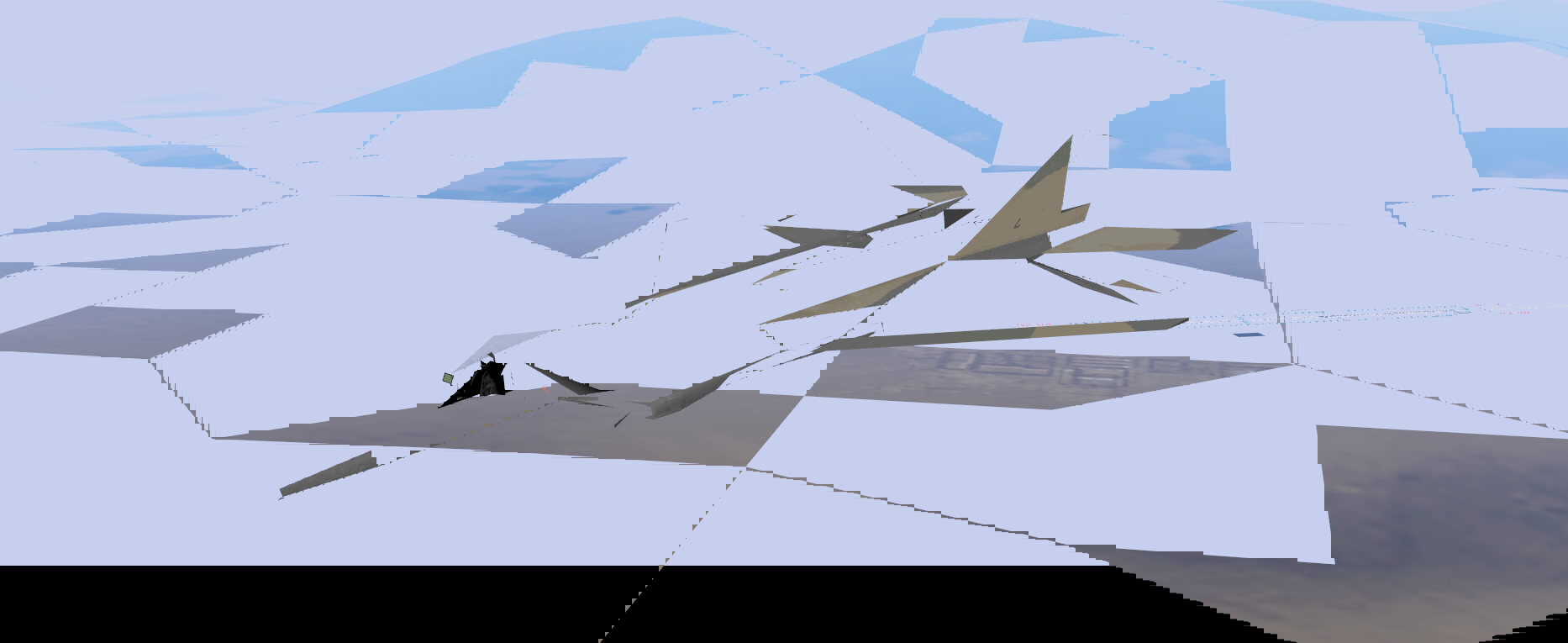
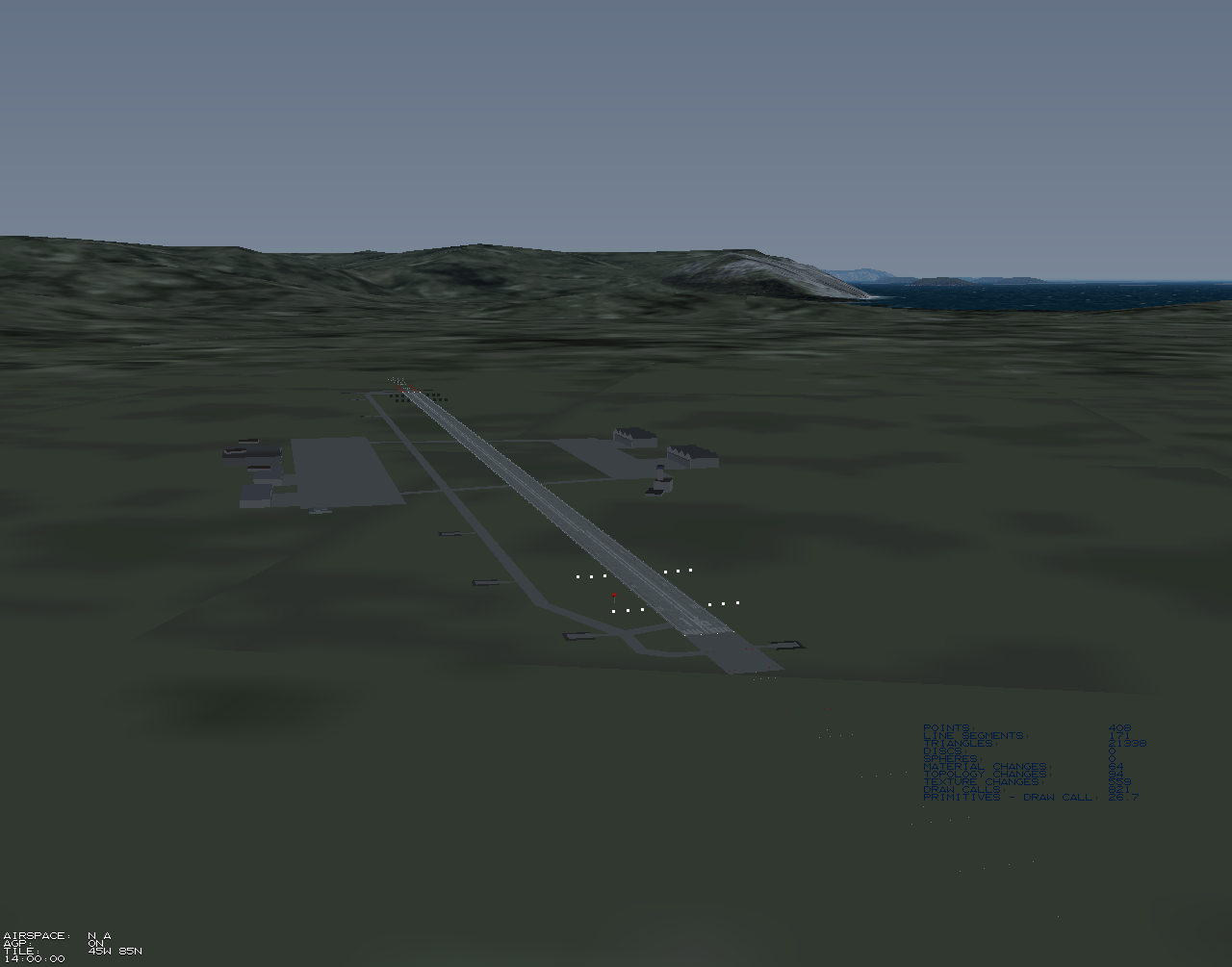
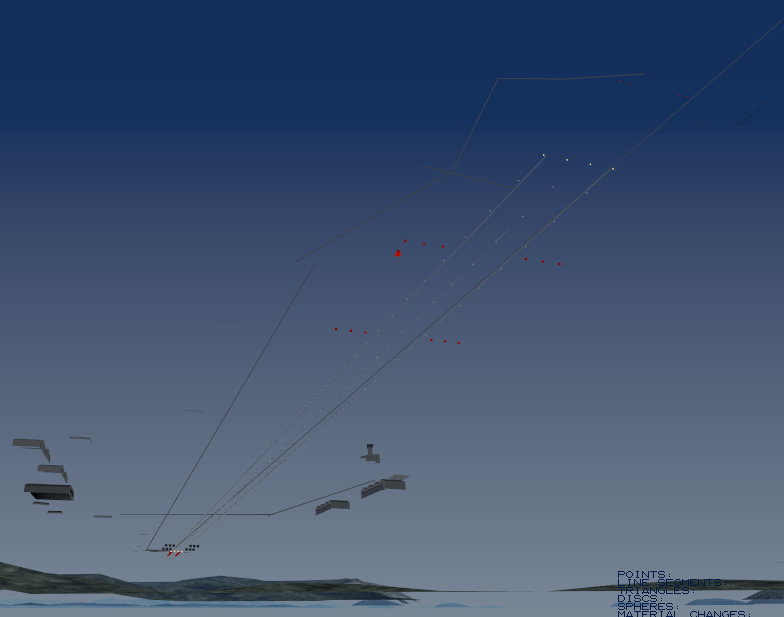
| F1 | toggle wireframe rendering |
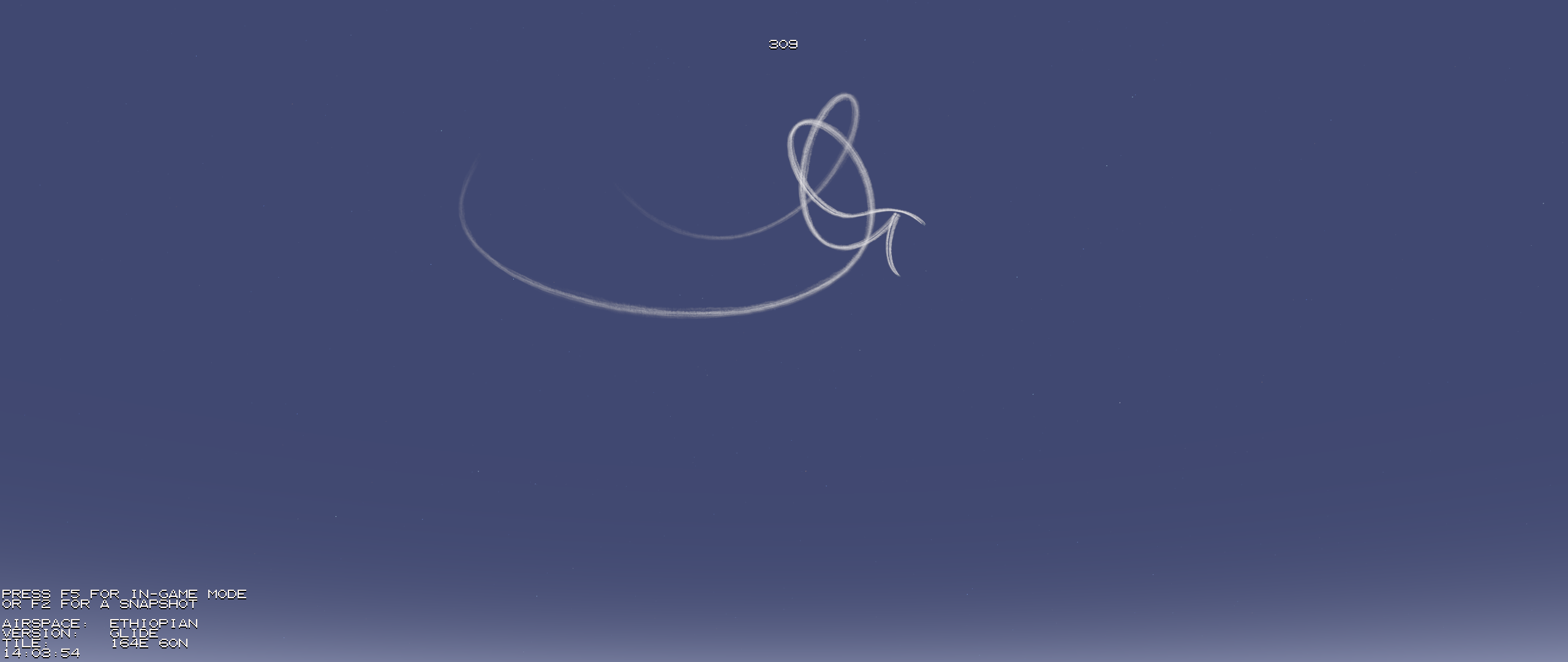
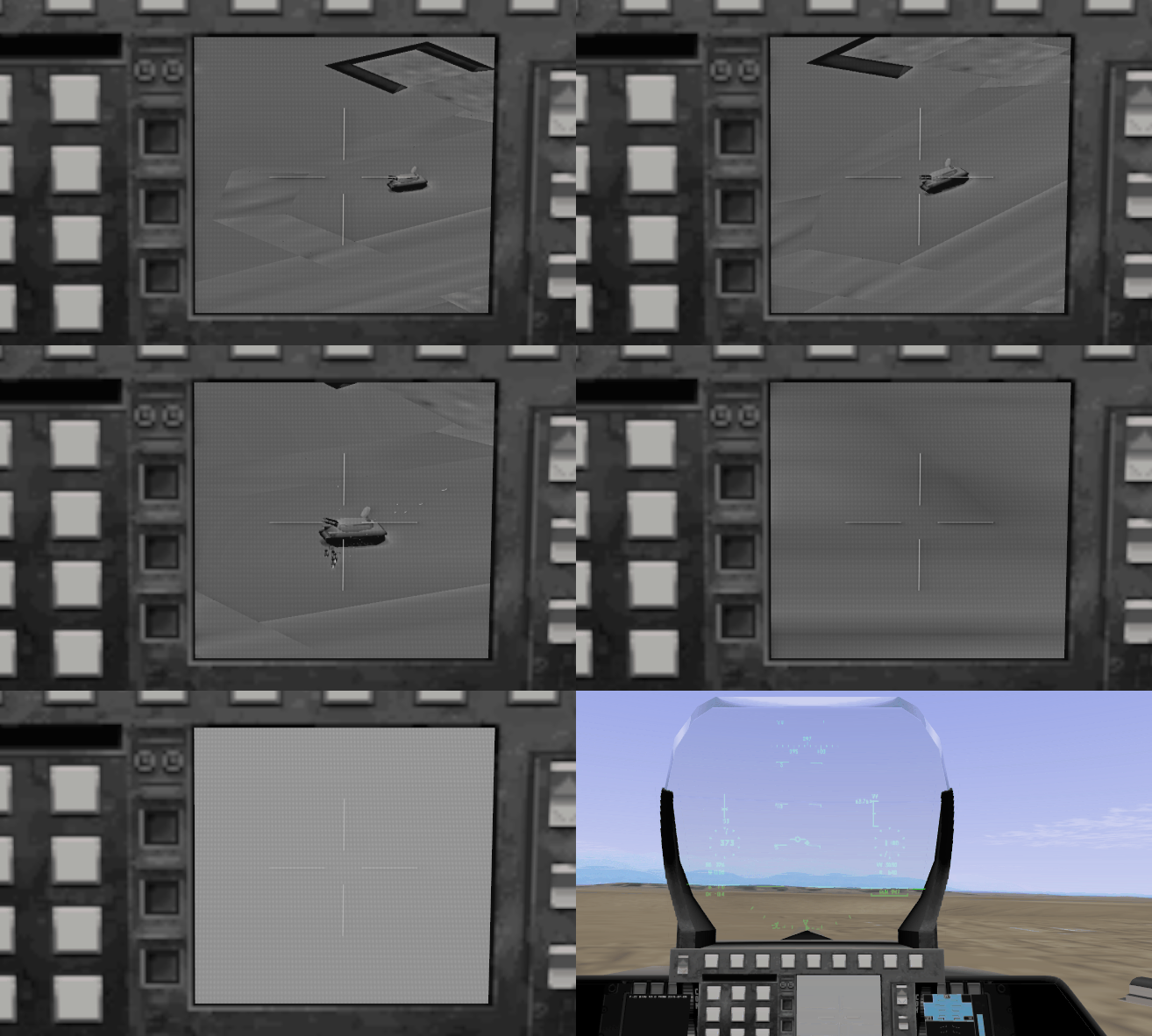
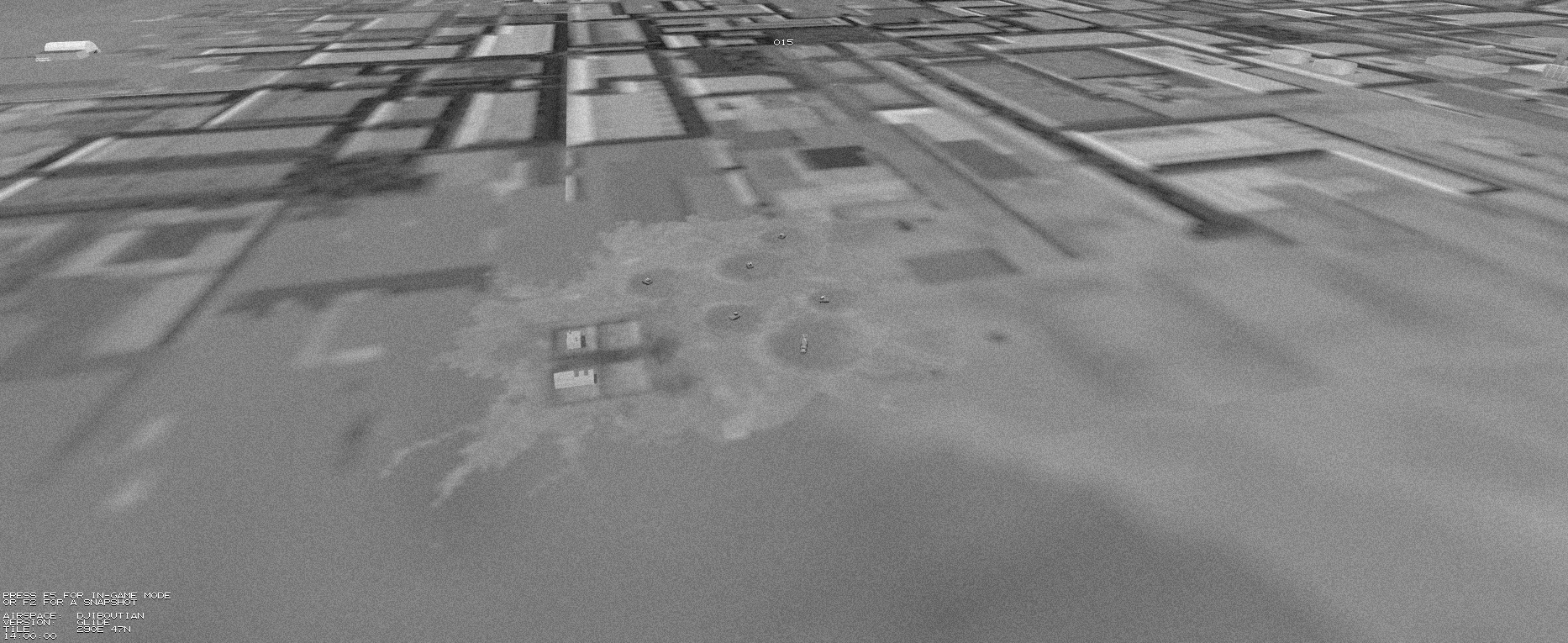
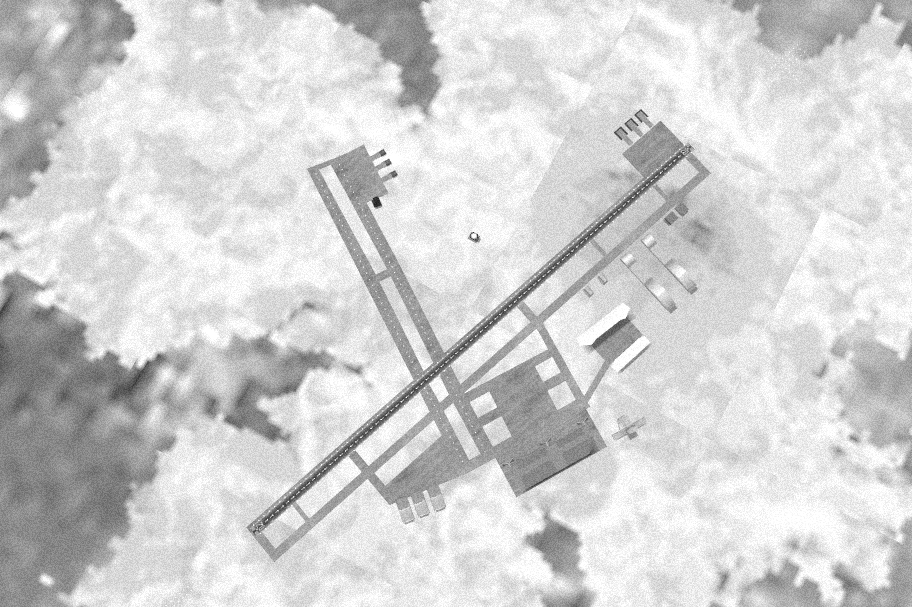
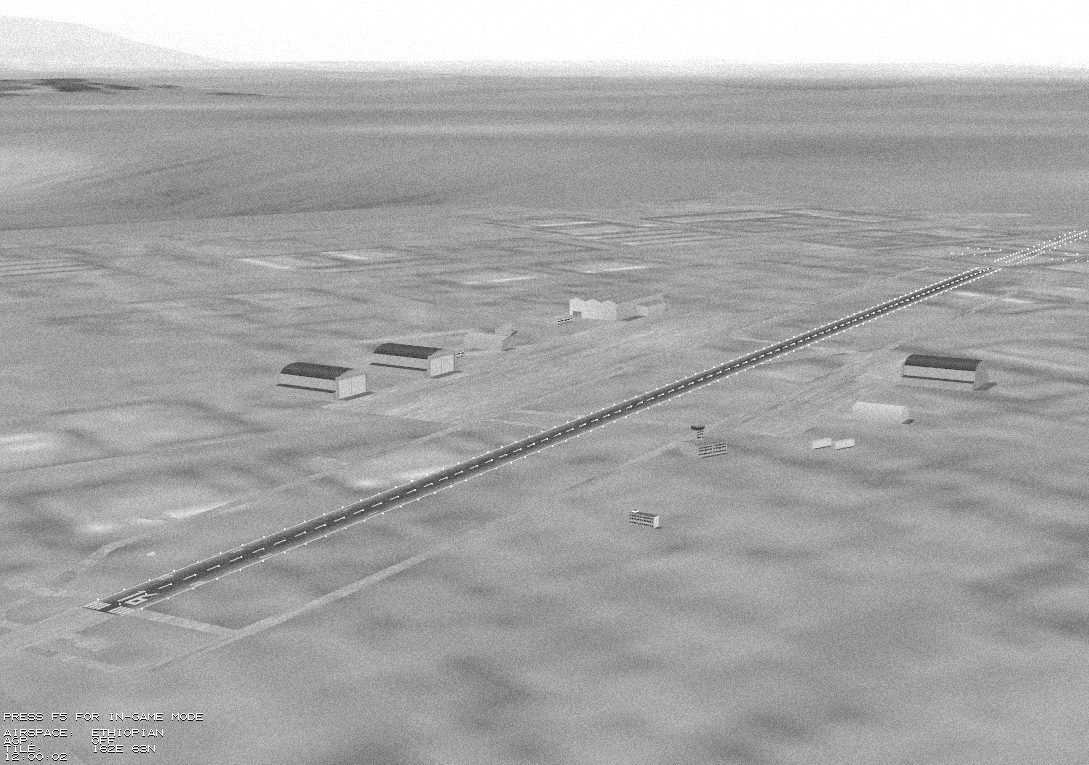
| F2 | take a screenshot and save it as a bitmap with a reconnaissance-like look |
| F3 | switch from Glide to Direct3D and vice versa (only important for developers) |
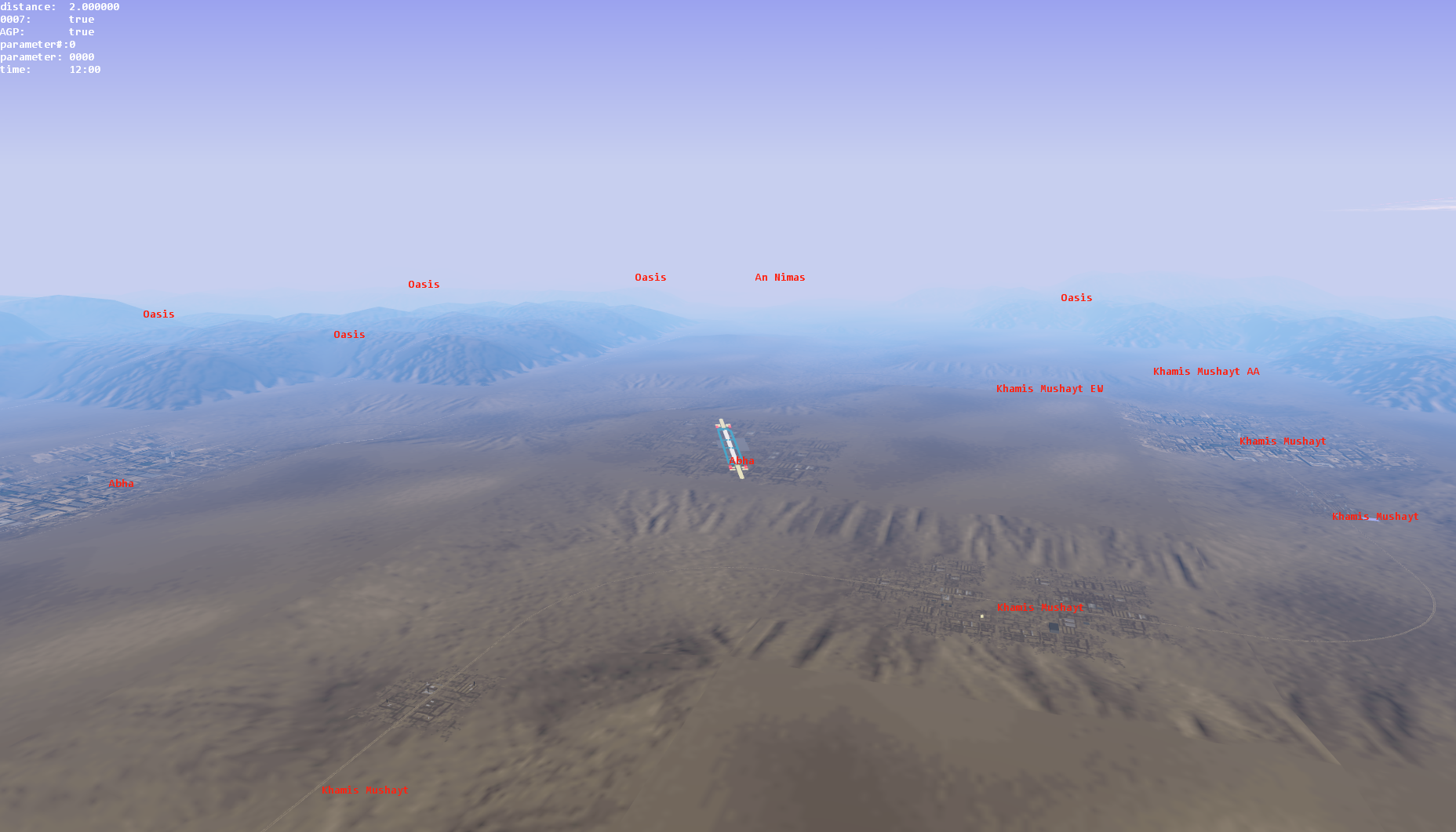
| F4 | toggle target names |
| F5 | back to in-game mode |
| repeat S or X | increase or decrease range of sight |
| Num 8 | glide north |
| Num 2 | glide south |
| Num 4 | glide west |
| Num 6 | glide east |
| Num 5 | glide up |
| Ctrl + Num 5 | glide down |
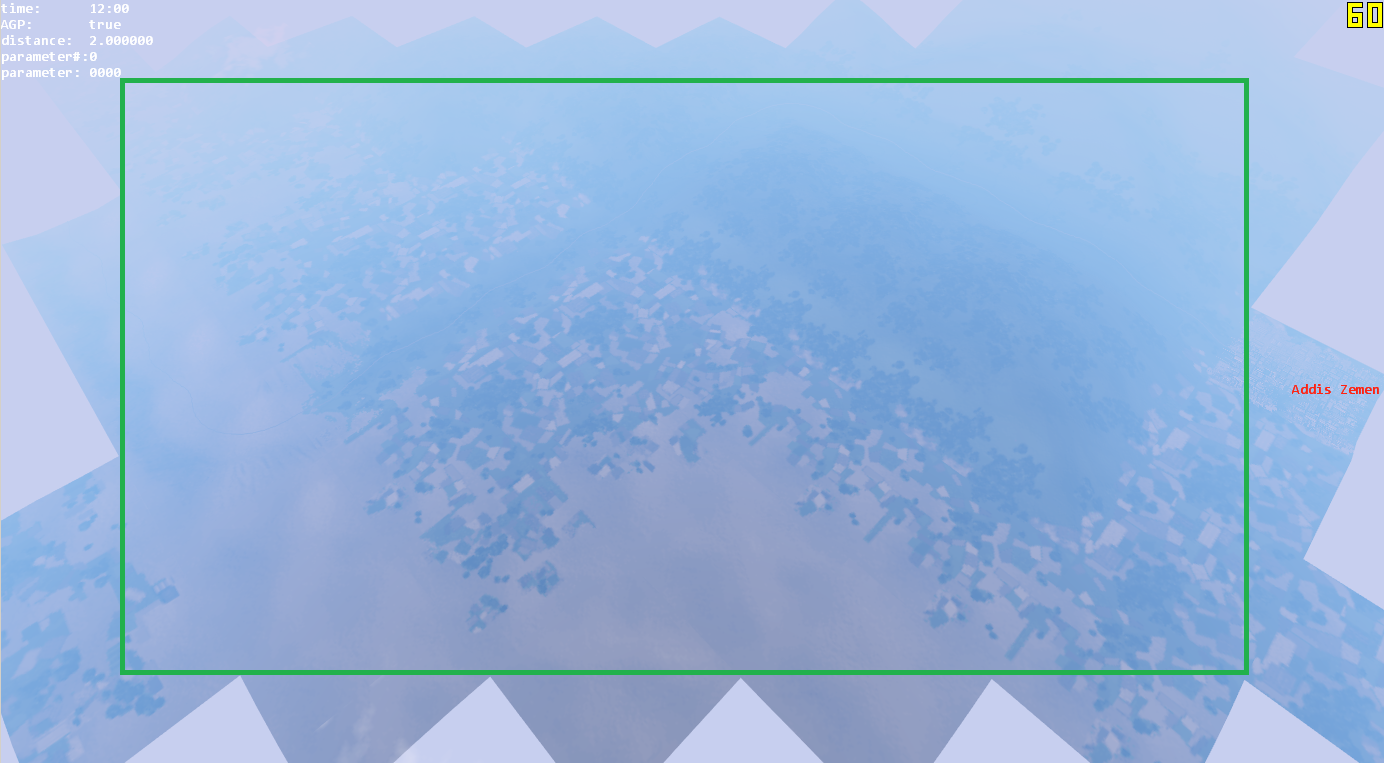
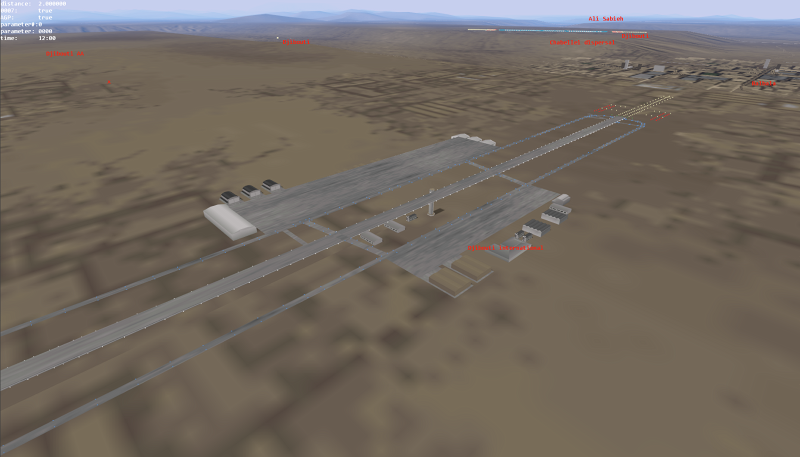
Gallery
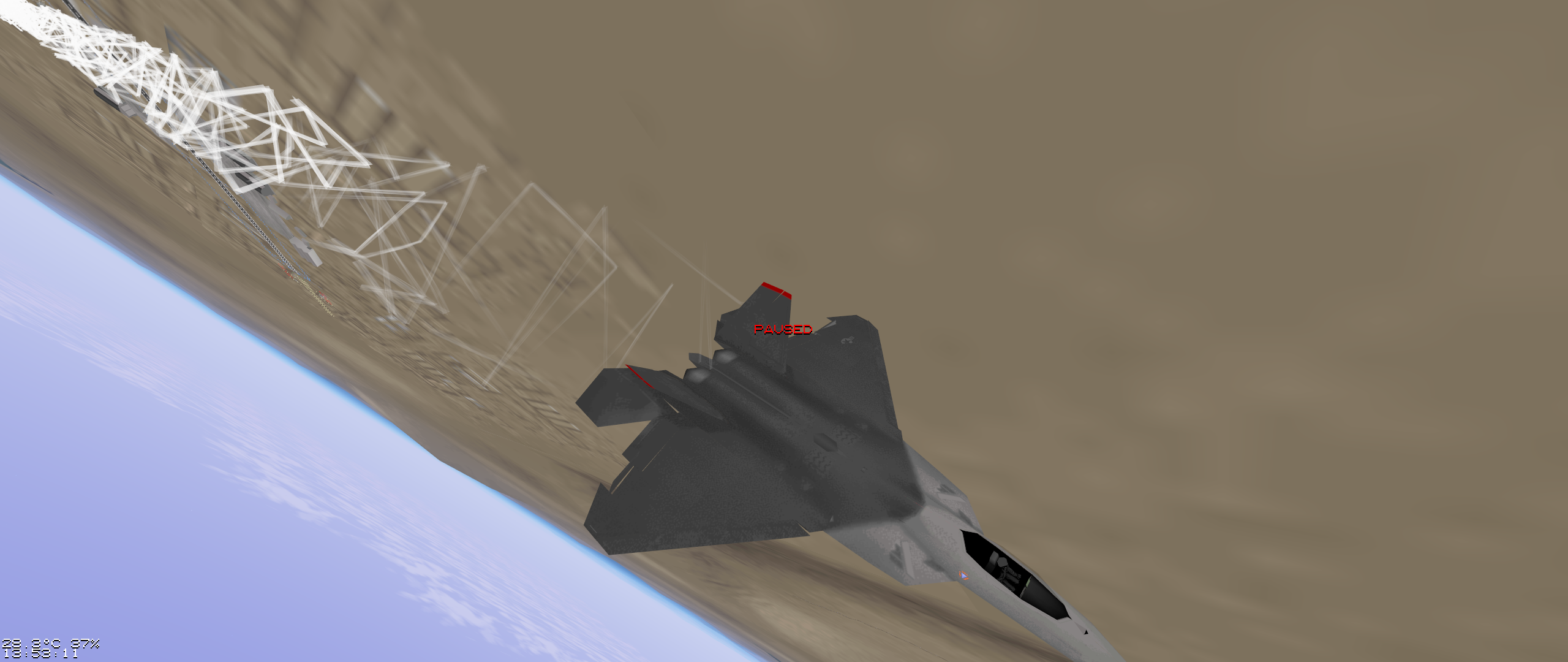
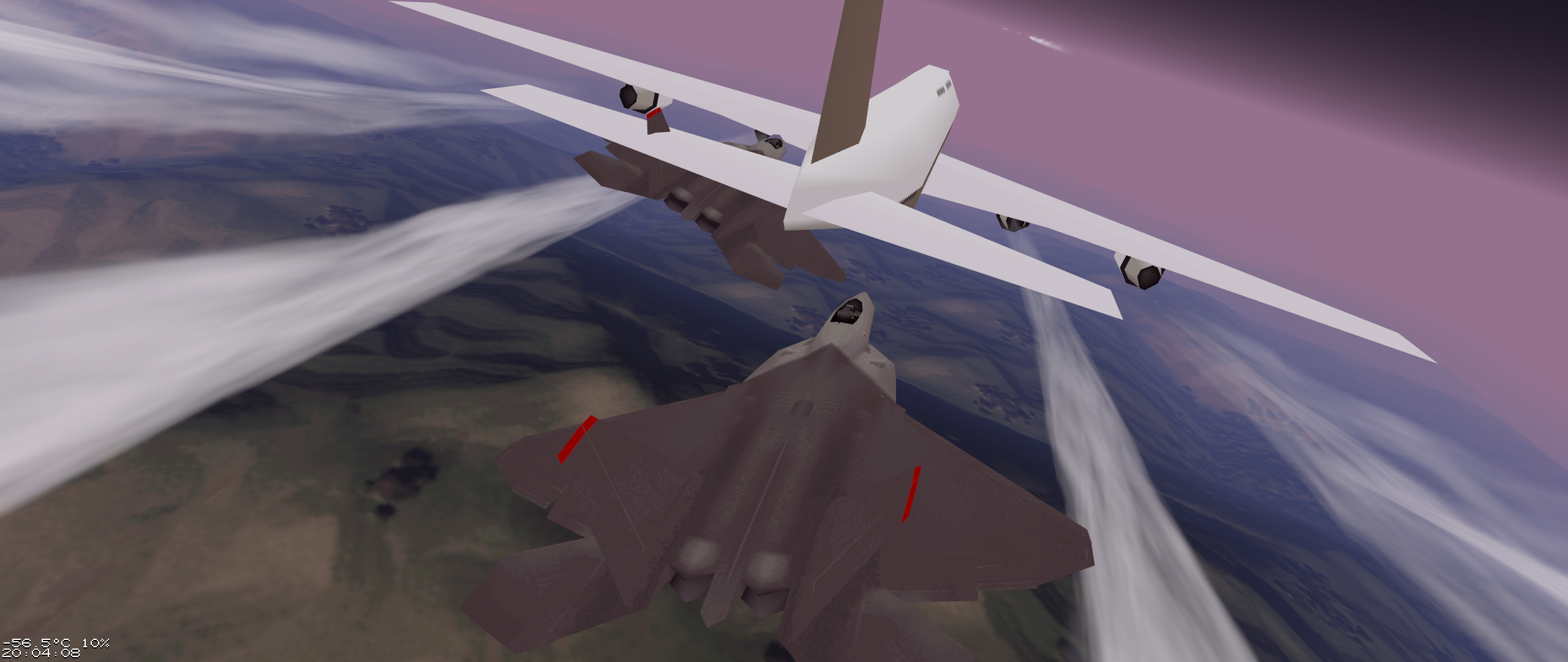
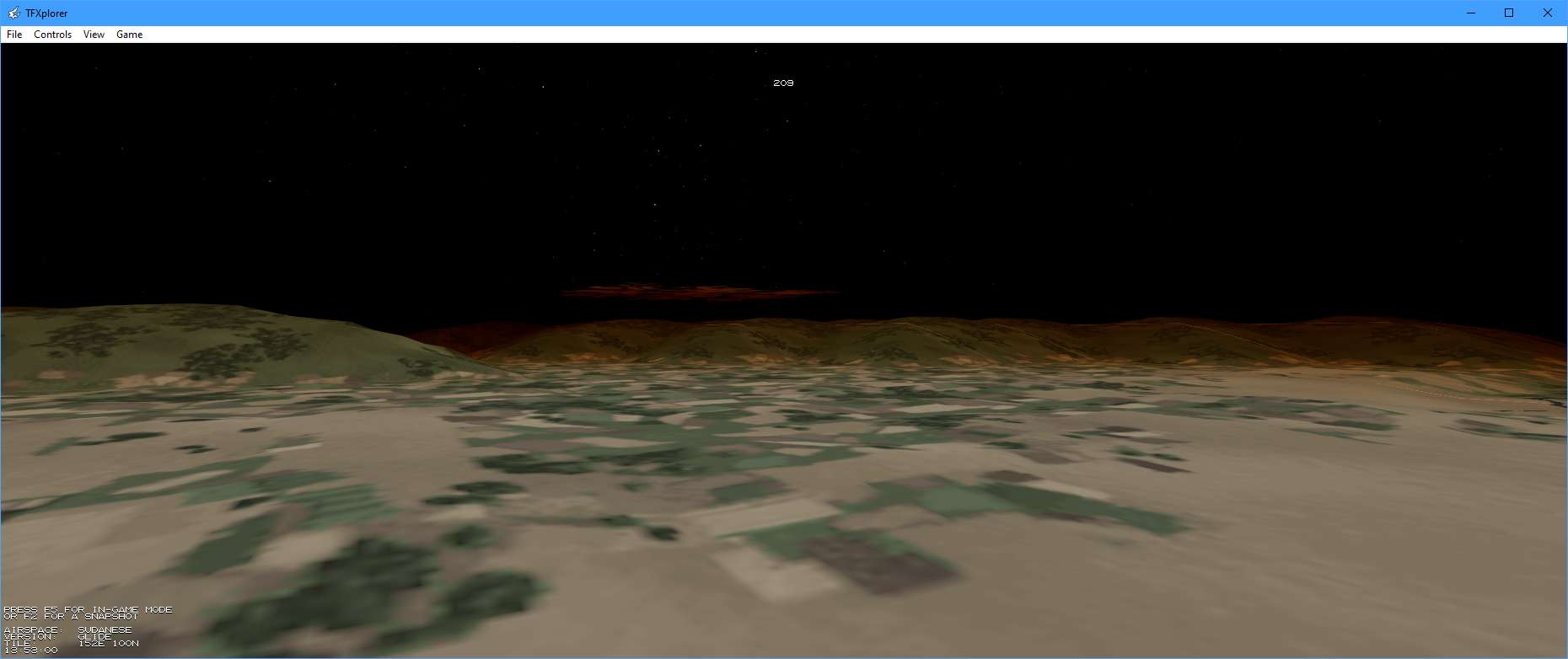
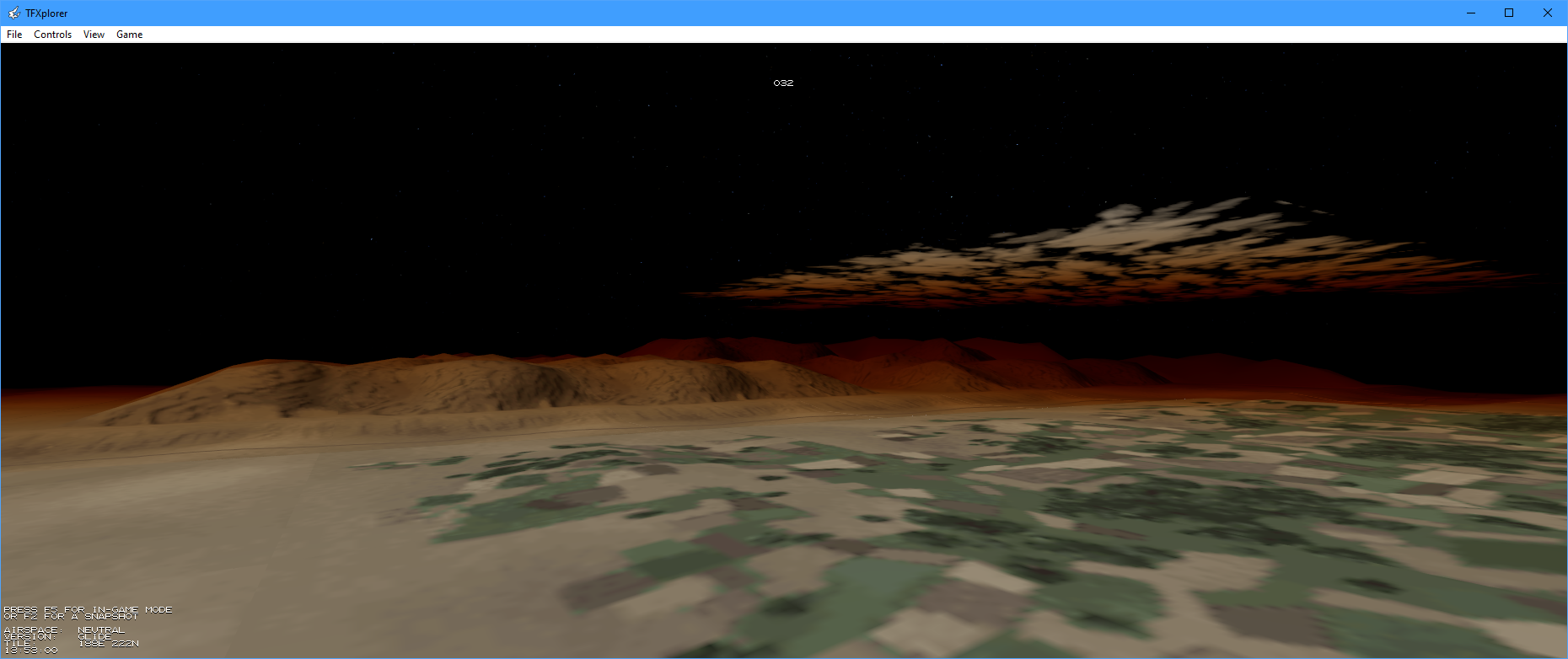
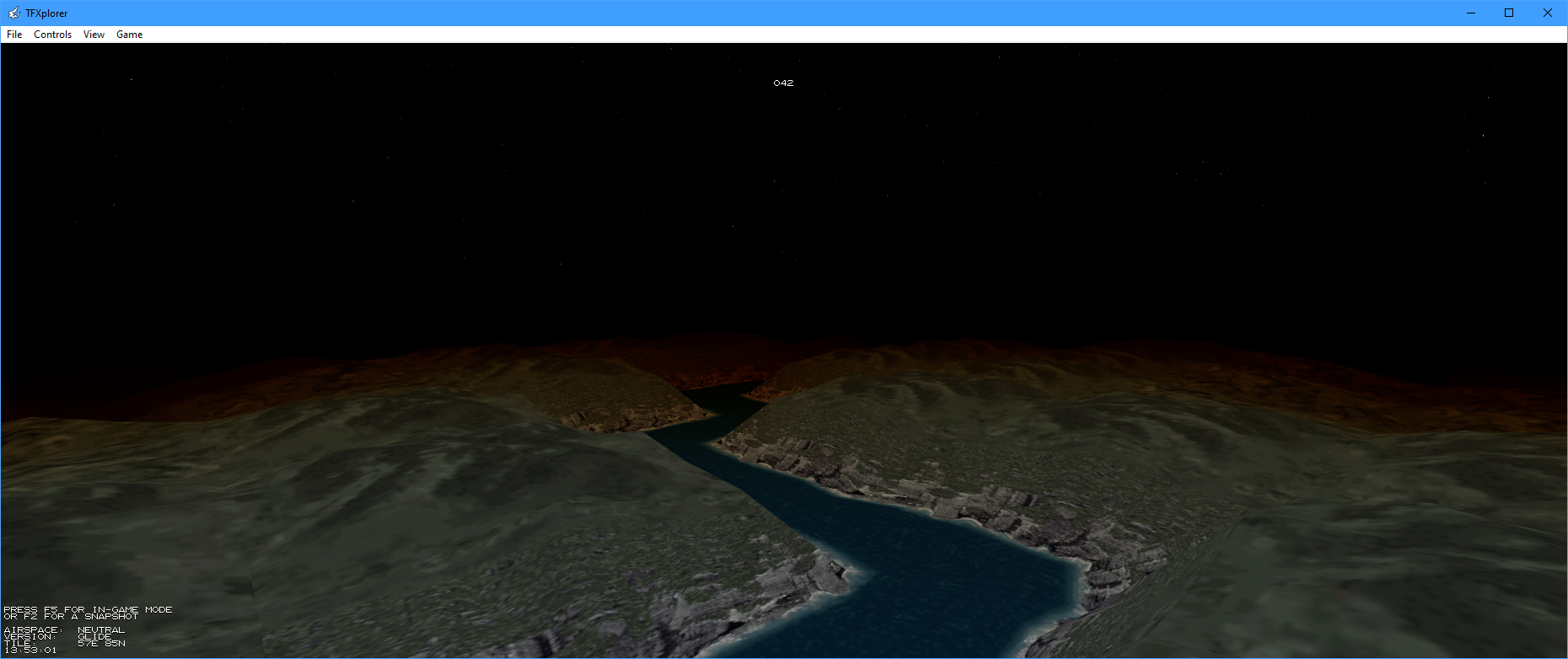
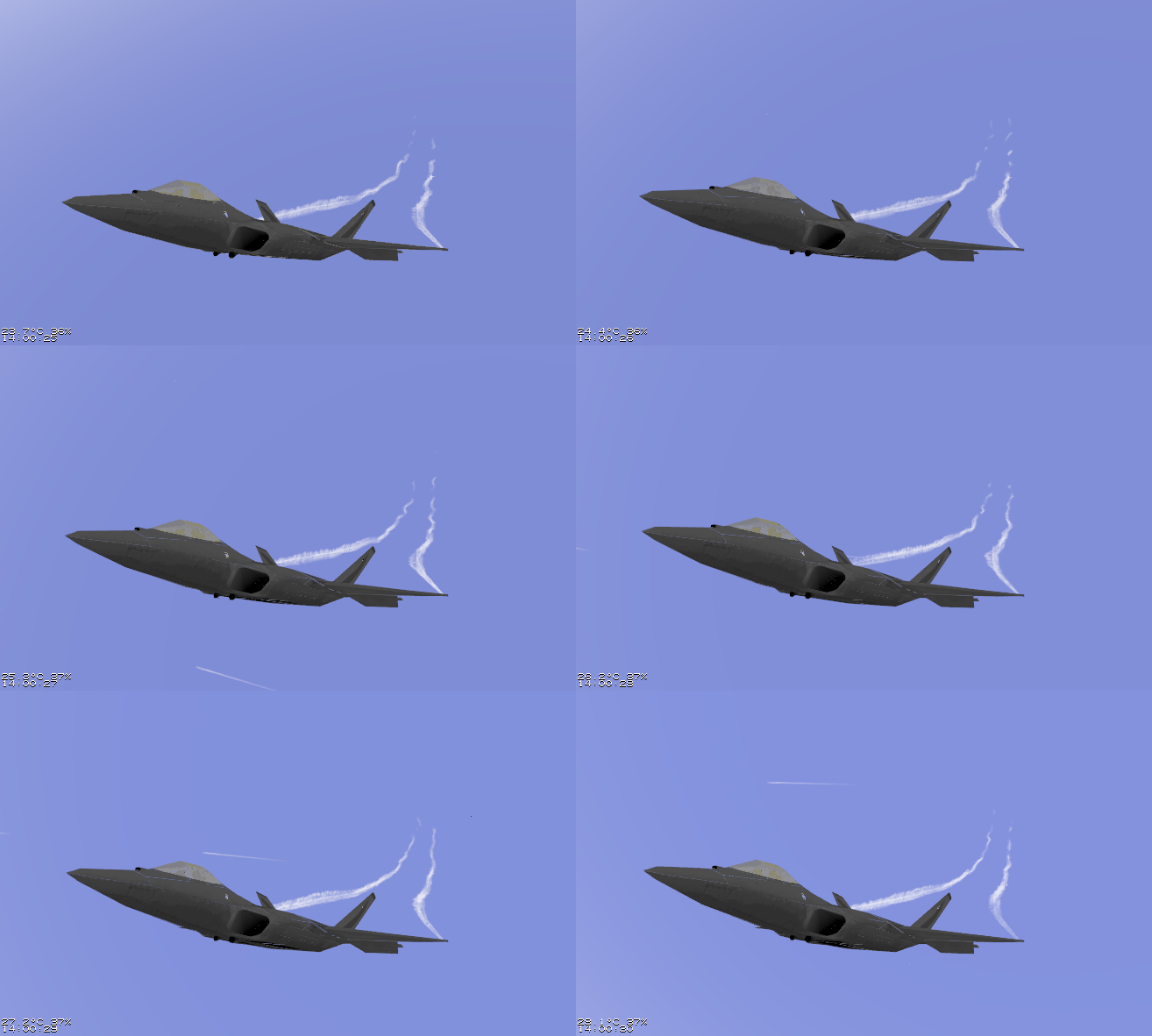
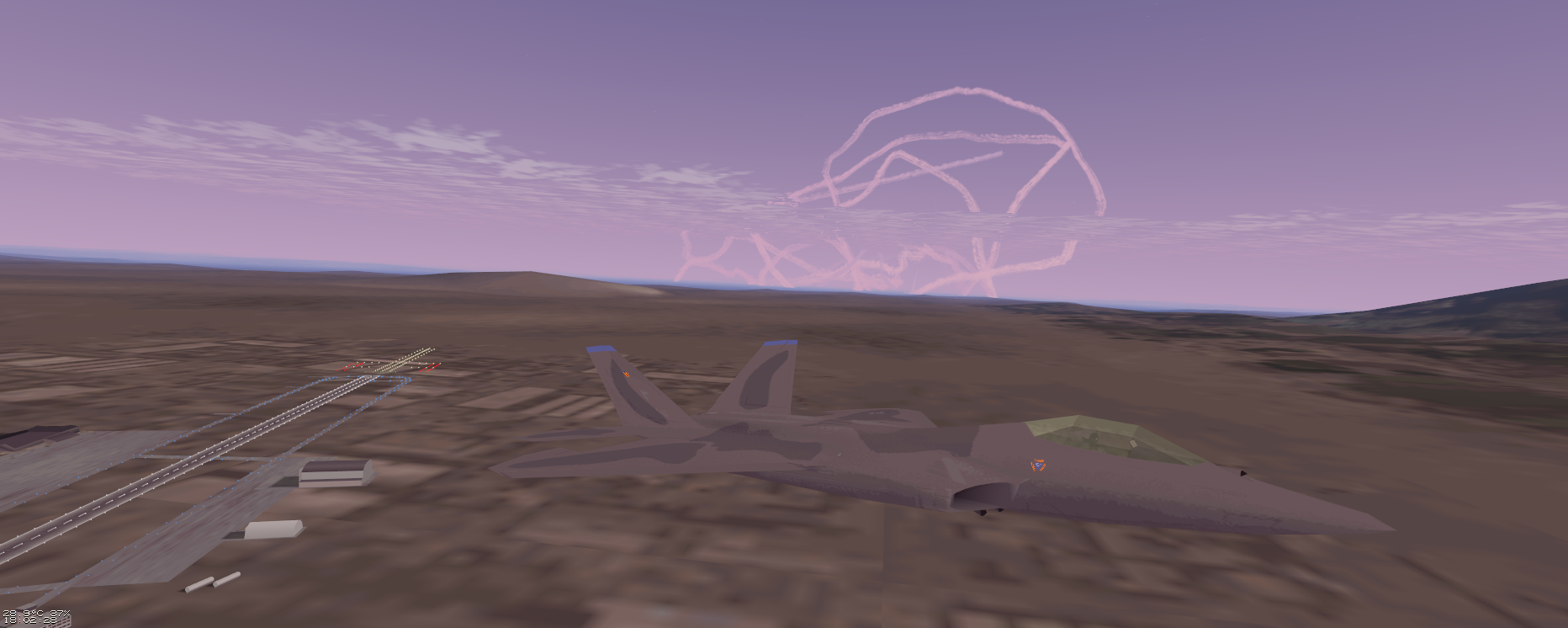
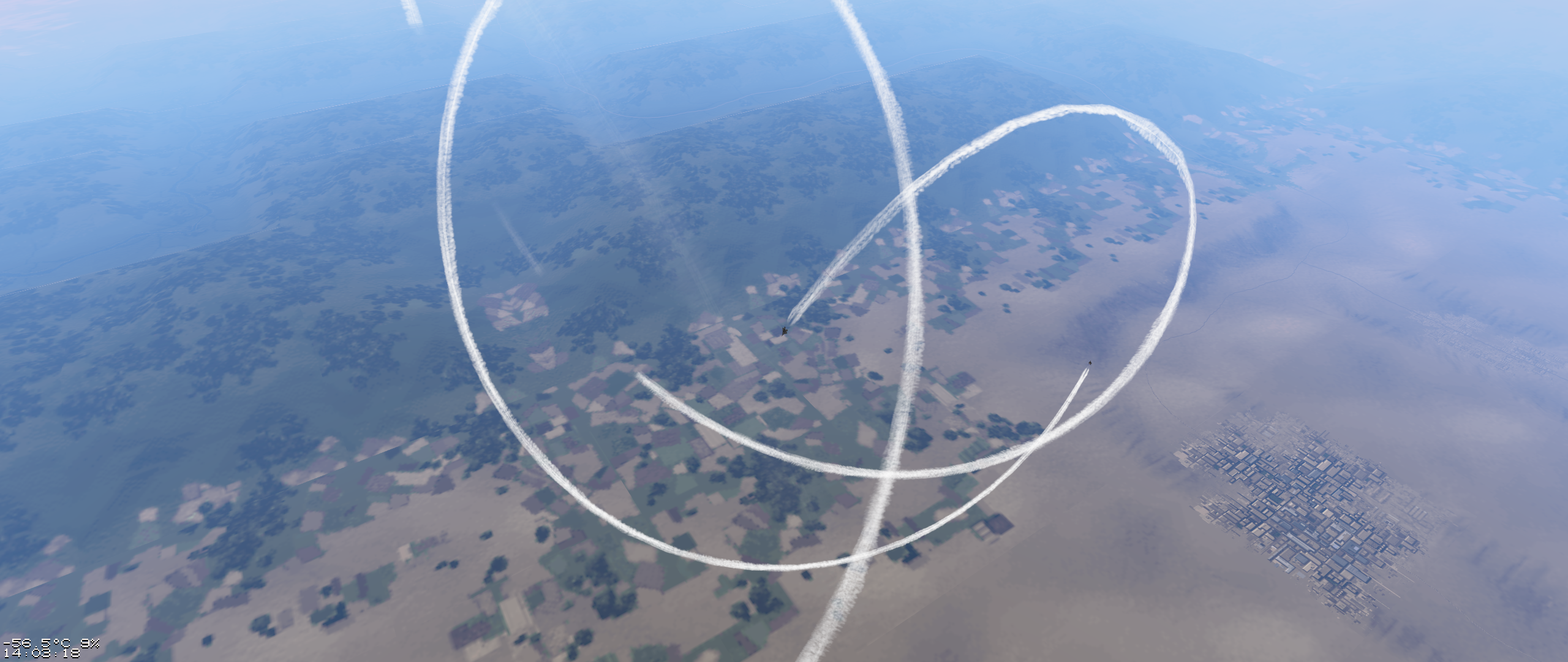
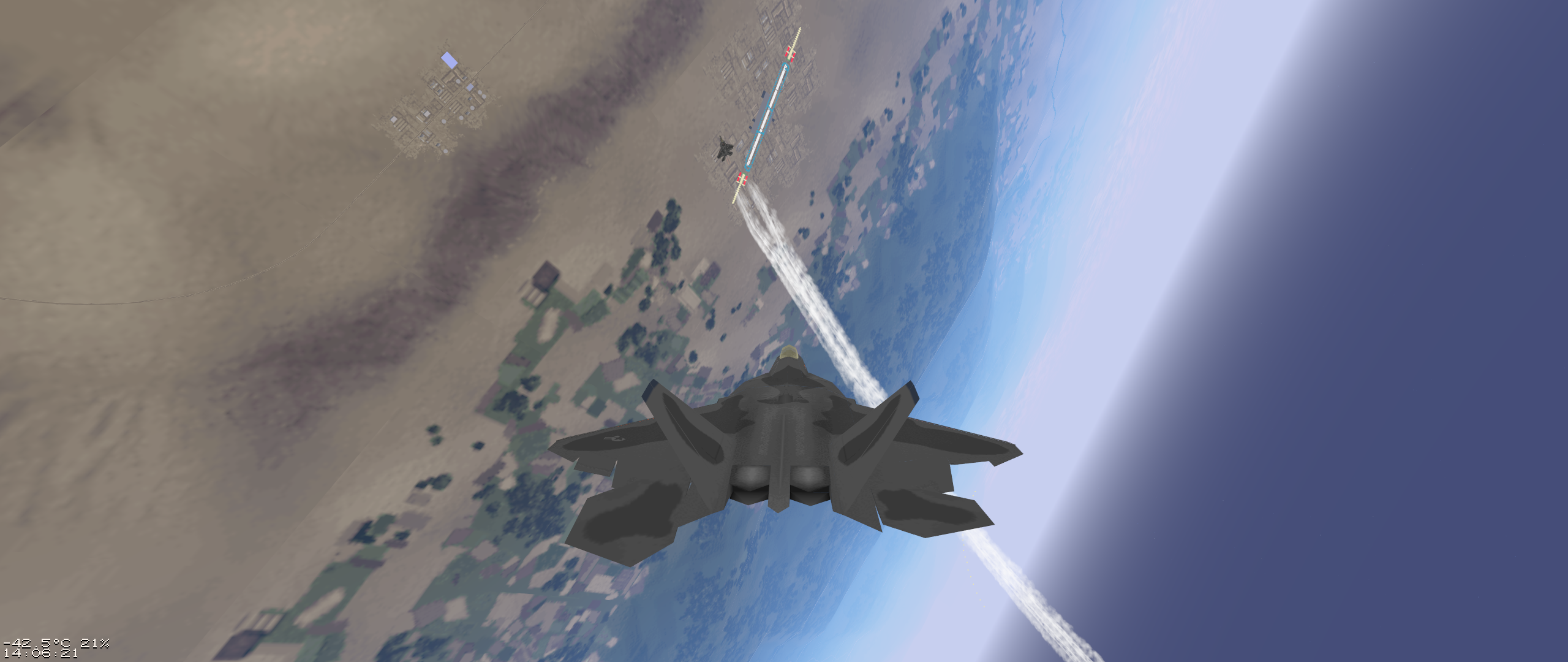
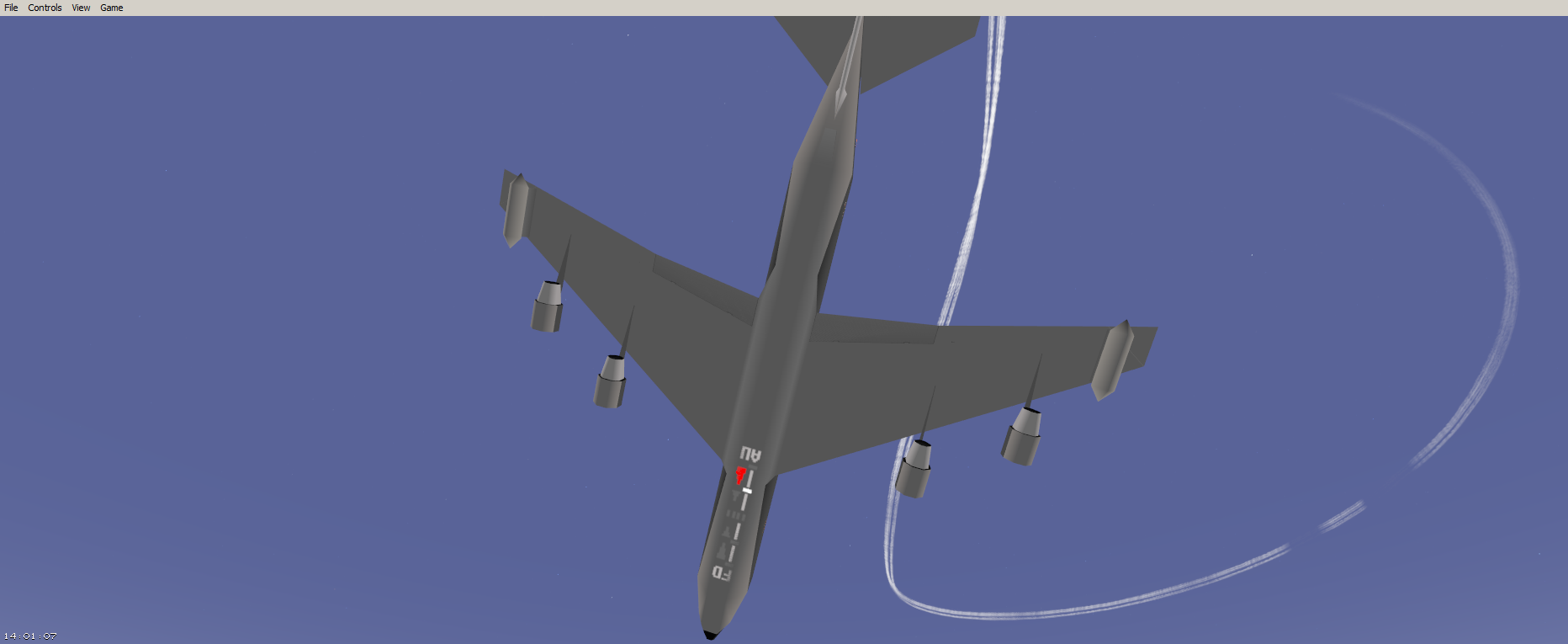
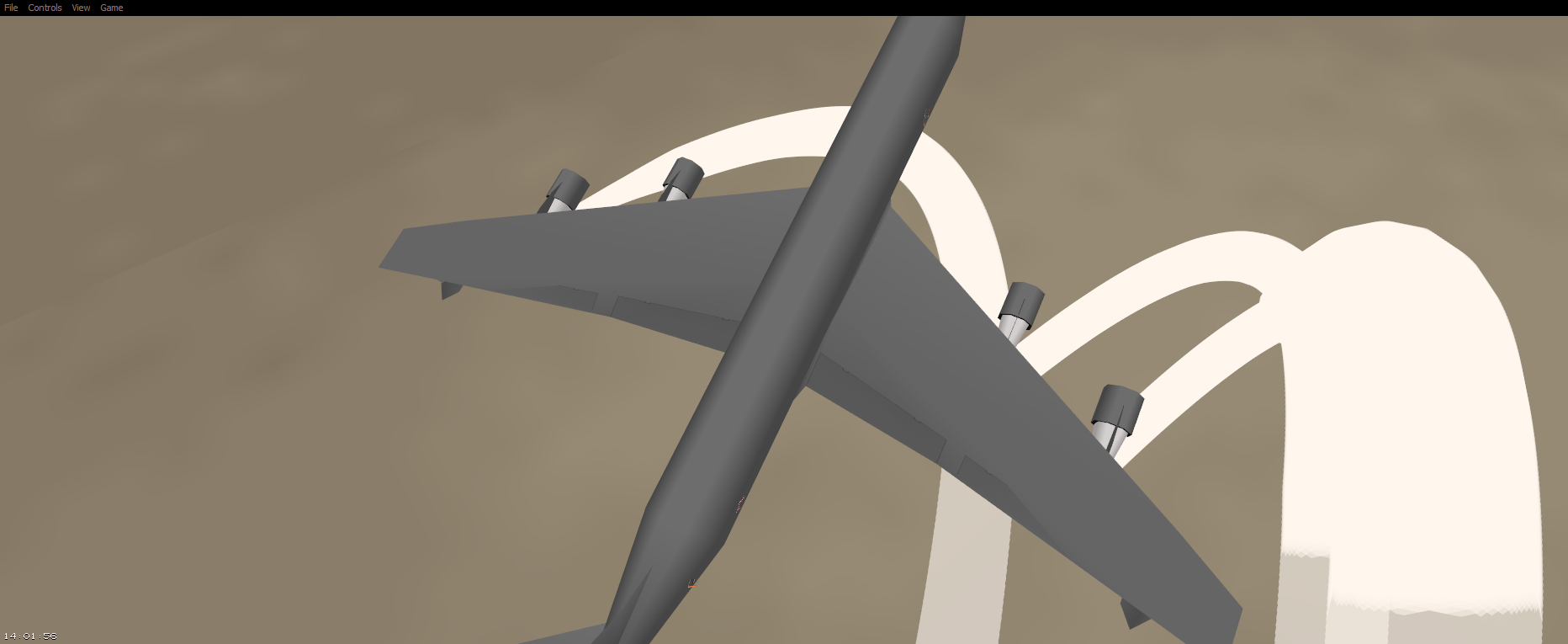
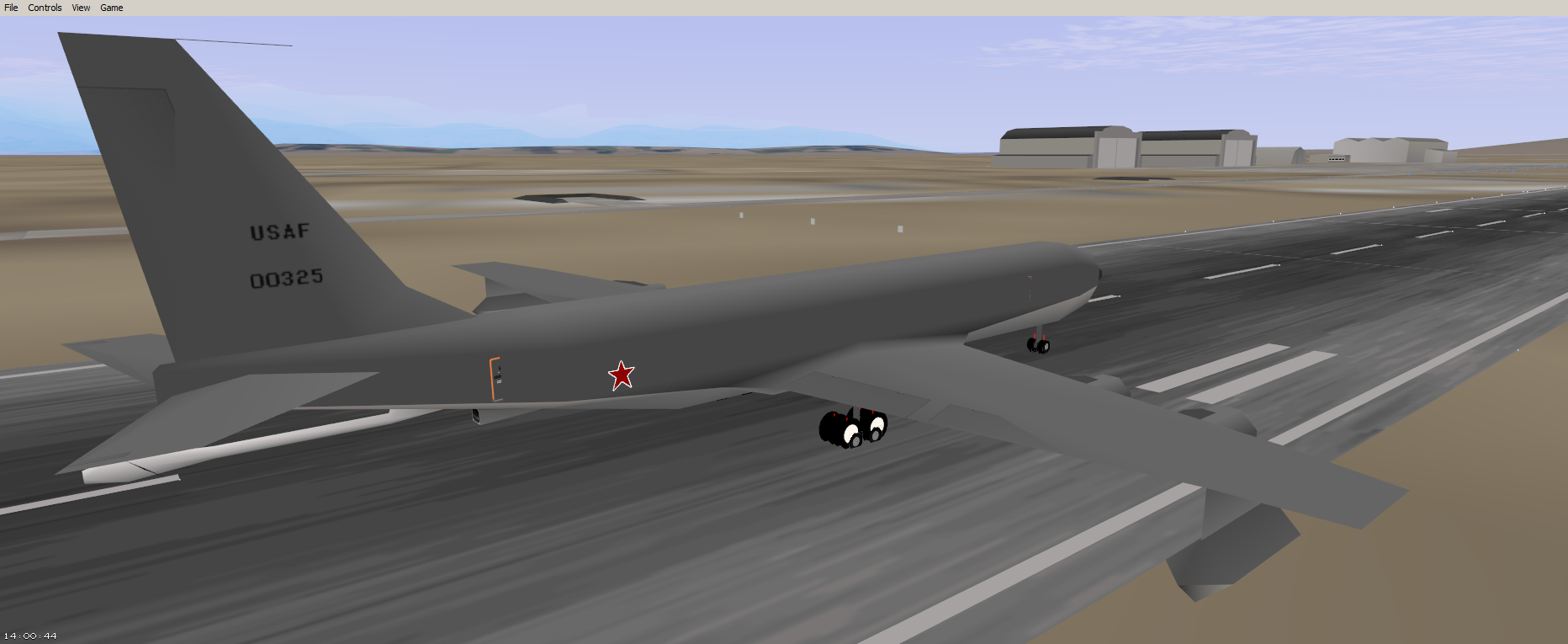
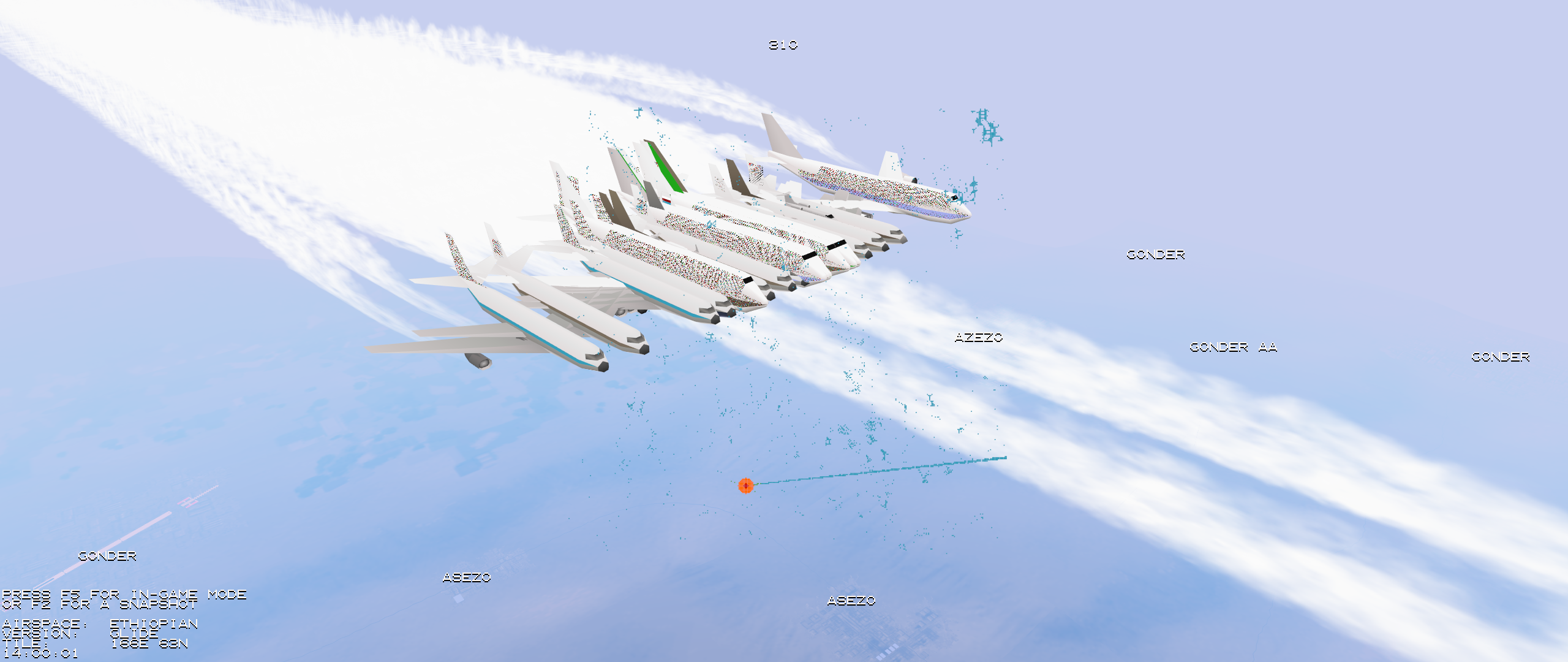
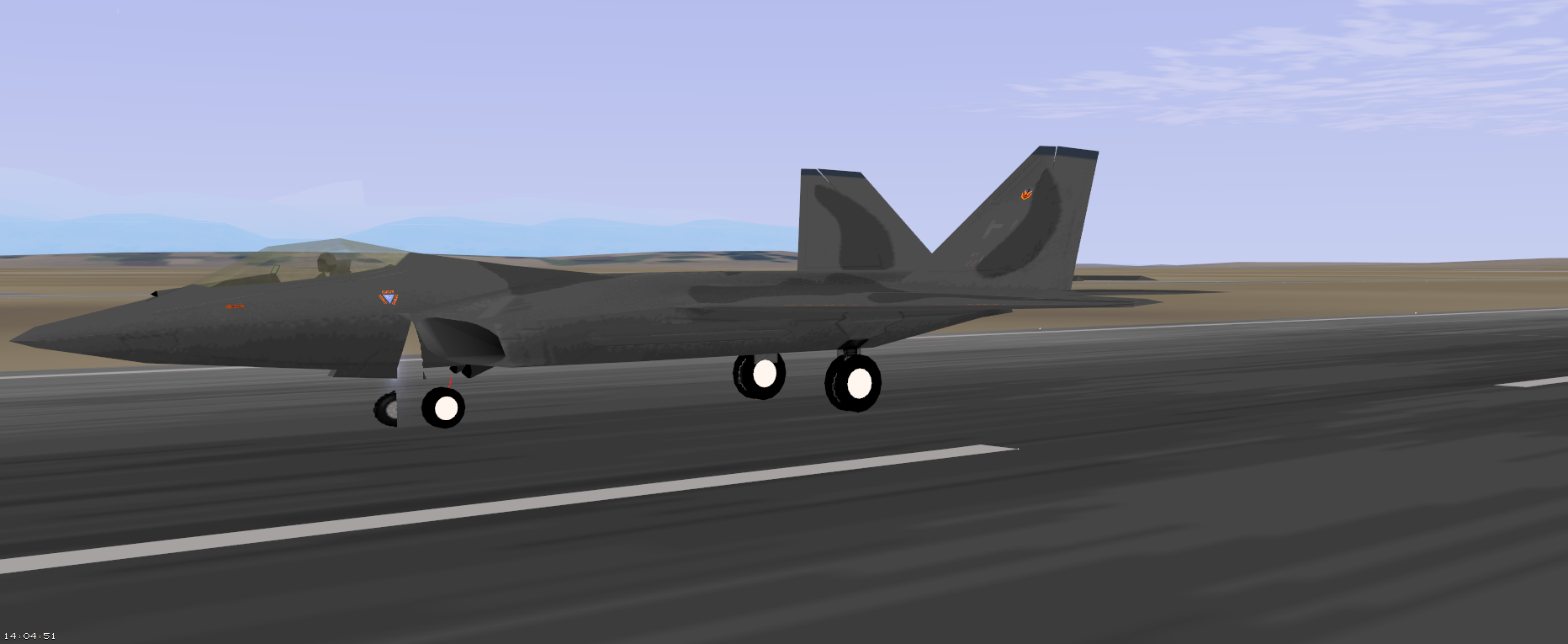
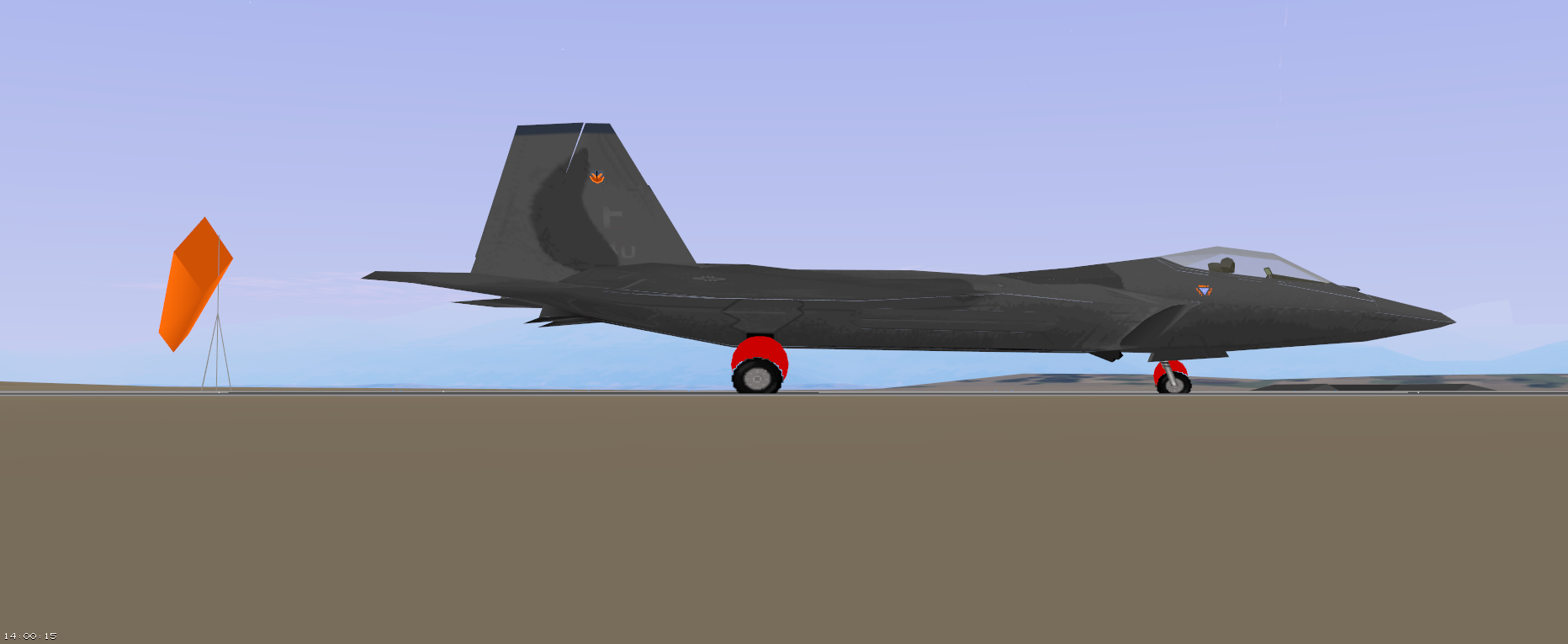
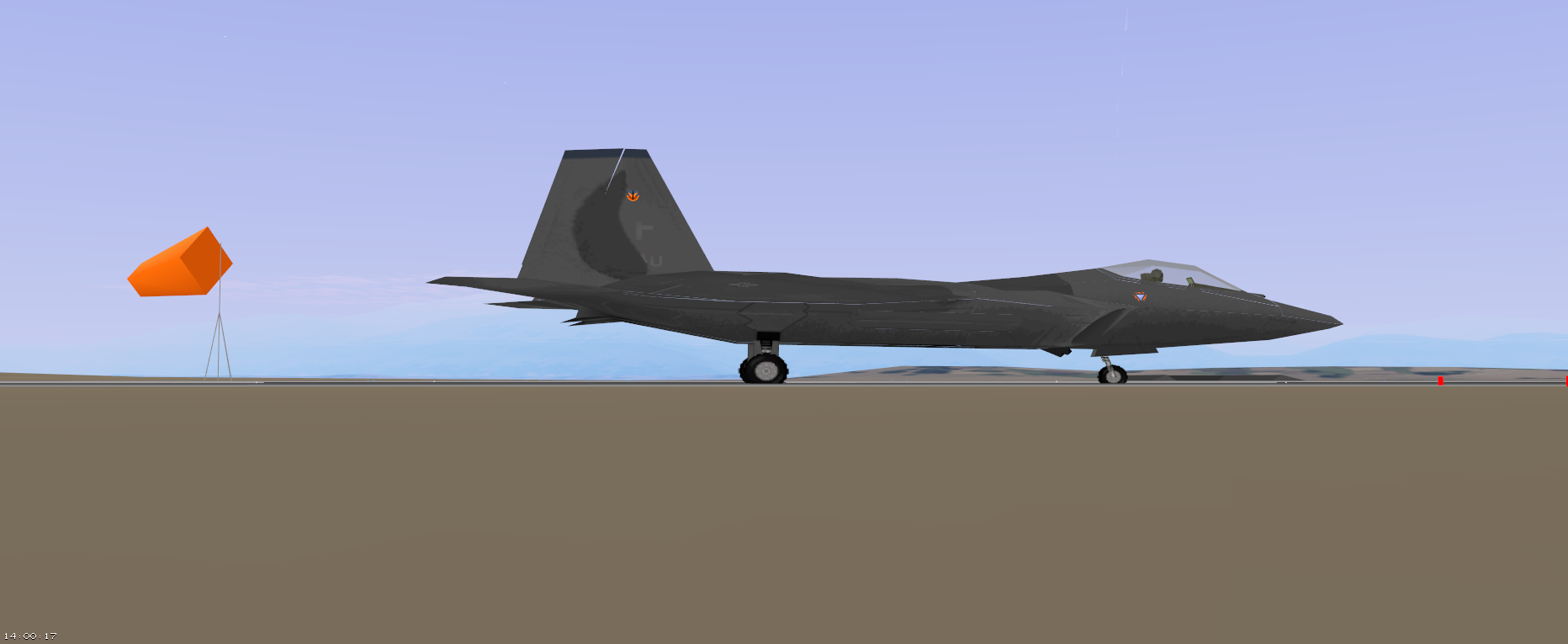
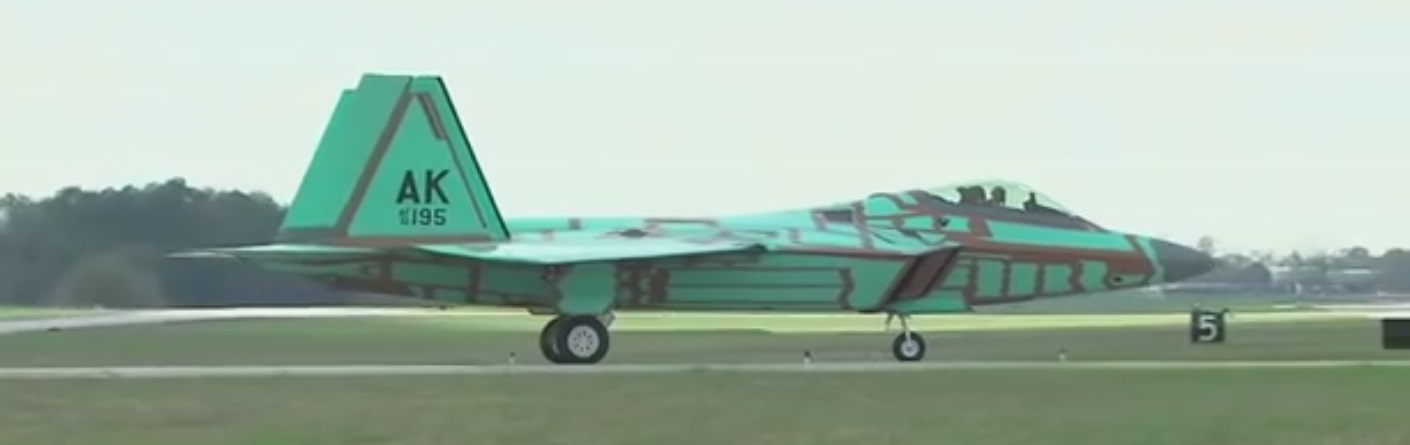
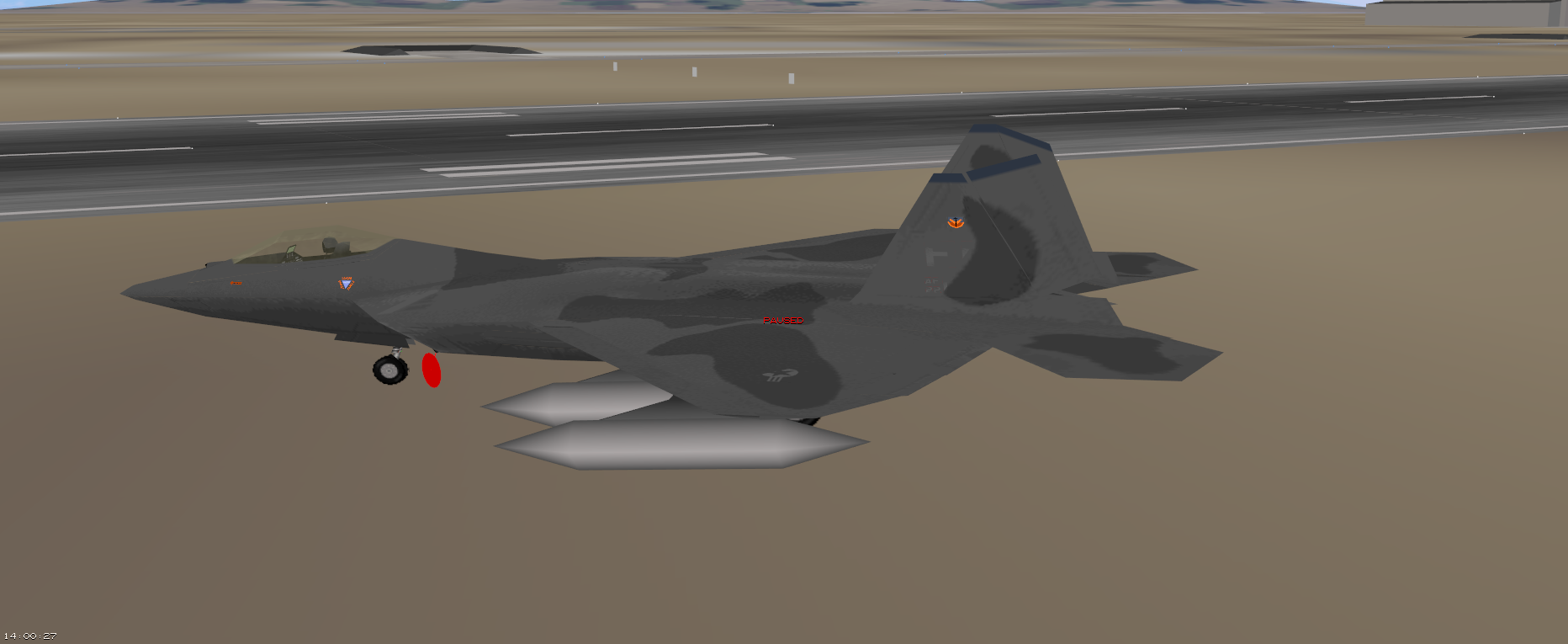
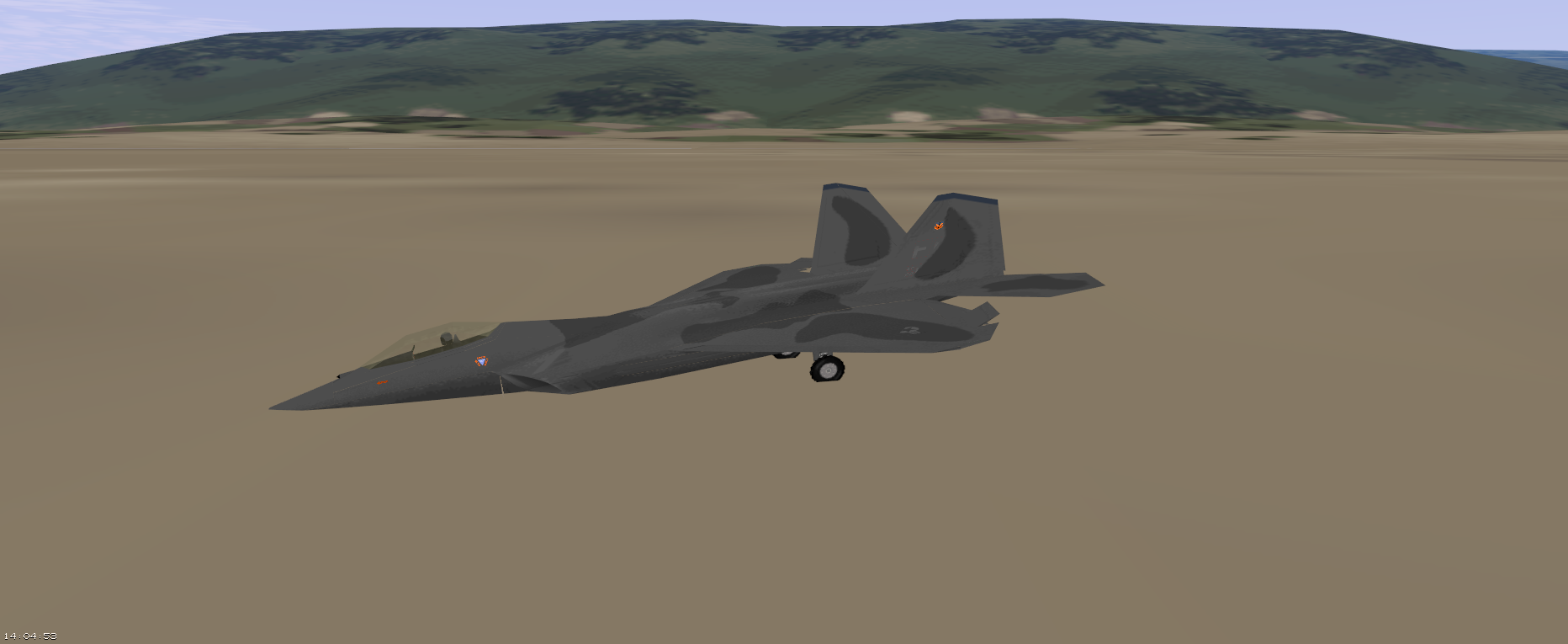
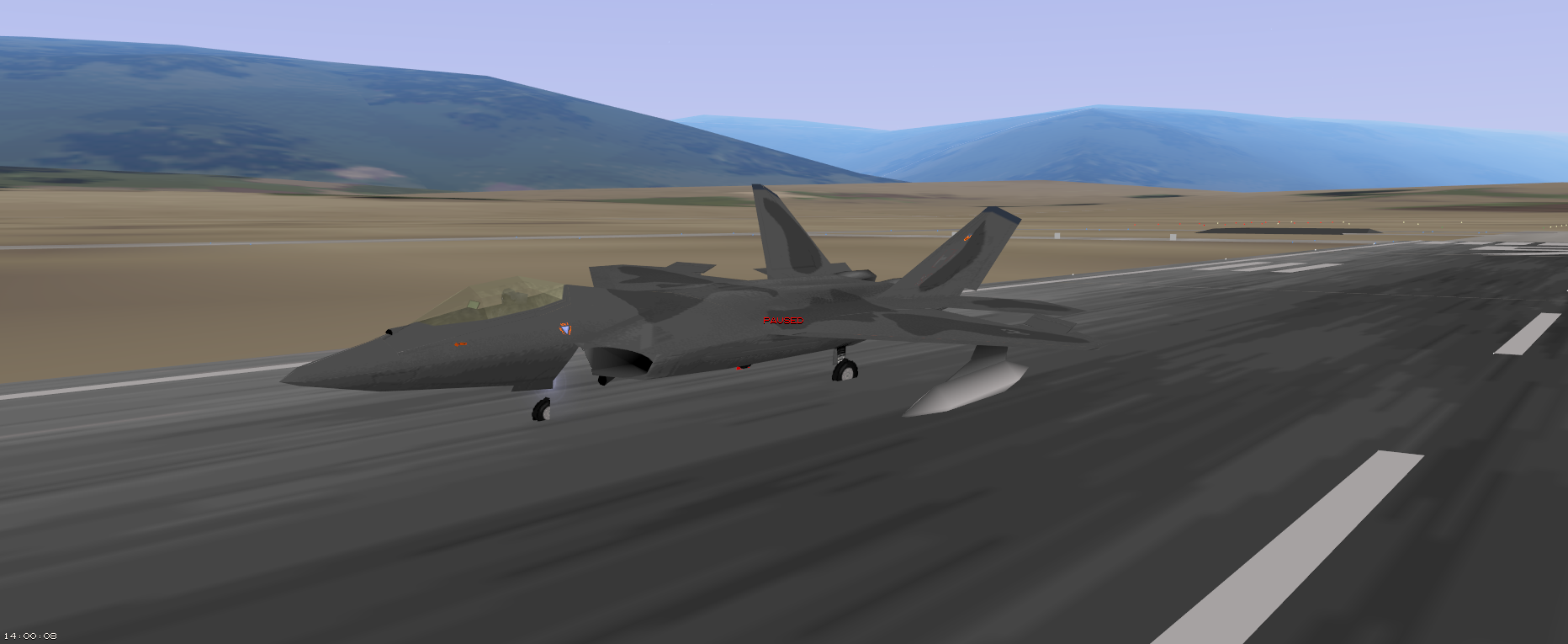
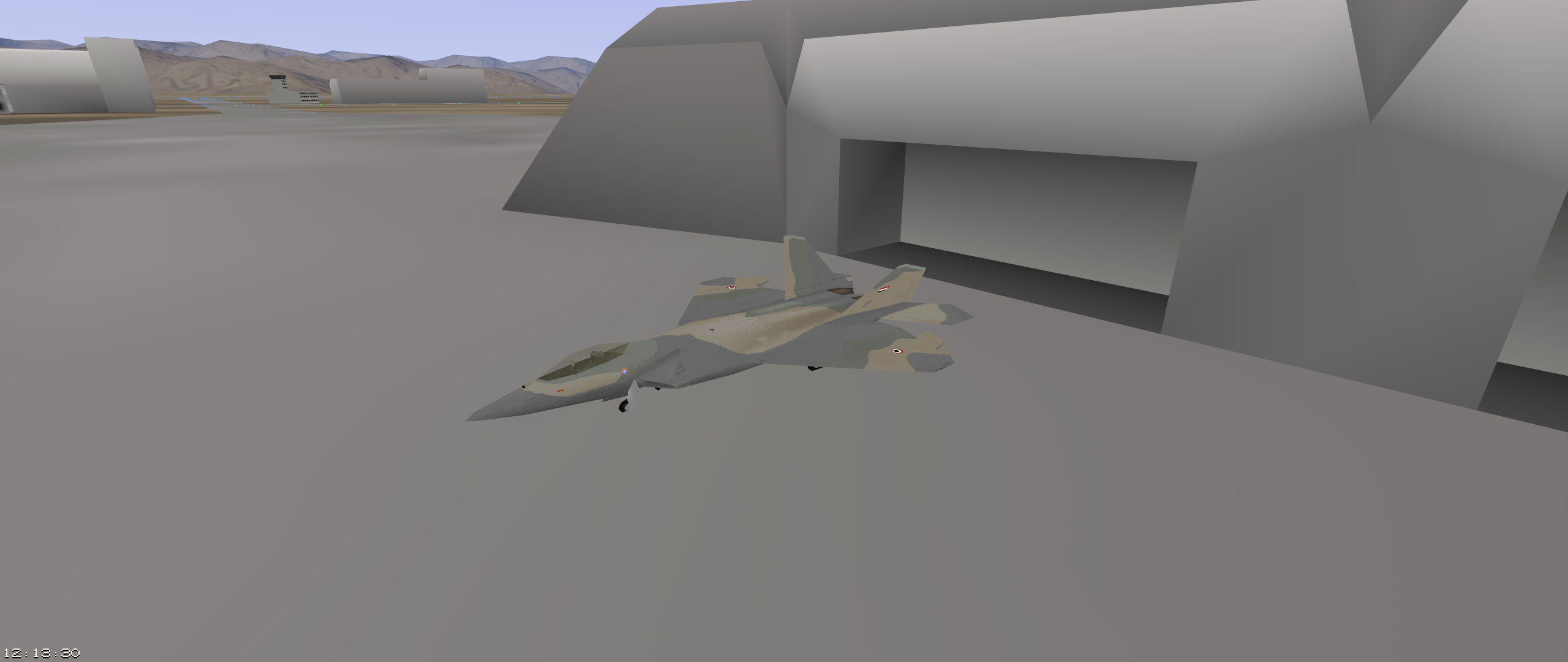
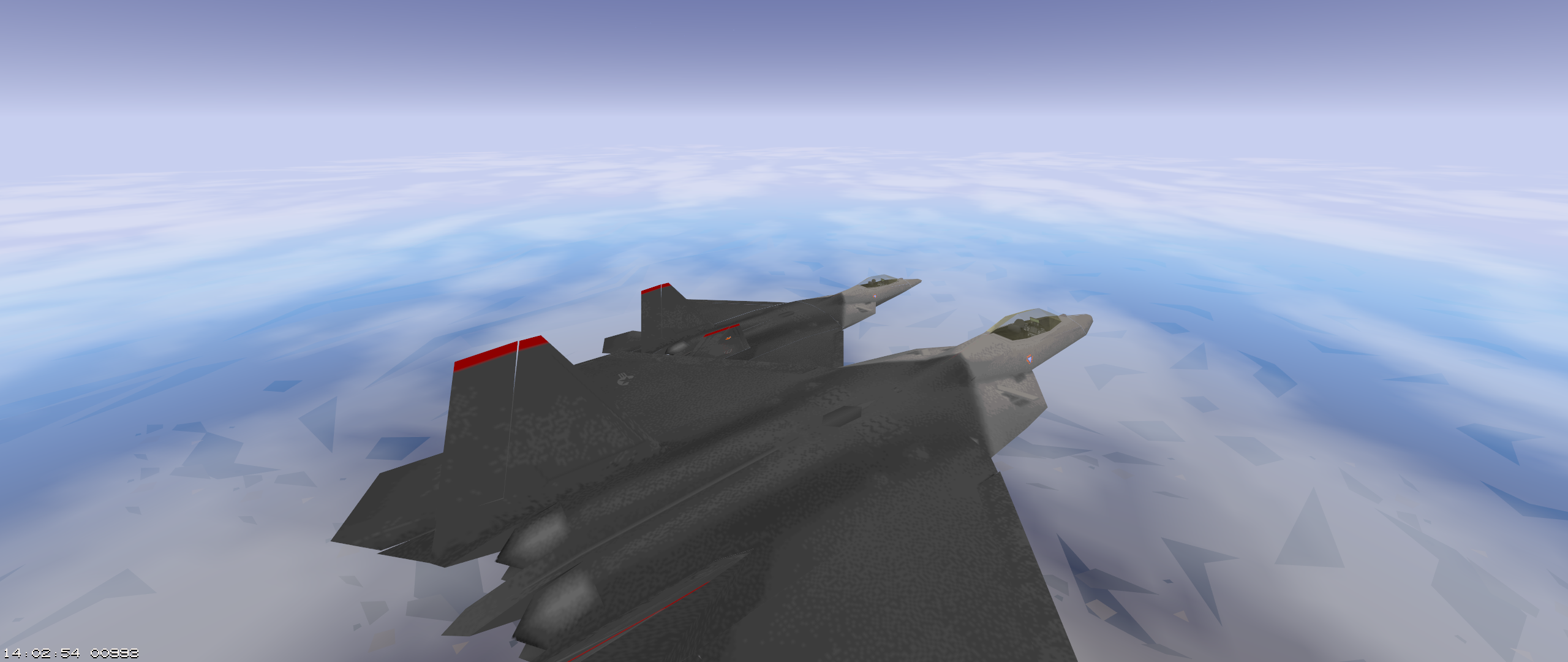
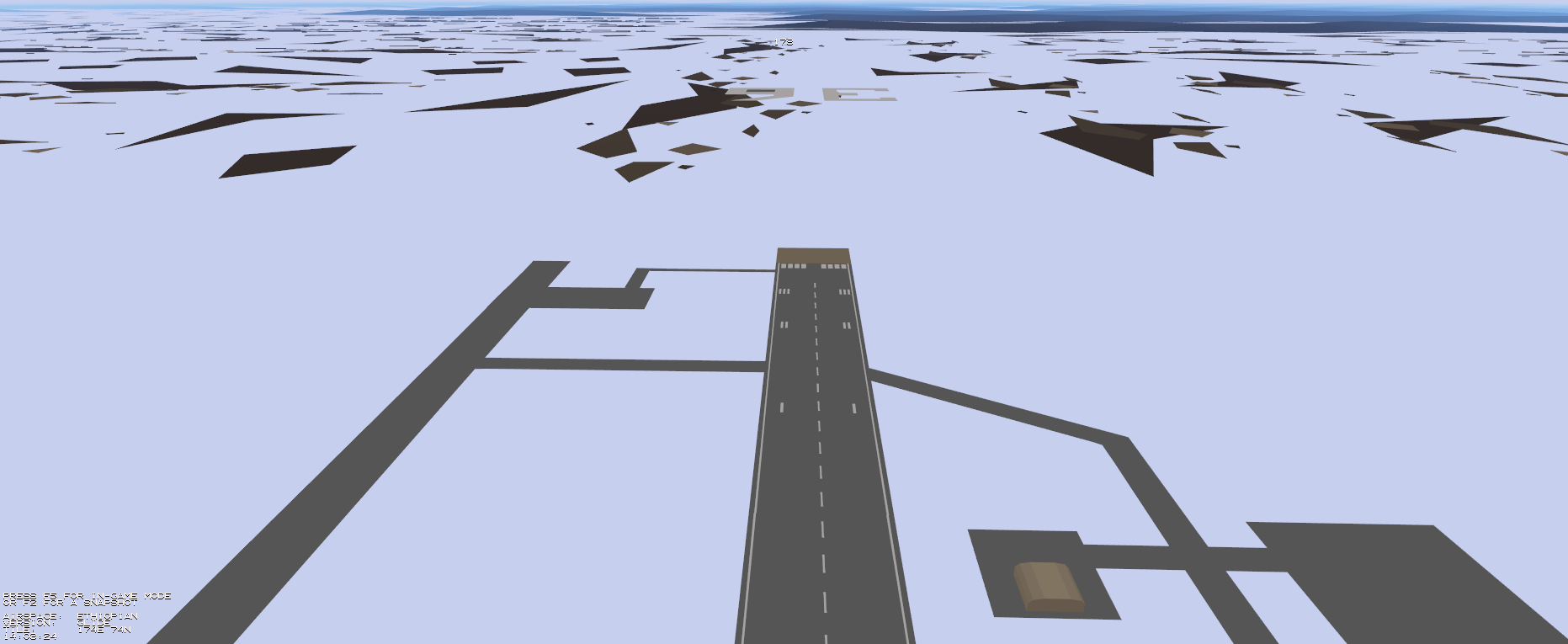
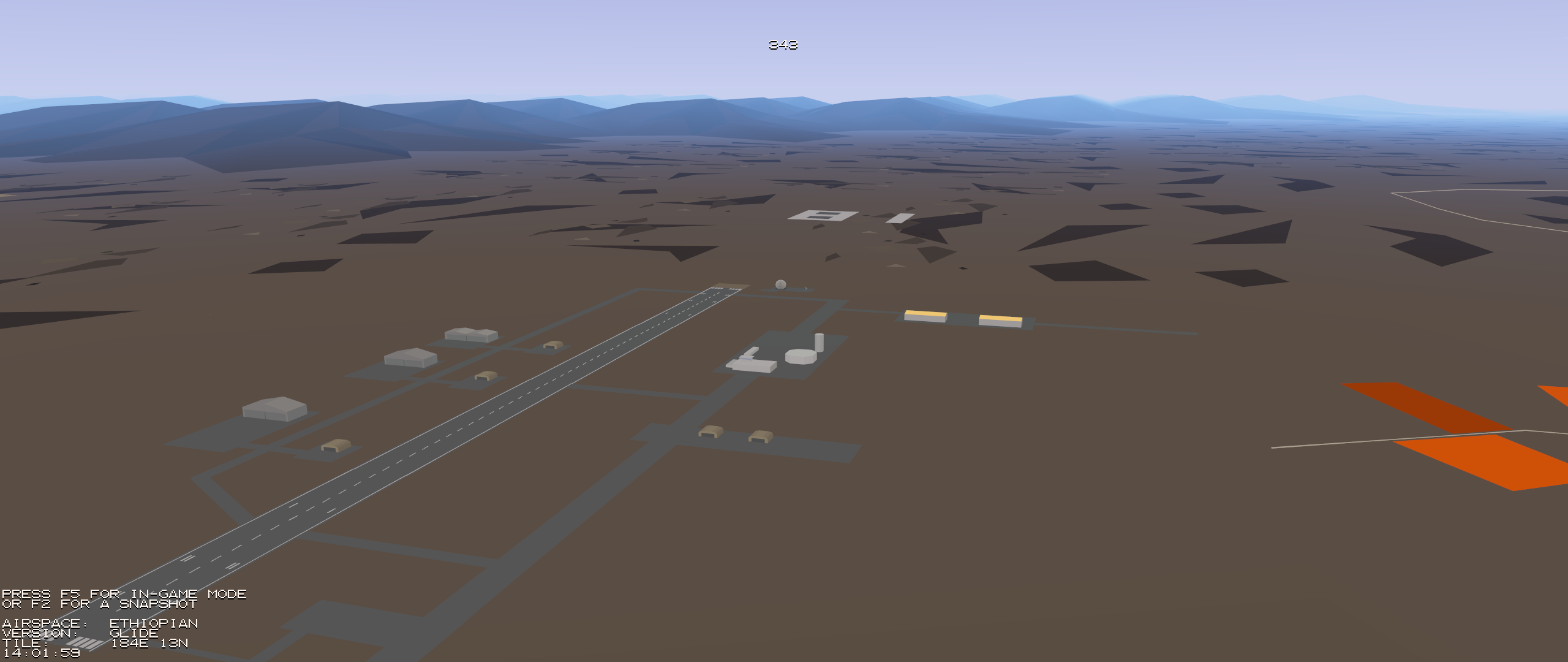
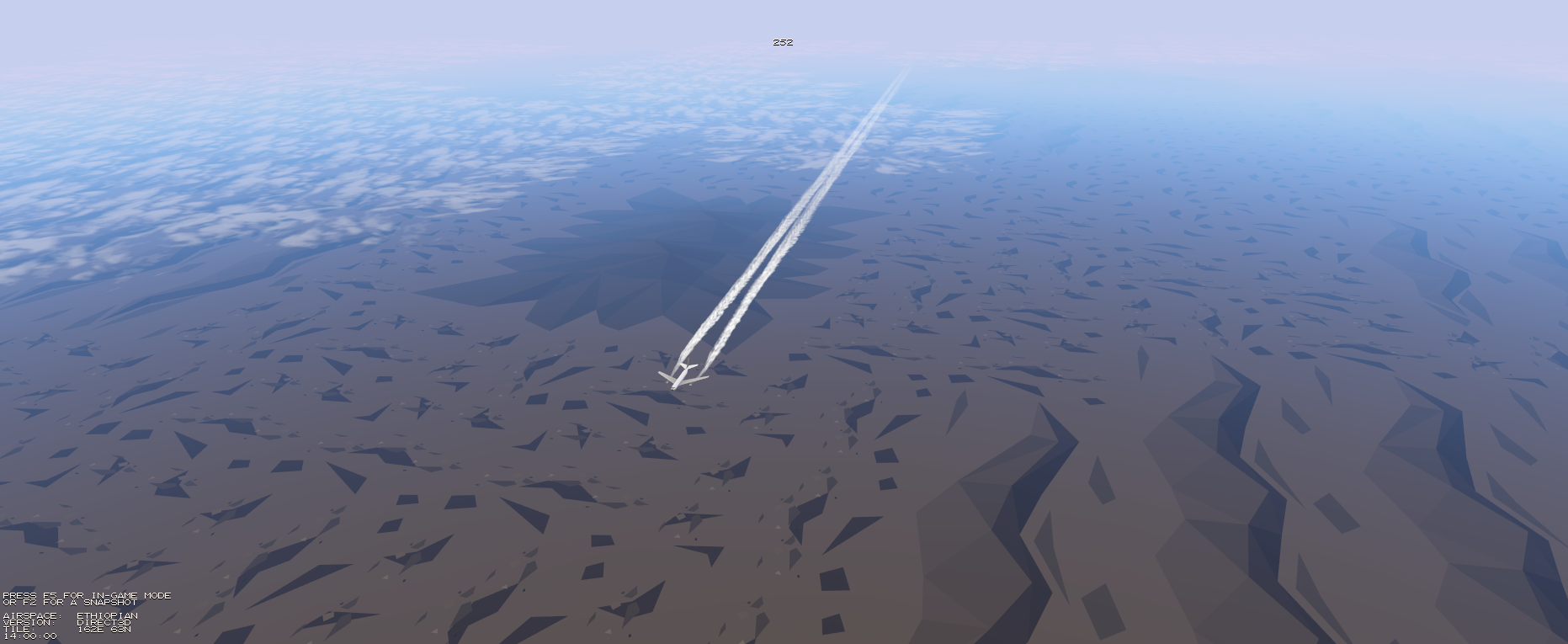
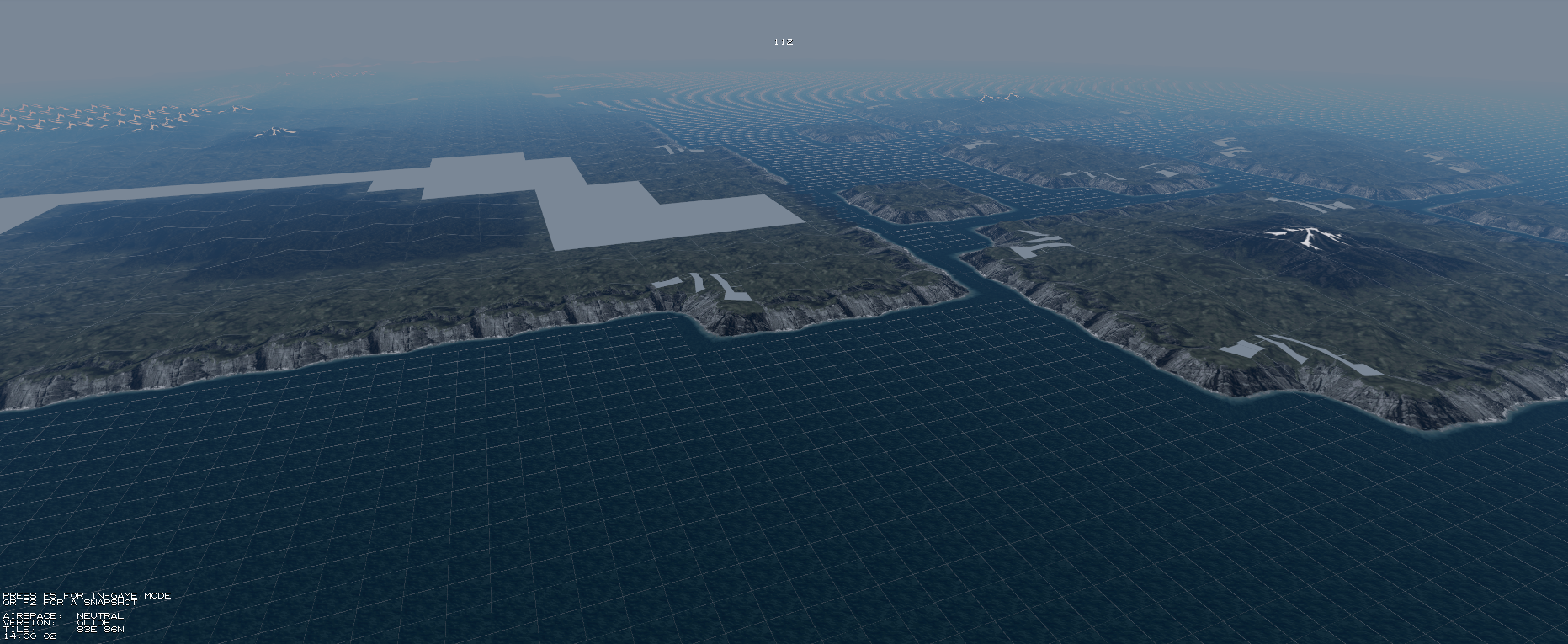
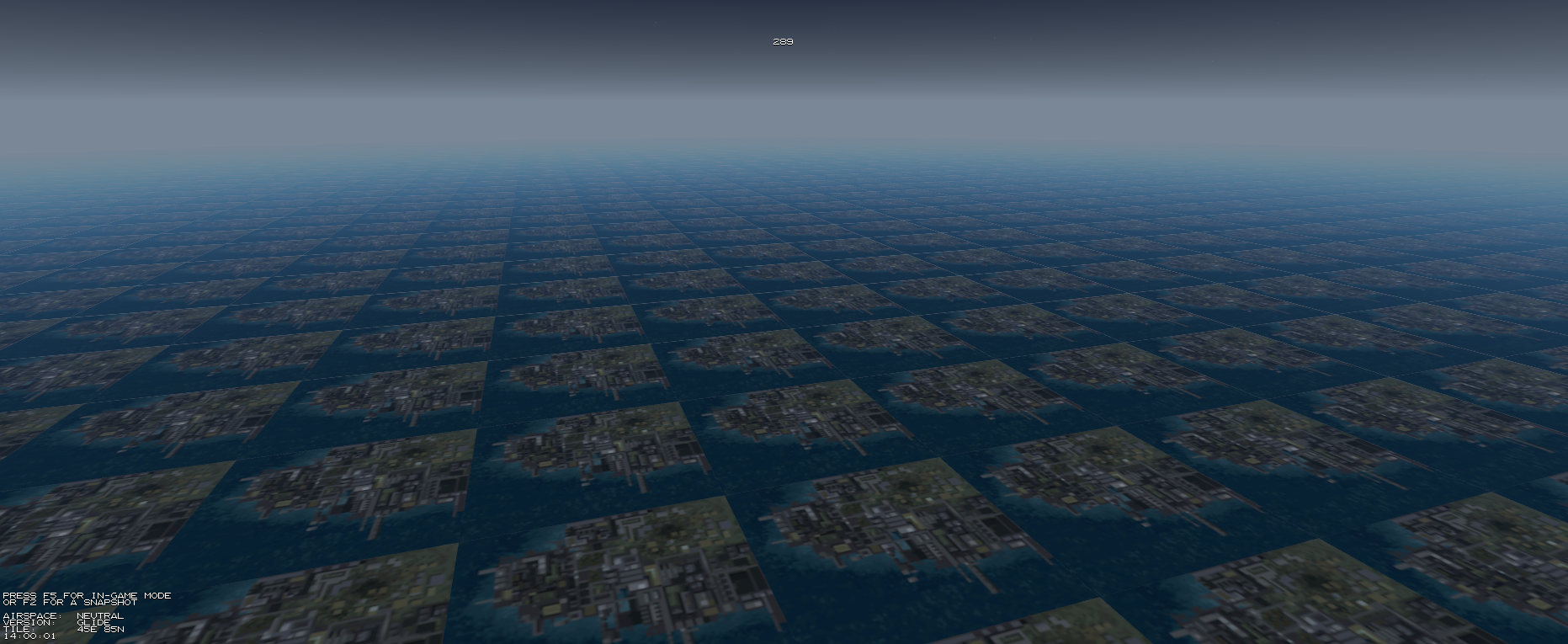
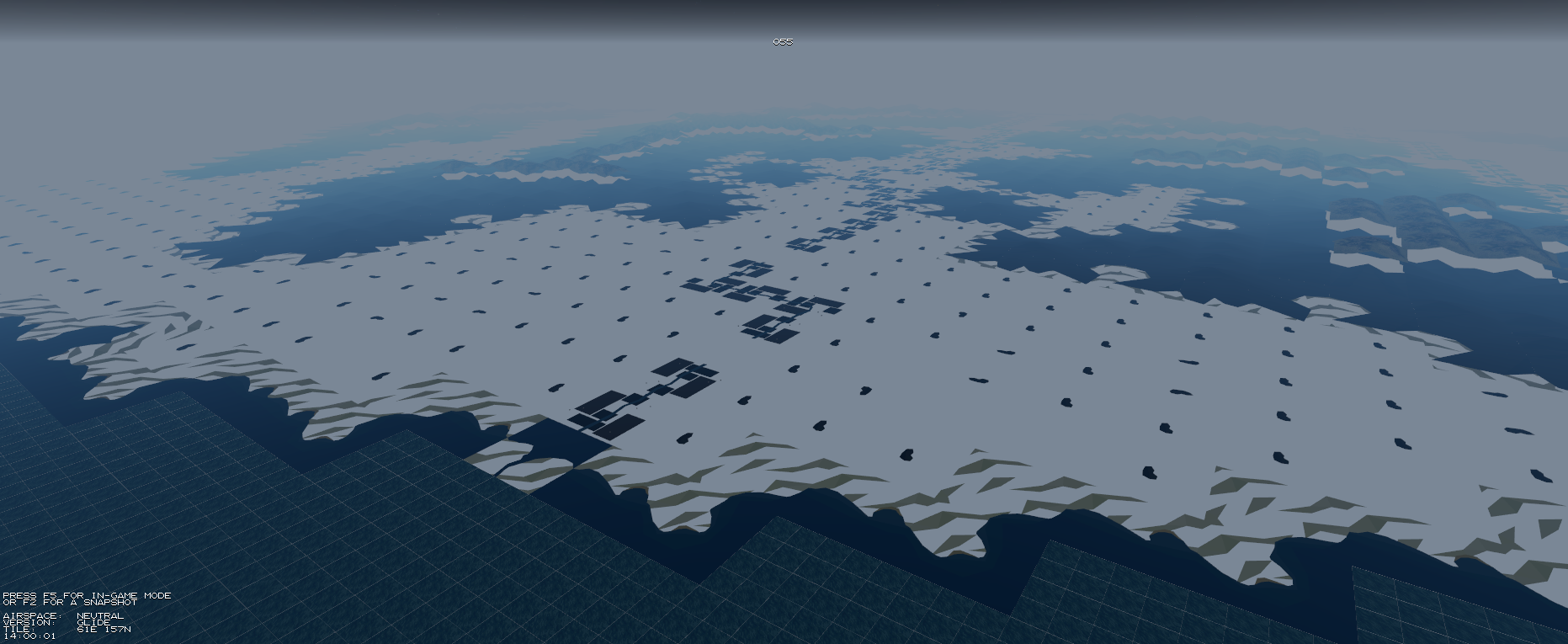
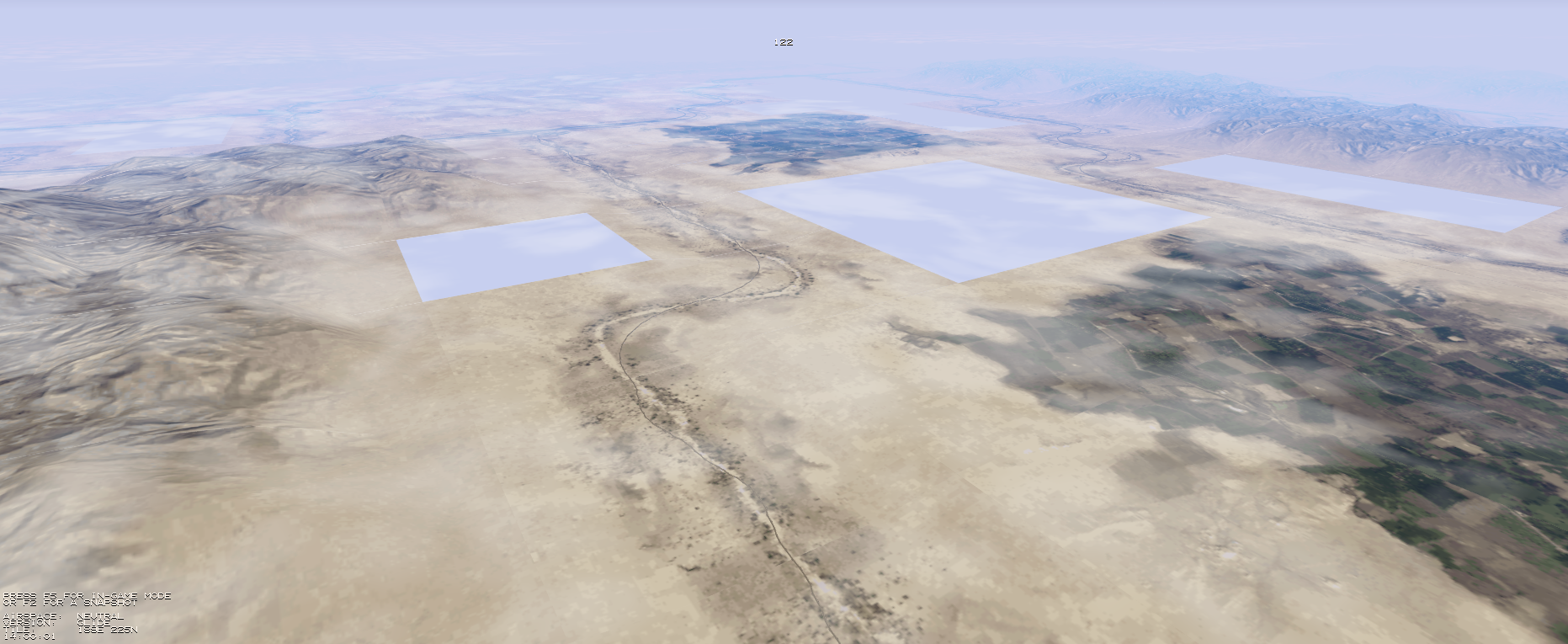
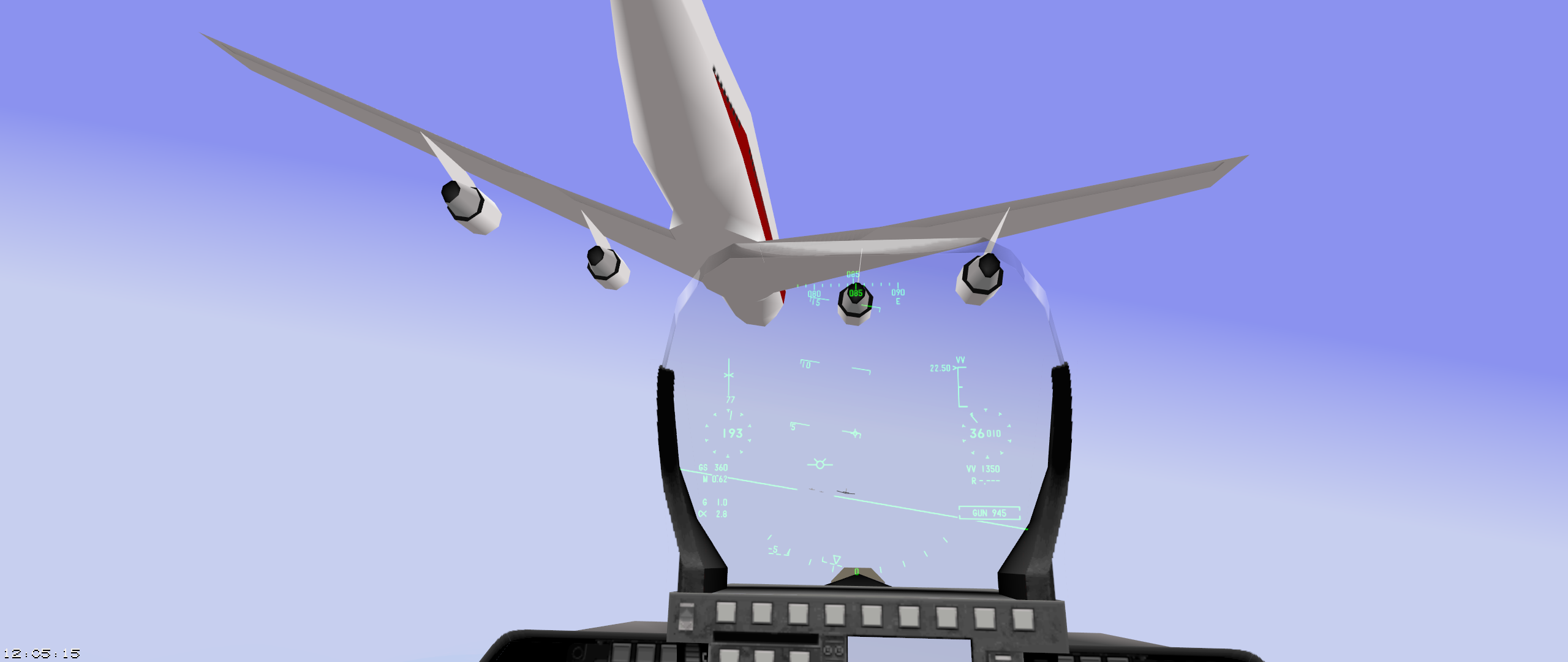
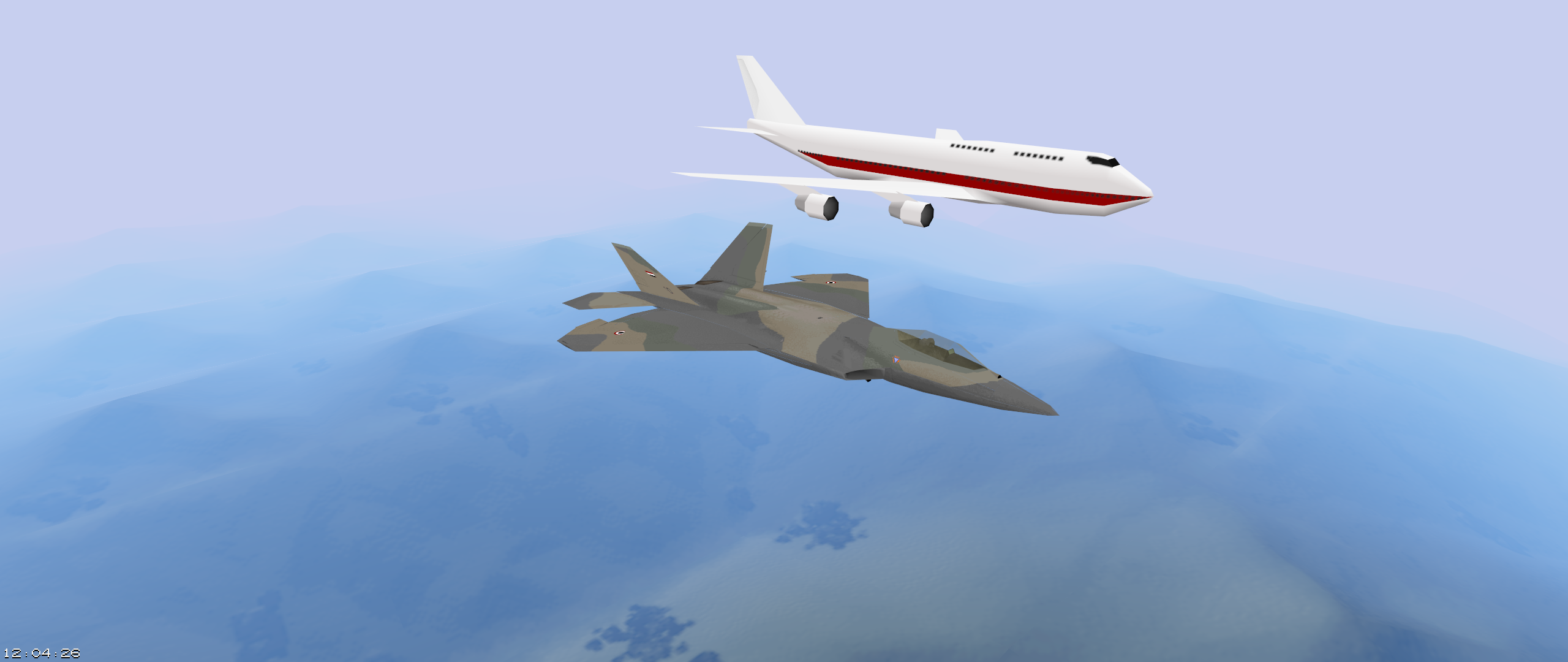
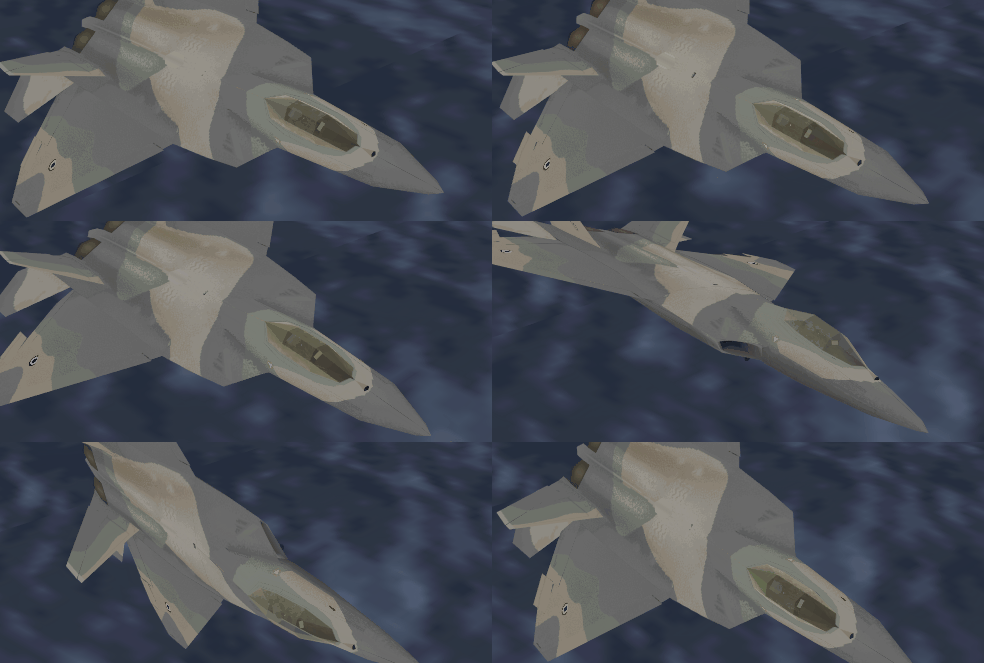
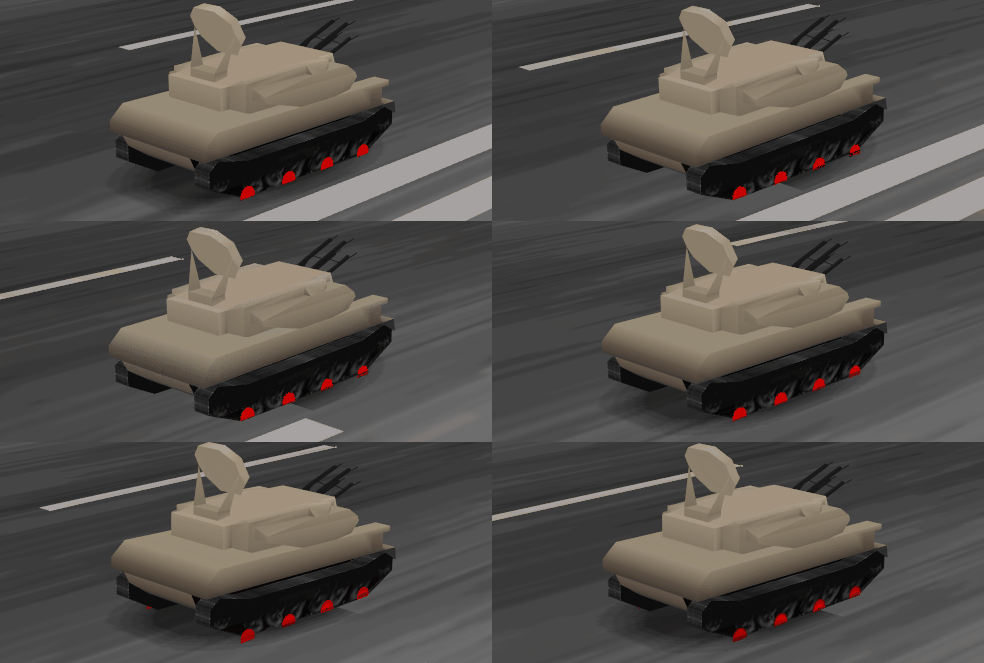
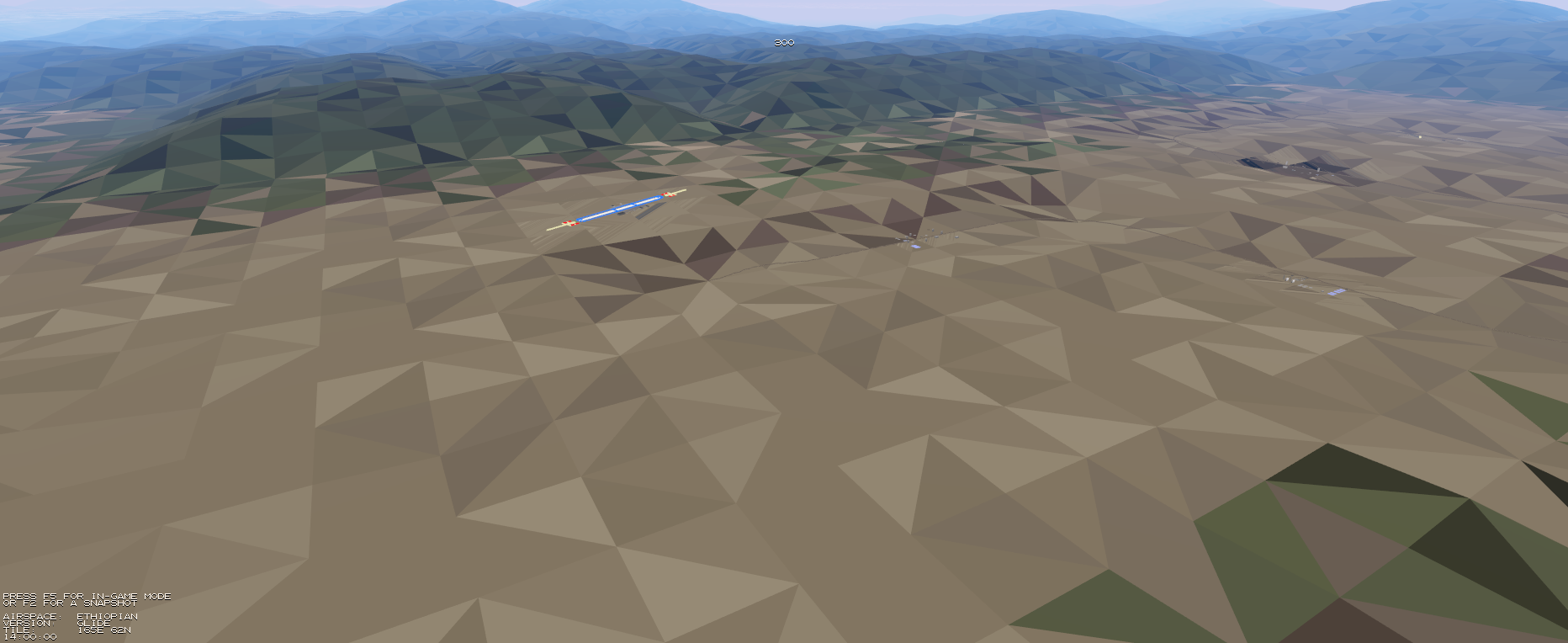
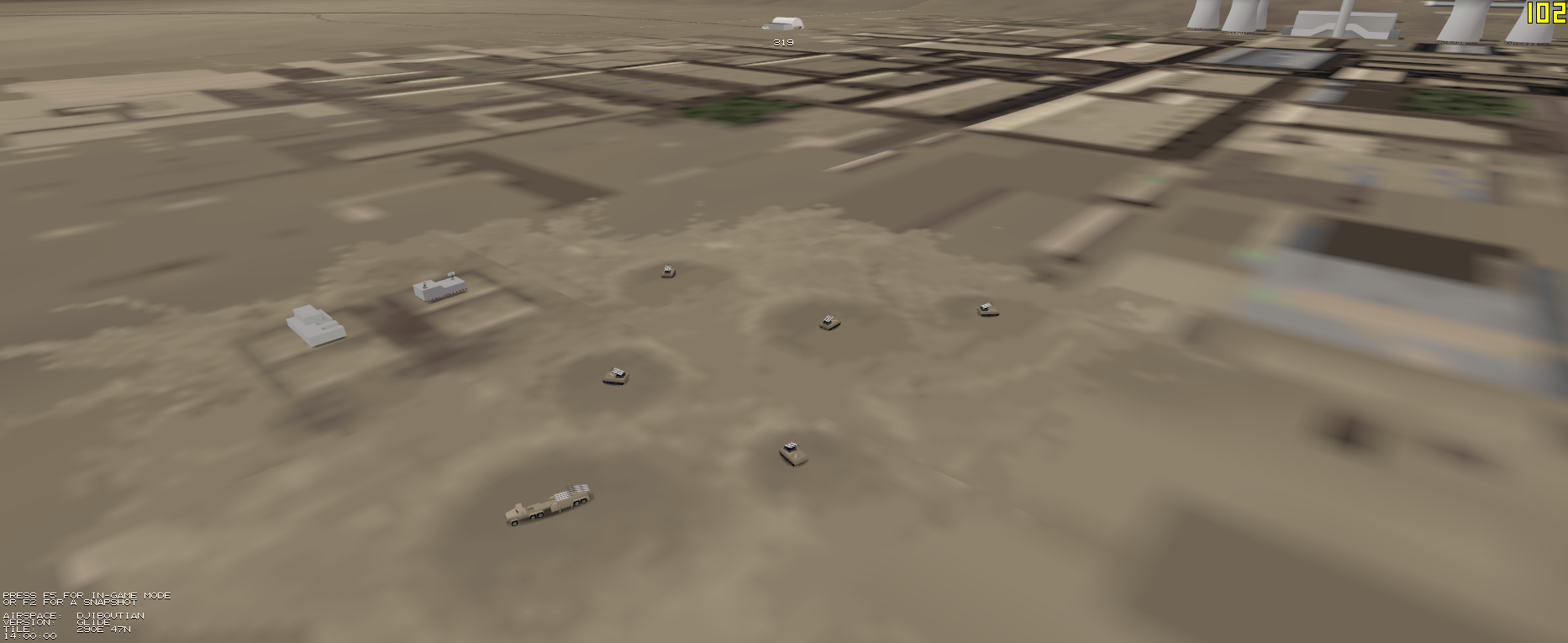
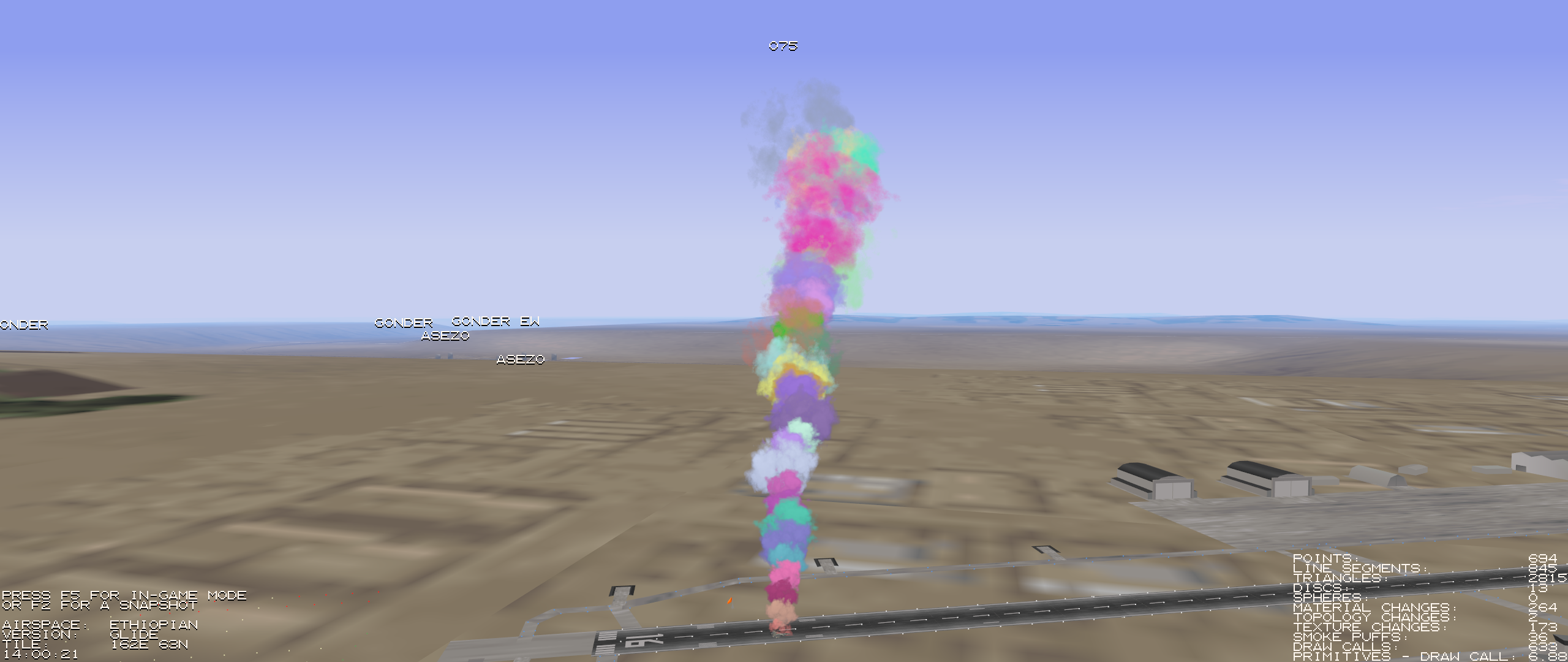
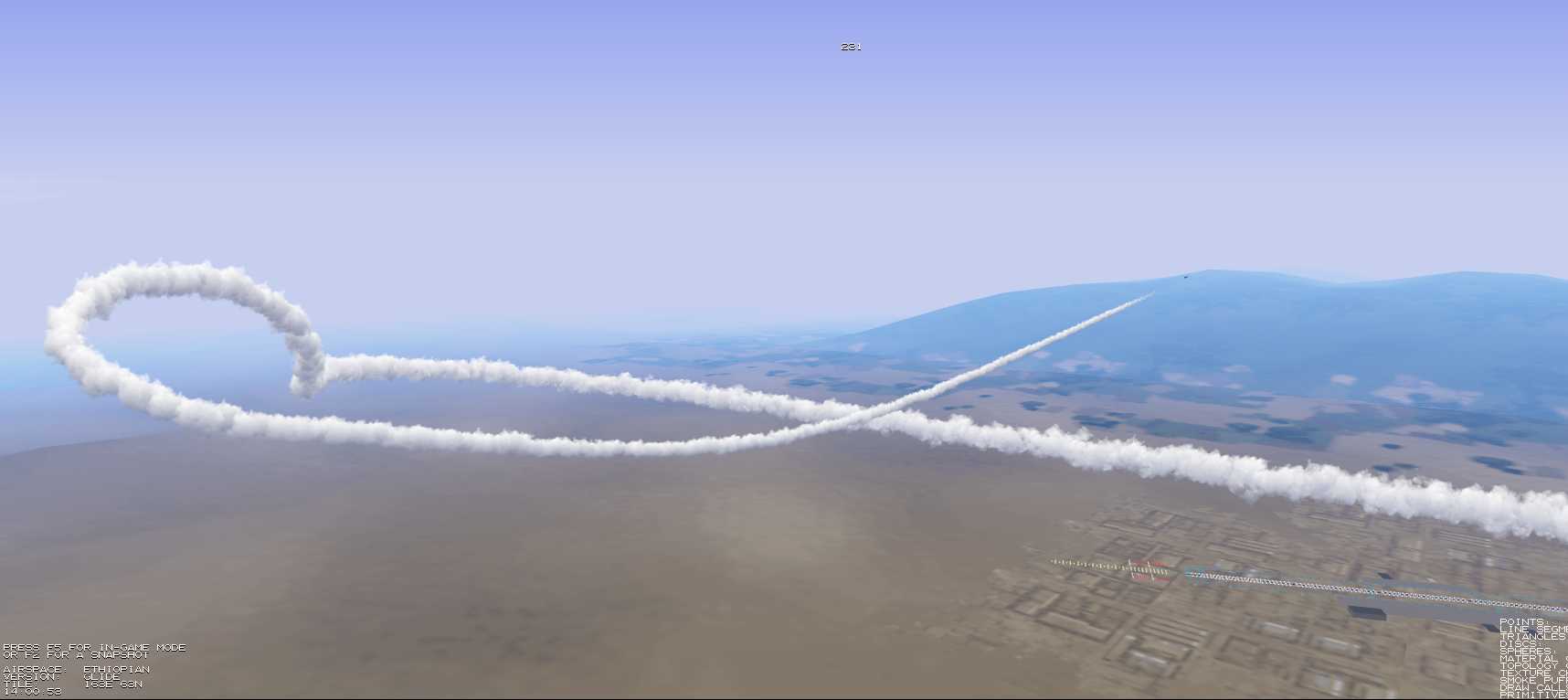
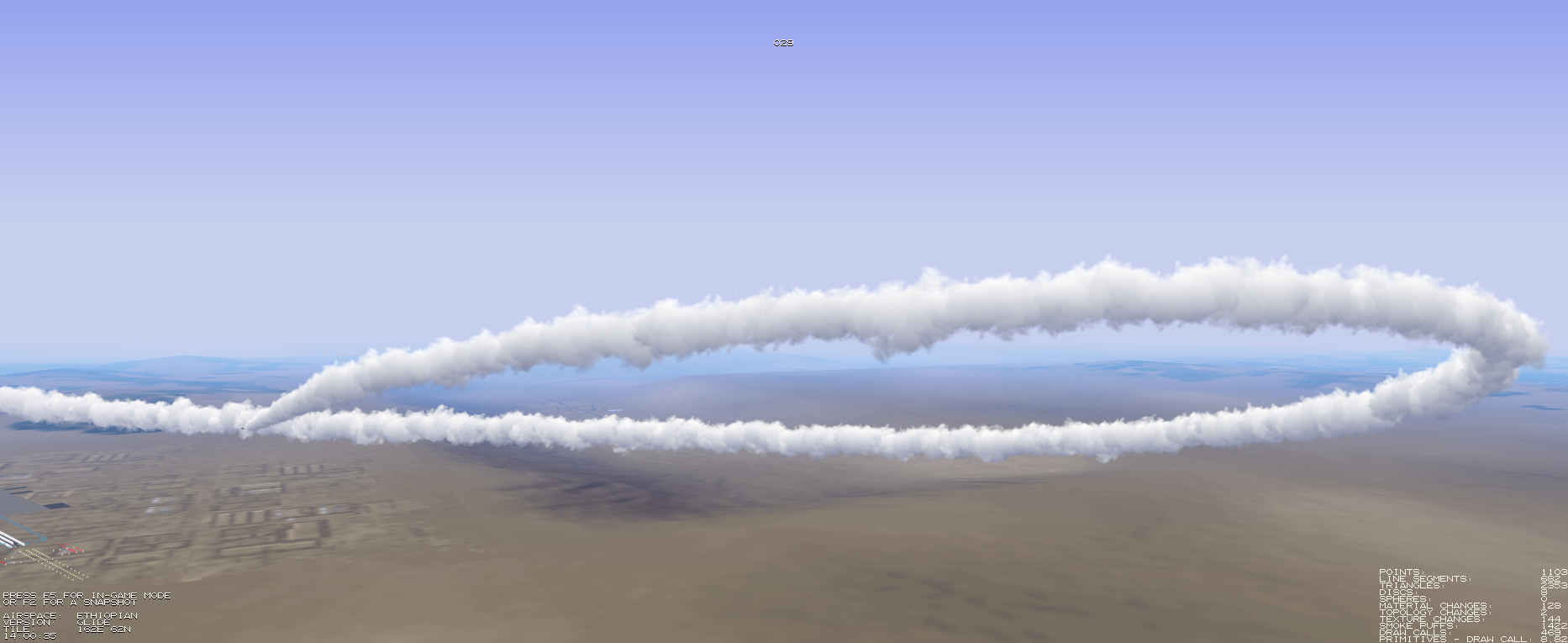
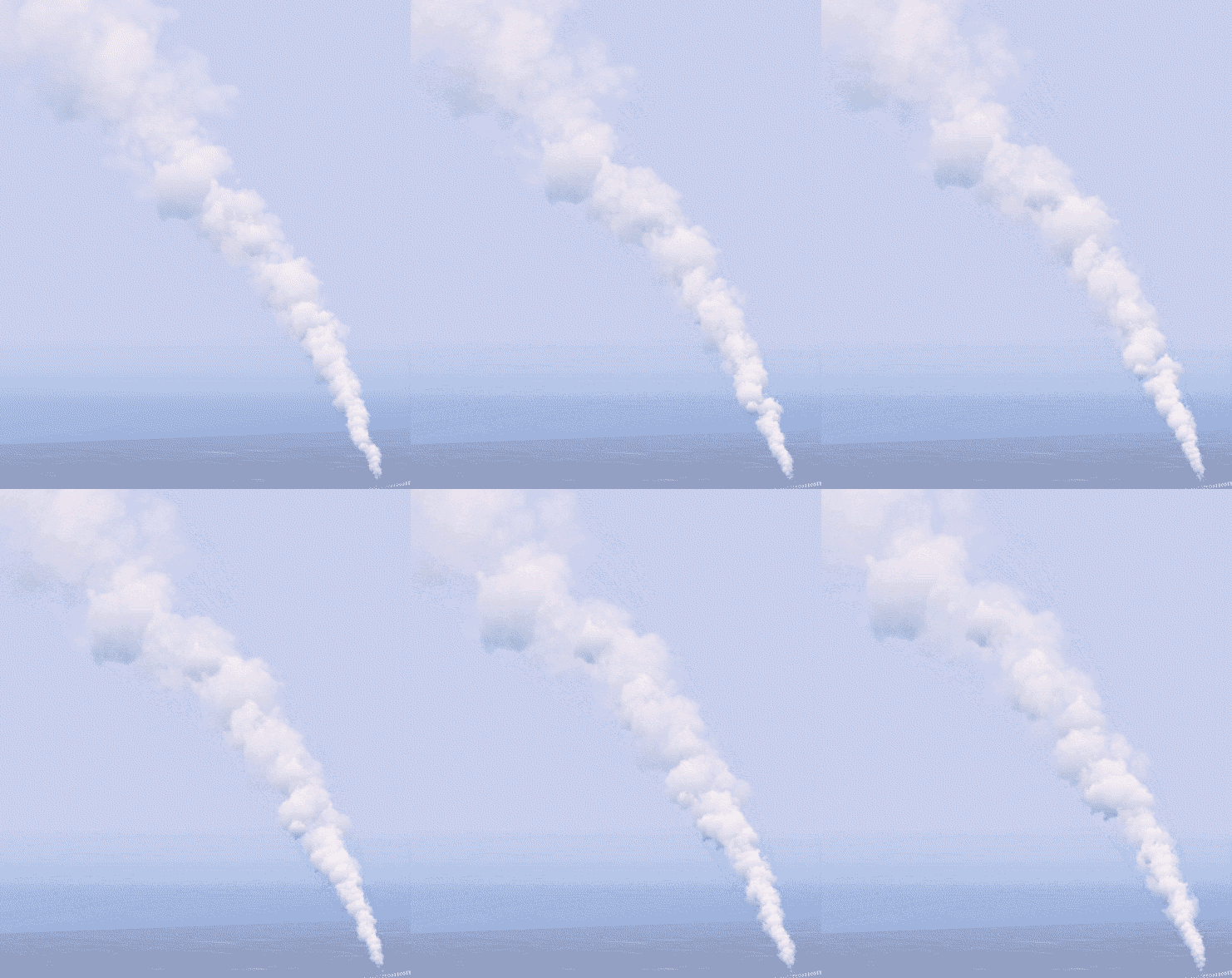
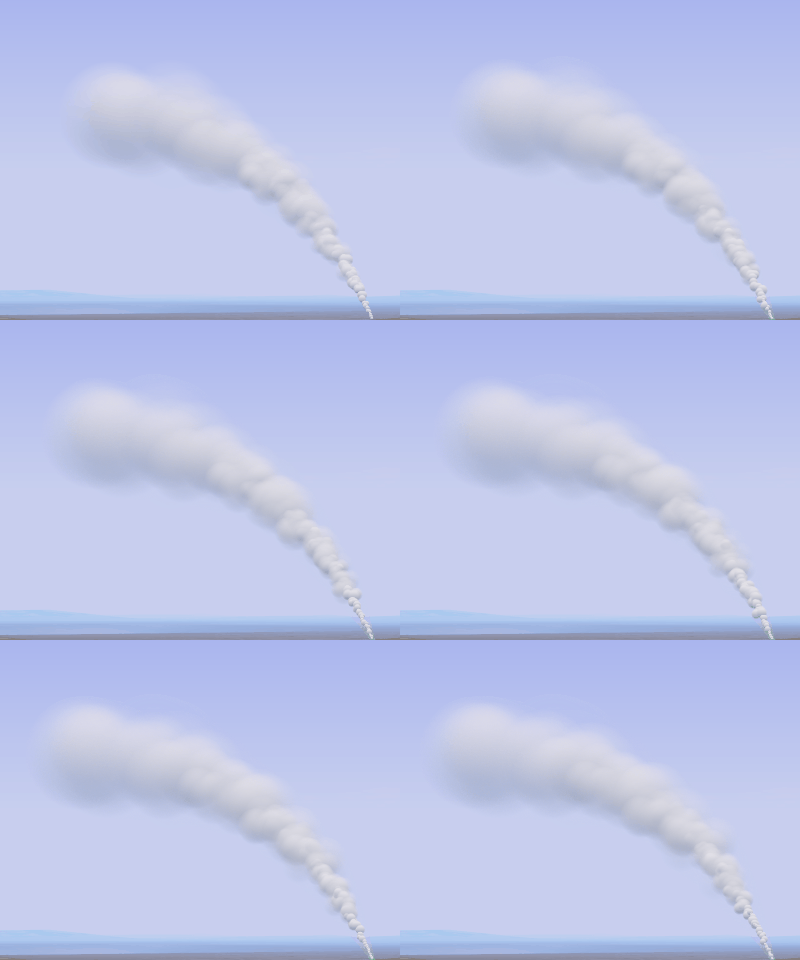
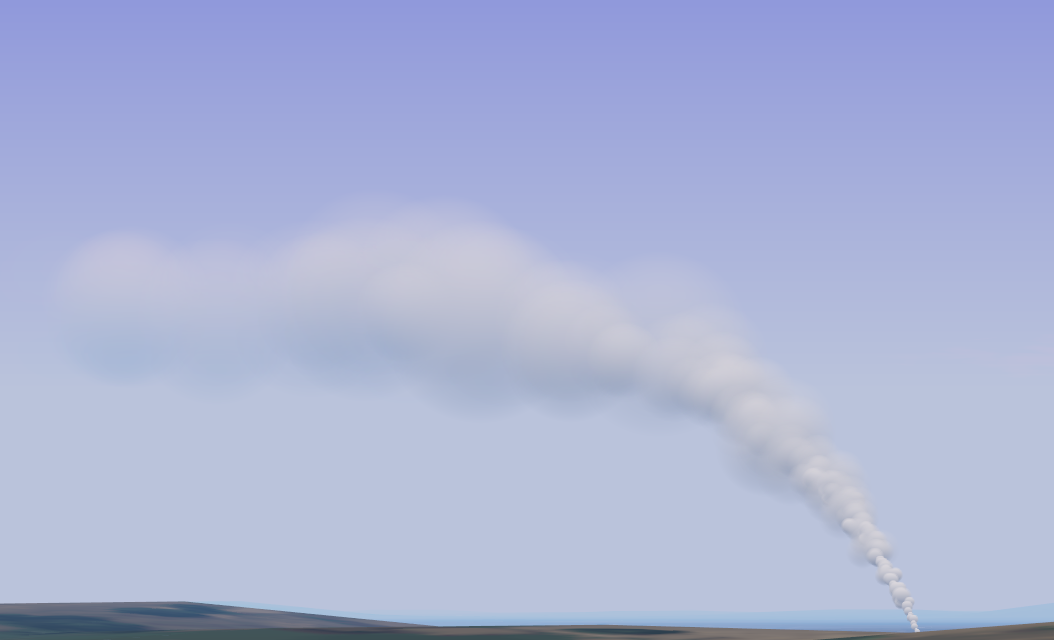
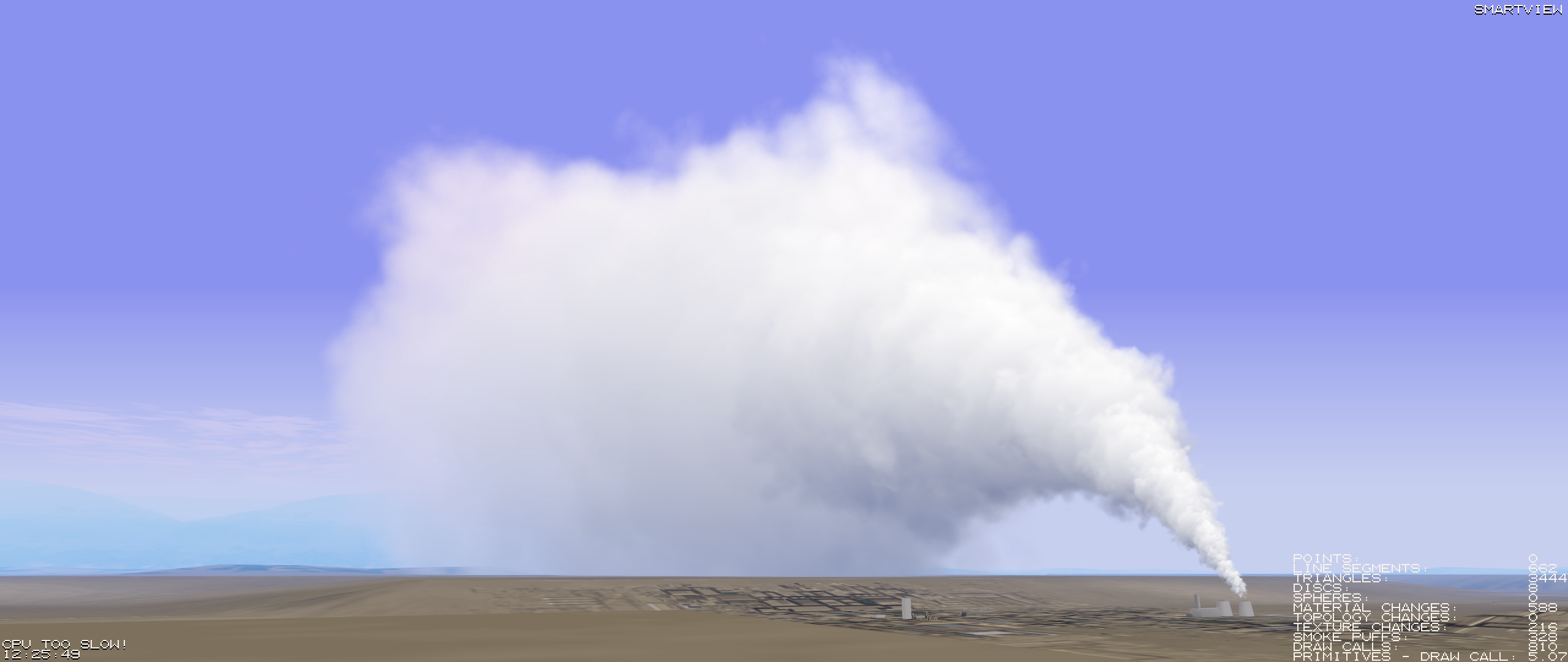
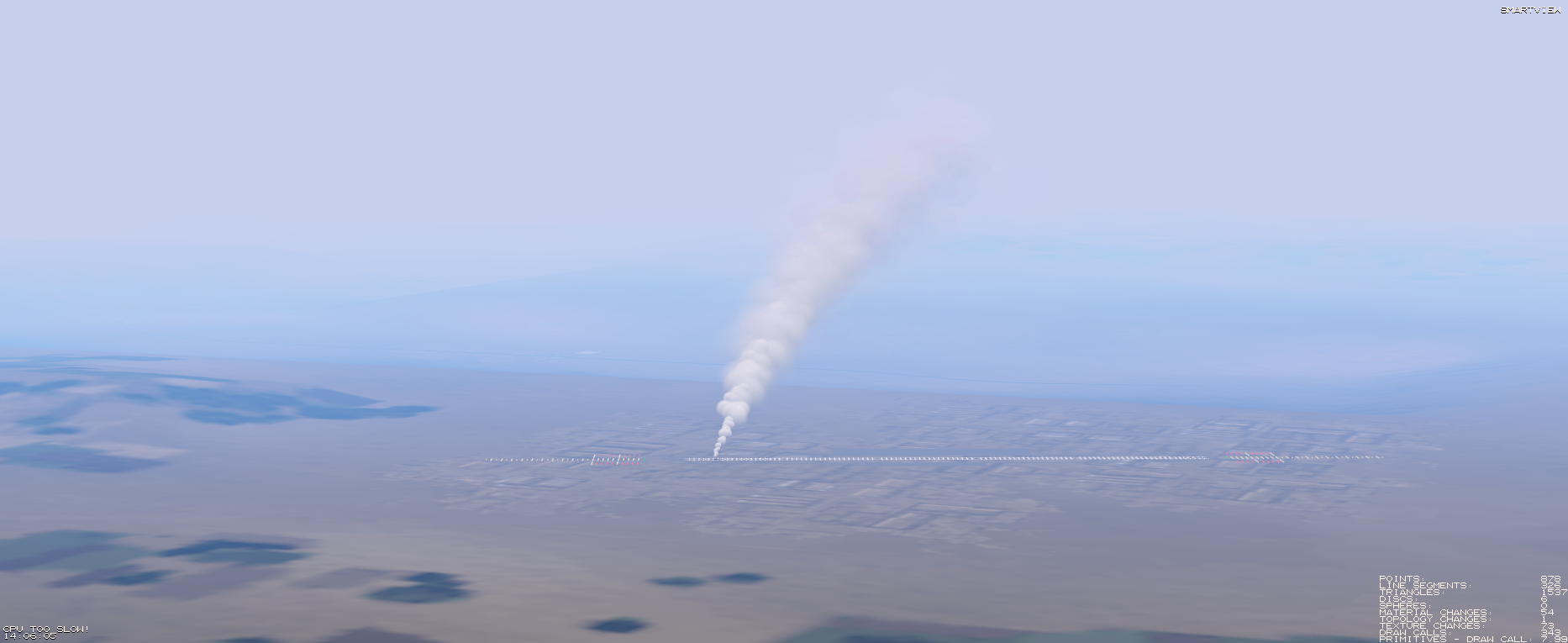
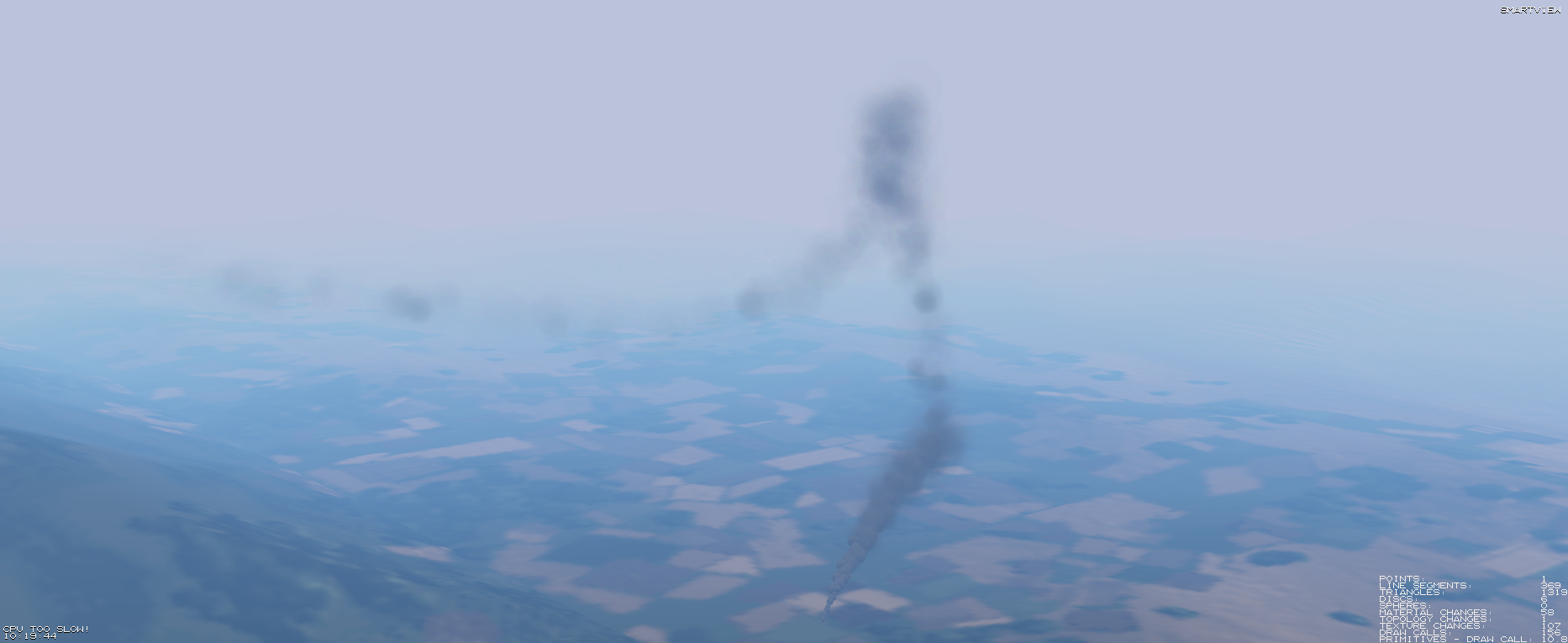
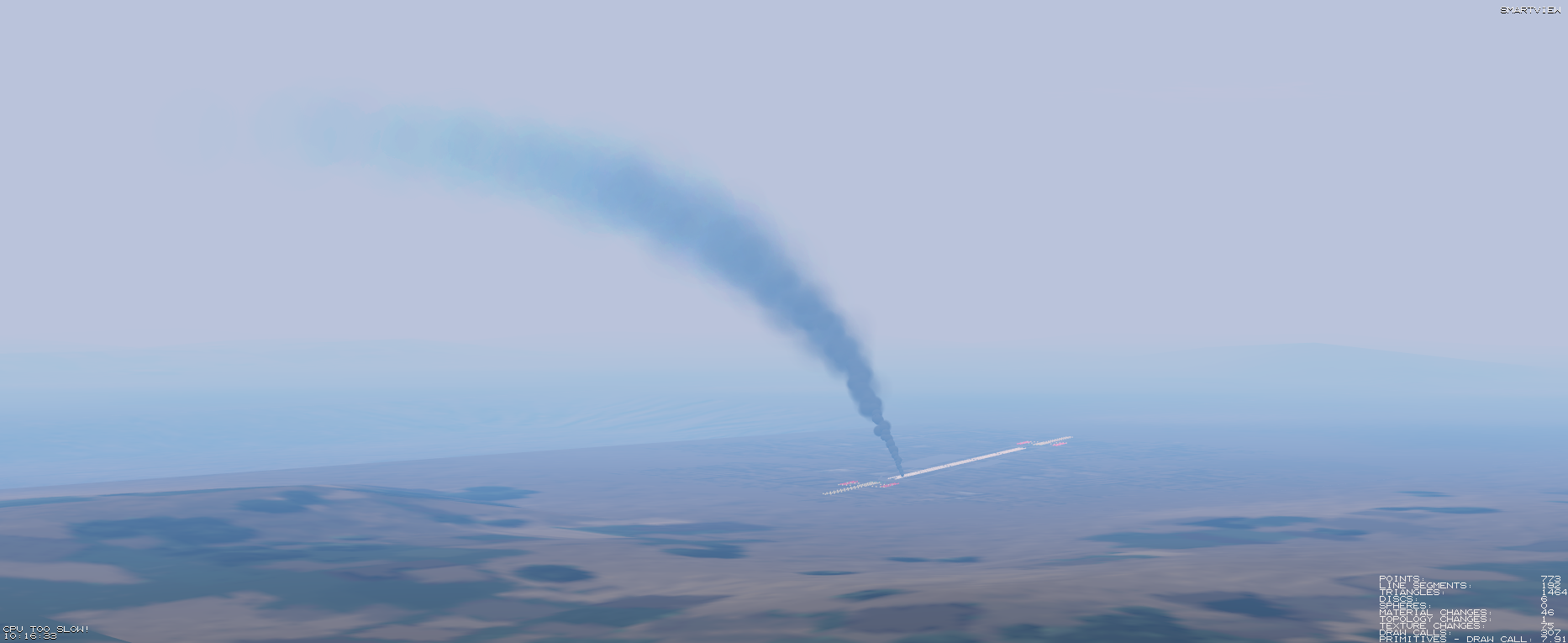
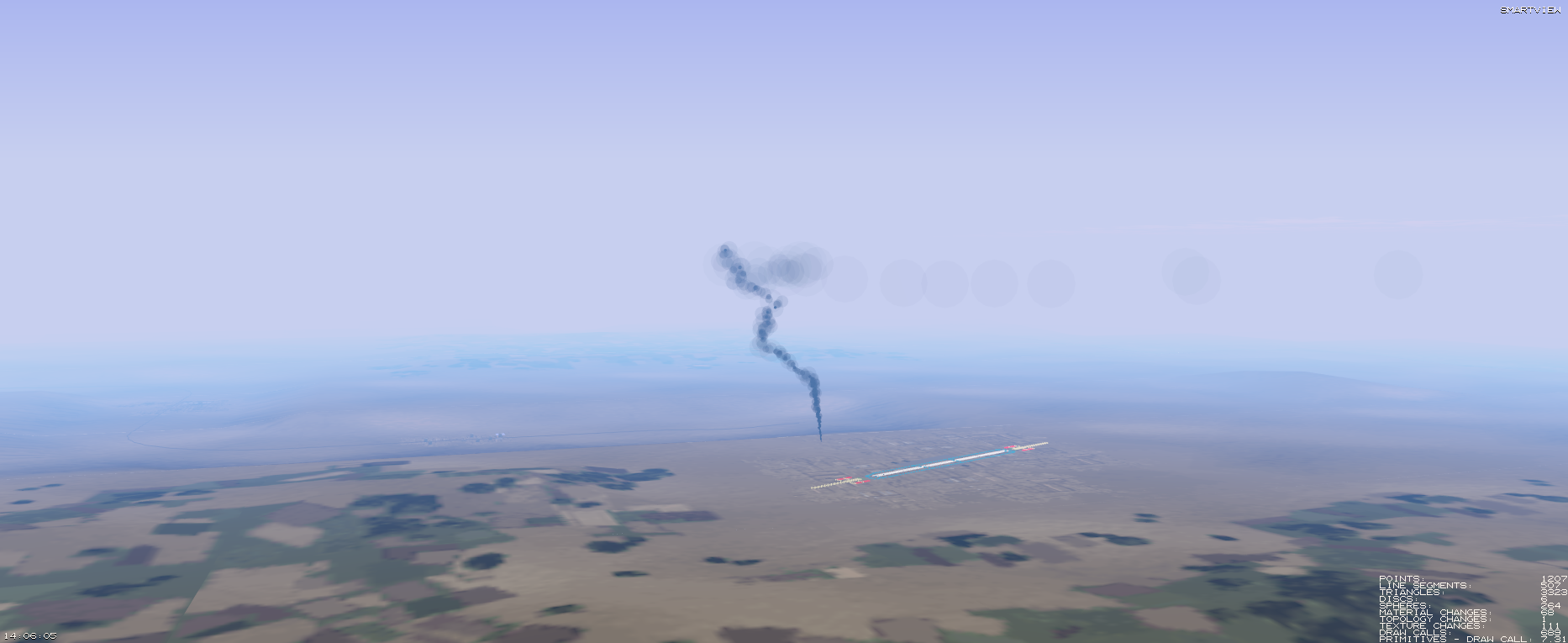
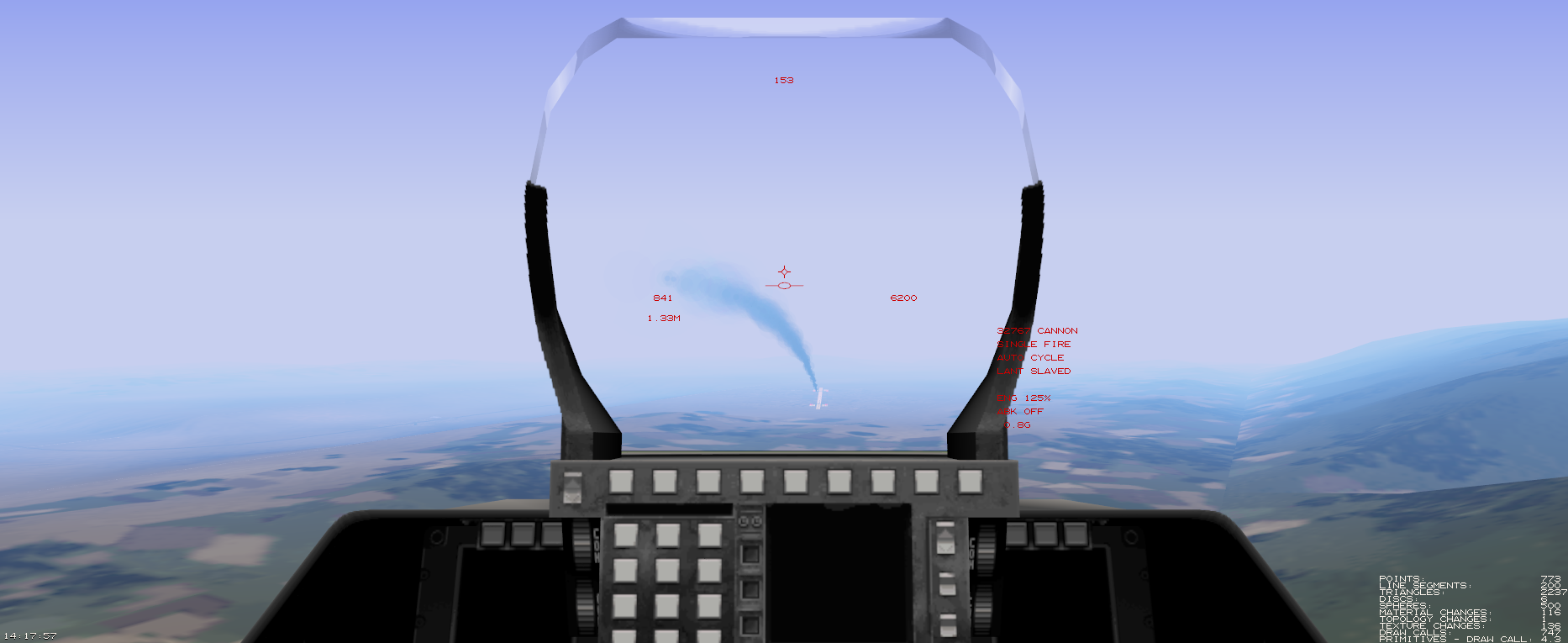
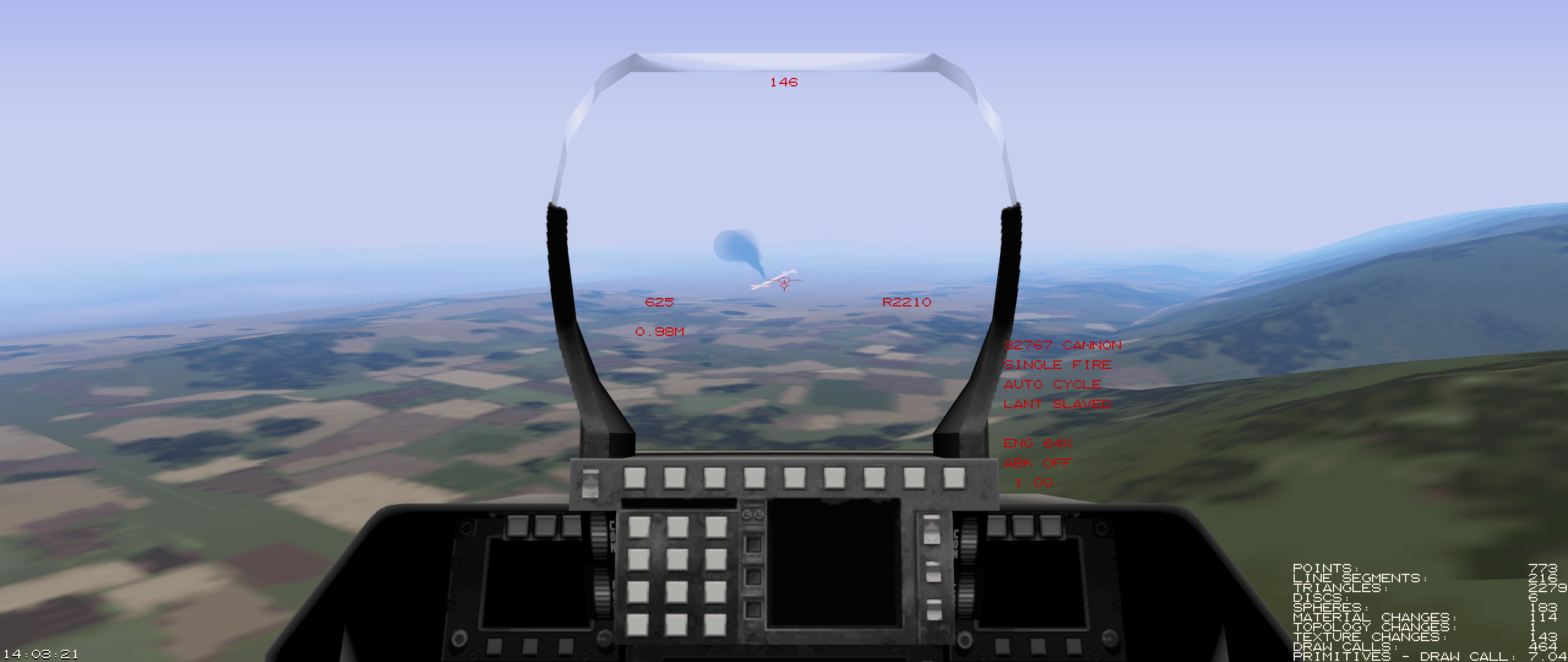
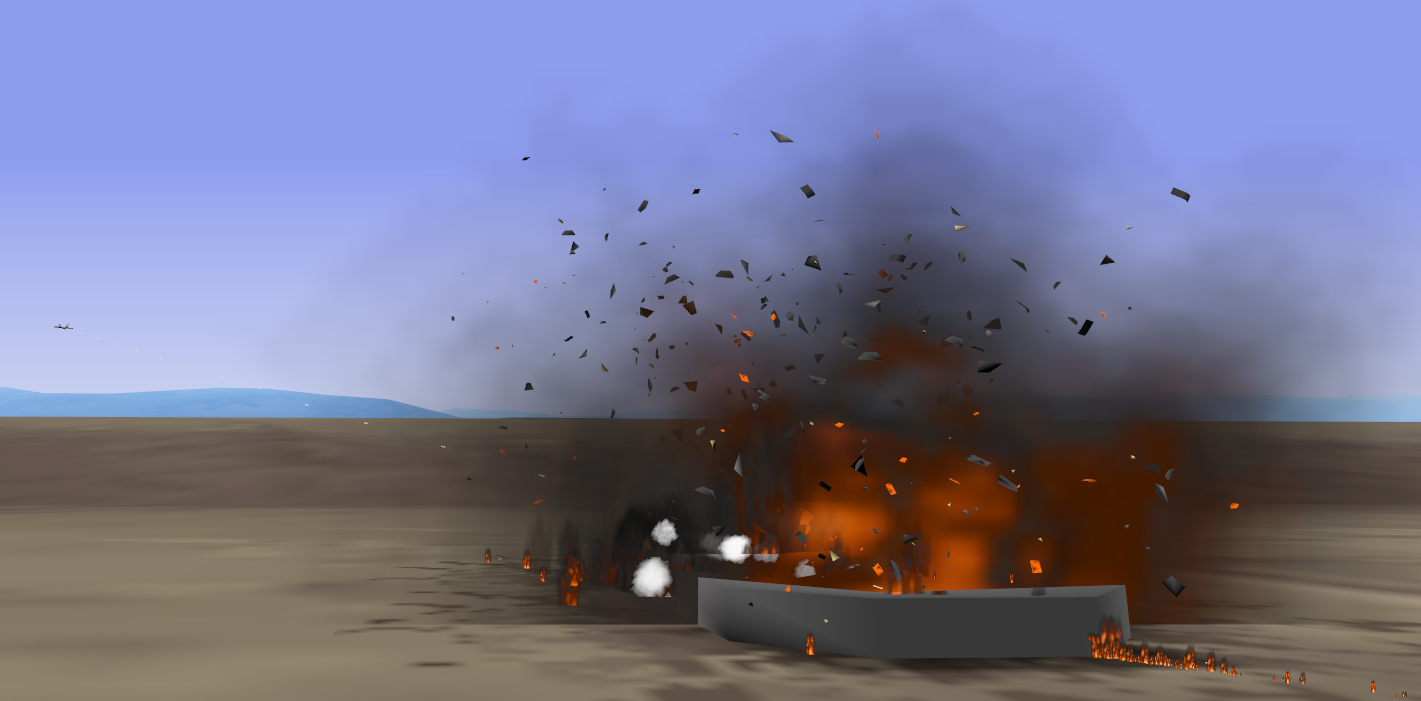
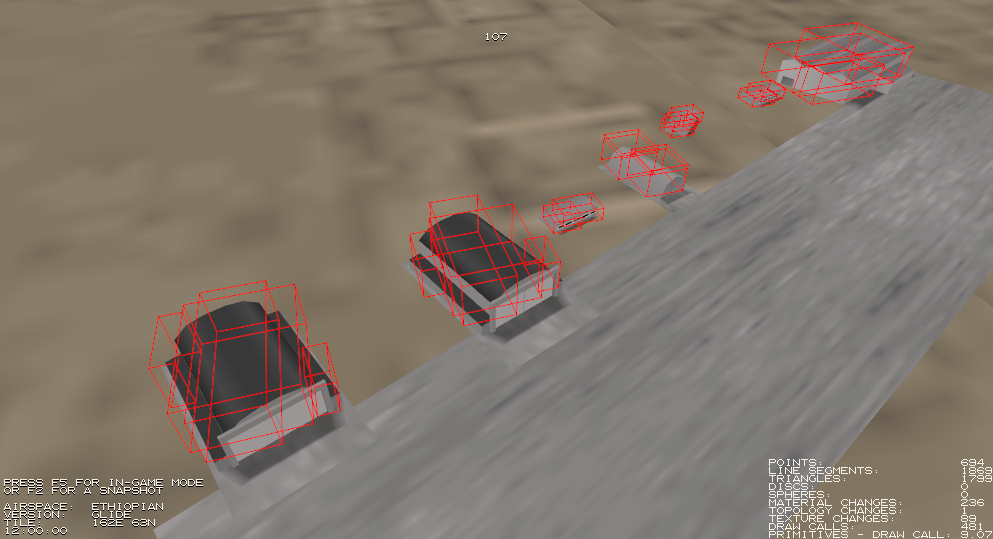
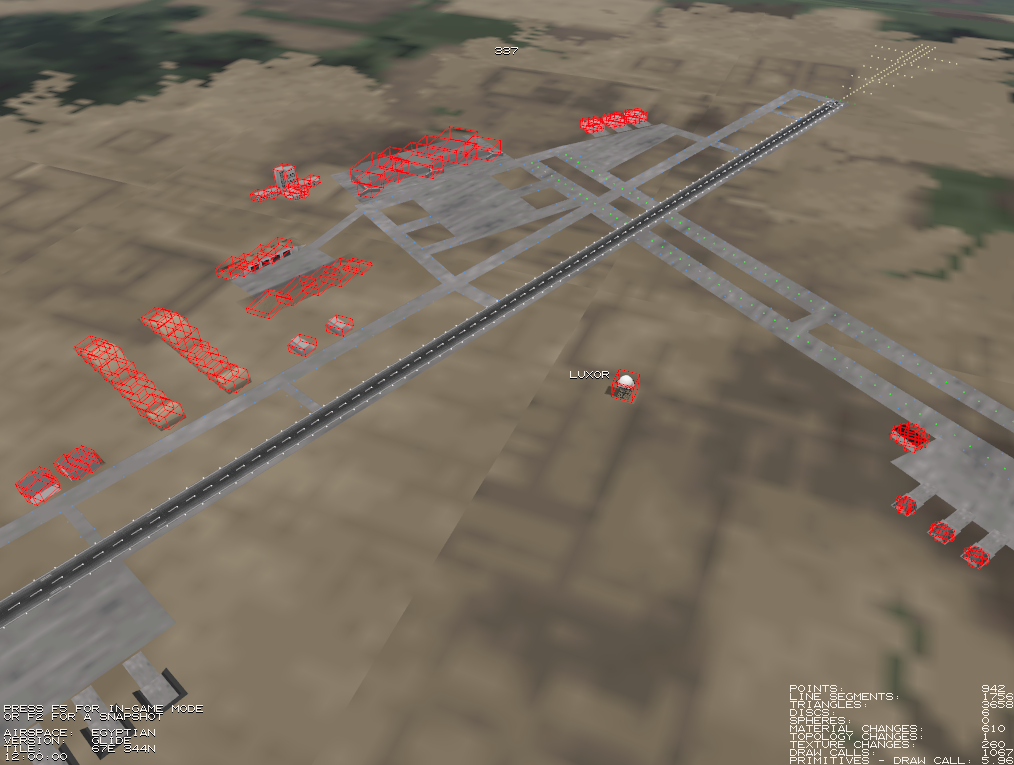
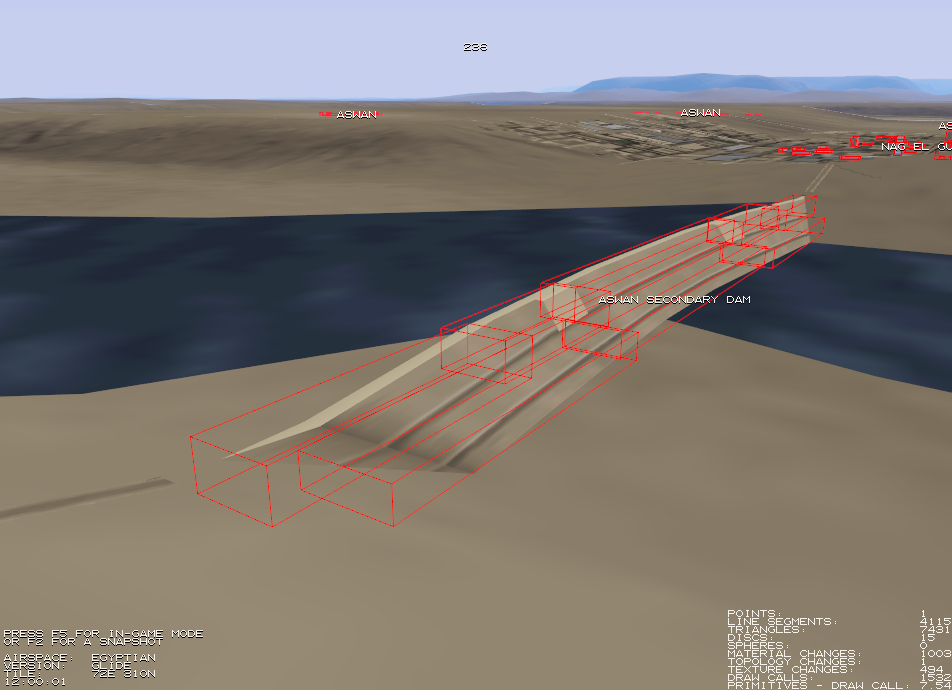
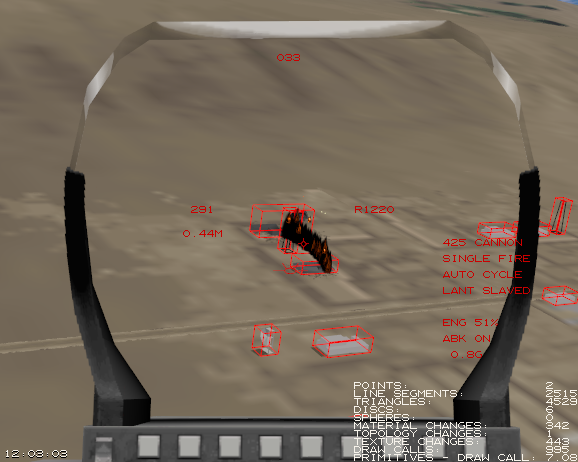
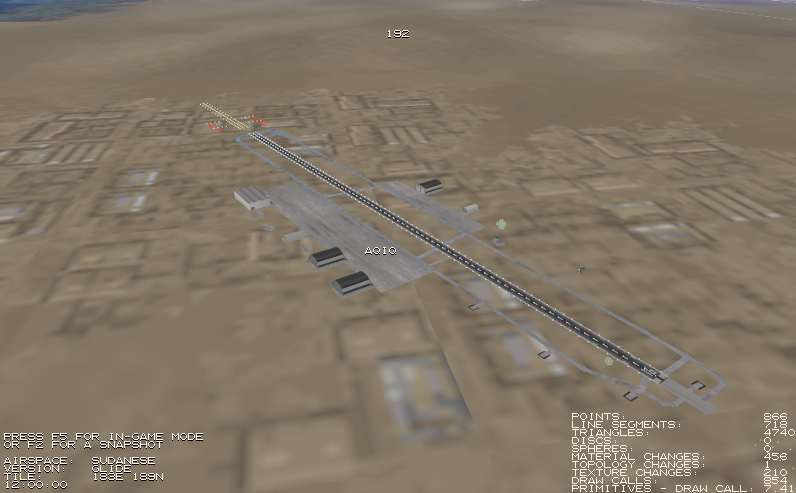
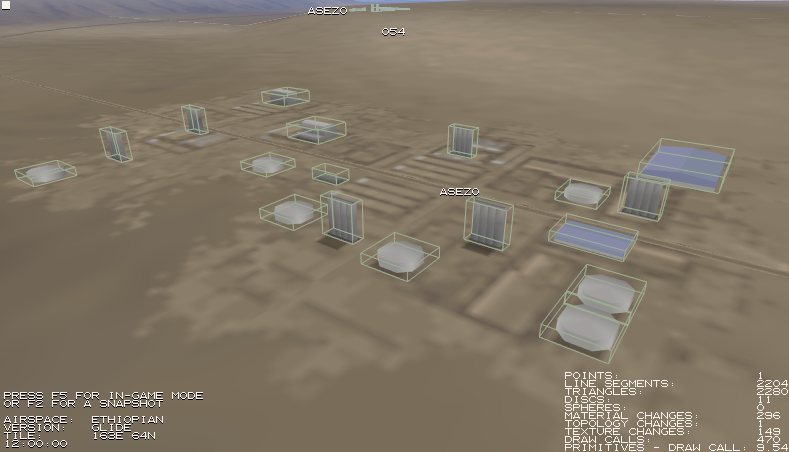
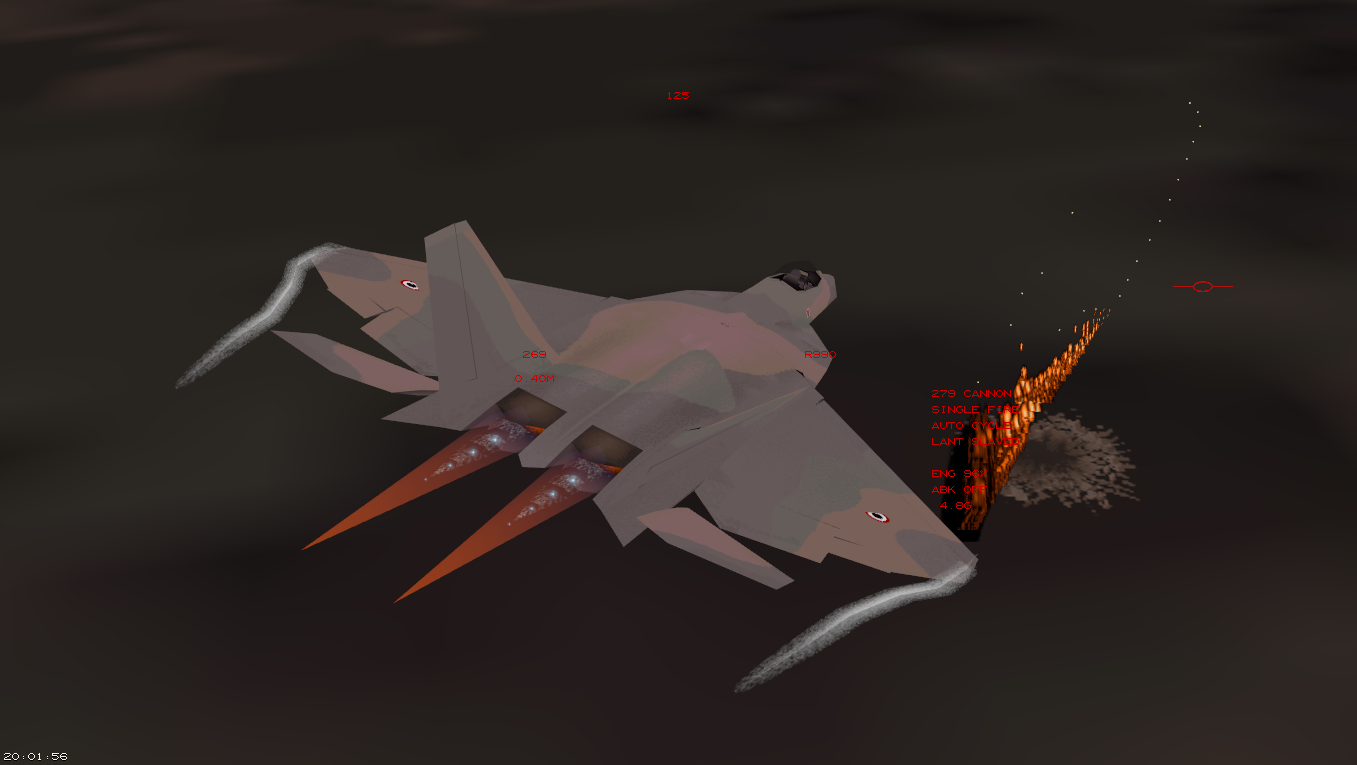
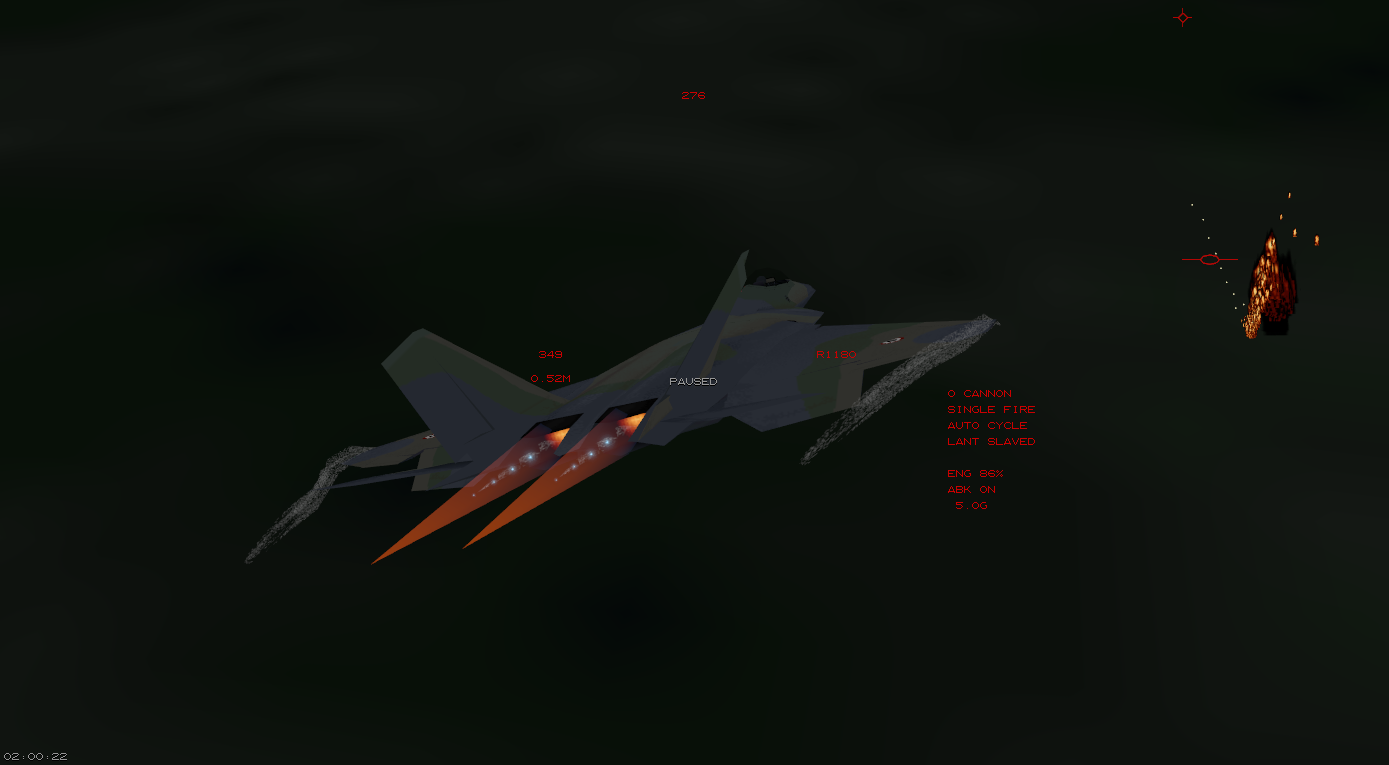
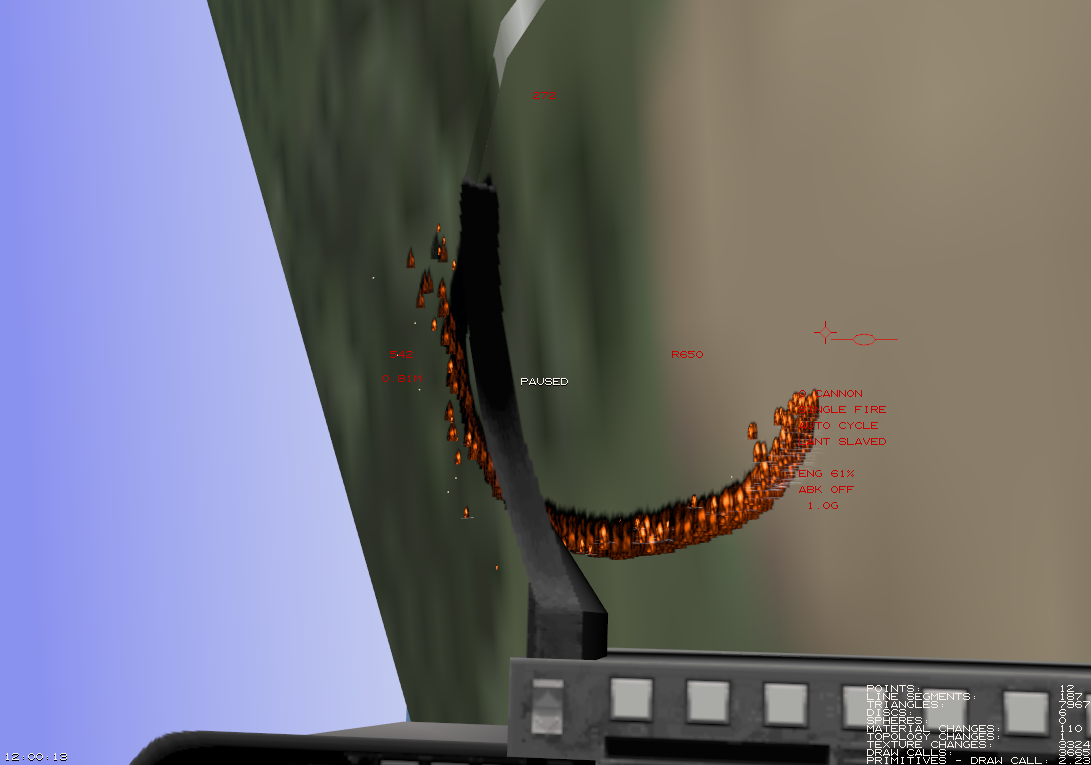
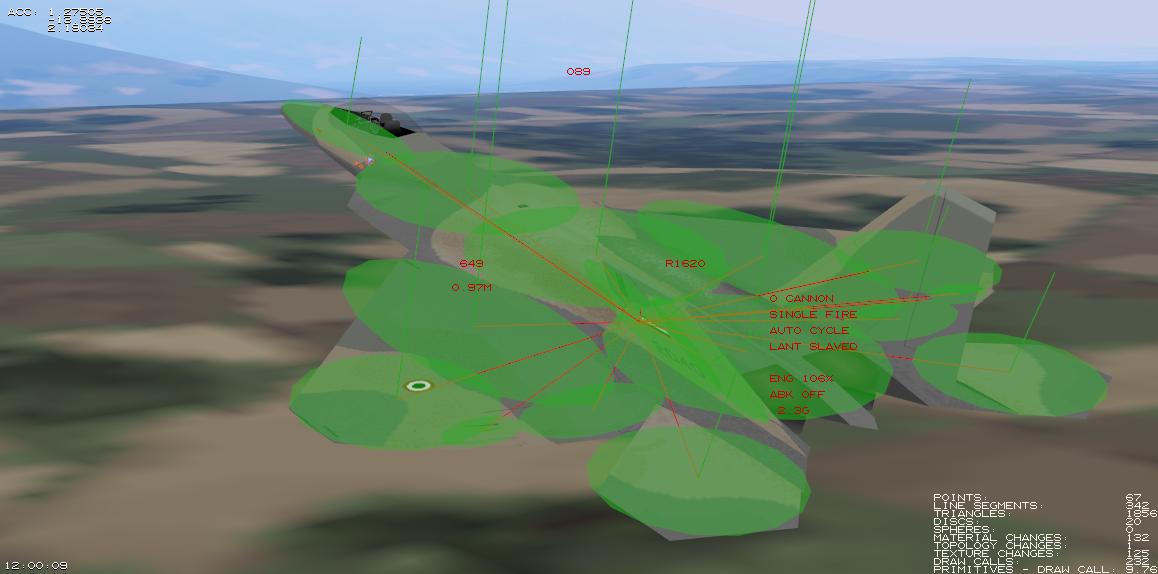
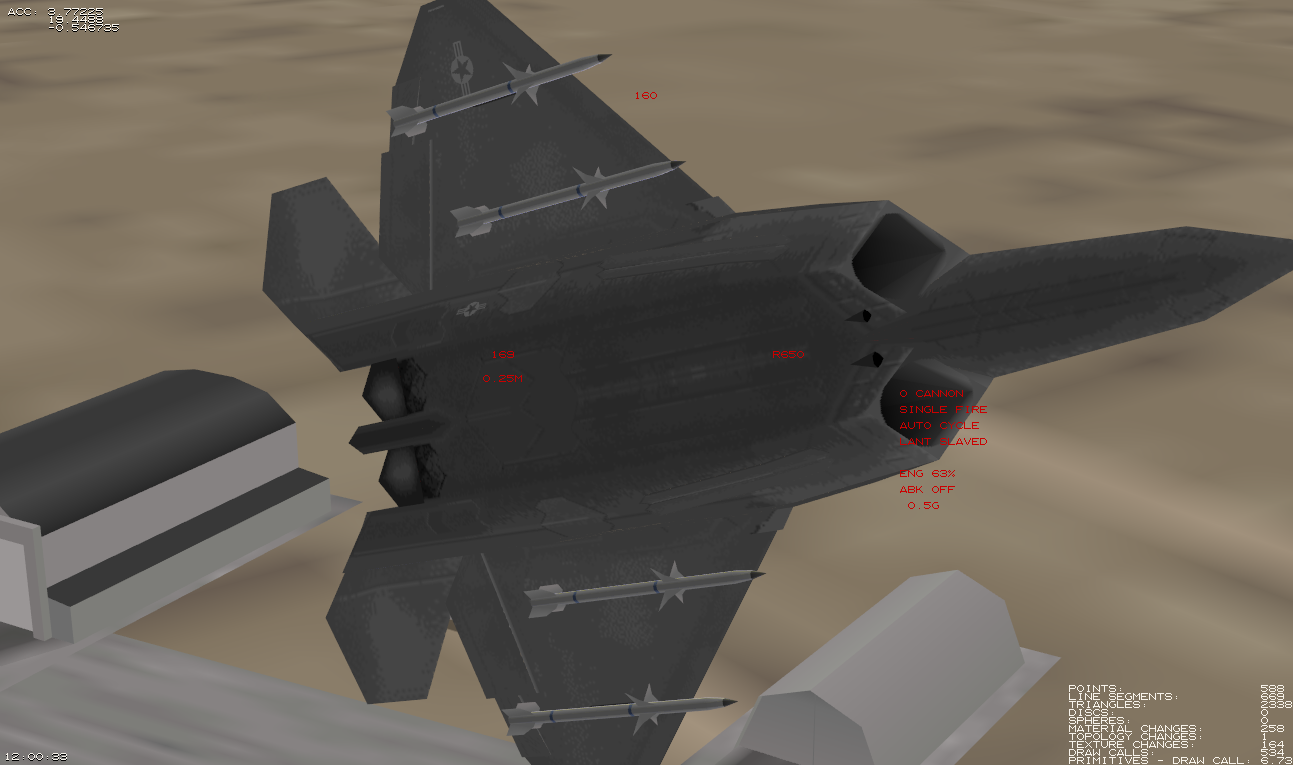
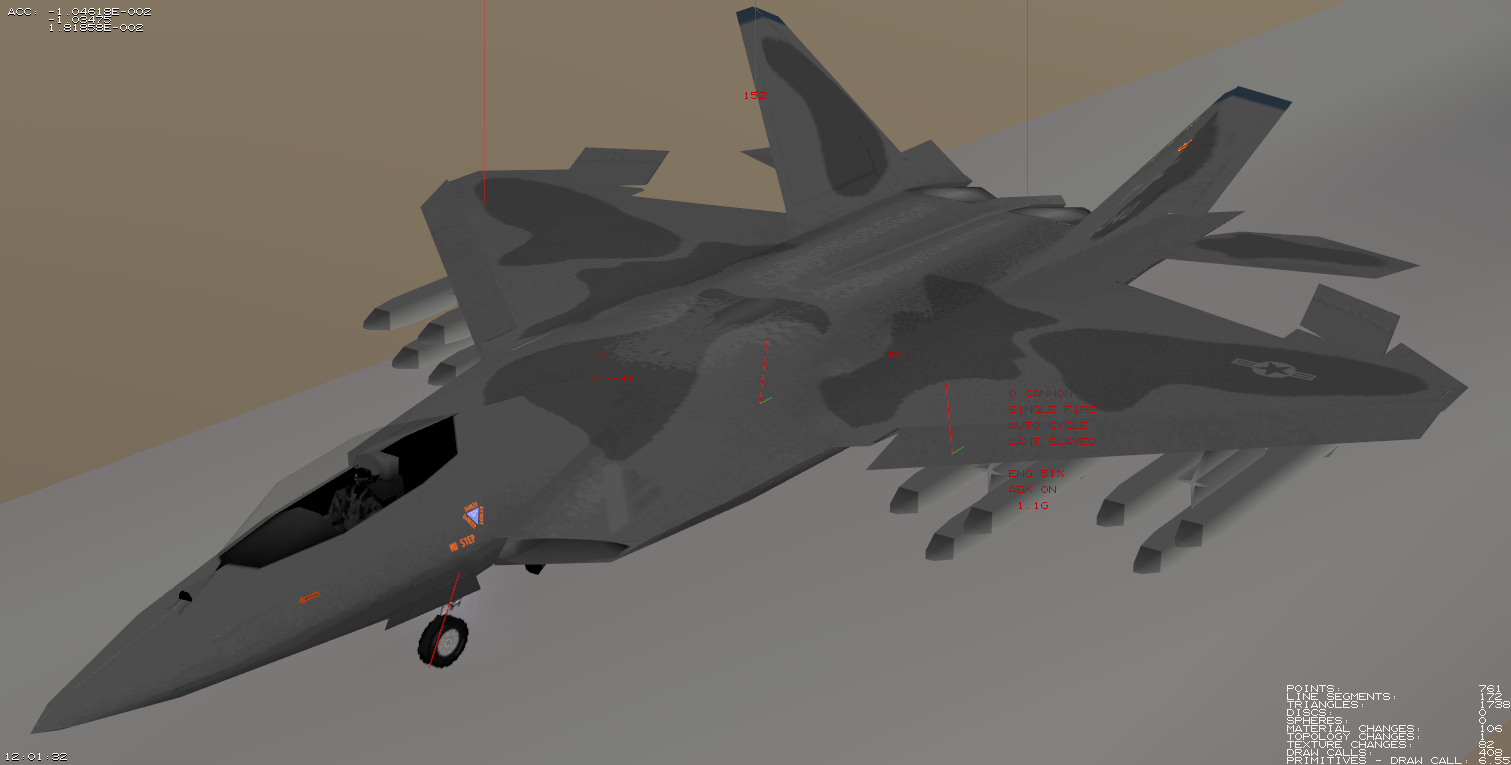
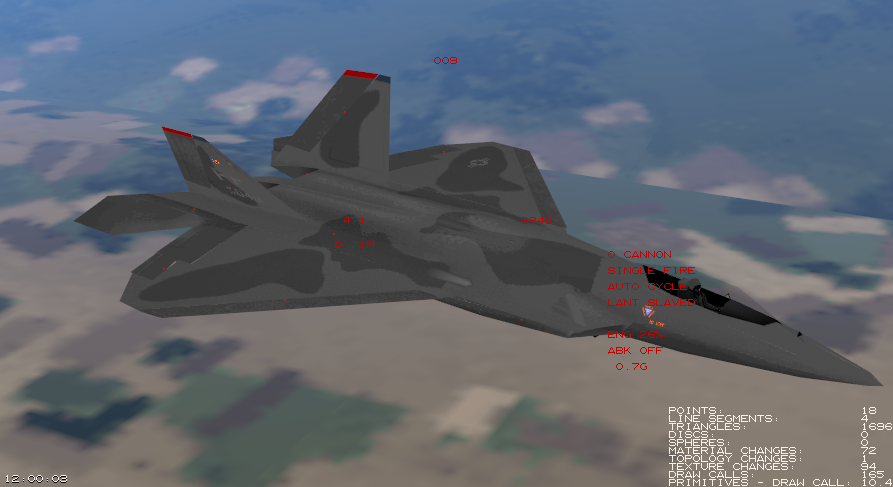
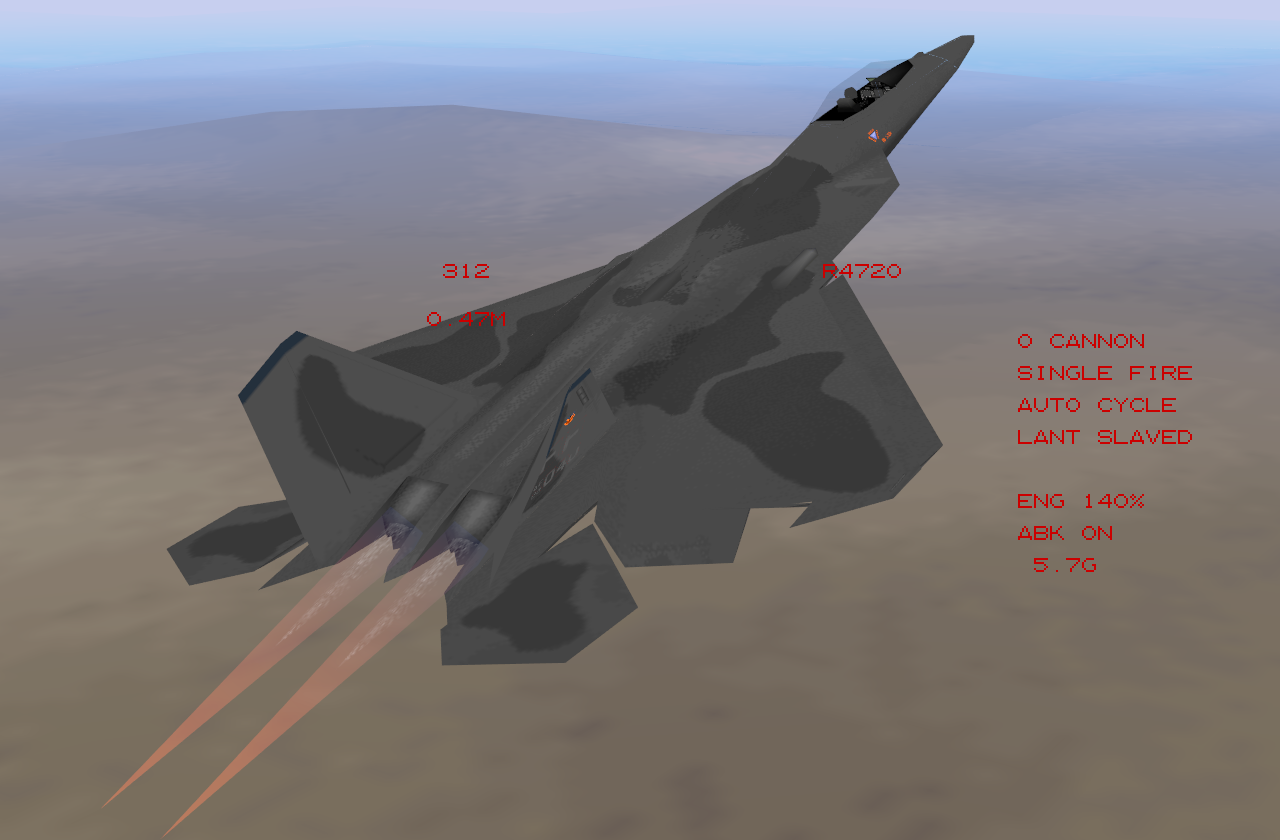
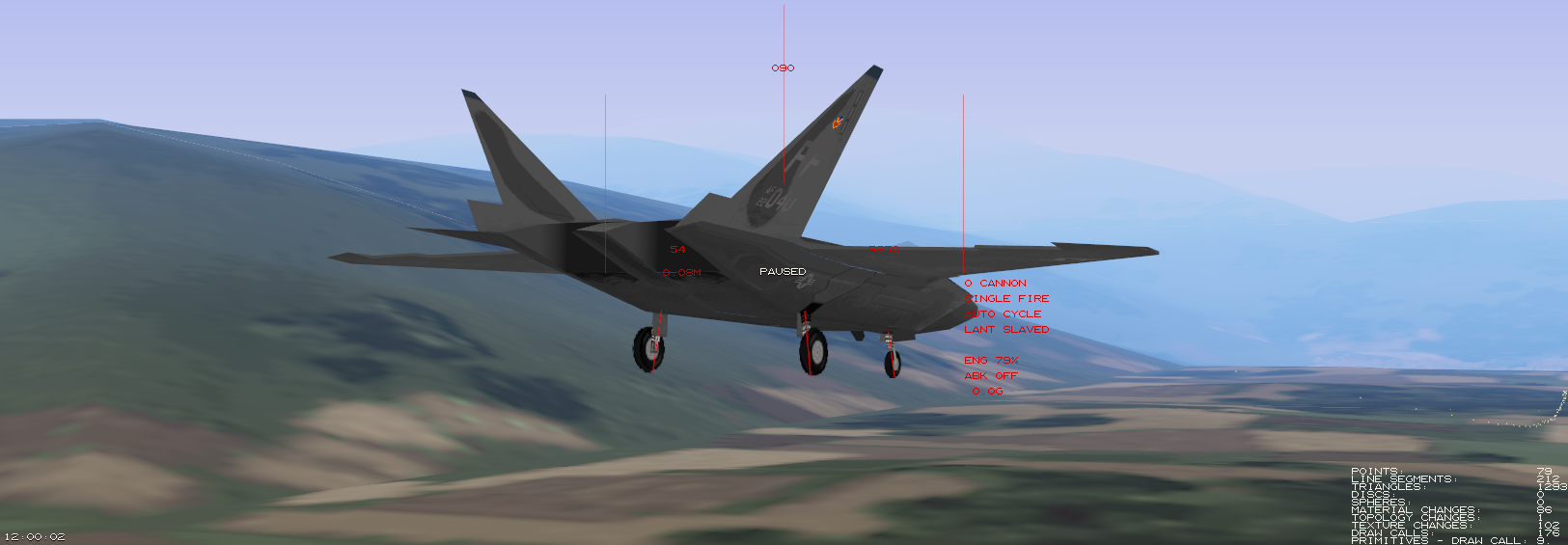
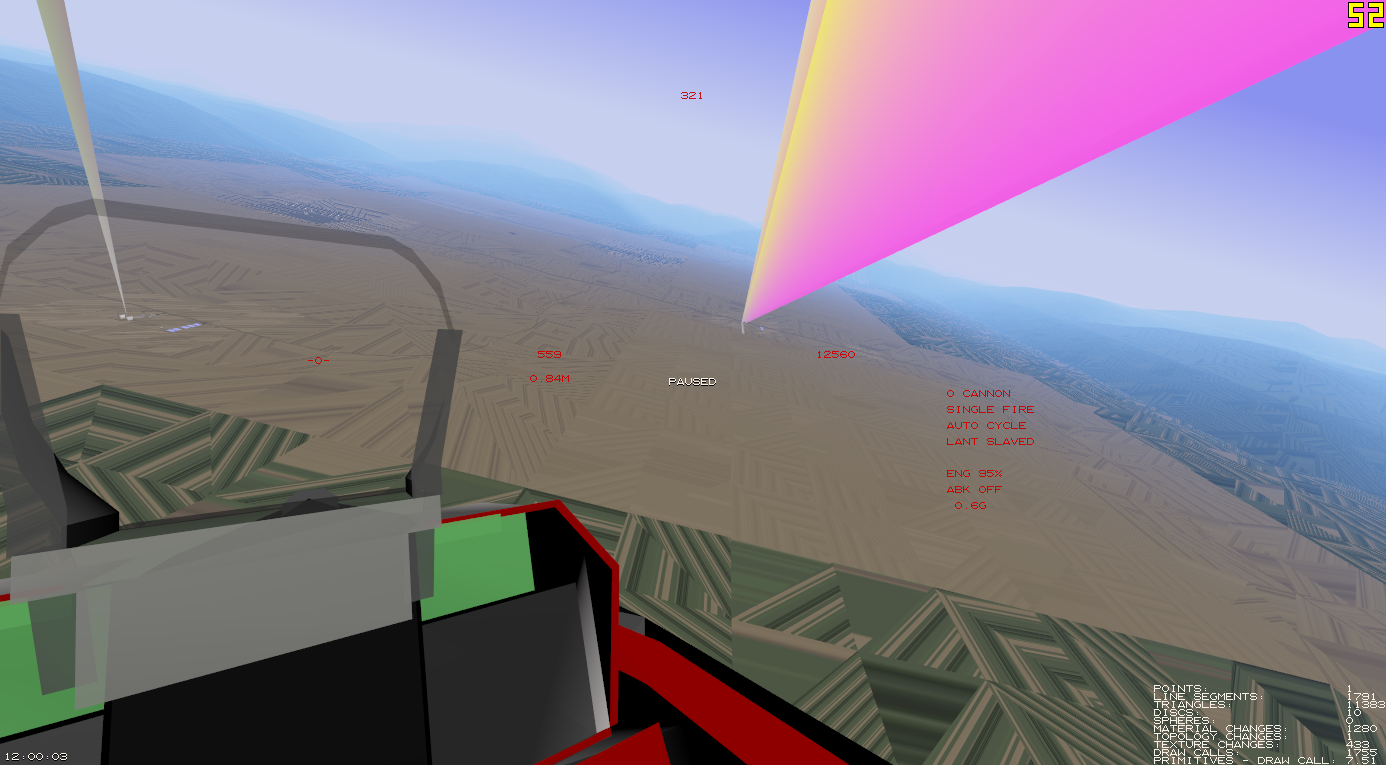
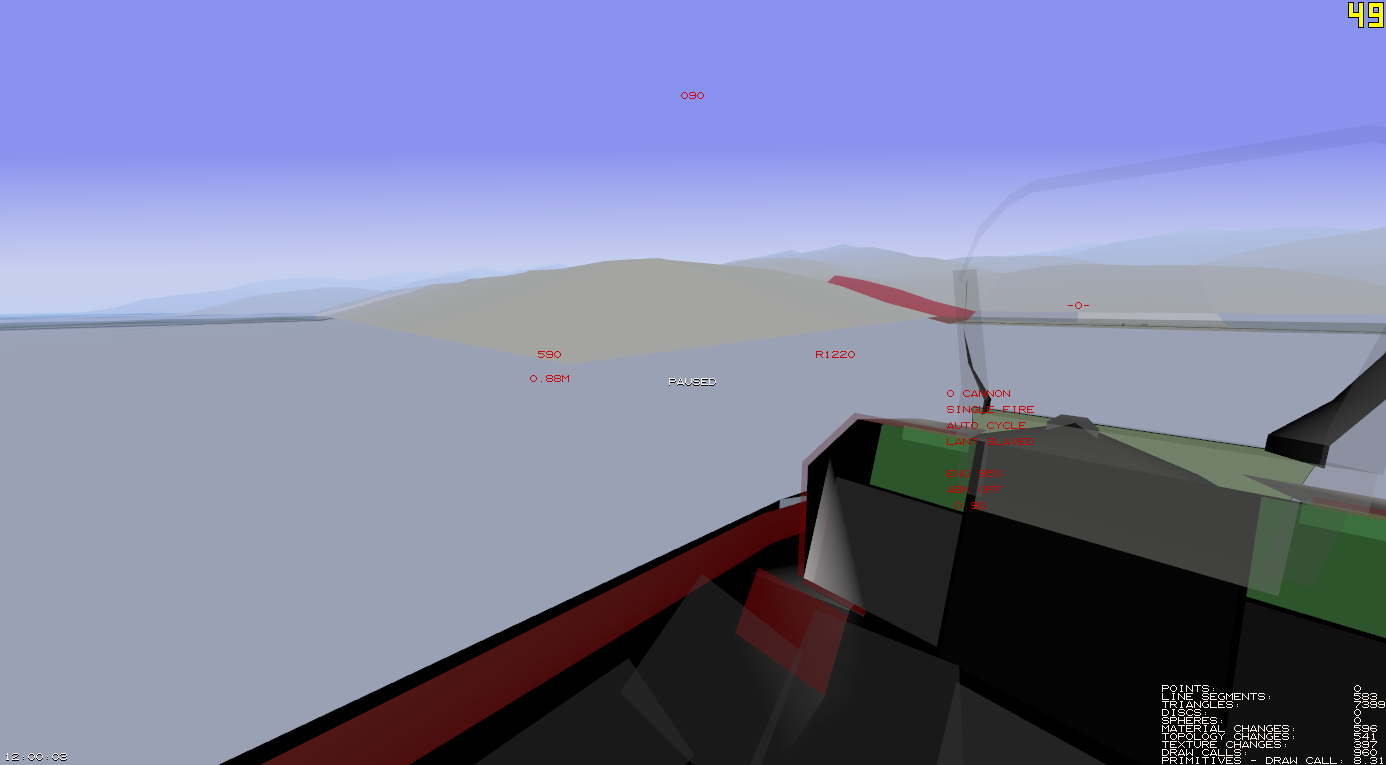
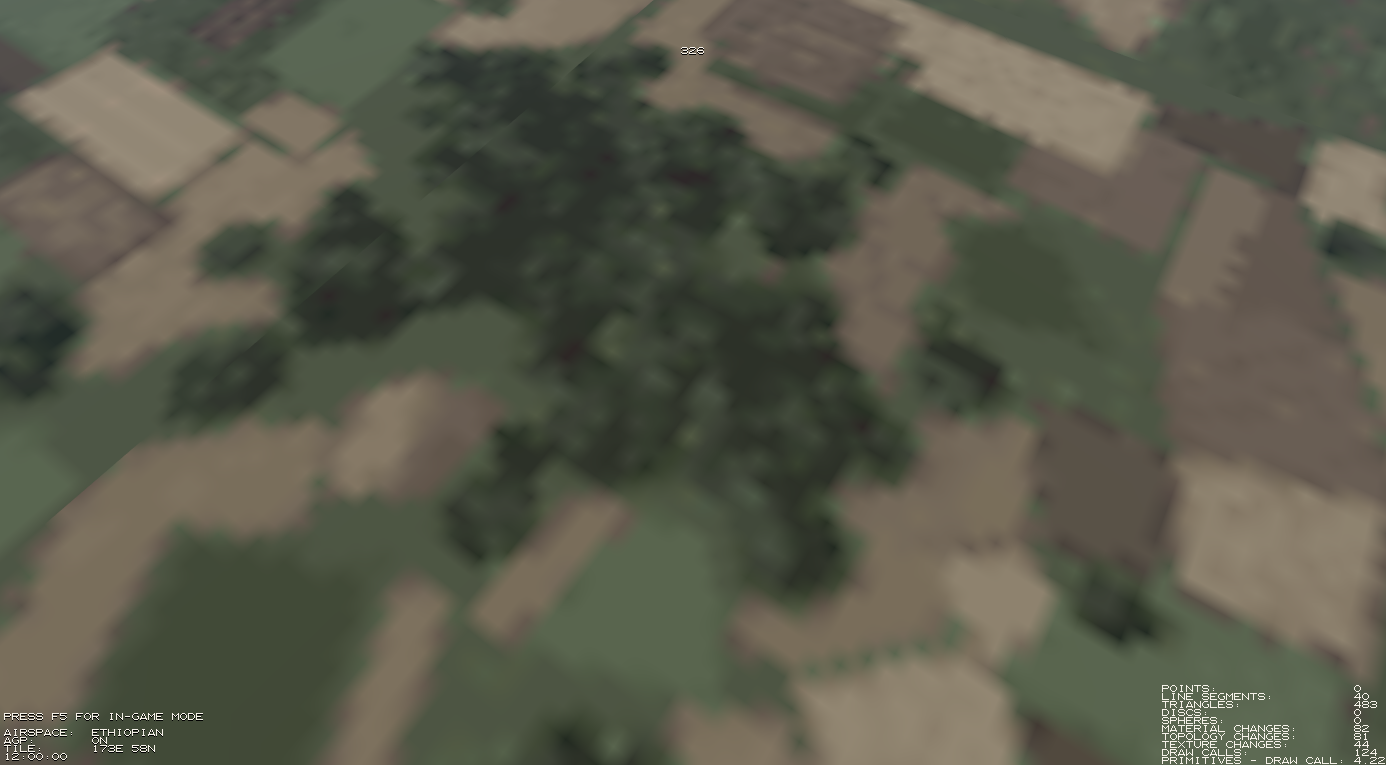
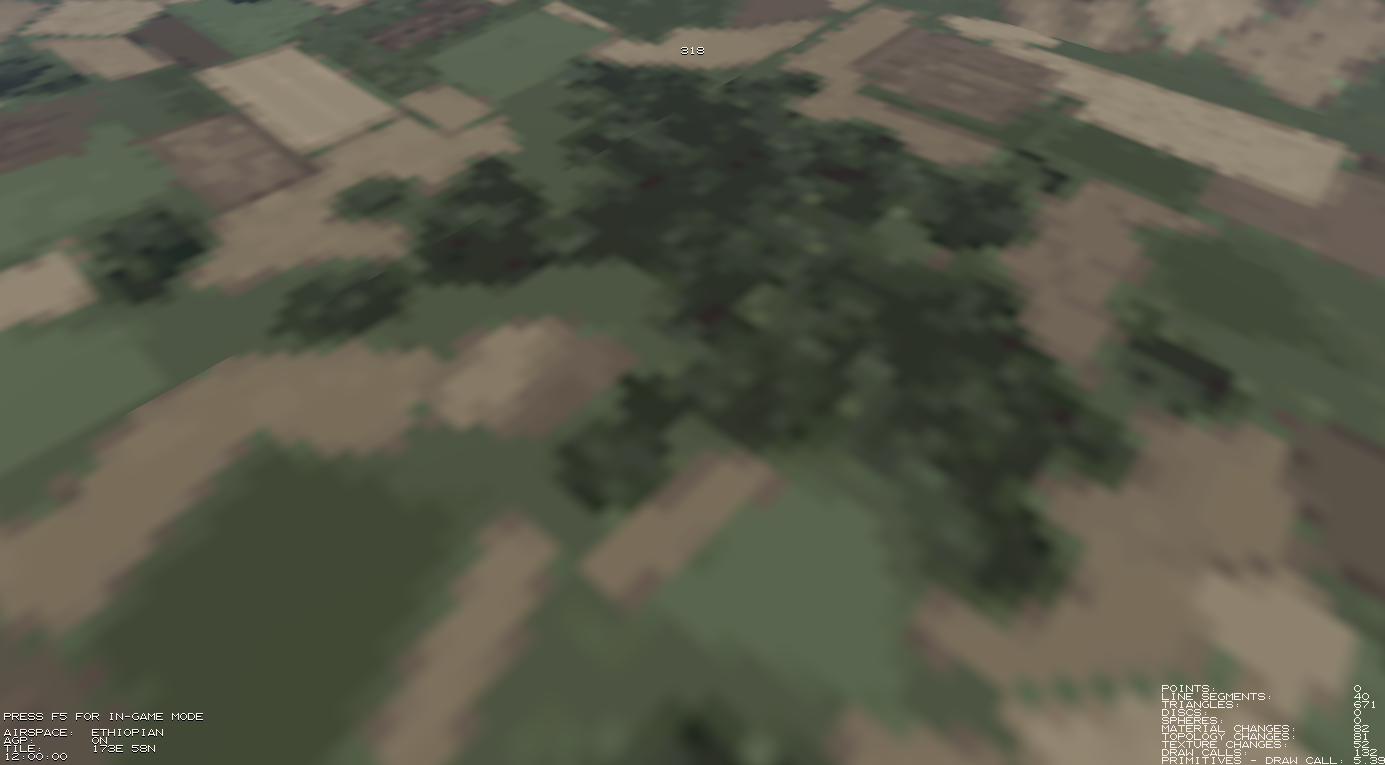
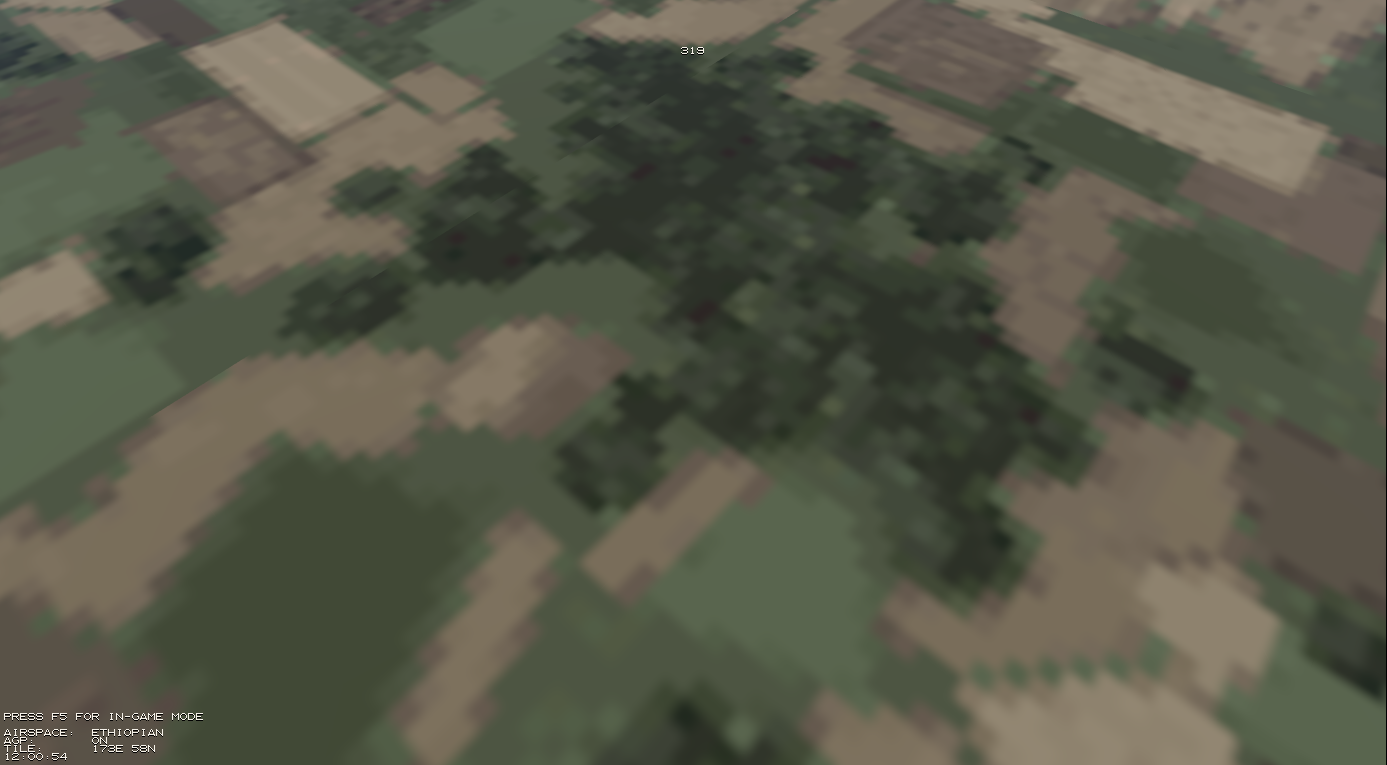
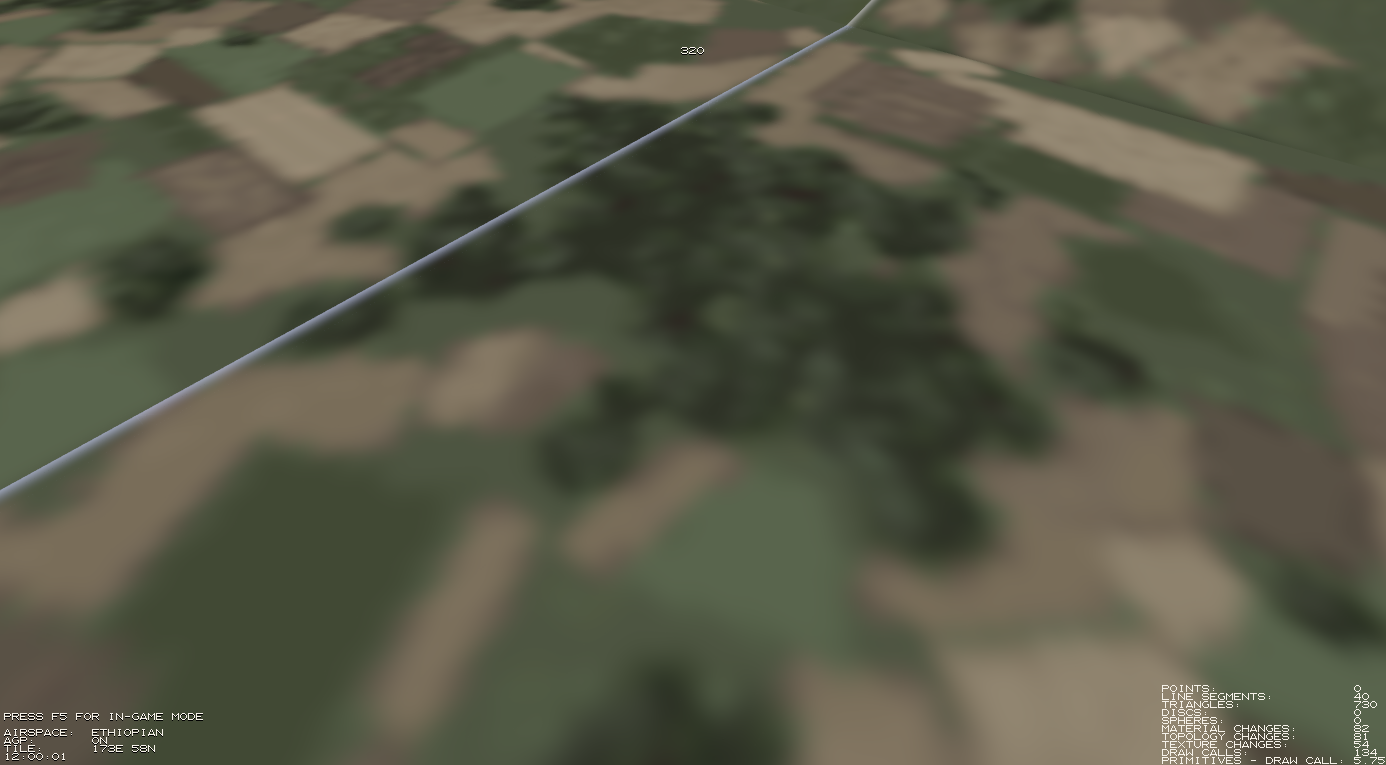
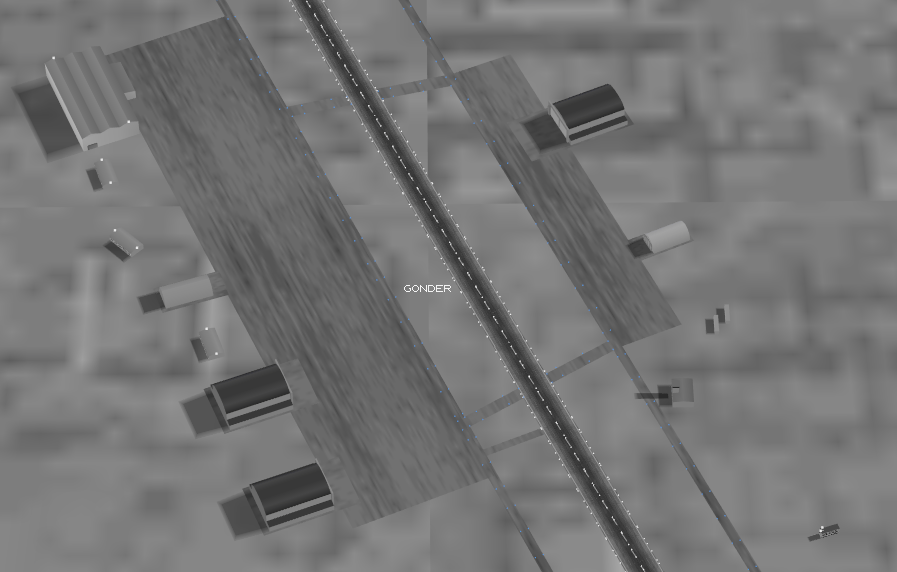
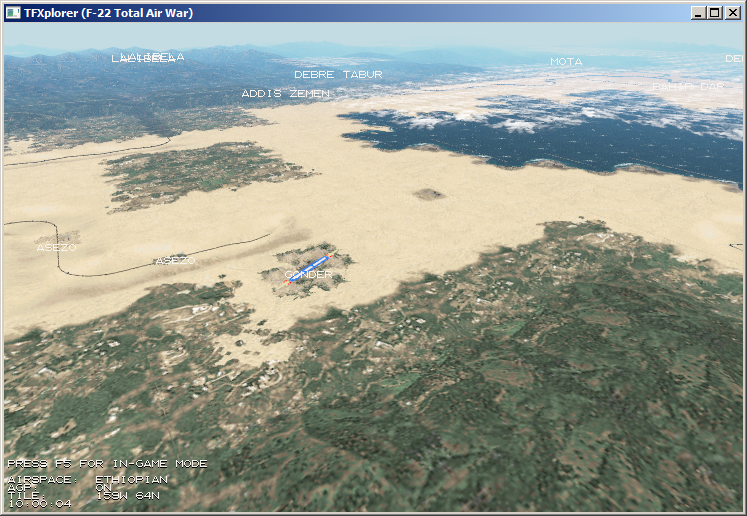
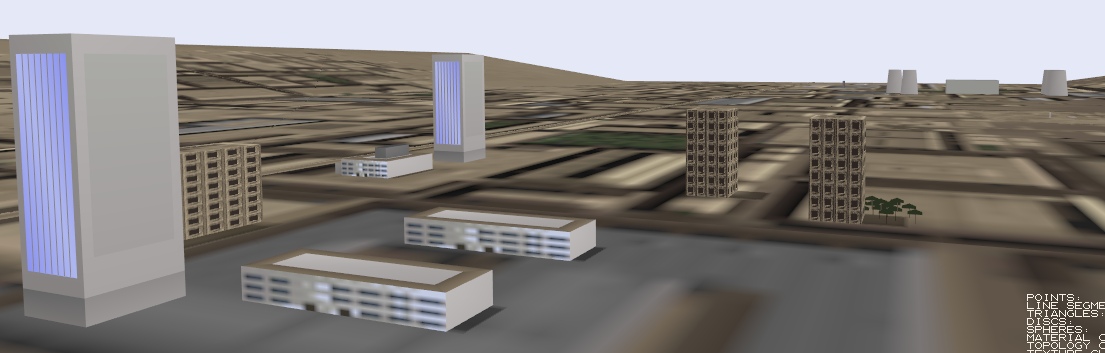
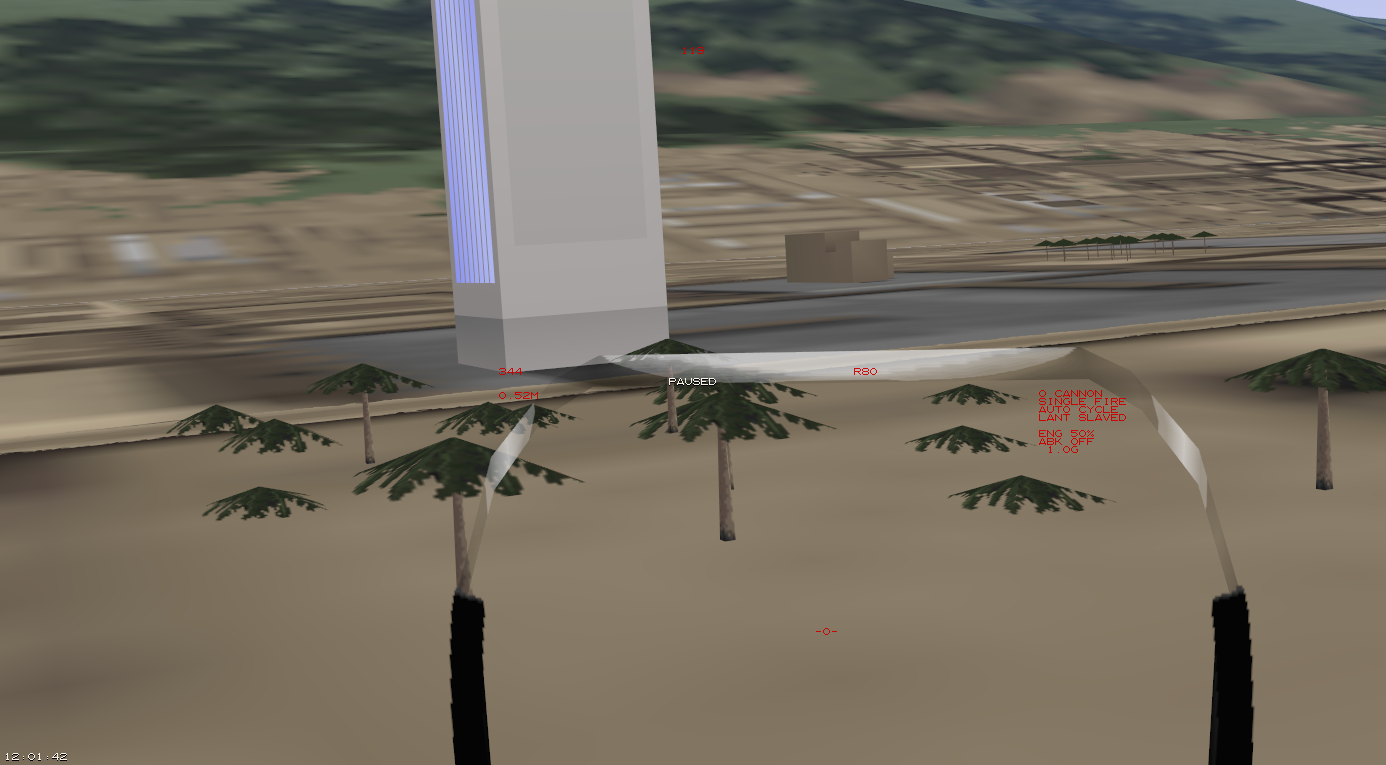
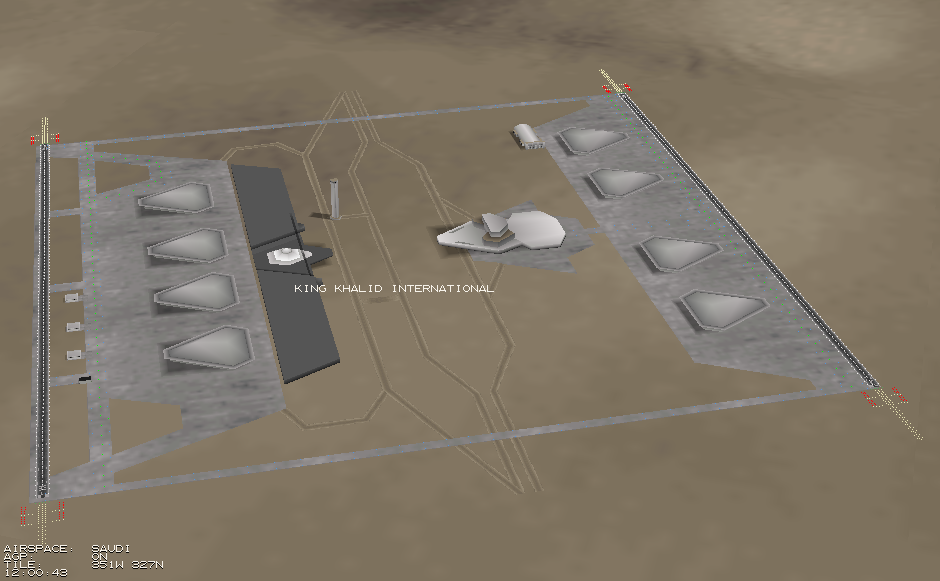
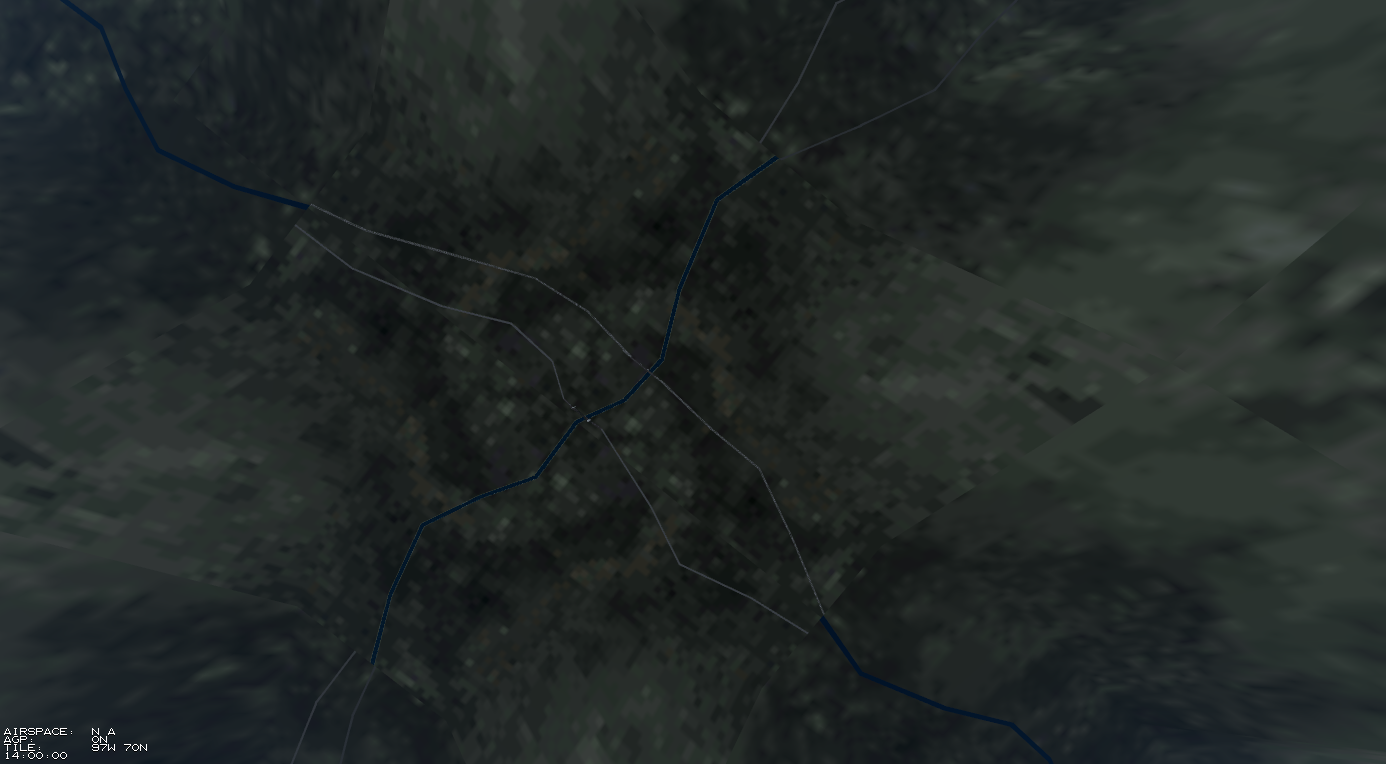
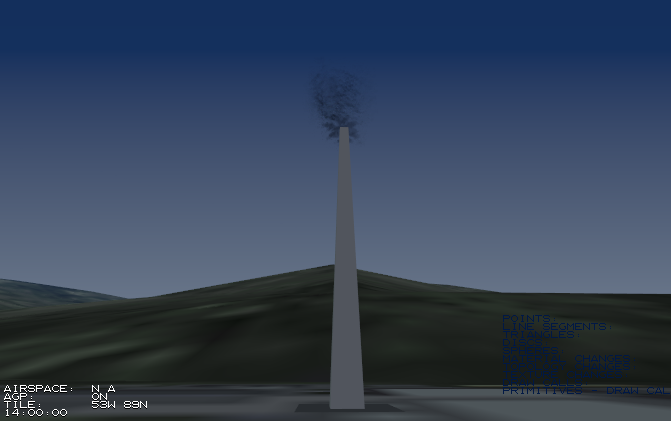
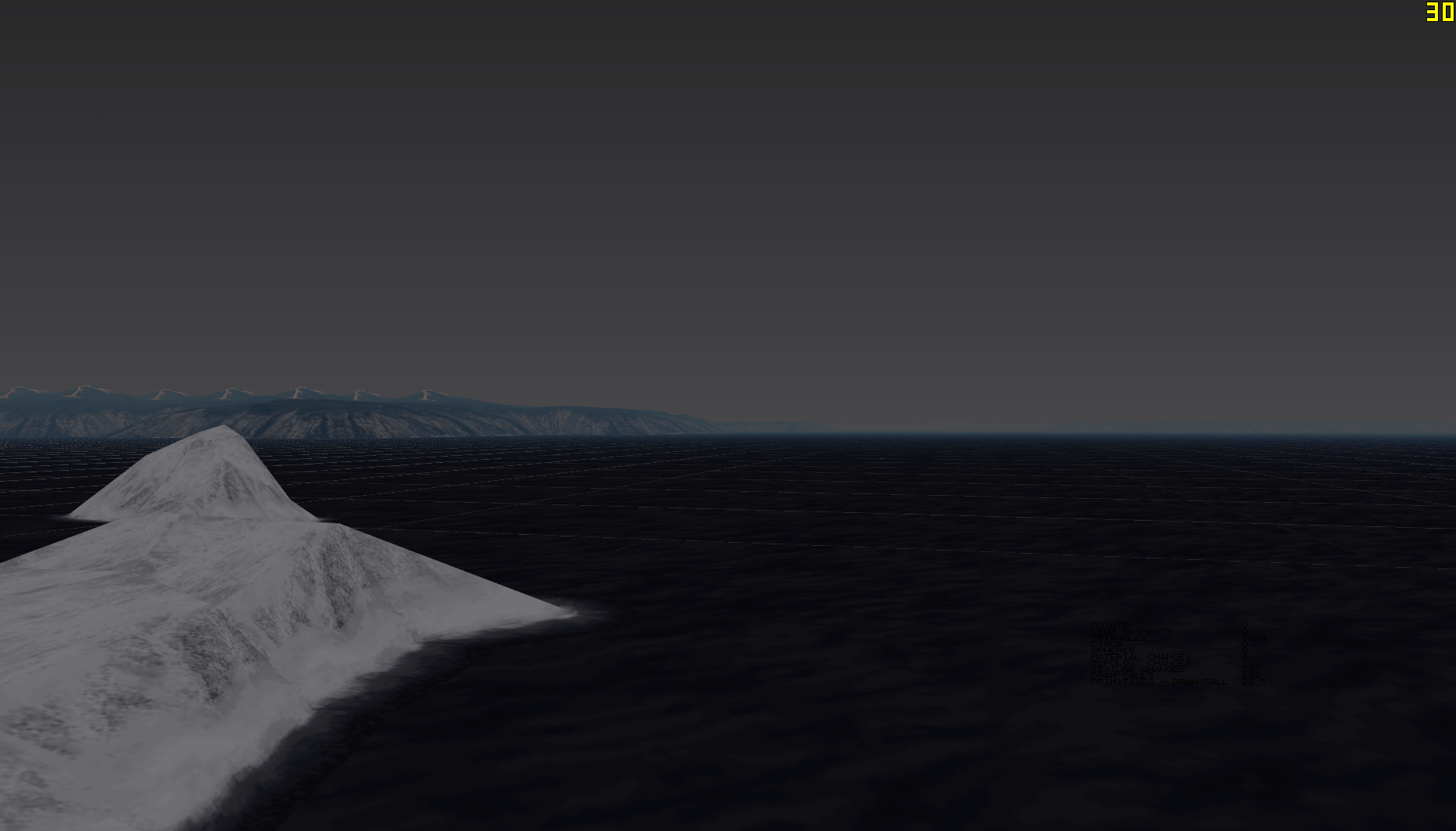
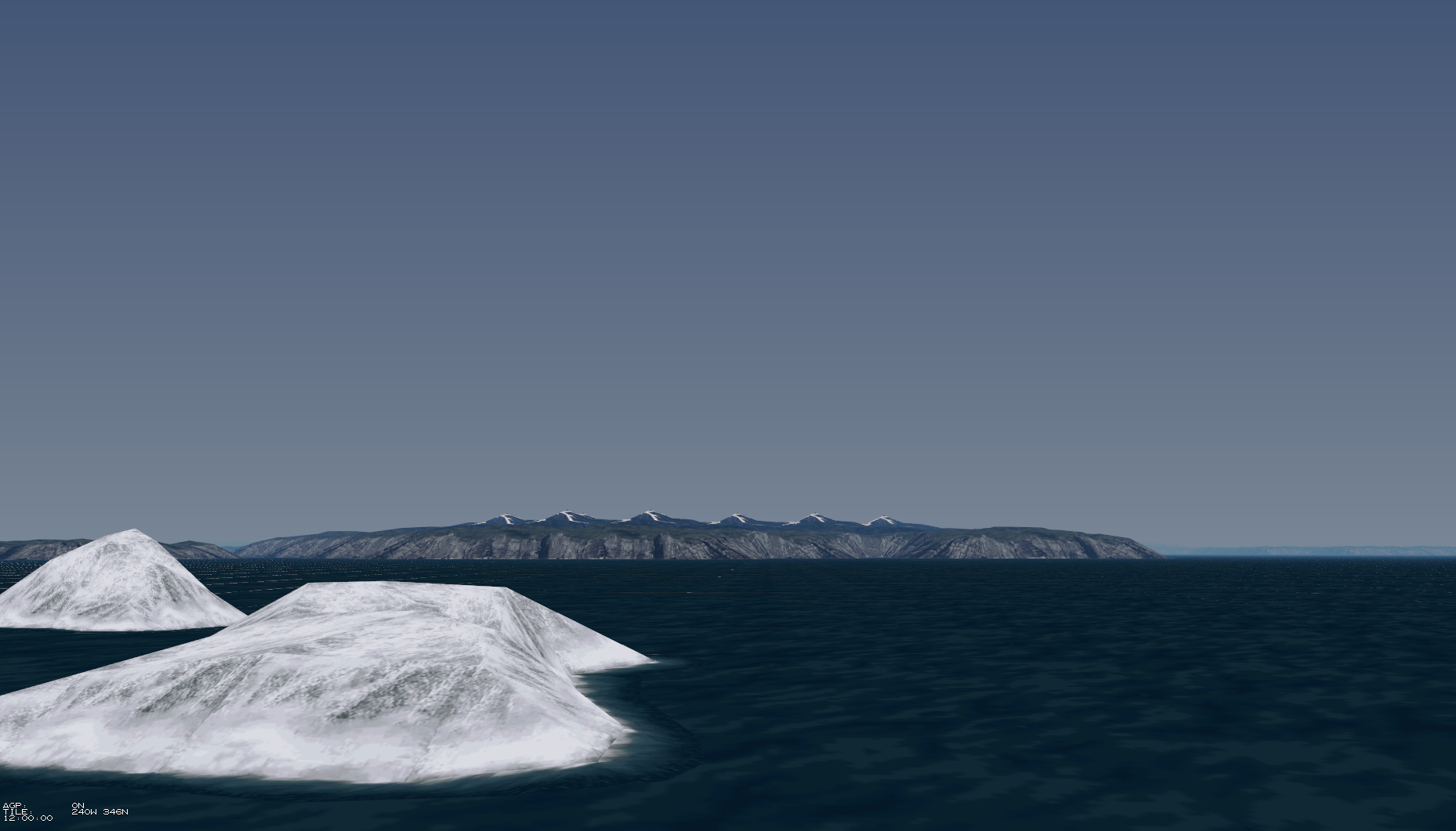
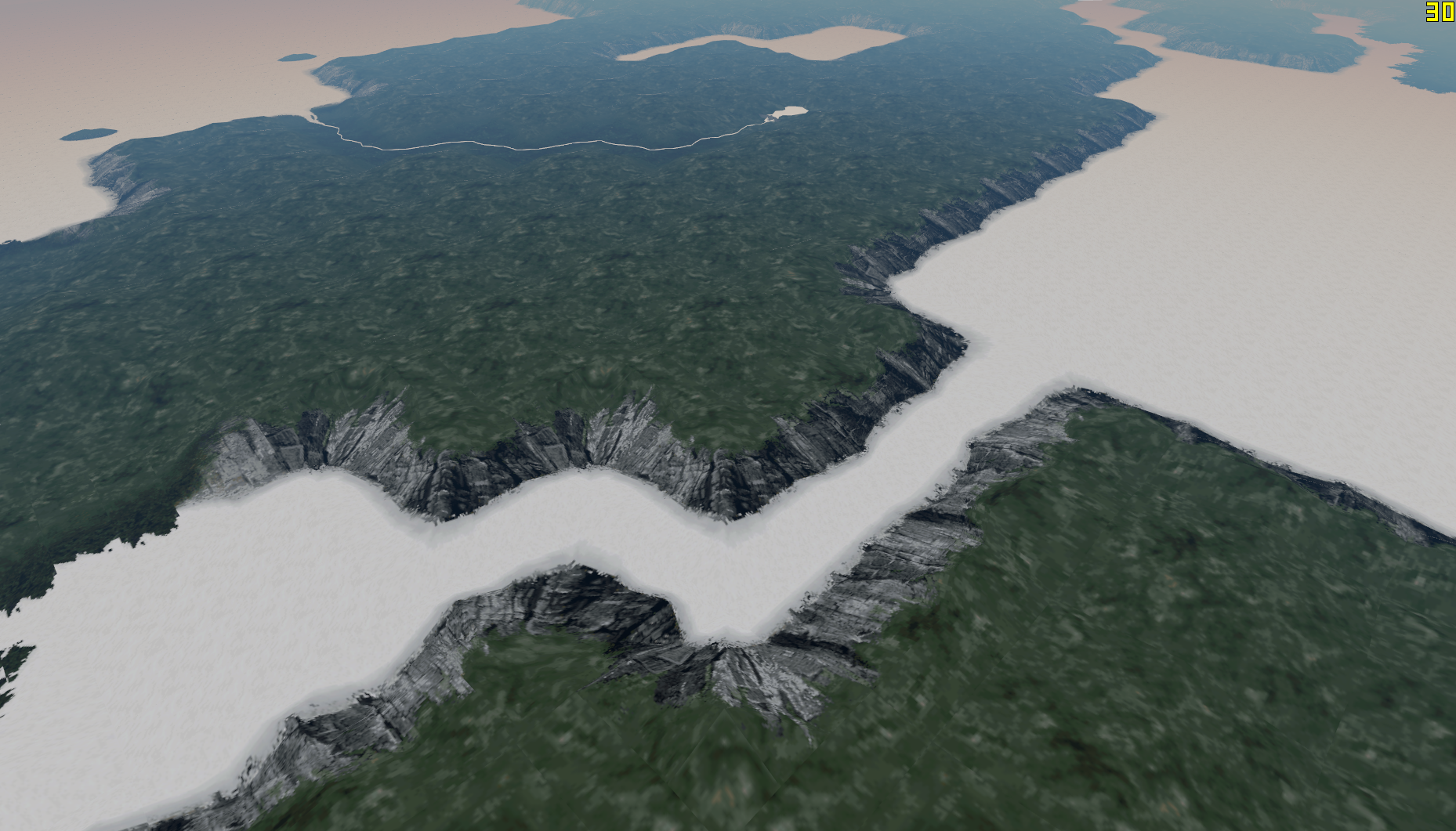
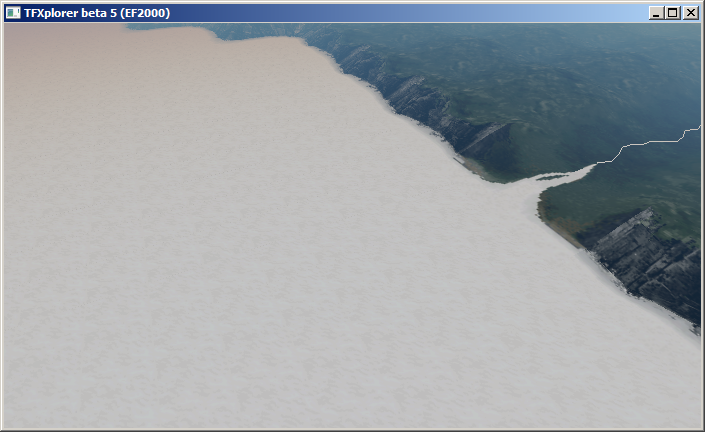
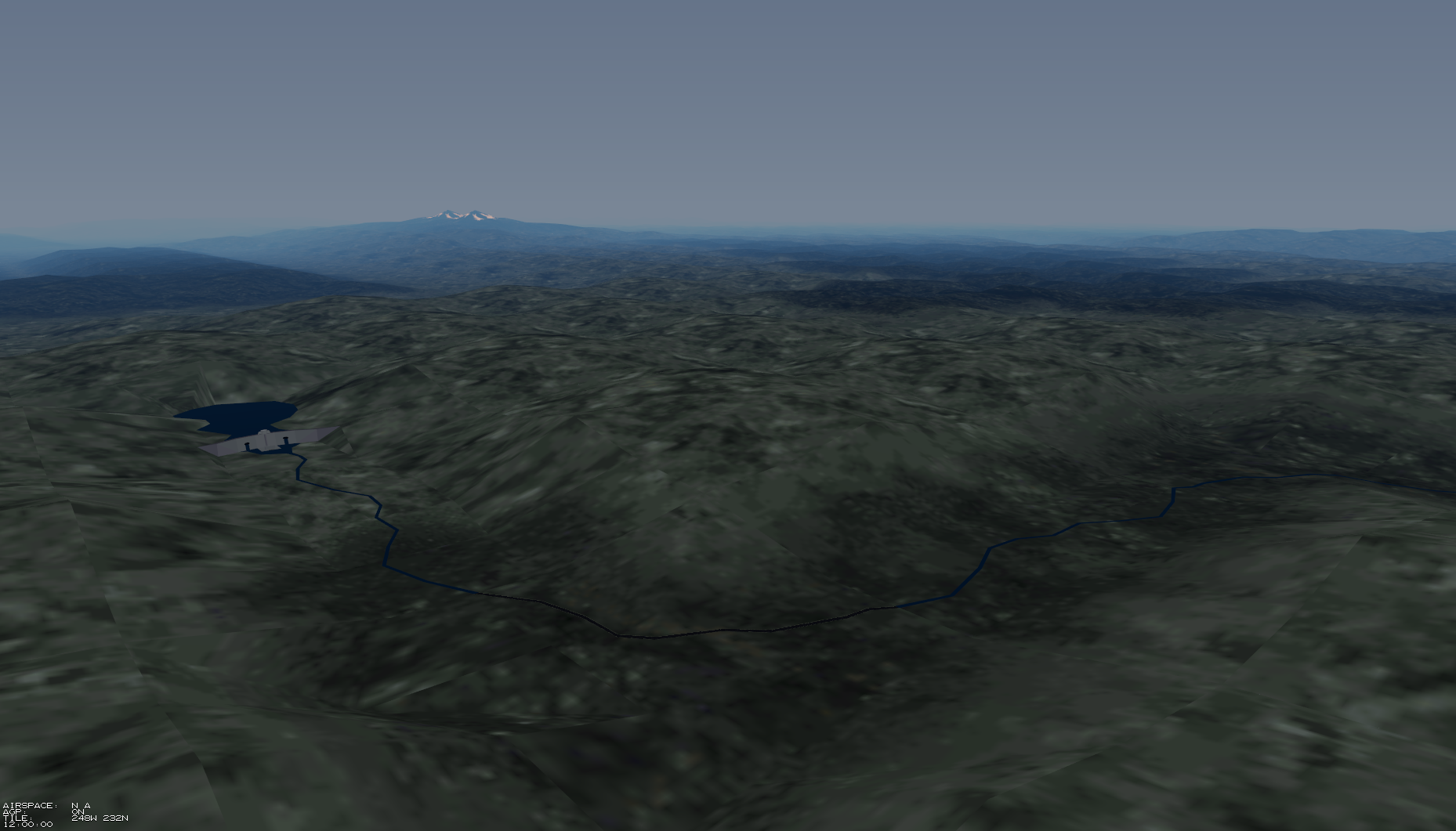
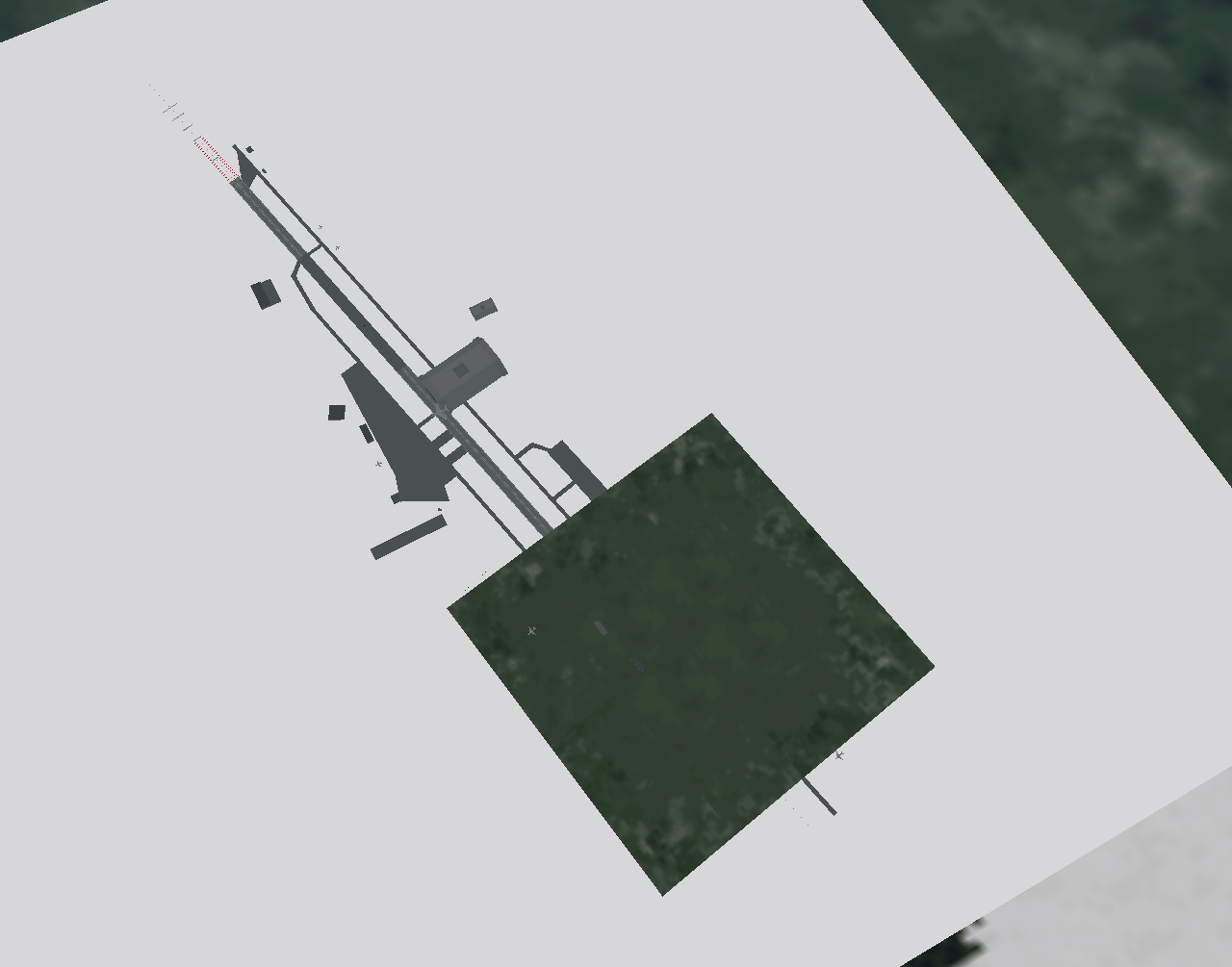
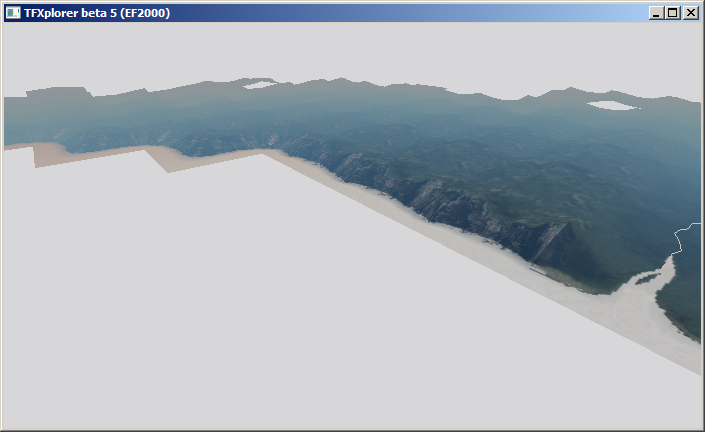
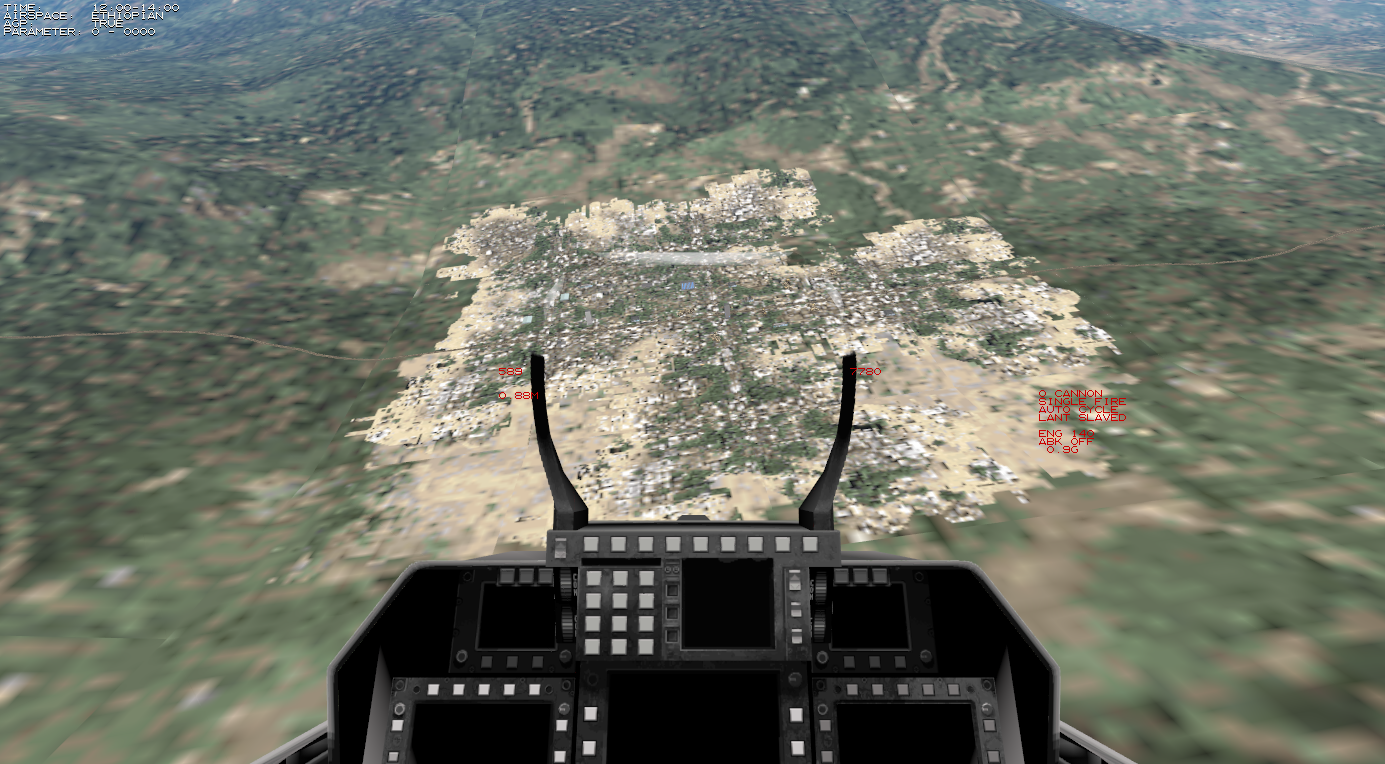
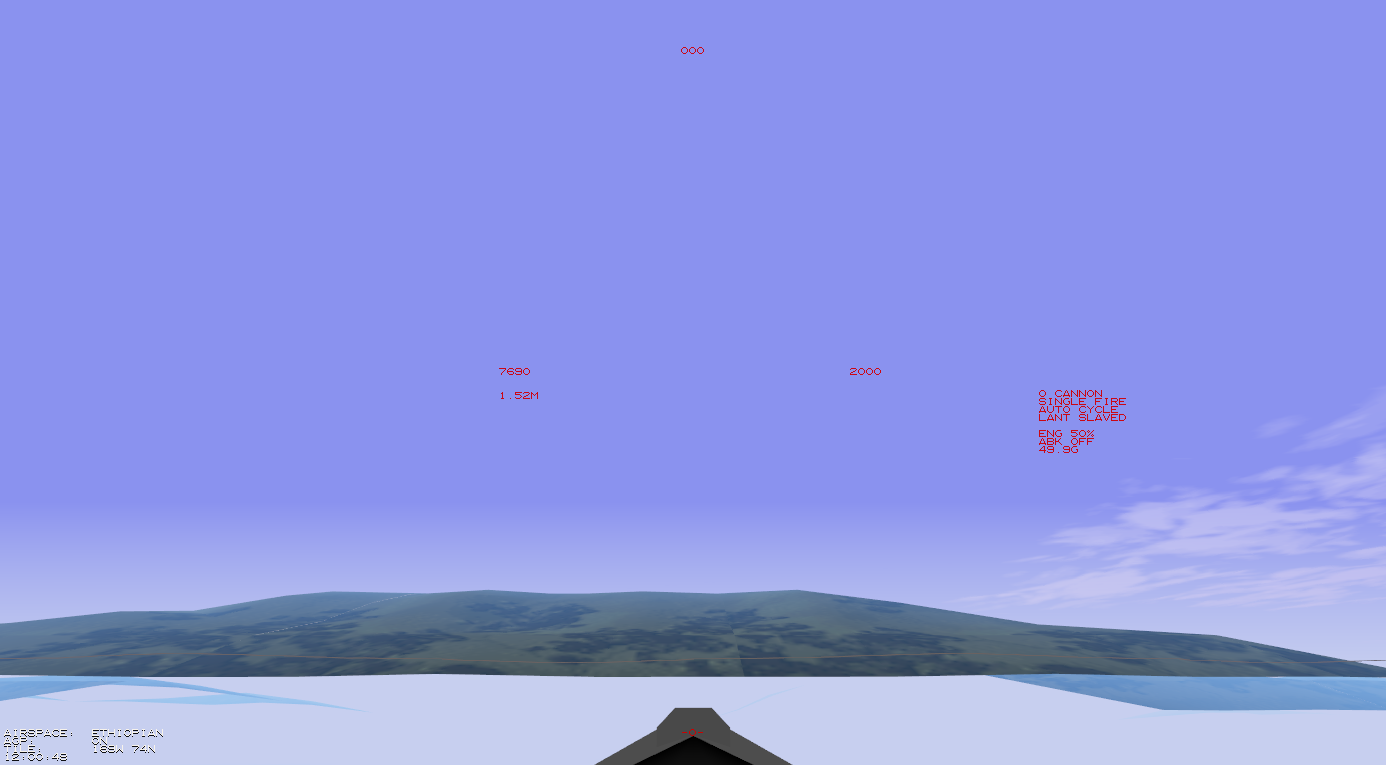
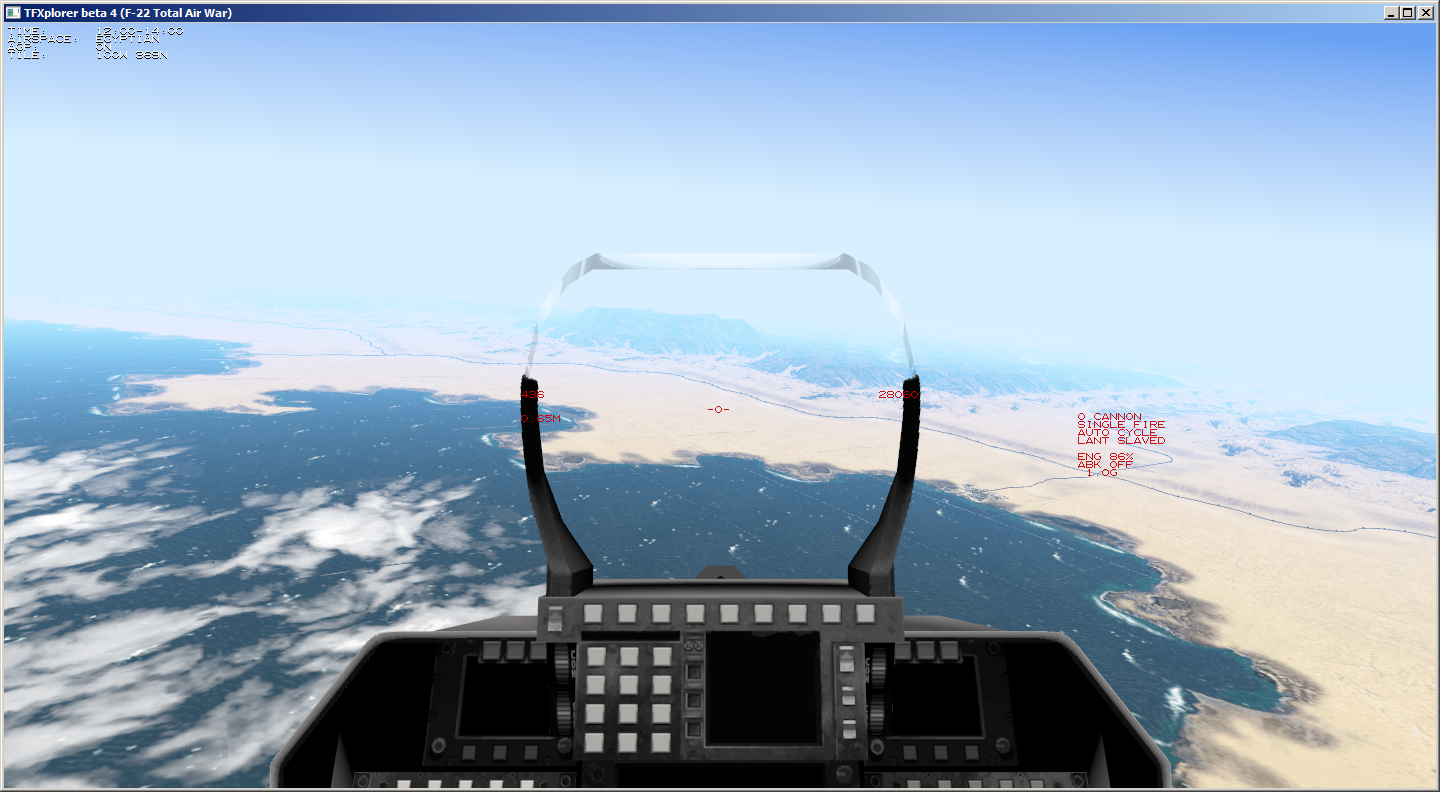
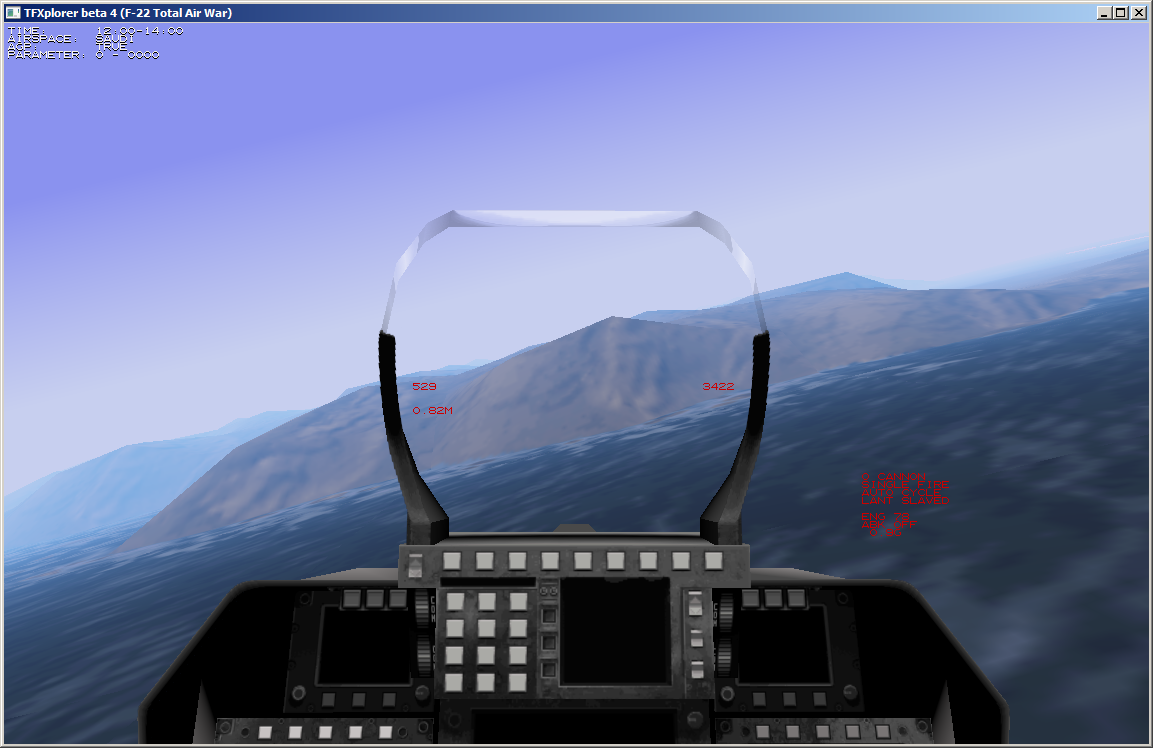
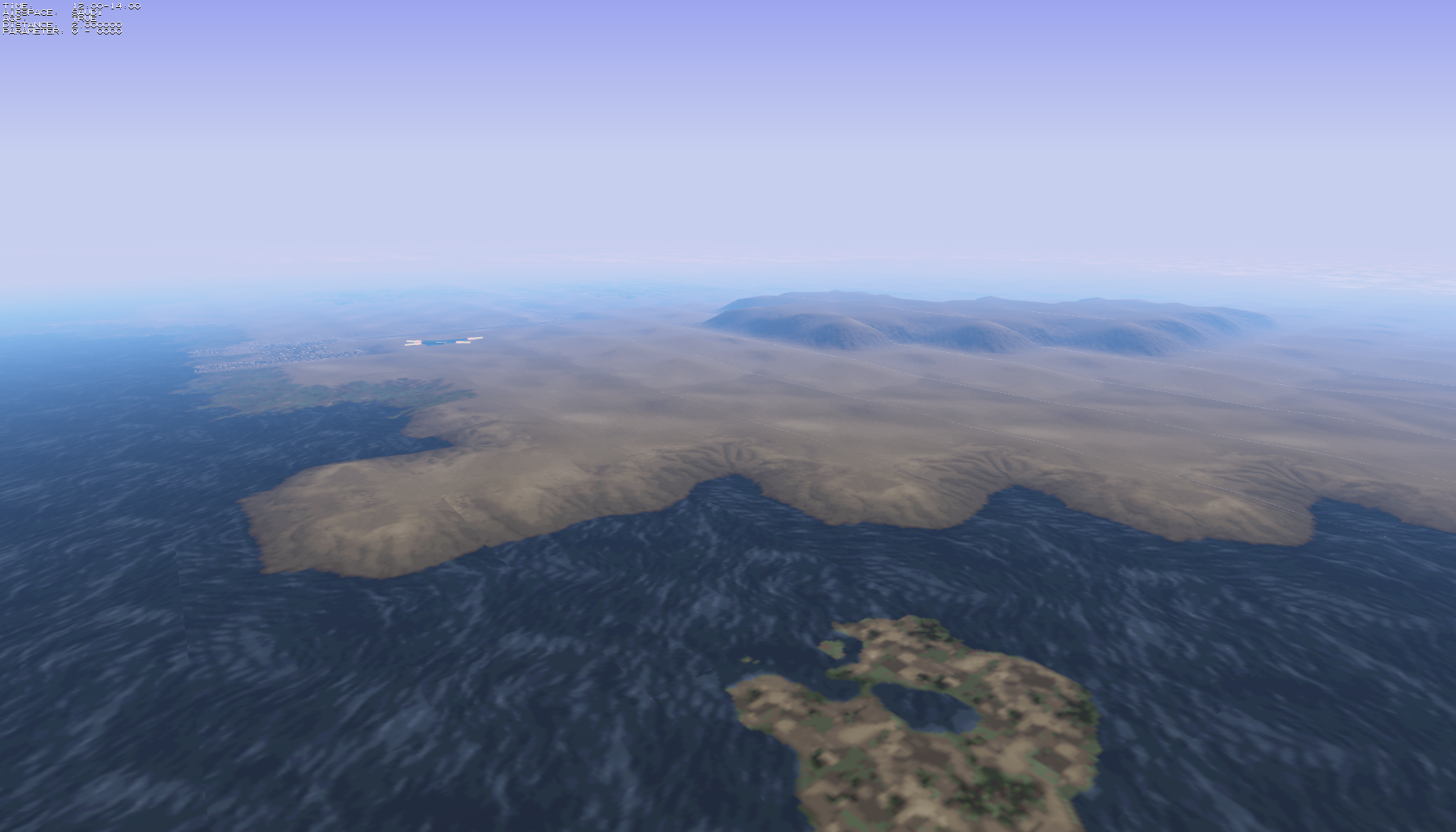
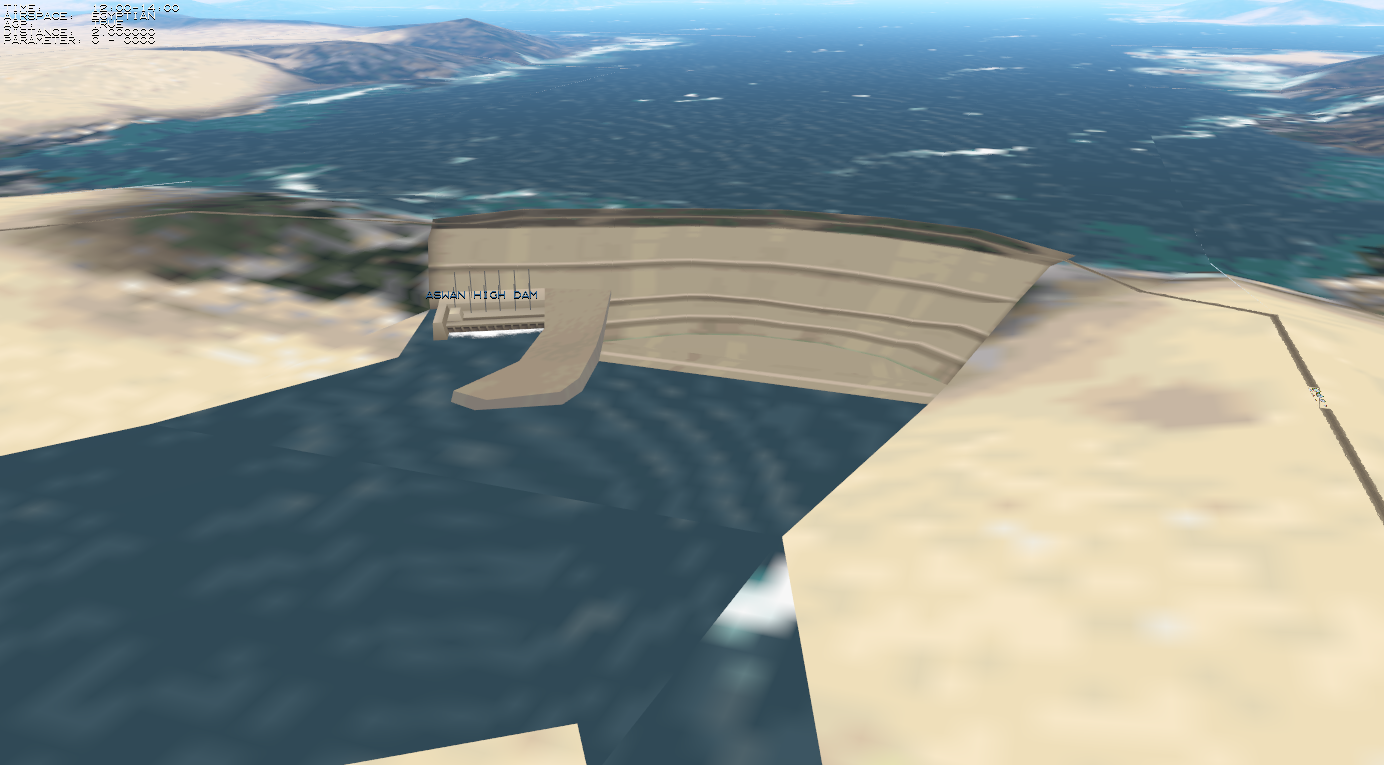
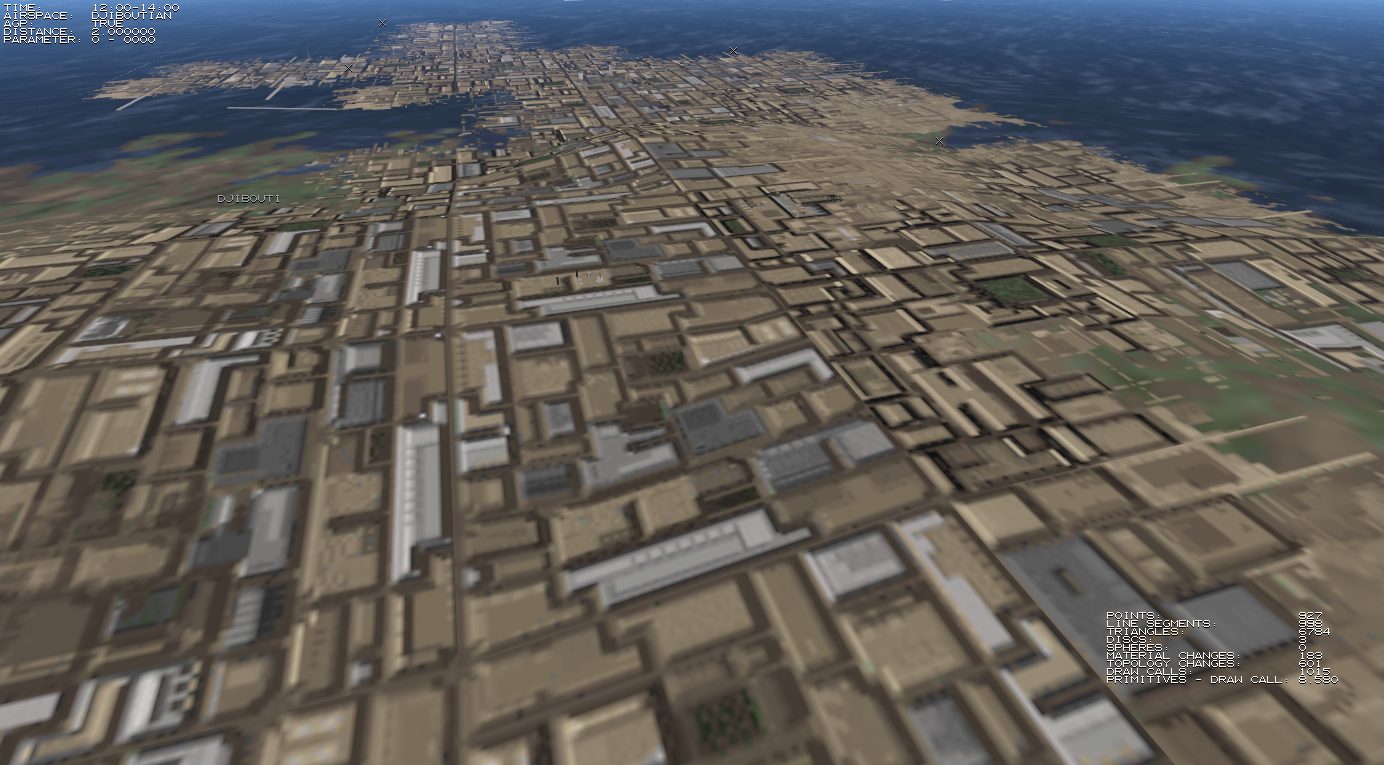
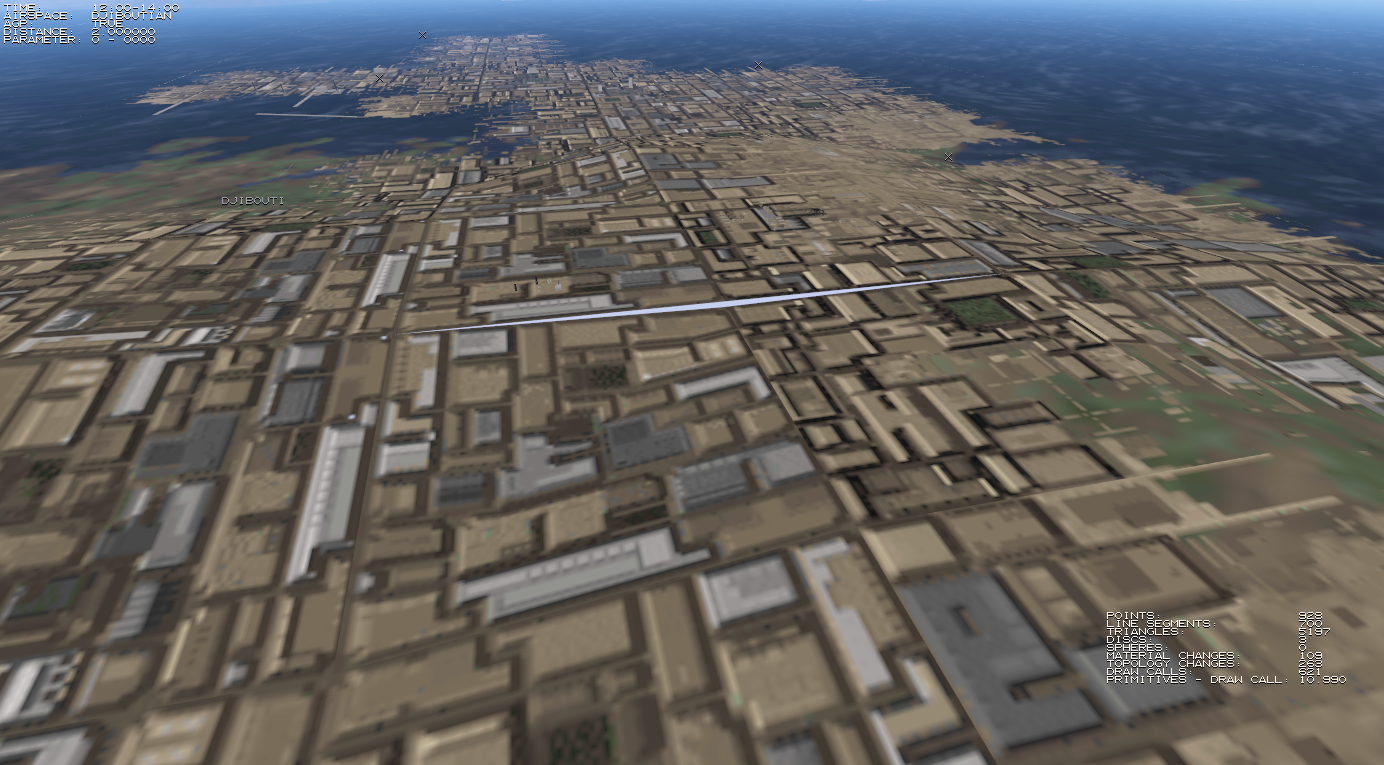
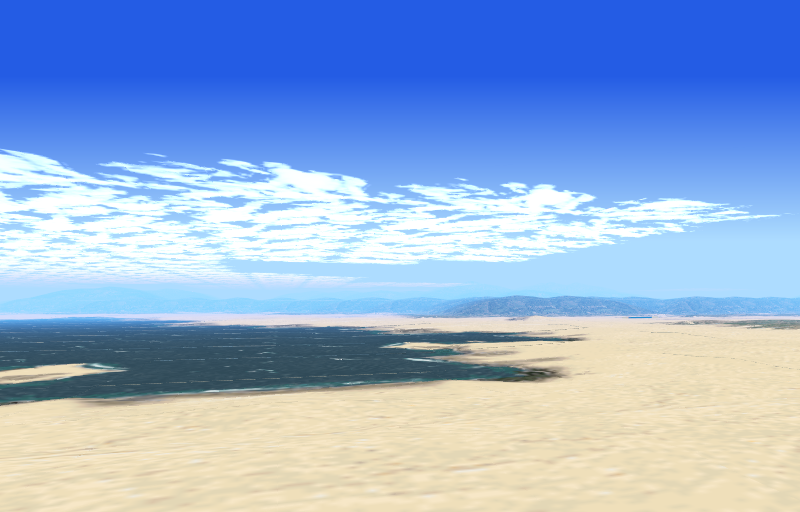
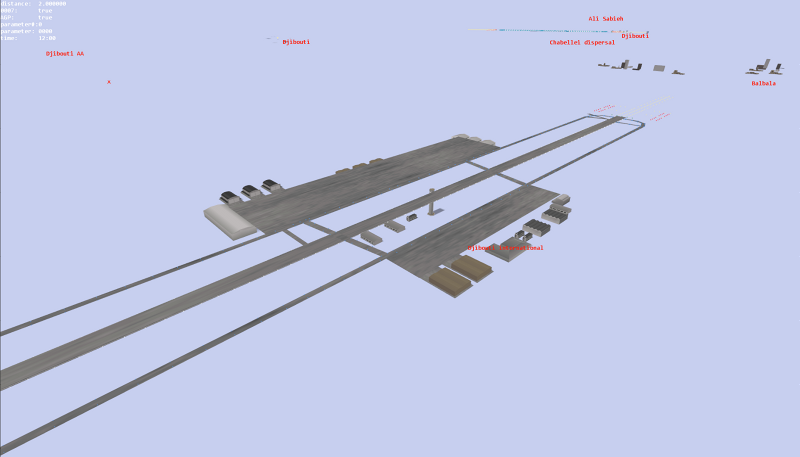
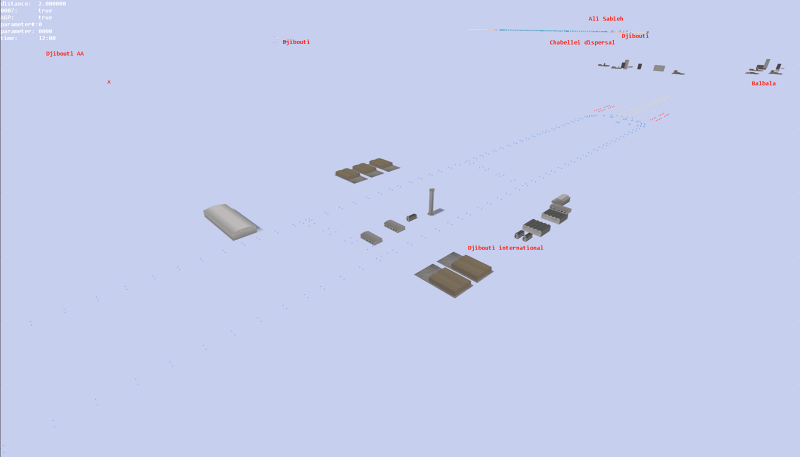
Various snapshots I have taken during development (newest first).